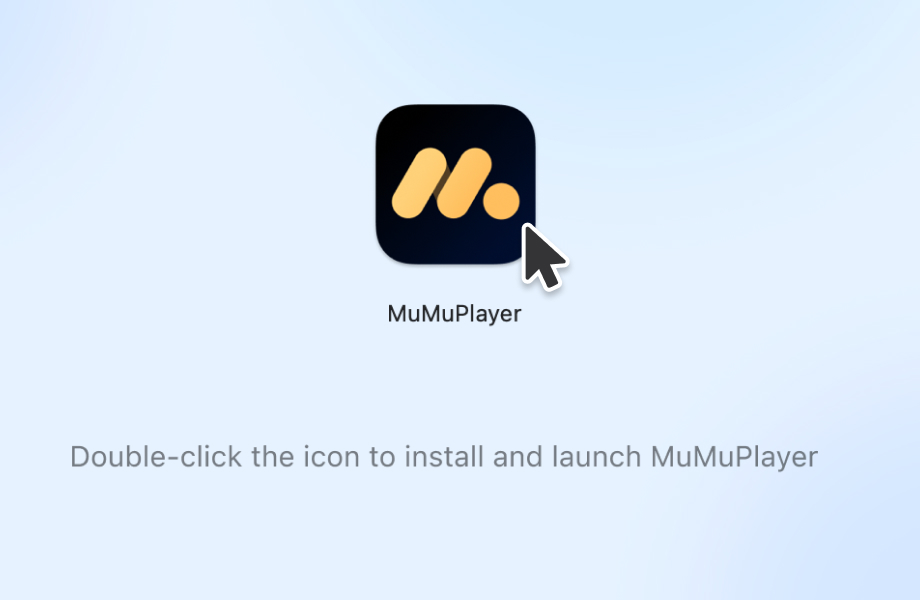
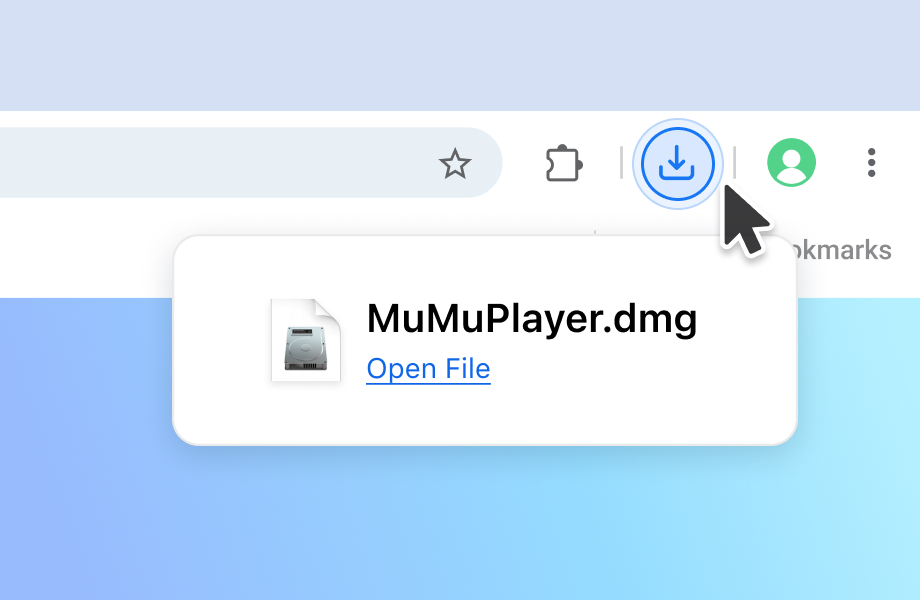
1Open
Click the browser's upper-right icon or press Command+Option+L to find and launch the download file.
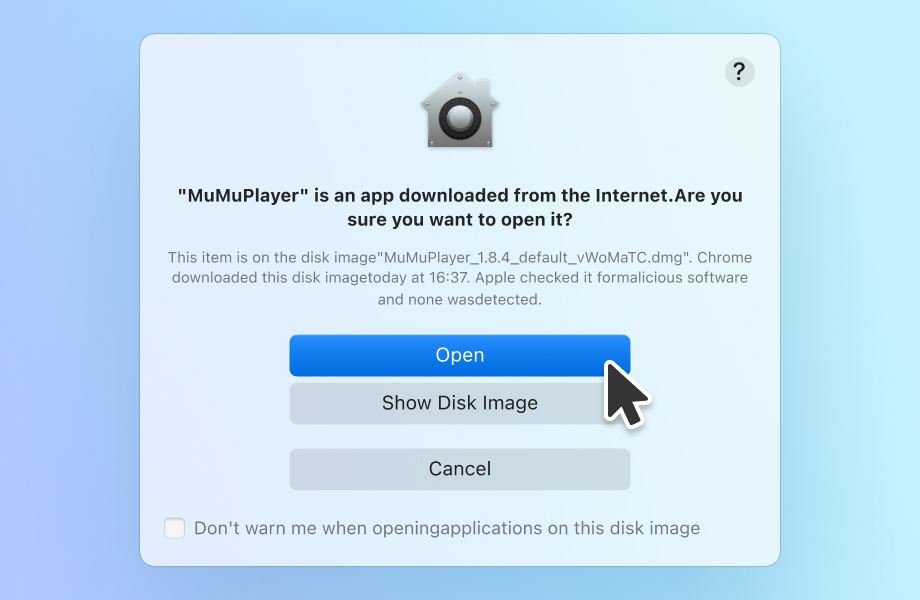
2Allow
If the consent prompt appears, please allow the installation.
3Install
Follow the instructions and wait for the installation to be completed.