Play Ni no Kuni: Cross Worlds on PC and Mac
Ni no Kuni: Cross Worlds is a visually stunning role-playing game that blends the charm of animated cinema with deep open-world adventure. Built on the Unreal Engine 4 and shaped by the creative forces behind the beloved Ni no Kuni series, including animation crafted in collaboration with Studio Ghibli and a sweeping soundtrack by composer Joe Hisaishi, this game invites players into a richly realized fantasy realm where reality and imagination converge. The story begins when players enter a virtual reality game called Soul Divers, only to find themselves pulled into an extraordinary world filled with mystery, discovery, and endless possibility. You can experience every moment of this journey on PC by downloading it through MuMuPlayer.
The game offers a wide range of features that give players both freedom and depth. Five distinct character classes are available at the start, including the Swordsman, Witch, Engineer, Rogue, and Destroyer, each with a unique combat style that suits different playstyles. Beyond combat, players can collect charming creatures known as Familiars, who fight alongside them and grow stronger over time. A personal farming area called the Familiars' Forest lets players place decorations, tend gardens, harvest crops, and prepare meals in a relaxing, customizable space. On a larger scale, players can join a Kingdom, cooperate with others to rebuild the Nameless Kingdom, place interactive Social Objects, and compete across the server to rise to the top.
Playing Ni no Kuni: Cross Worlds on PC through MuMuPlayer brings real advantages to the experience. The game's breathtaking open-world visuals, rendered with cinematic-level detail, come to life on a larger screen where every animated scene and character expression can be appreciated fully. Keyboard and mouse controls give players sharper precision during combat, especially when managing multiple Familiars or switching between abilities in fast-paced encounters. Managing the Familiars' Forest, decorating your Kingdom, and navigating the open world all feel more comfortable with a full desktop setup. MuMuPlayer also provides stable performance to keep the game running smoothly during extended play sessions, making it the ideal way to dive deep into the world of Ni no Kuni: Cross Worlds.
About the Game
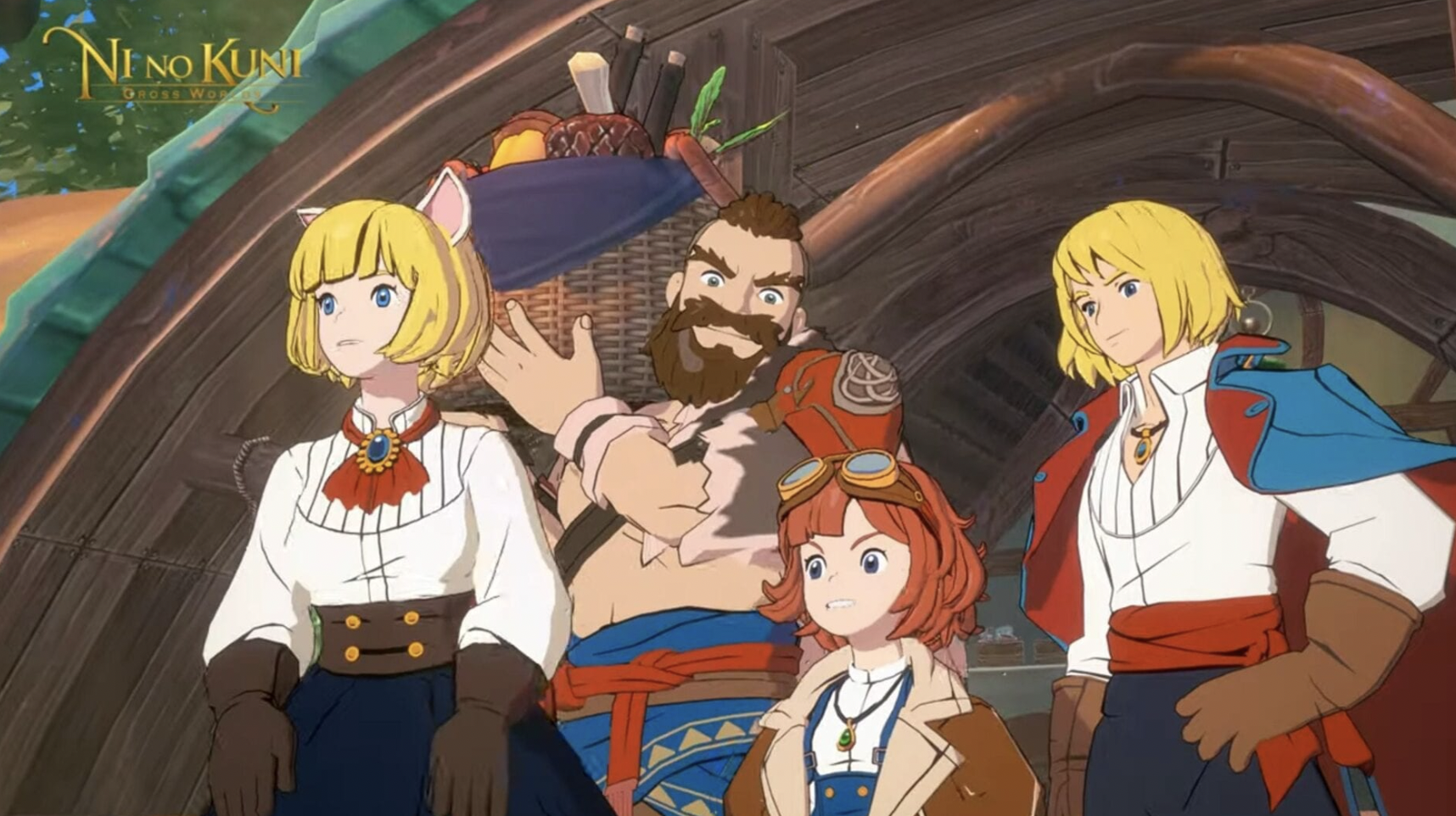
Step into a world where virtual reality becomes something far greater than a game. Ni no Kuni: Cross Worlds begins with a simple premise: a player logs into an immersive VR experience called Soul Divers and finds themselves transported into a living, breathing fantasy universe. What follows is an epic journey filled with wonder, companionship, and battles that will shape the fate of an entire world. The collaboration behind this title is remarkable, with Studio Ghibli contributing its signature animation artistry and celebrated composer Joe Hisaishi delivering a score that elevates every moment of the adventure.
The world itself is one of the game's greatest achievements. Powered by Unreal Engine 4, the environments are rendered with a level of visual polish that blurs the line between interactive game and animated feature film. Characters move with fluid expressiveness, landscapes are painted in vivid detail, and every corner of the open world feels crafted with care. Whether you are riding across sweeping plains or exploring intimate village streets, the scenery consistently impresses.
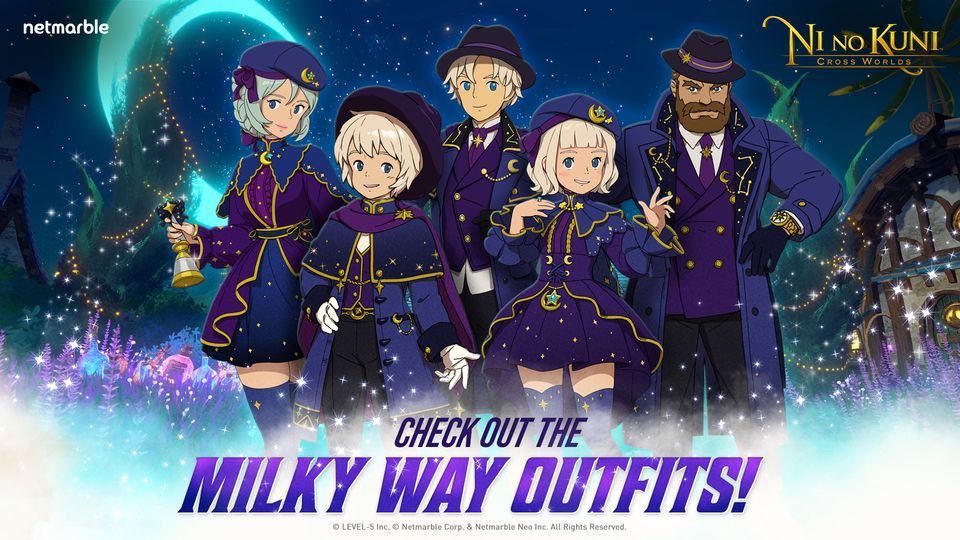
Before setting out, players choose from five playable character classes, each built around a distinctive combat identity:
- Swordsman: A mysterious close-range fighter with nimble fencing techniques.
- Witch: A spellcaster who wields a magic spear with elegance and power.
- Engineer: A tactical genius who brings firepower and gadgets to the battlefield.
- Rogue: An agile archer with a mischievous edge and sharp precision.
- Destroyer: A powerhouse who swings a massive hammer to overwhelm enemies.
Each class plays differently, giving players a genuine reason to explore multiple builds and find the style that suits them best.
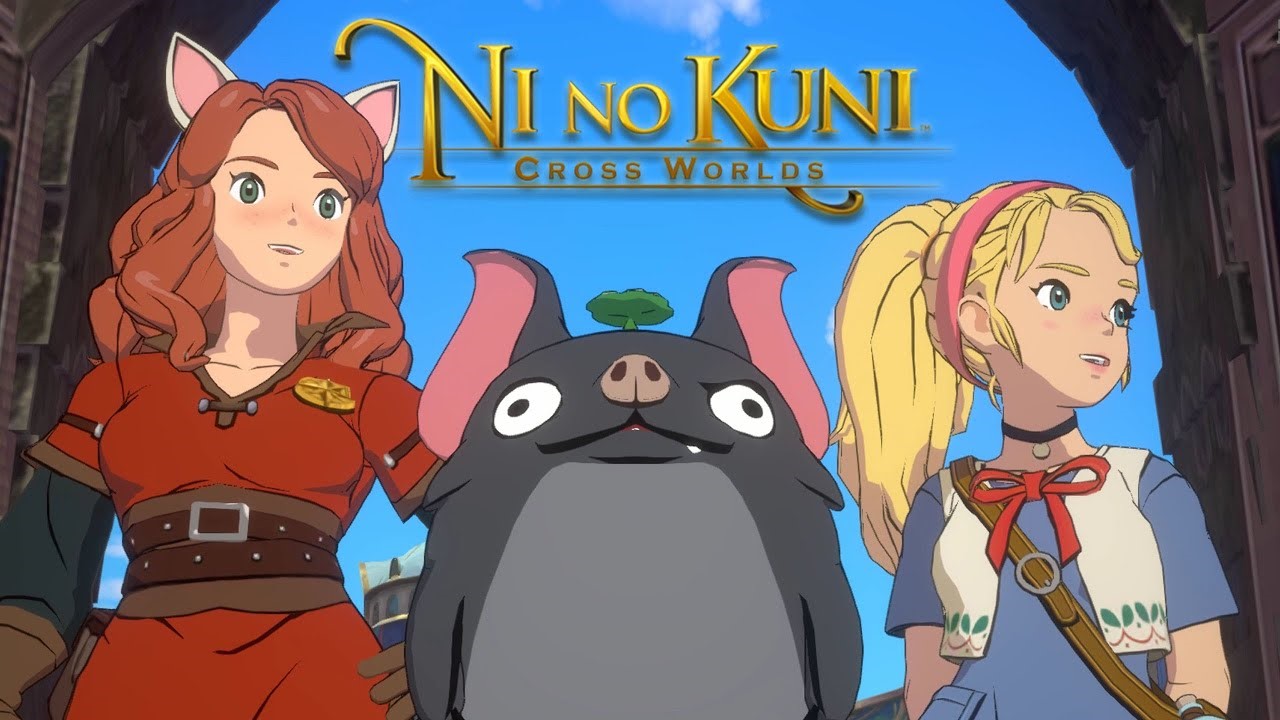
Alongside your chosen character, you will encounter Familiars, the mysterious creatures native to this world. These companions are more than decorative additions. They fight beside you, grow stronger through your shared experiences, and each bring their own personality and abilities to the team. Collecting and nurturing Familiars adds a layer of strategy and attachment that runs throughout the entire game.
When you need a break from adventure, the Familiars' Forest offers a peaceful retreat. This personal space can be decorated freely with gardens, trees, houses, and a variety of other items. Players can tend to their harvest and cook meals using gathered ingredients, creating a satisfying loop of cultivation and reward that complements the larger world beyond.
The social dimension of Ni no Kuni: Cross Worlds adds another layer of engagement through the Kingdom system. Players join together to restore and develop the Nameless Kingdom, pooling resources and coordinating efforts to grow their community. Interactive Social Objects placed throughout the Kingdom allow players to connect and express creativity. Kingdoms also compete against one another in various server-wide challenges, giving organized groups something meaningful to strive toward.
For players who want to enjoy all of this on a larger screen with greater control, running Ni no Kuni: Cross Worlds on PC through MuMuPlayer is a natural choice. The cinematic visuals gain extra impact on a monitor, the controls feel responsive with keyboard and mouse input, and the overall experience becomes easier to manage across long play sessions.
Emulator Features
Highest Android 15 Support Best Compatibility on Mac

With a smart button scheme and image recognition function, provide a more concise UI, and support custom button mapping to meet different needs. With a smart button scheme and image recognition, enjoy a cleaner UI and custom button mapping to fit different gaming needs on Mac.

Run multiple games independently at the same time, easily manage multiple accounts, play games while hanging. Take your Mac gaming further with multiple independent instances, easy account management, and seamless AFK gaming on Apple Silicon Mac.

Break through FPS limit, and enjoy a seamless gaming experience without lag and delay! Break through FPS limits for a seamless, lag-free gaming experience on MacBook, Mac mini, iMac, and Mac Studio.

Get a 3-second startup with 52% less memory usage and 65% more stability. Enjoy 3-second startup, 52% less memory usage, and 65% greater stability on Apple Silicon Mac.
How to Download and Play Ni no Kuni: Cross Worlds on PC and Mac
Installation Guide
Download MuMuPlayer
Download MuMuPlayer and install it on your PC or Mac
Sign-in Google Store
Complete Google sign-in to access the Play Store
Search and Install
Search Ni no Kuni: Cross Worlds in the Play Store
Enjoy Gaming
Enjoy 120 FPS high-def gameplay with big screen
System Requirements
Windows PC
Vulkan / DirectX supported. 4 cores + 4GB RAM recommended. Up to 240 FPS. VT required.
macOS
Recommended: Apple Silicon Mac with 8GB RAM or above. Up to 240 FPS.