
Play Falo: Dating, Chat, Meet on PC and Mac
Download Falo: Dating, Chat, Meet on PC or Mac with MuMuPlayer, get a PC like gameplay along with smart control and high graphics performance.
MuMuPlayer, the top Android emulator for PC and Apple silicon Mac, delivers an optimal gaming experience with minimal RAM usage and high FPS. It also allows you to create multiple instances of the emulator and run several games simultaneously, thanks to its Multi-instance feature. Its advanced emulator features ensure smooth gameplay, even on low-end PCs.
Download and play Falo: Dating, Chat, Meet on PC or Mac with MuMuPlayer and start enjoying your gaming experience now.
About the Game
💘 Falo is a dating application, making friends, chatting, dating and meeting new people that has attracted nearly 1 million users in Vietnam
🥰 Falo was born with a mission to unite lonely hearts. We have been building a community of singles, wishing for them to find their loving half

FALO HIGHLIGHTS
️ 🎖️  ACCOUNT VERIFICATION using LIVENESS and AI facial recognition technology
🎖️️  ORIGINAL AVATAR VERIFICATION ensures the ACCOUNT cannot be faked, dating, chatting, making friends is safe and serious

💝 Register for a free account quickly via Facebook, Gmail
💌 Get to know millions of singles across Vietnam
💐 Instant chat with someone you like
💖 Personal information is absolutely protected
💓 Search for people near you
💞. Search people by image
💏. Chat anonymously with strangers
💐. Love fortune telling

If you have any questions, feel free to contact us via
Fanpage: https://www.facebook.com/falopage
or
Messenger: https://m.me/falopage
Zalo: 0978.900.415 (Mr. Chien)
Group Facebook: https://www.facebook.com/groups/1044637402597557
Terms of use: https://falodating.com/terms-policy
Youtube channel: https://www.youtube.com/channel/UClyBOR-UWCfTU80o7kDW5Vg
Emulator Features
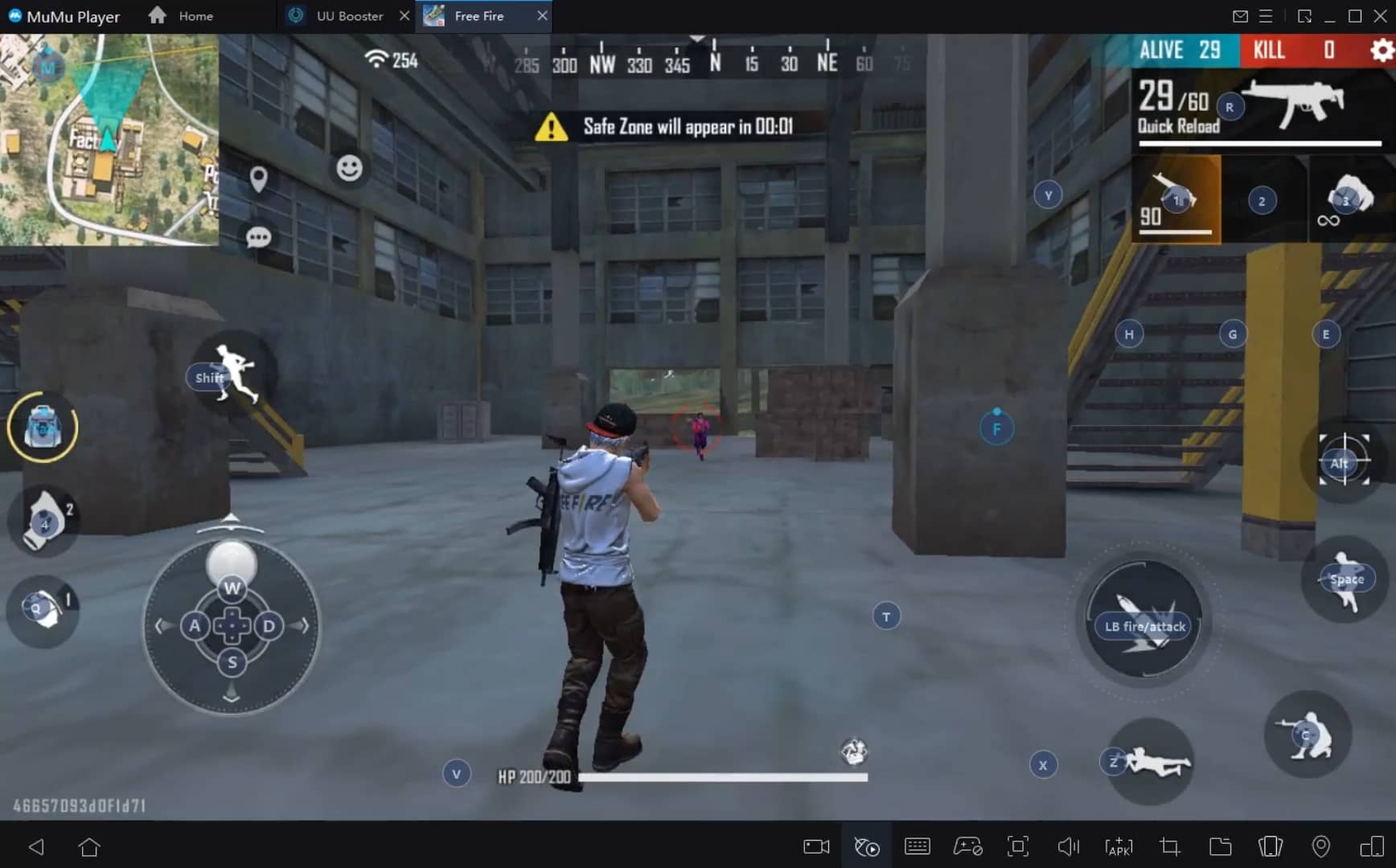
With a smart button scheme and image recognition function, provide a more concise UI, and support custom button mapping to meet different needs.
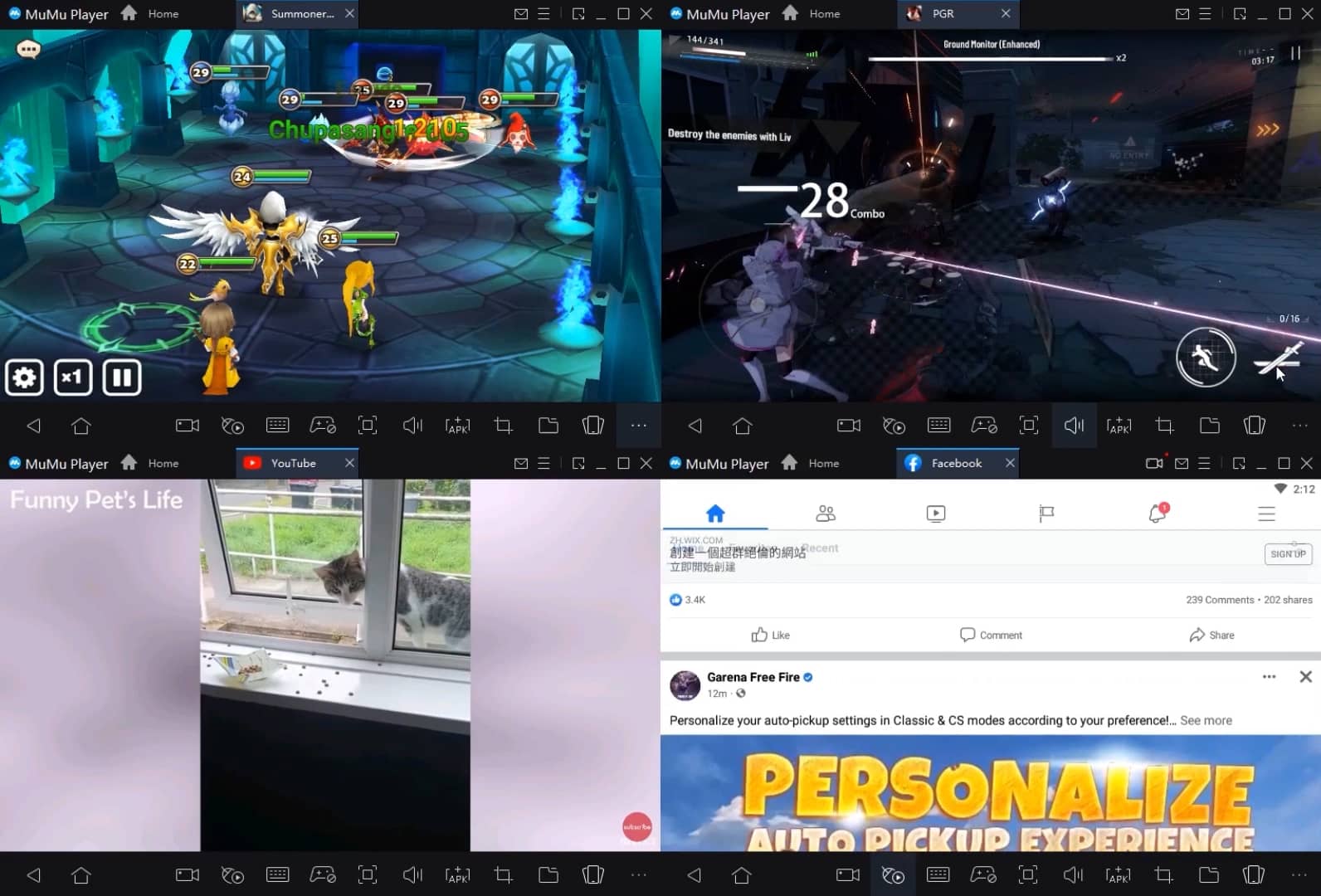
Run multiple games independently at the same time, easily manage multiple accounts, play games while hanging.
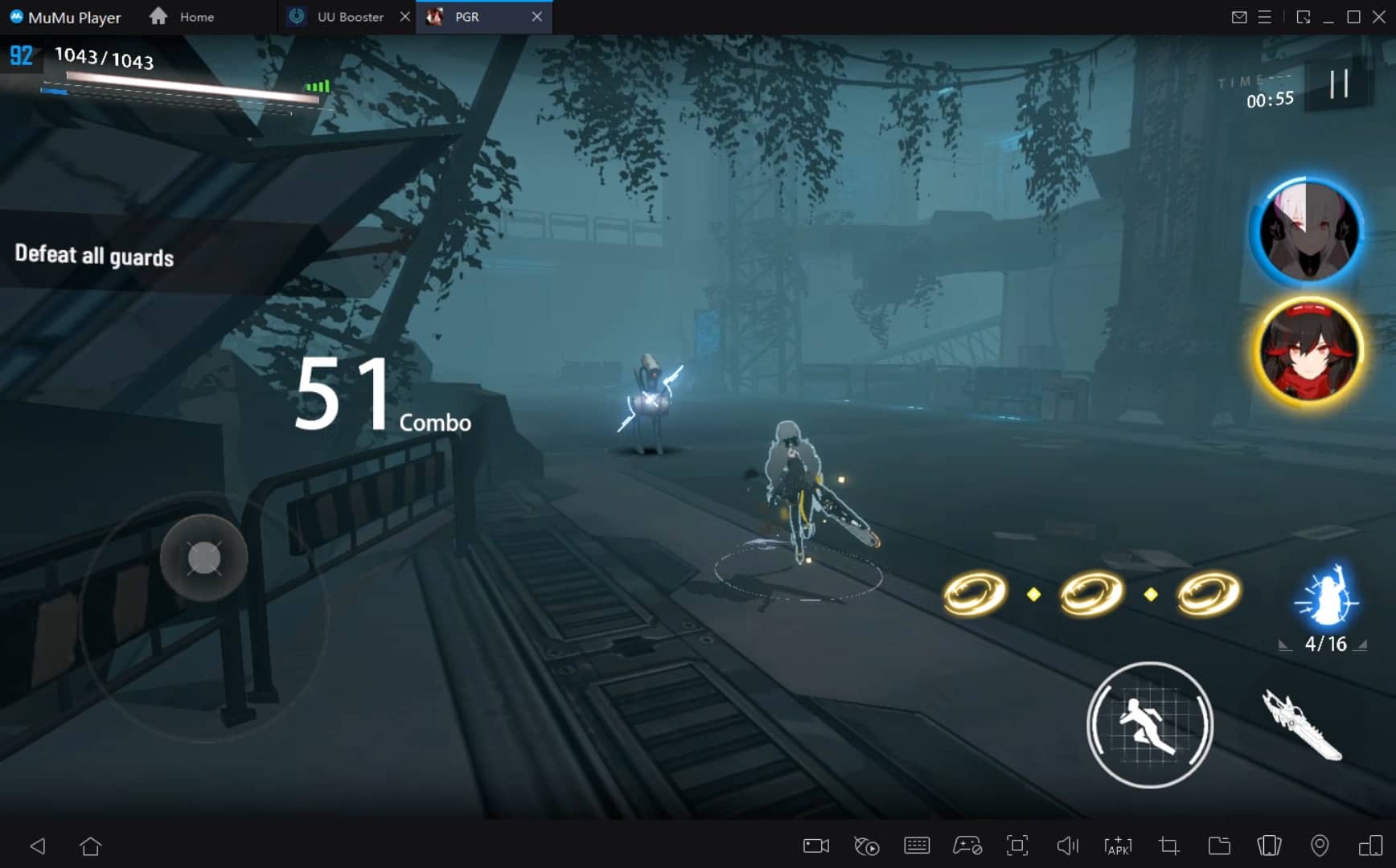
Break through FPS limit, and enjoy a seamless gaming experience without lag and delay!
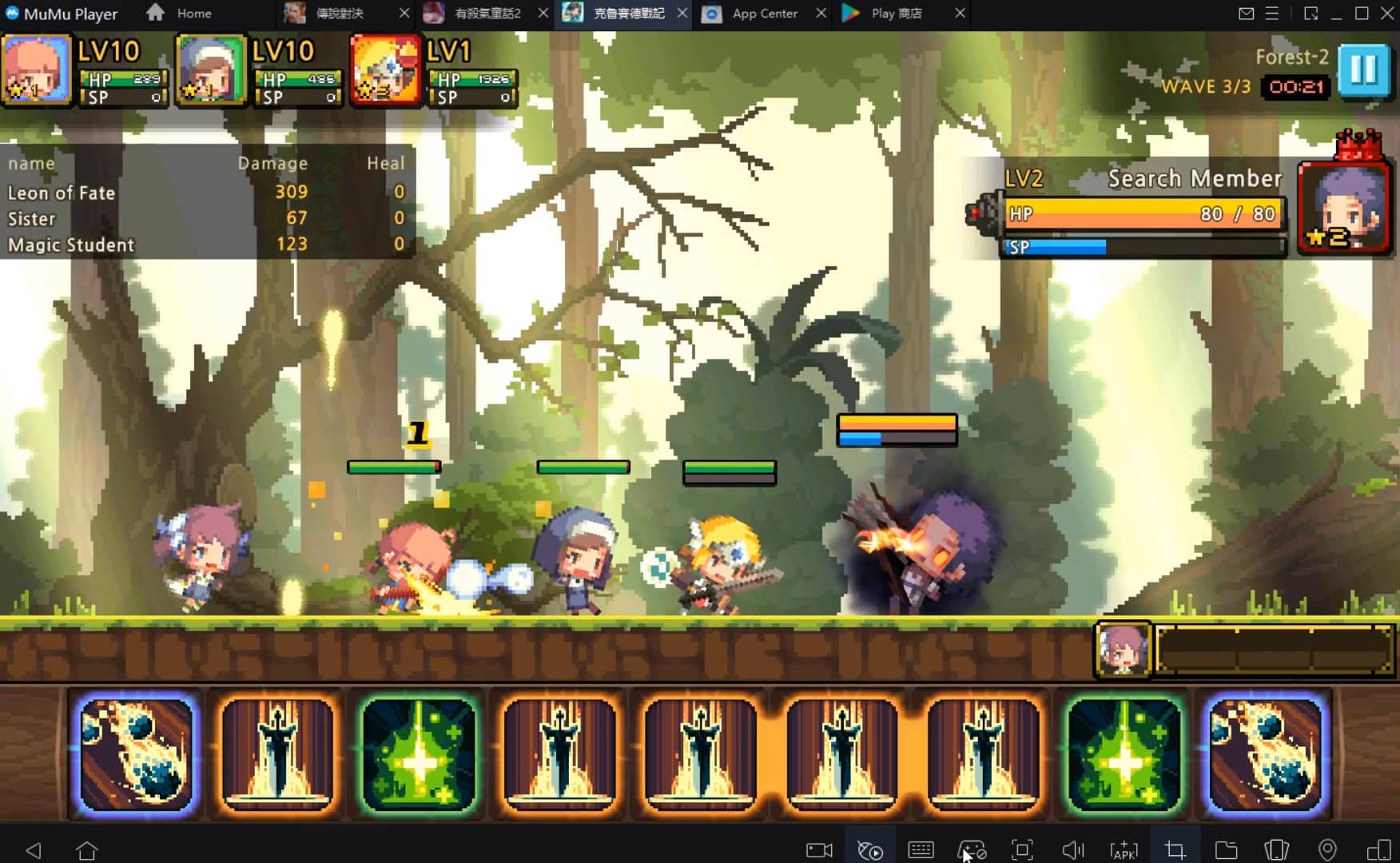
One-time recording of complex operations, just click once to free hands, automatically manage and run specific scripts.
How to Download and Play Falo: Dating, Chat, Meet on PC and Mac
Installation Guide
① Download and install MuMuPlayer on your PC or Mac. It will identify automatically your current system and download the latest version.
② Start MuMuPlayer and complete Google sign-in to access the Play Store, or do it later.
③ Search Falo: Dating, Chat, Meet in the Play Store.
④ Complete Google sign-in (if you skipped step 2) to install Falo: Dating, Chat, Meet.
⑤ Once installation completes, click the Falo: Dating, Chat, Meet icon on the home page to start the game.
⑥ Enjoy playing Falo: Dating, Chat, Meet on your PC or Mac with MuMuPlayer.
Recommended Configuration for MuMuPlayer
Recommended computer configuration
For Windows:4-core CPU, 4GB RAM, i5 OS, GTX950+ graphics card
For macOS: 4-core CPU, 4GB RAM
Recommended Android Device performance settings
Graphics renderer mode
Vulkan and DirectX both supported
Performance Settings
Recommended performance settings: 2 cores, 2GB. >>Click here to learn>>How to adjust performance settings
Recommended Android Device Display Settings
Resolution Settings
Go to Device Settings > Display > Resolution Settings to adjust your device's resolution as needed.
FPS Settings
MuMuPlayer supports up to 240 FPS. >> Click here to learn>>how to enable high FPS mode
Recommended to enable VT
Enabling VT will significantly improve emulator performance, reduce screen freezing, and make games run more smoothly. >>Click here to learn>>How to enable VT
Get more news, guides and redeem codes about Falo: Dating, Chat, Meet

Your Ultimate Guide to Get Voice Chat on Roblox with MuMuPlayer
Goddess of Victory: Nikke Event—Meet New SSR Rumani!
Play Together Update: Meet Kaia Island's Influencer NPC Cutiepie
Blue Archive's New Beach Event: Meet Ui, Hinata, and Koharu!
Lion Heart Event: Meet SSR Leona in Goddess of Victory: Nikke

Princess Connect! Re: Dive Meets THE IDOLM@STER CINDERELLA GIRLS!
How to Download #Me: 3D Avatar, Meet & Play on Your PC with Android Emulator MuMu Player
Arknights Sankta Miksaparato Build and Skill Guide: How to Maximize the New Defender