
Millionaire Match: Meet And Date The Rich Elite (macOS)
Play Millionaire Match: Meet And Date The Rich Elite on PC and Mac
Download Millionaire Match: Meet And Date The Rich Elite on PC or Mac with MuMuPlayer, get a PC like gameplay along with smart control and high graphics performance.
MuMuPlayer, the top Android emulator for PC and Apple silicon Mac, delivers an optimal gaming experience with minimal RAM usage and high FPS. It also allows you to create multiple instances of the emulator and run several games simultaneously, thanks to its Multi-instance feature. Its advanced emulator features ensure smooth gameplay, even on low-end PCs.
Download and play Millionaire Match: Meet And Date The Rich Elite on PC or Mac with MuMuPlayer and start enjoying your gaming experience now.
About the Game
MillionaireMatch - Millionaire Dating & Matchmaker App, a place for wealthy and attractive singles to meet and date. Our members have included CEOs, Athletes, Doctors, Lawyers, Investors, Entrepreneurs, Beauty Queens, Fitness Models and Hollywood Celebrities...

MillionaireMatch has been catering to rich and attractive singles for the past 19 years. Over 3,900,000 members choose us over general dating apps because they want their special needs recognized. On our app, the single and wealthy come together to find each other.

MillionaireMatch is a unique dating app. We strongly believe in protecting our member's privacy. We've never shared databases or disclosed personal info to any other dating app or company.

To provide the best user experience, we skip unproven or mediocre technology. We choose to work with only the best tech partners in the dating industry.

Millionaire Match is the #1 elite matchmaking App for successful and attractive singles. You can meet, chat with and date quality singles on our app using the following features:

- Discover real successful / attractive singles near you
- Connect with Certified Millionaires
- Chat with wealthy singles online
- Get dating advice from our counselor
- Get instant help

The MillionaireMatch App is better equipped to help you find dates, relationships and marriages. It is home to the largest database of rich and wealthy singles dating online. We are a true millionaires club where elites and the beautiful can meet. We have been the industry leader of "classy dating" since 2001!

MillionaireMatch is not a sugar daddy dating app; we are a true millionaires club. If you are just looking for a sugar daddy, a sugar baby or seeking arrangement, then MillionaireMatch is not the best site for you.

Today, 1 in 5 relationships start with online dating. Why not join the most trusted app and date a millionaire? Download the #1 online dating app for rich and attractive singles, meet your soul mate in your area!

And More!

MillionaireMatch has connected hundreds of thousands of wealthy men with attractive women. Download the app today and start finding your match!
Emulator Features

With a smart button scheme and image recognition function, provide a more concise UI, and support custom button mapping to meet different needs.
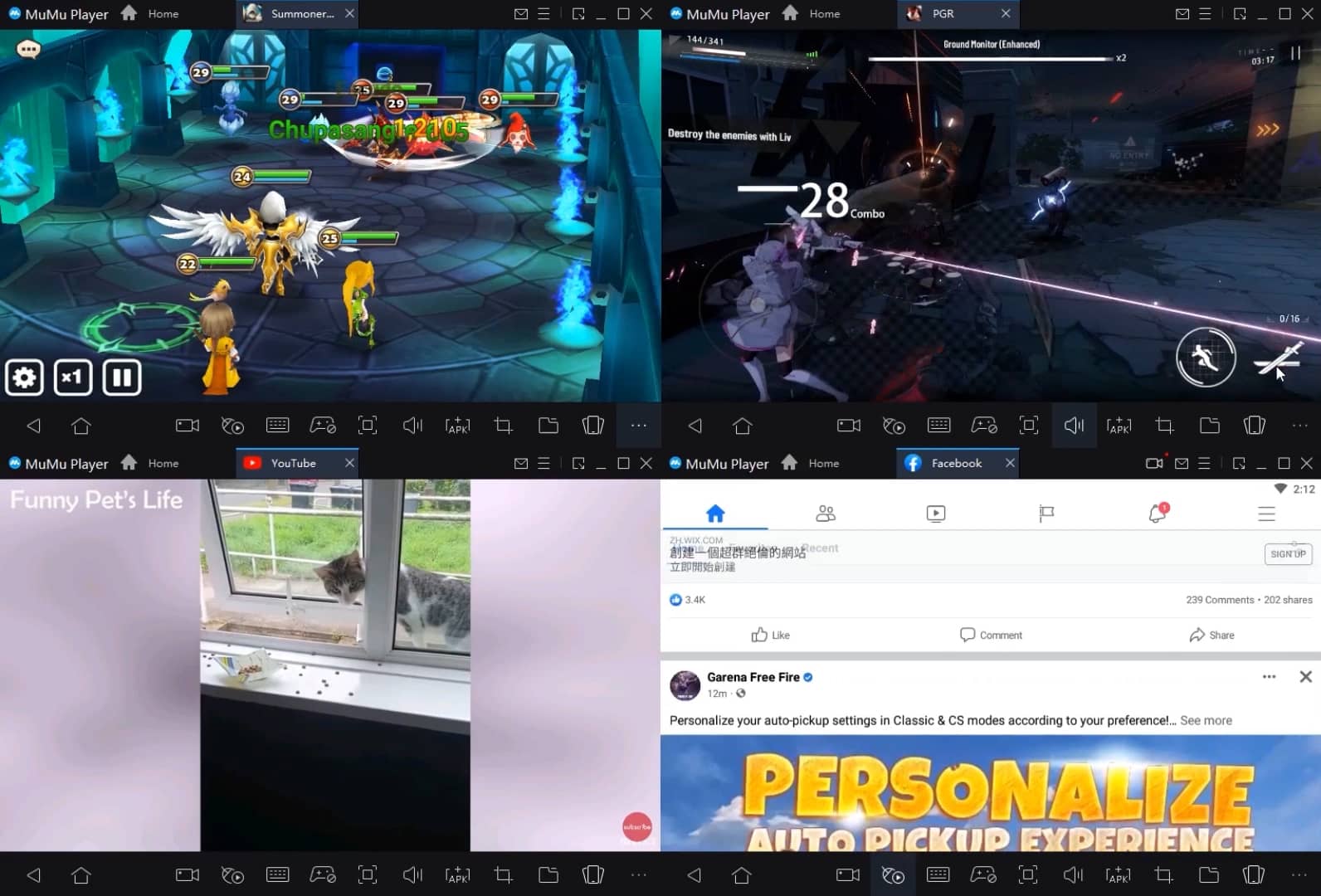
Run multiple games independently at the same time, easily manage multiple accounts, play games while hanging.
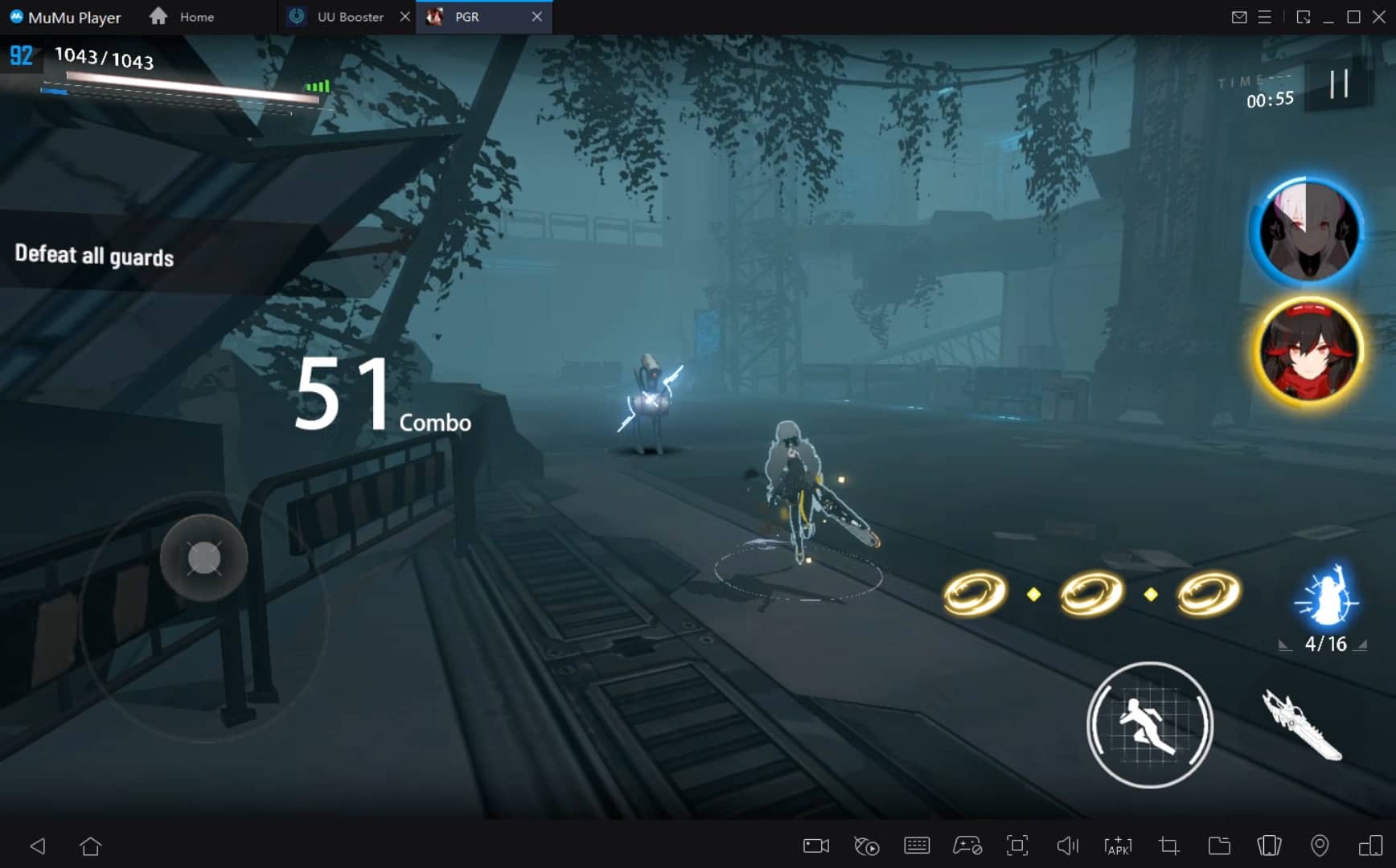
Break through FPS limit, and enjoy a seamless gaming experience without lag and delay!
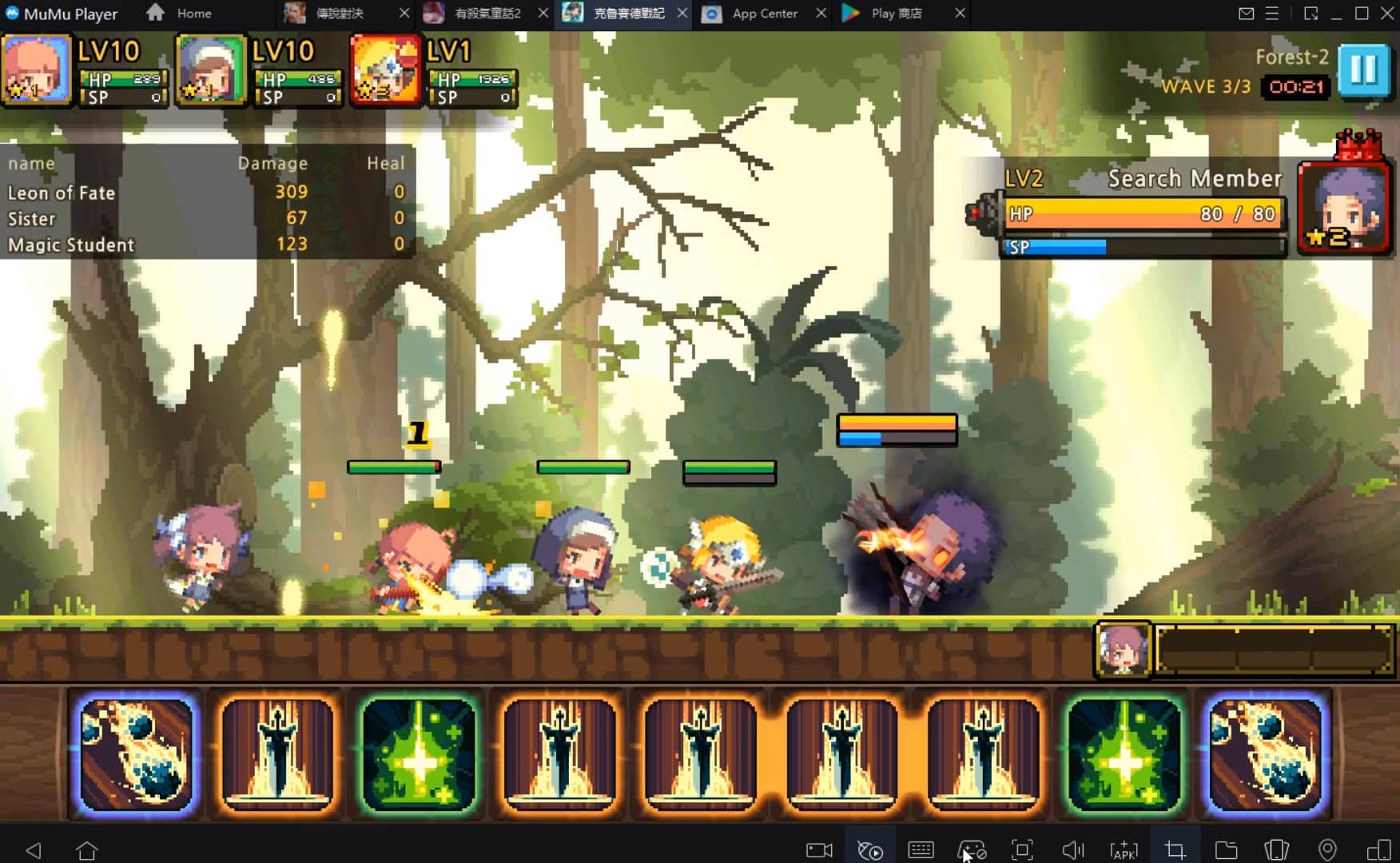
One-time recording of complex operations, just click once to free hands, automatically manage and run specific scripts.
How to Download and Play Millionaire Match: Meet And Date The Rich Elite on PC and Mac
Installation Guide
① Download and install MuMuPlayer on your PC or Mac. It will identify automatically your current system and download the latest version.
② Start MuMuPlayer and complete Google sign-in to access the Play Store, or do it later.
③ Search Millionaire Match: Meet And Date The Rich Elite in the Play Store.
④ Complete Google sign-in (if you skipped step 2) to install Millionaire Match: Meet And Date The Rich Elite.
⑤ Once installation completes, click the Millionaire Match: Meet And Date The Rich Elite icon on the home page to start the game.
⑥ Enjoy playing Millionaire Match: Meet And Date The Rich Elite on your PC or Mac with MuMuPlayer.
Recommended Configuration for MuMuPlayer
Recommended computer configuration
For Windows:4-core CPU, 4GB RAM, i5 OS, GTX950+ graphics card
For macOS: 4-core CPU, 4GB RAM
Recommended Android Device performance settings
Graphics renderer mode
Vulkan and DirectX both supported
Performance Settings
Recommended performance settings: 2 cores, 2GB. >>Click here to learn>>How to adjust performance settings
Recommended Android Device Display Settings
Resolution Settings
Go to Device Settings > Display > Resolution Settings to adjust your device's resolution as needed.
FPS Settings
MuMuPlayer supports up to 240 FPS. >> Click here to learn>>how to enable high FPS mode
Recommended to enable VT
Enabling VT will significantly improve emulator performance, reduce screen freezing, and make games run more smoothly. >>Click here to learn>>How to enable VT
Get more news, guides and redeem codes about Millionaire Match: Meet And Date The Rich Elite
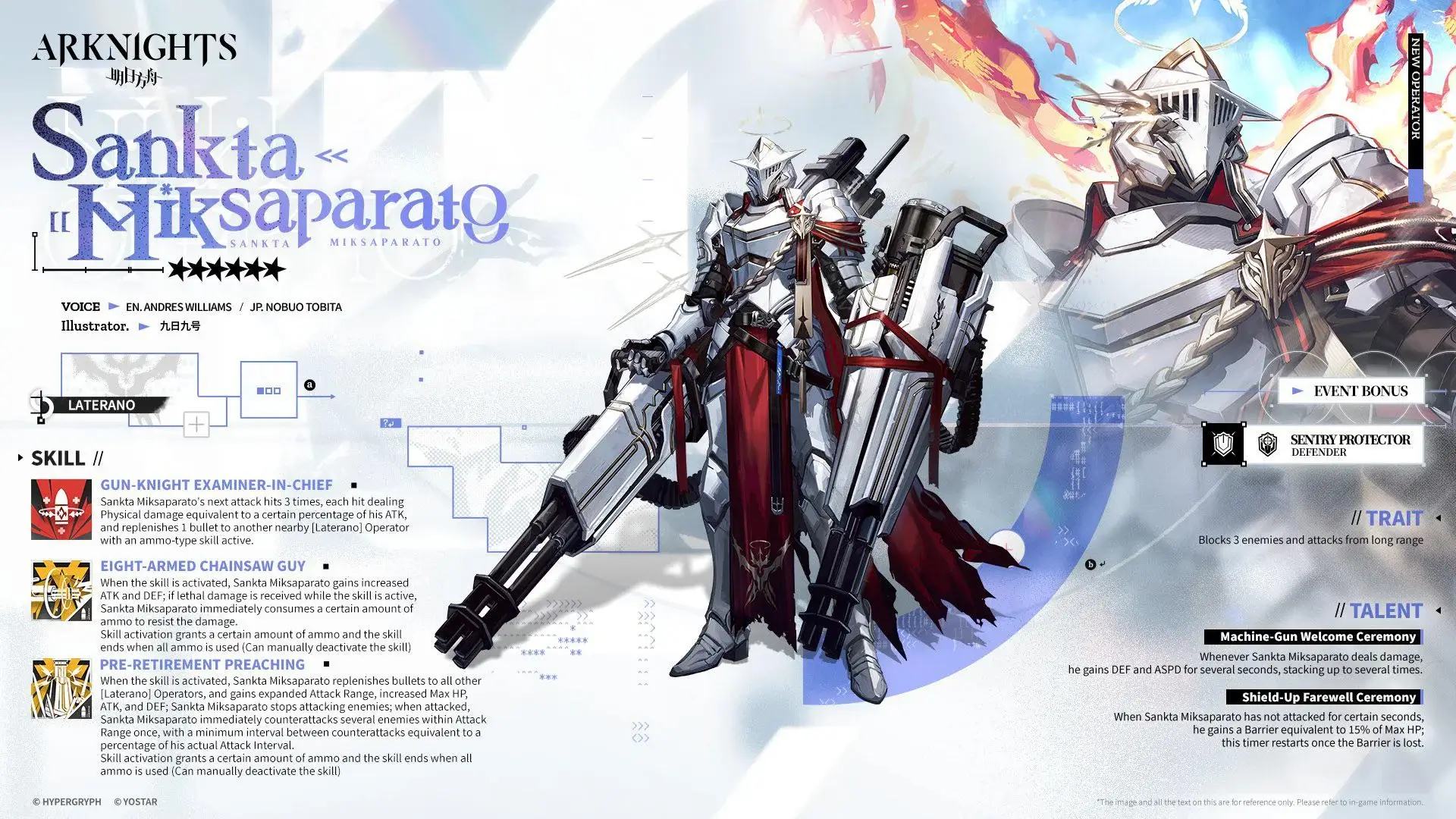
Arknights Sankta Miksaparato Build and Skill Guide: How to Maximize the New Defender

Arknights New Side Story Event “The Masses' Travels”: New Stages, Operators, and Rewards Await

Ragnarok Twilight Beginner Guide: Essential Tips & Early Progression

Ragnarok Twilight Career Guide: How to Master the Careers Efficiently
Ragnarok Twilight Redeem Codes (October 2025) – Free Rewards, Zeny, and Costumes

Stella Sora Latest Redeem Codes (Oct 2025): How to Use Redeem Codes for Extra Bonuses

Stella Sora Complete Beginner Guide: Essential Tips to Start Strong and Progress Fast
RAVEN 2 Beginner Guide (Oct 2025) – Best Tips, Class Choices & Early Progression