
Play RACE: Rocket Arena Car Extreme on PC and Mac
Download RACE: Rocket Arena Car Extreme on PC or Mac with MuMuPlayer, get a PC like gameplay along with smart control and high graphics performance.
MuMuPlayer, the top Android emulator for PC and Apple silicon Mac, delivers an optimal gaming experience with minimal RAM usage and high FPS. It also allows you to create multiple instances of the emulator and run several games simultaneously, thanks to its Multi-instance feature. Its advanced emulator features ensure smooth gameplay, even on low-end PCs.
Download and play RACE: Rocket Arena Car Extreme on PC or Mac with MuMuPlayer and start enjoying your gaming experience now.
About the Game
ACTION PACKED OFF-ROAD RACING TO THE MAX!
Get engaged in 3D ultimate race battles, fire rockets and use the protective shield to counter the attack from the enemy. Nitro Boost is mandatory! Collect turbo while you hit that gas pedal and leave all other race cars behind. You decide the rules on the track while you drift, drag, bump, collide, fire and overtake to finish first!

FAST ACTION RACING IN 3D
Monster trucks, roaring engines, smoking tires, damaging collisions, and above all Speed! R.A.C.E. - Rocket Arena Car Extreme - is full of epic explosions, destruction and effects. Press nitro - get even more adrenaline, and let your enemies breathe dust. The change of day and night, the neon signs and tricks will never let you get bored. If you like to play with beautiful graphics and no brakes, then this is your race car game of choice! You can change the graphics settings to improve the gameplay quality and smoothness.

THE ULTIMATE RACE BATTLE EXPERIENCE
Your Monster Truck, your arena, your rules! Participate in Arena battles and get straight in to the real action. Burn out your enemies in the derby arena and race them into fire traps, huge morgensterns, chainsaws and other destructive obstacles. This race game is like a real action movie! Rocket Arena Car Extreme (R.A.C.E.) is a burning cocktail of survival races and battles on wheels.

VARIOUS BATTLE LOCATIONS
Participate in battles of different historical epochs! Experience the thrill of driving under steep cliffs and get away from sand storms. Explore ancient Egyptian ruins and other wonders of the world. Set your foot on the road of outrage in an attempt to find what you cherish most!

THE BEST ENEMY IS THE BEATEN ENEMY
Select the right truck for every battle! Crazy and dangerous driving is a good thing in this racing game because risks are needed to beat your enemies. Choose a weapon to your liking: missiles, bombs, machine guns, and various electric weapons. Slow down time and wipe out enemies. Harness your winner’s mentality and guide a flock of cruise missiles towards the evil race gangs on the race track.

BEST ARENA RACE VEHICLES
Win action-packed races and earn rewards to collect your ultimate off-road race car. Make the most out of the vehicles available to you. You will find American muscle cars, European classics and Japanese drift vehicles! Each car is equipped with everything you may need to inflict the maximal damage to your opponents. Those monsters on wheels will cope with any off-road conditions. They will melt the asphalt on their way to fury.

VEHICLES LEVEL-UP SYSTEM
Each vehicle may be levelled up as high as level 30. When a vehicle is levelled up to levels 10, 20 and 30, it gains unique body kits that improve race and battle performance even more.

DECIDE YOUR PREFERRED CONTROLS

Choice between five types of controls so you decide which way of playing the game suits best to win those crazy battle races.

NO GASOLINE AND OTHER HINDRANCES
Endless monster truck racing with no energy systems to stop the fun! Have you ever wondered if the tank is half full or half empty? The positive attitude rules in this action game - the tank is always full. No need to wait for several hours to restore energy for your car to start racing. You can always rush at full throttle without any limits!

THE BATTLE ROYALE RACING GAME - ONE AGAINST ALL
Get prepared to battle for the rank. Many players fight to become the first one and to grab the main reward - the all-time champion title.

MUSIC DESIGNED TO FEEL THE RACING EXPERIENCE

Enjoy the specially designed music to feel the excitement of the spectacular speed and explosive competition during the races.

REALISTIC 3D GRAPHICS
You can change the graphics settings to improve the gameplay quality and smoothness.

FOUR RACE GAME MODES
- Battle Arena – battle royale style racing
- Career – Race career campaign
- Battle Racing - Racing vehicles special mode
- Tournaments - Racing for the greatest rewards

RACE NOW!
Emulator Features
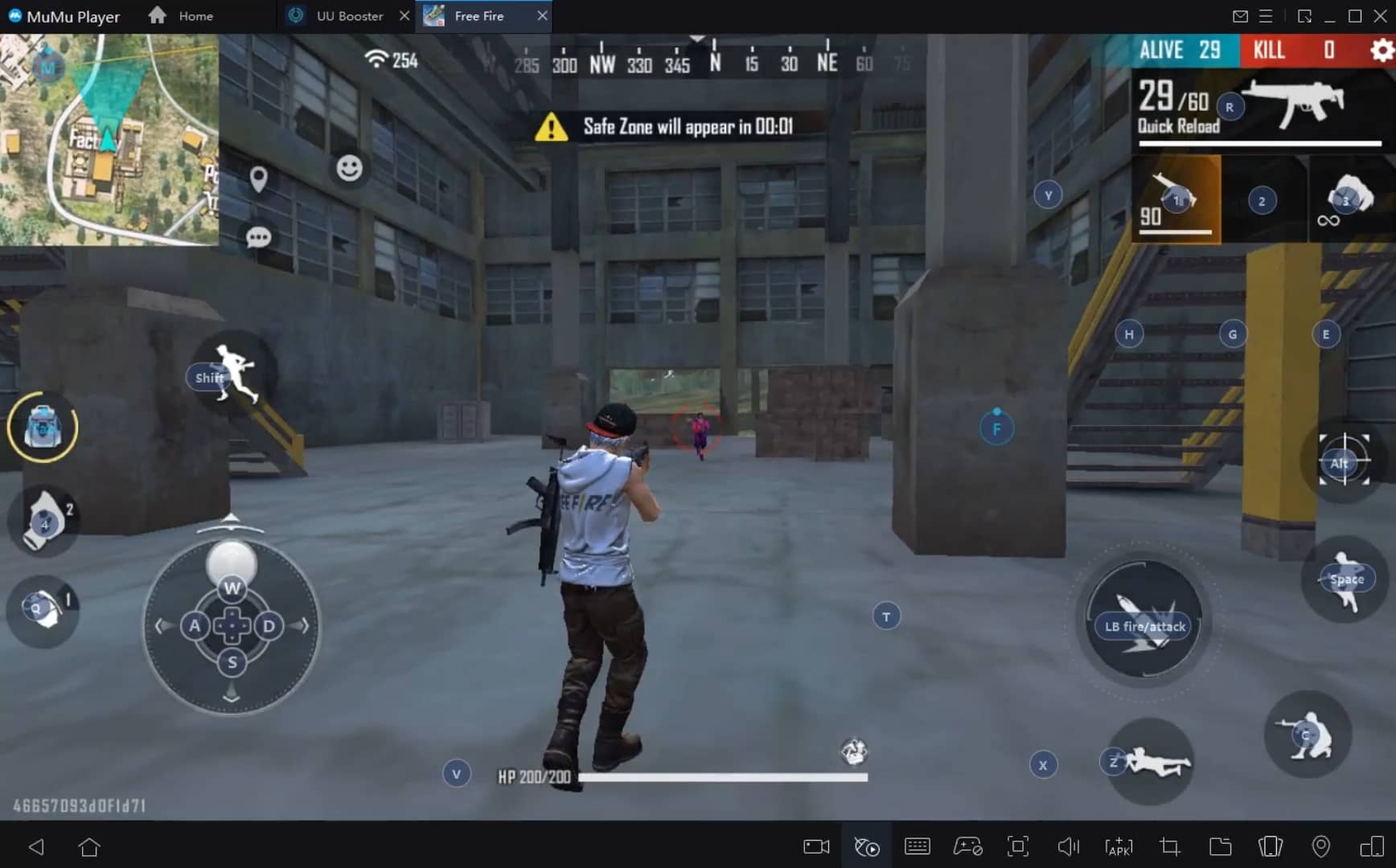
With a smart button scheme and image recognition function, provide a more concise UI, and support custom button mapping to meet different needs.
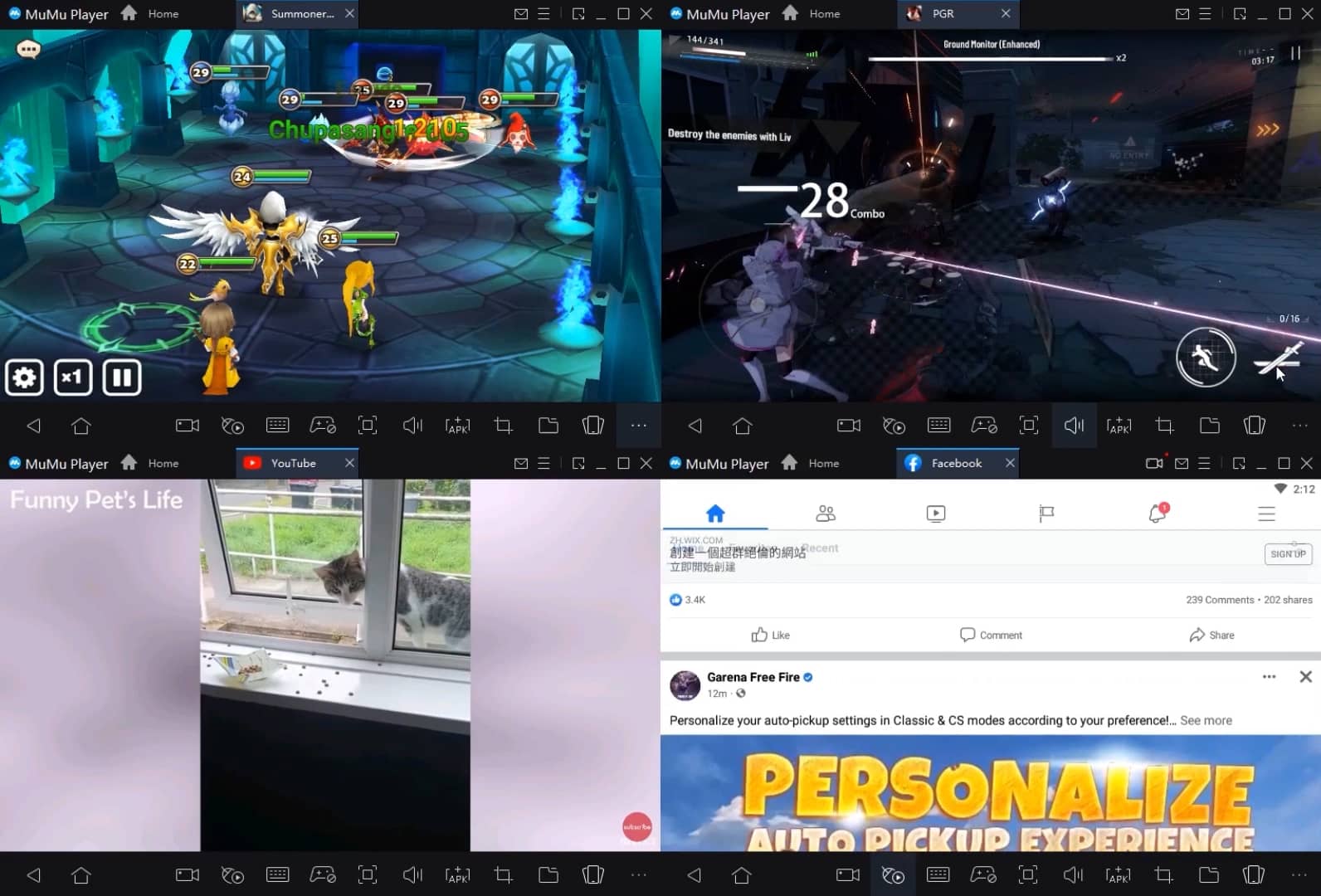
Run multiple games independently at the same time, easily manage multiple accounts, play games while hanging.
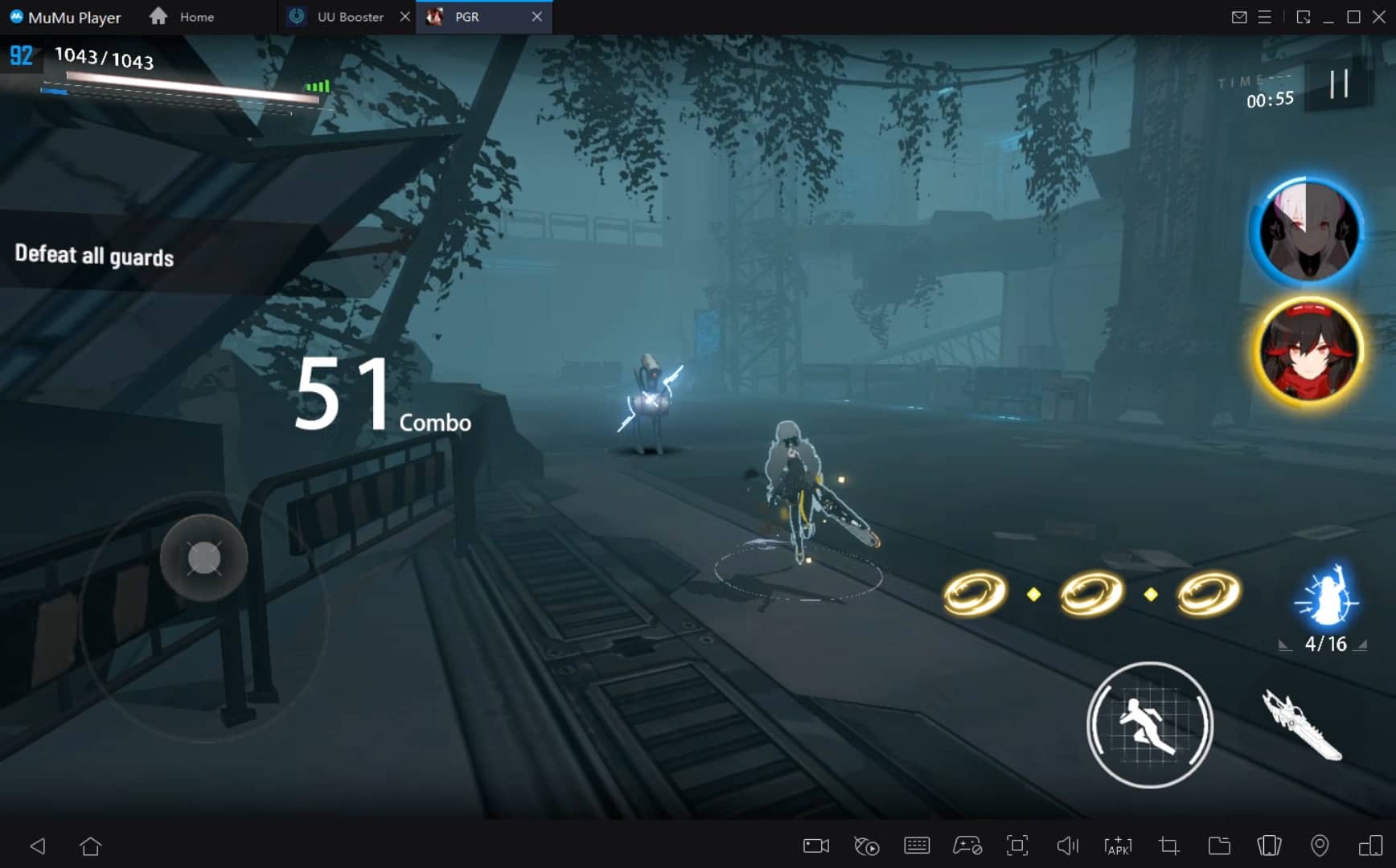
Break through FPS limit, and enjoy a seamless gaming experience without lag and delay!
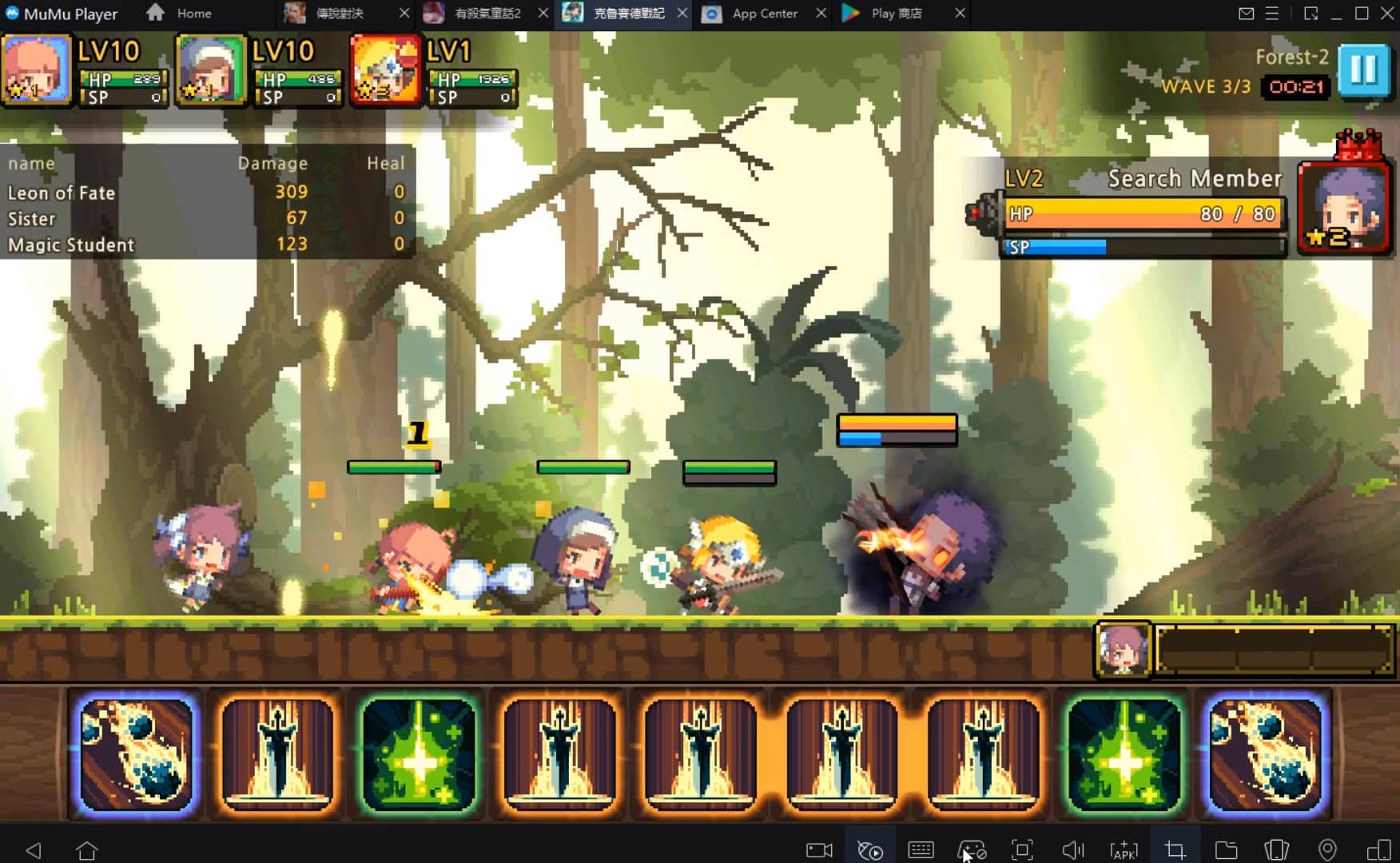
Get a 3-second startup with 52% less memory usage and 65% more stability.
How to Download and Play RACE: Rocket Arena Car Extreme on PC and Mac
Installation Guide
① Download and install MuMuPlayer on your PC or Mac. It will identify automatically your current system and download the latest version.
② Start MuMuPlayer and complete Google sign-in to access the Play Store, or do it later.
③ Search RACE: Rocket Arena Car Extreme in the Play Store.
④ Complete Google sign-in (if you skipped step 2) to install RACE: Rocket Arena Car Extreme.
⑤ Once installation completes, click the RACE: Rocket Arena Car Extreme icon on the home page to start the game.
⑥ Enjoy playing RACE: Rocket Arena Car Extreme on your PC or Mac with MuMuPlayer.
Recommended Configuration for MuMuPlayer
Recommended computer configuration
For Windows:4-core CPU, 4GB RAM, i5 OS, GTX950+ graphics card
For macOS: 4-core CPU, 4GB RAM
Recommended Android Device performance settings
Graphics renderer mode
Vulkan and DirectX both supported
Performance Settings
Recommended performance settings: 2 cores, 2GB. >>Click here to learn>>How to adjust performance settings
Recommended Android Device Display Settings
Resolution Settings
Go to Device Settings > Display > Resolution Settings to adjust your device's resolution as needed.
FPS Settings
MuMuPlayer supports up to 240 FPS. >> Click here to learn>>how to enable high FPS mode
Recommended to enable VT
Enabling VT will significantly improve emulator performance, reduce screen freezing, and make games run more smoothly. >>Click here to learn>>How to enable VT
Get more news, guides and redeem codes about RACE: Rocket Arena Car Extreme

eFootball 2026 Playstyle Guide for Forwards – Scoring Tips
eFootball 2026 Beginne's Guide - Learn the Basics Fast
Arknights Sankta Miksaparato Build and Skill Guide: How to Maximize the New Defender
Arknights New Side Story Event “The Masses' Travels”: New Stages, Operators, and Rewards Await
Ragnarok Twilight Beginner Guide: Essential Tips & Early Progression
Ragnarok Twilight Career Guide: How to Master the Careers Efficiently
Ragnarok Twilight Redeem Codes (October 2025) – Free Rewards, Zeny, and Costumes
Stella Sora Latest Redeem Codes (Oct 2025): How to Use Redeem Codes for Extra Bonuses