
Play Naruto:SlugfestX on PC or Mac
Download Naruto:SlugfestX on PC or Mac with MuMuPlayer, get a PC like gameplay along with smart control and high graphics performance.
MuMuPlayer, the top Android emulator for PC and Apple silicon Mac, delivers an optimal gaming experience with minimal RAM usage and high FPS. It also allows you to create multiple instances of the emulator and run several games simultaneously, thanks to its Multi-instance feature. Its advanced emulator features ensure smooth gameplay, even on low-end PCs.
Download and play Naruto:SlugfestX on PC or Mac with MuMuPlayer and start enjoying your gaming experience now.
Ninja Battles on your Fingertip!
Naruto:Slugfest-X is the latest 3D Naruto Action RPG authorized by officials.  Relive the Ninja Adventure with the characters deep in your memories.

Grand Ninja Adventure
Based on the classic anime series Naruto Shippuden. Follow with Naruto to relive the grand ninja adventure. This time, experience every original epic battle and touched moment by yourself.

Anime Comes to Life
With all 3D 360-degree free vision and dynamic weather system, presents you a visually stunning world of naruto free to explore. Ramen Ichiraku, Chunin Exam Hall, Hokage Office...all the classic scenes in your memories are touchable and interactive.

The Faces & Voices you Familiar with
Naruto Uzumaki, Sasuke Uchiha, Sakura Haruno...all the popular main characters are playable in the game. Start your Ninja trial in the view of protagonists! Write your Ninja legends by yourself.

The Most Intense Ninja Combat
Enjoy the burning of Ninja battles on your fingers! Rasengan, Chidori, Sand Waterfall Imperial Funeral...the iconic Ninja skills are all perfectly reproduced in the game. Master your Shinobi and burst your Chakra out to defeat enemies!

Assemble your Ninja Team
Summon your favorite characters from the original anime NARUTO SHIPPUDEN. Create your own Ninja Team in your will. Improve teamwork in quests and team fights.
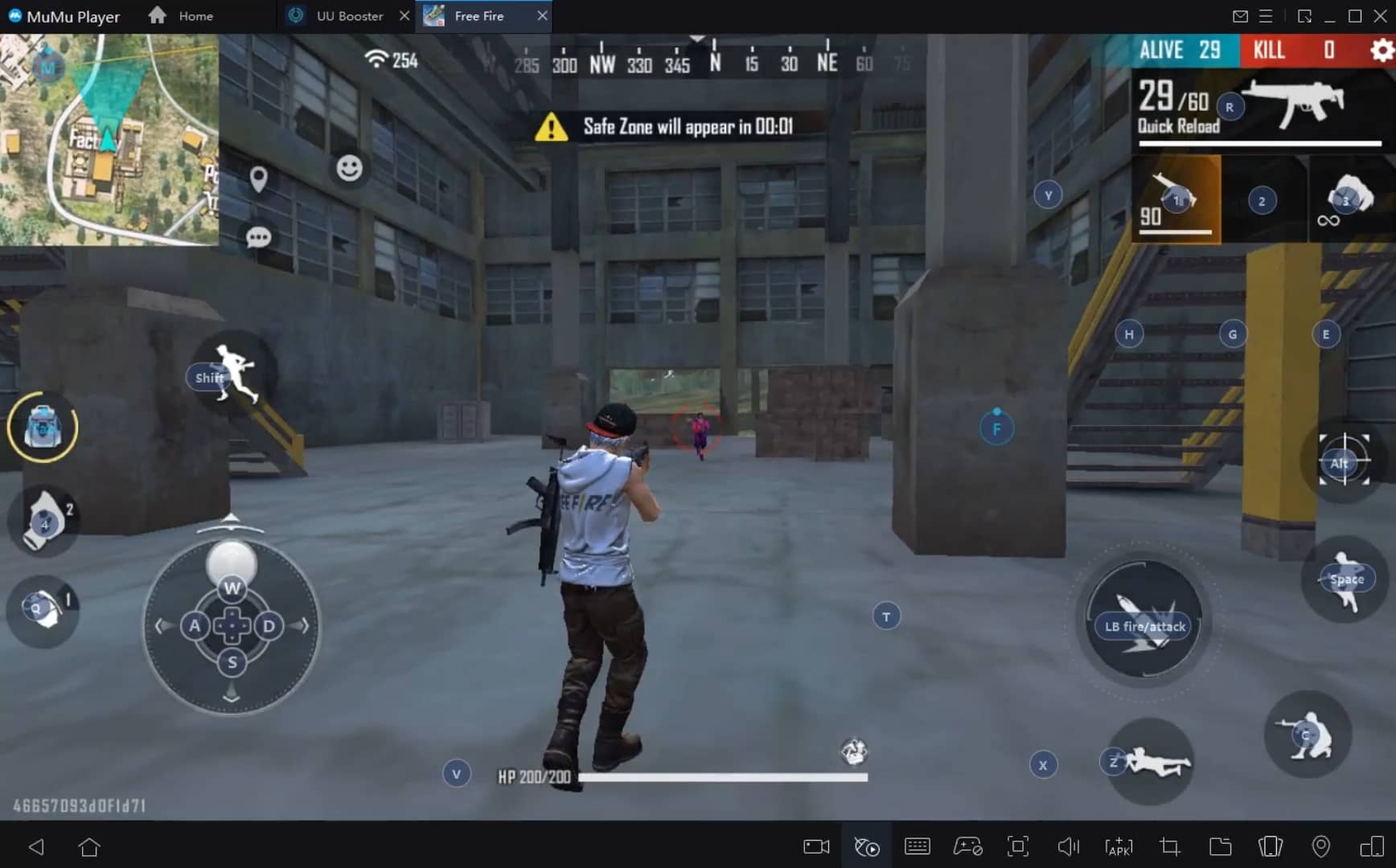
With a smart button scheme and image recognition function, provide a more concise UI, and support custom button mapping to meet different needs.
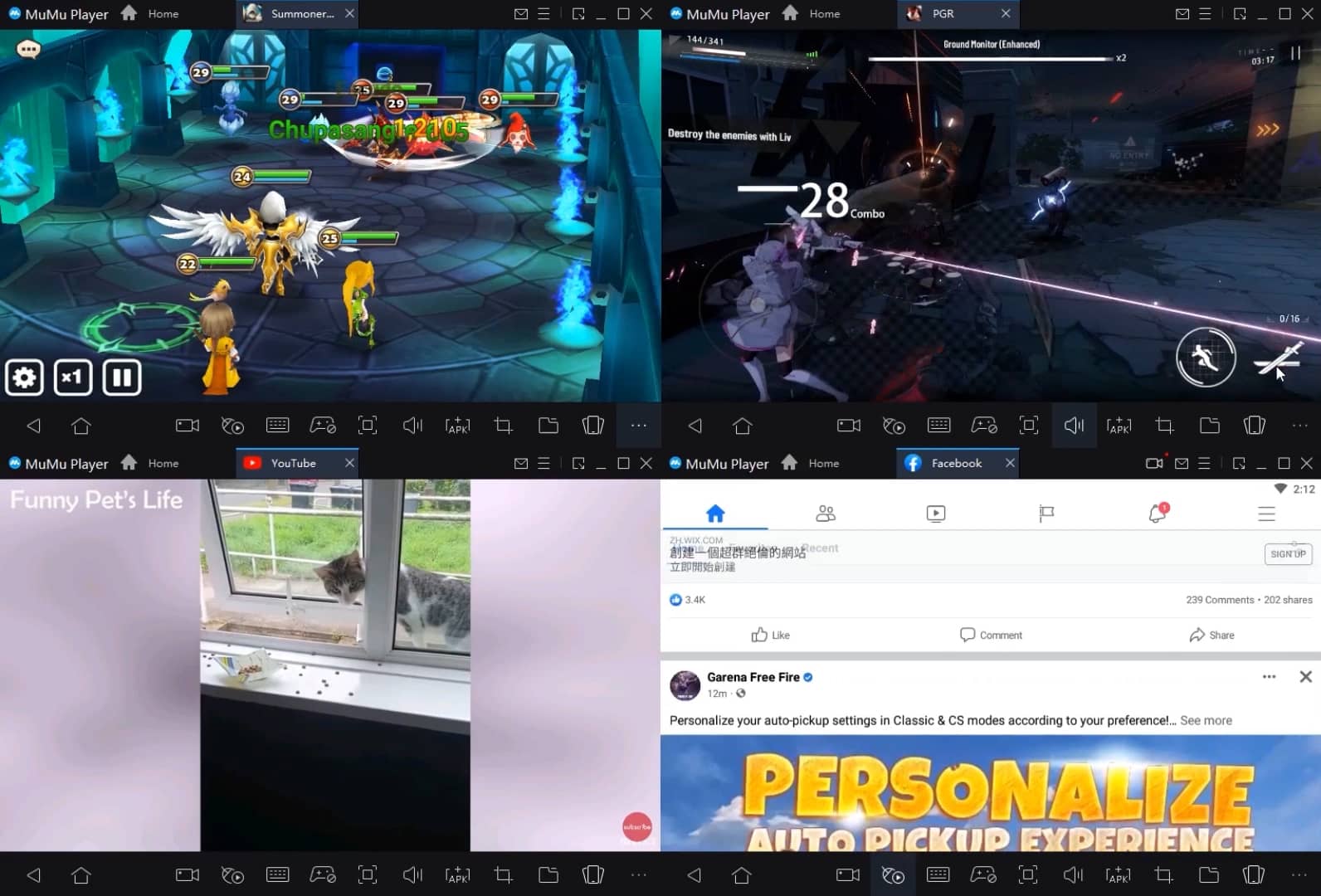
Run multiple games independently at the same time, easily manage multiple accounts, play games while hanging.
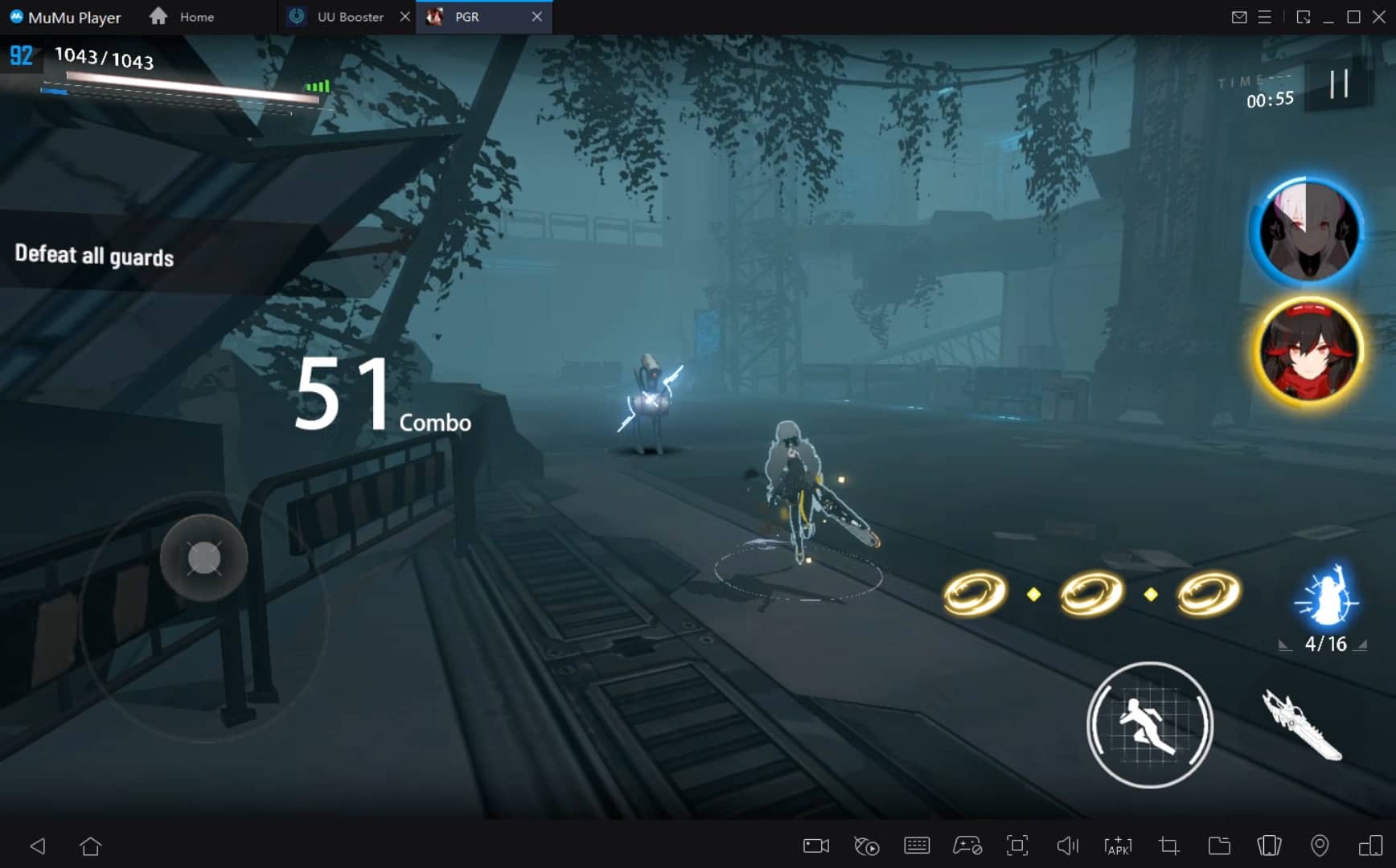
Break through FPS limit, and enjoy a seamless gaming experience without lag and delay!
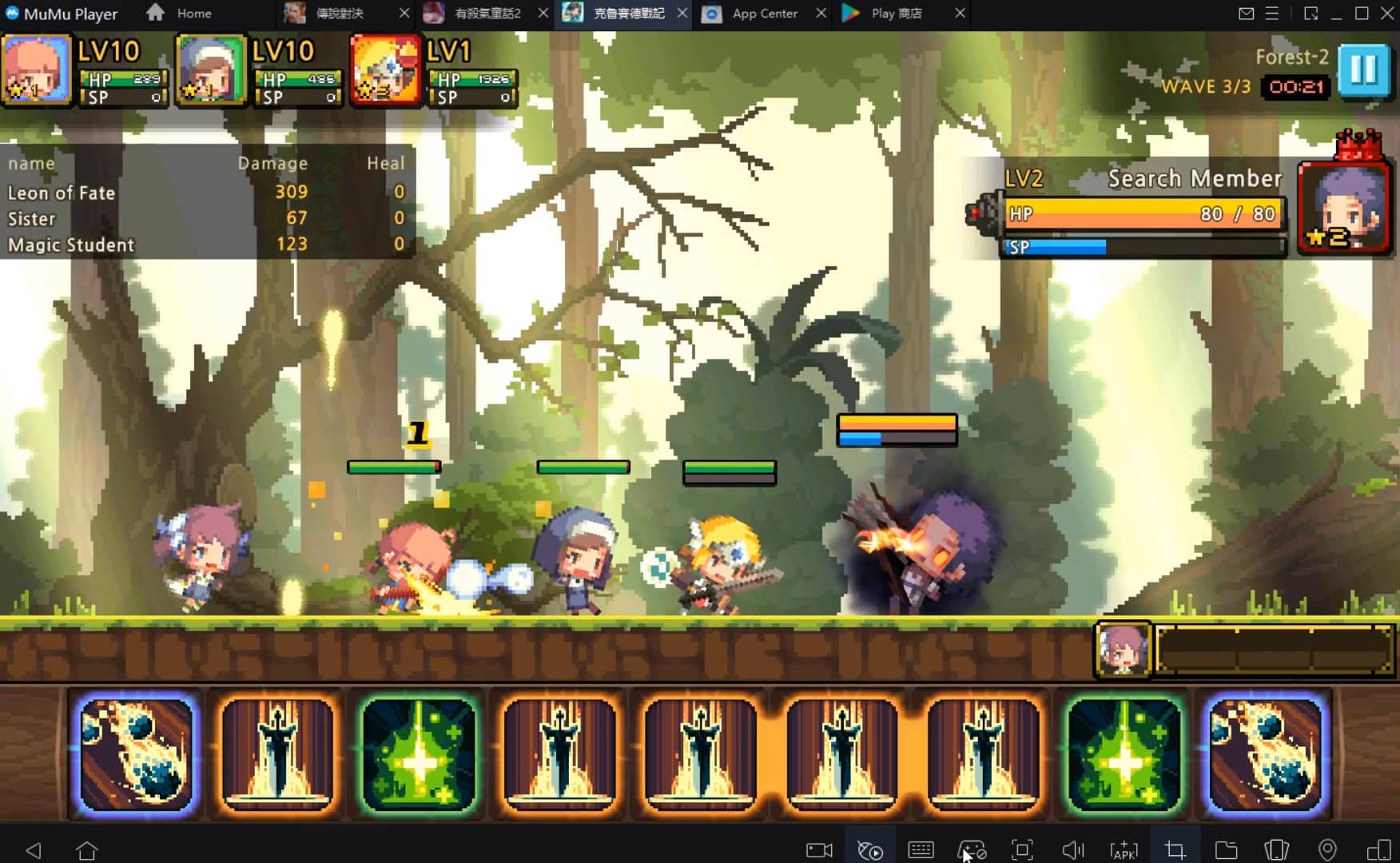
One-time recording of complex operations, just click once to free hands, automatically manage and run specific scripts.
Recommended Configuration for MuMuPlayer
Recommended computer configuration: 4-core CPU, 4GB RAM, i5 operating system, GTX950+ graphics card.
It is recommended to enable VT, which will significantly improve emulator performance, reduce screen freezing, and make games run more smoothly. >>How to enable VT
Recommended performance settings: 2 cores, 2GB. >>How to adjust performance settings
Emulator graphics rendering mode: Vulkan and DirectX both supported.
Installation Guide
① Download and install MuMuPlayer on your PC or Mac. It will identify automatically your current system and download the latest version.
② Start MuMuPlayer and complete Google sign-in to access the Play Store, or do it later.
③ Search Naruto:SlugfestX in the Play Store.
④ Complete Google sign-in (if you skipped step 2) to install Naruto:SlugfestX.
⑤ Once installation completes, click the Naruto:SlugfestX icon on the home page to start the game.
⑥ Enjoy playing Naruto:SlugfestX on your PC or Mac with MuMuPlayer.

Best 15 Brawlers in Brawl Stars - Ranked for 2025
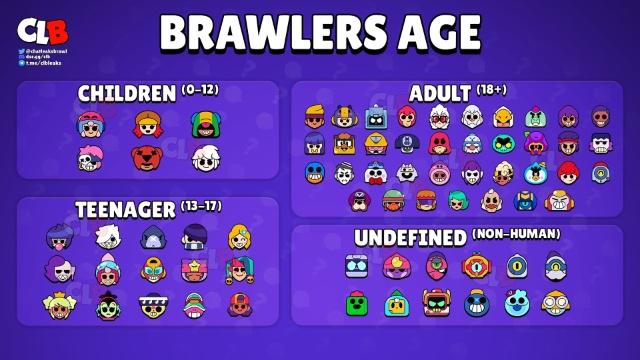
Brawl Stars All Brawlers Tier List (September 2025)
Brawl Stars Trunk Guide - Abilities, Gadgets, and Playstyle Tips
Seven Knights Re: birth All Latest Codes (September 2025)
Tree of Savior: NEO Active Codes - Unlock Exclusive In-Game Rewards (September 2025)
Best Android Emulator for Roblox – Why MuMuPlayer Is the Top Choice
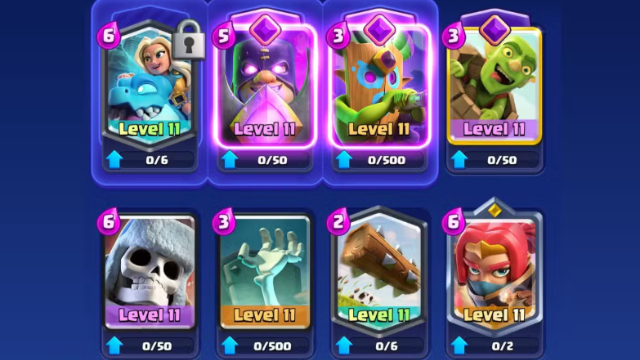
Best Spirit Empress Decks in Clash Royale (2025 Meta)
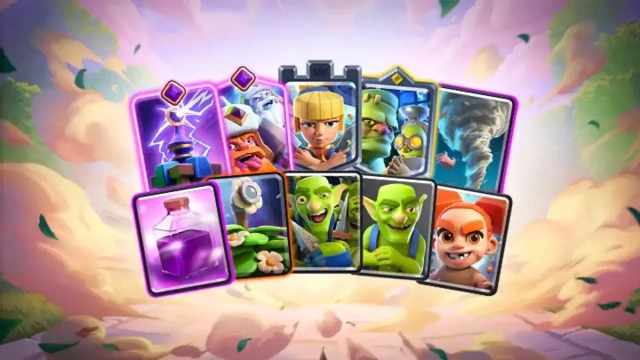
Clash Royale September 2025 Balance Changes – Full Breakdown