
Play Happy Citizens - Mayor Sim on PC or Mac
Download Happy Citizens - Mayor Sim on PC or Mac with MuMuPlayer, get a PC like gameplay along with smart control and high graphics performance.
MuMuPlayer, the top Android emulator for PC and Apple silicon Mac, delivers an optimal gaming experience with minimal RAM usage and high FPS. It also allows you to create multiple instances of the emulator and run several games simultaneously, thanks to its Multi-instance feature. Its advanced emulator features ensure smooth gameplay, even on low-end PCs.
Download and play Happy Citizens - Mayor Sim on PC or Mac with MuMuPlayer and start enjoying your gaming experience now.
Mr. Mayor, come and create your very own dream city! This will be an incredibly creative and entertaining simulation management experience.
Not only can you observe the rich and colorful lives of citizens, but citizens can also get married, start families, and have children! Protect their city life for generations to come!

A barren wasteland awaits your development.
You will take on the important mission of building the city.
From planning the initial street layout to gradually constructing various functional buildings, each step tests your planning wisdom.

You must not only shape the city's appearance but also recruit unique citizens.
They might be brilliant artists who illuminate the city's culture with their works; skilled craftsmen who drive the city's industrial development; or warm and friendly service workers who bring warmth to the city.
You need to reasonably assign their positions according to the city's needs, allowing every citizen to find a sense of belonging and live happily in this city.

Additionally, various exciting transportation vehicles will appear one after another! Besides bicycles, motorcycles, cars... there are even airplanes and hot air balloons?! There might even be UFOs appearing. Let's cheer for the residents who work hard to master them.

Observe the residences carefully - residents are actually keeping pets! Cats, dogs... elephants, pandas, giraffes, capybaras, and even lions can be kept!?

As the game progresses, you can unlock different styles of buildings: from happiness-filled restaurants to vibrant fountain parks, from towering skyscrapers to leisurely spinning windmills, adding unique charm to the city.

Work hard to develop and create a mega-metropolis that shocks the world!

Never played this type of game before?
Don't worry, "Happy City" is simple to operate and extremely easy to get started: you only need simple and relaxed tap operations to complete city design and construction, easily earning profits. You can play anytime, anywhere.
Whether you're a master well-versed in simulation management or a newcomer just starting in city management, you'll fall madly in love with this healing, warm, and interesting city simulation management game!
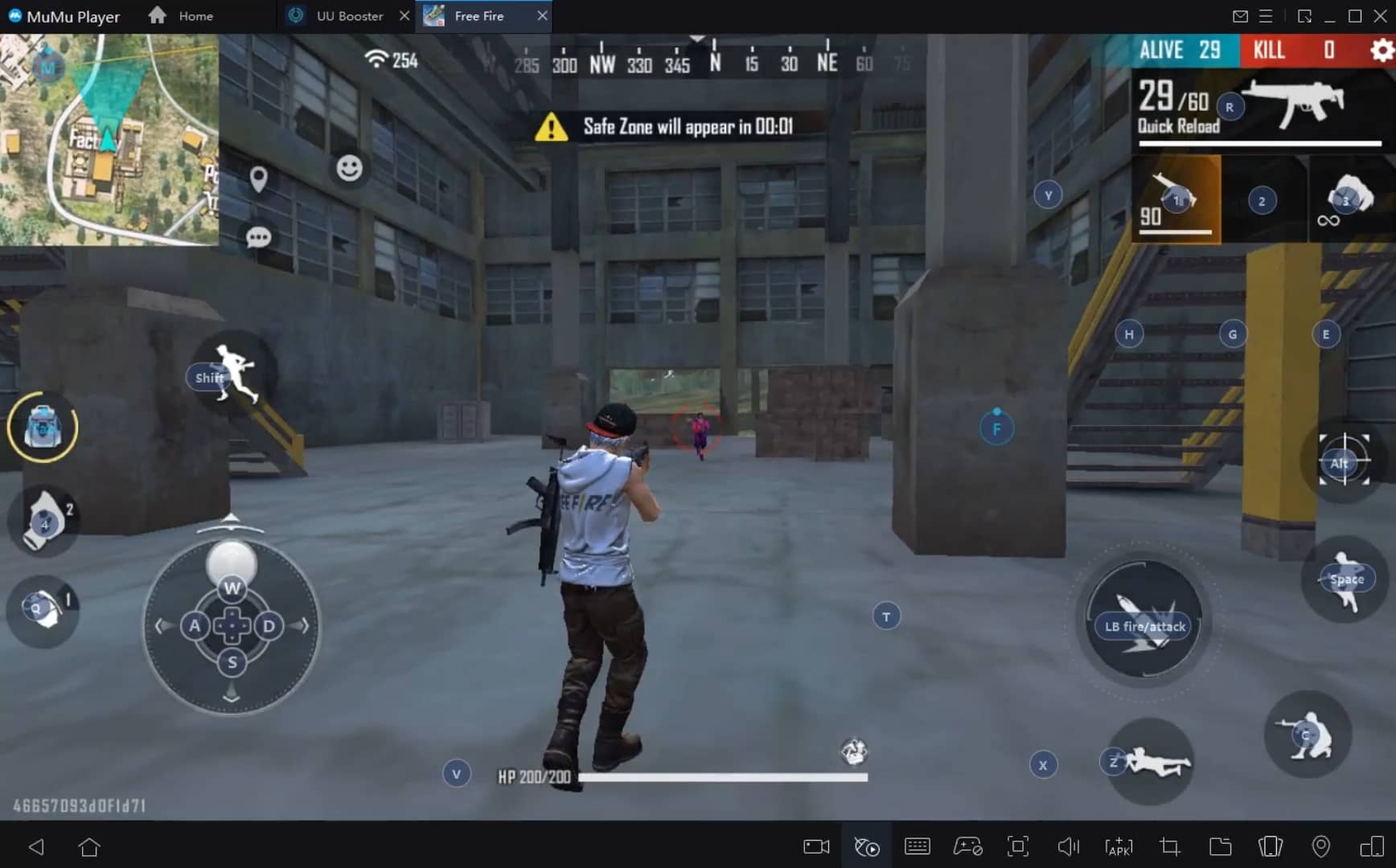
With a smart button scheme and image recognition function, provide a more concise UI, and support custom button mapping to meet different needs.
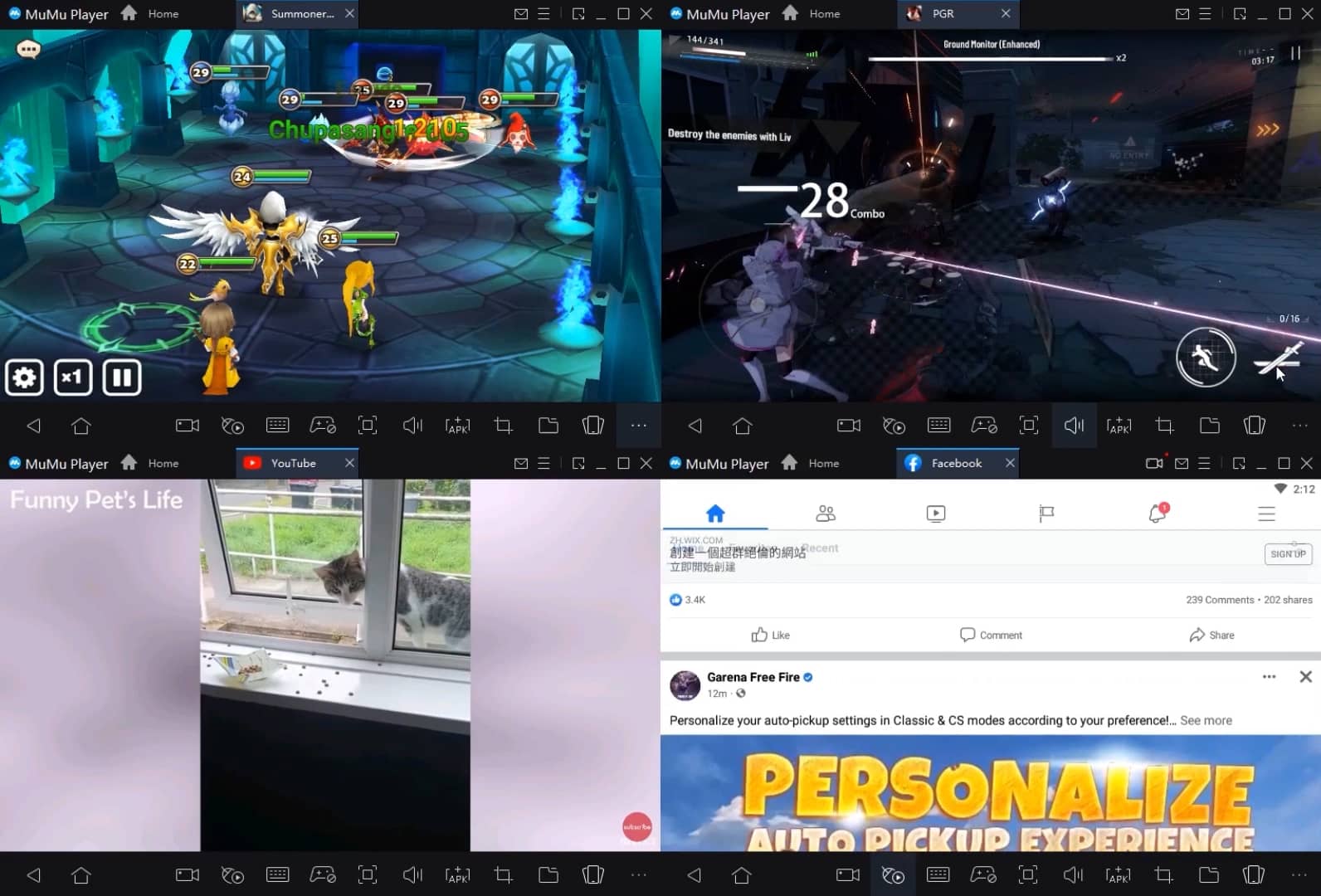
Run multiple games independently at the same time, easily manage multiple accounts, play games while hanging.
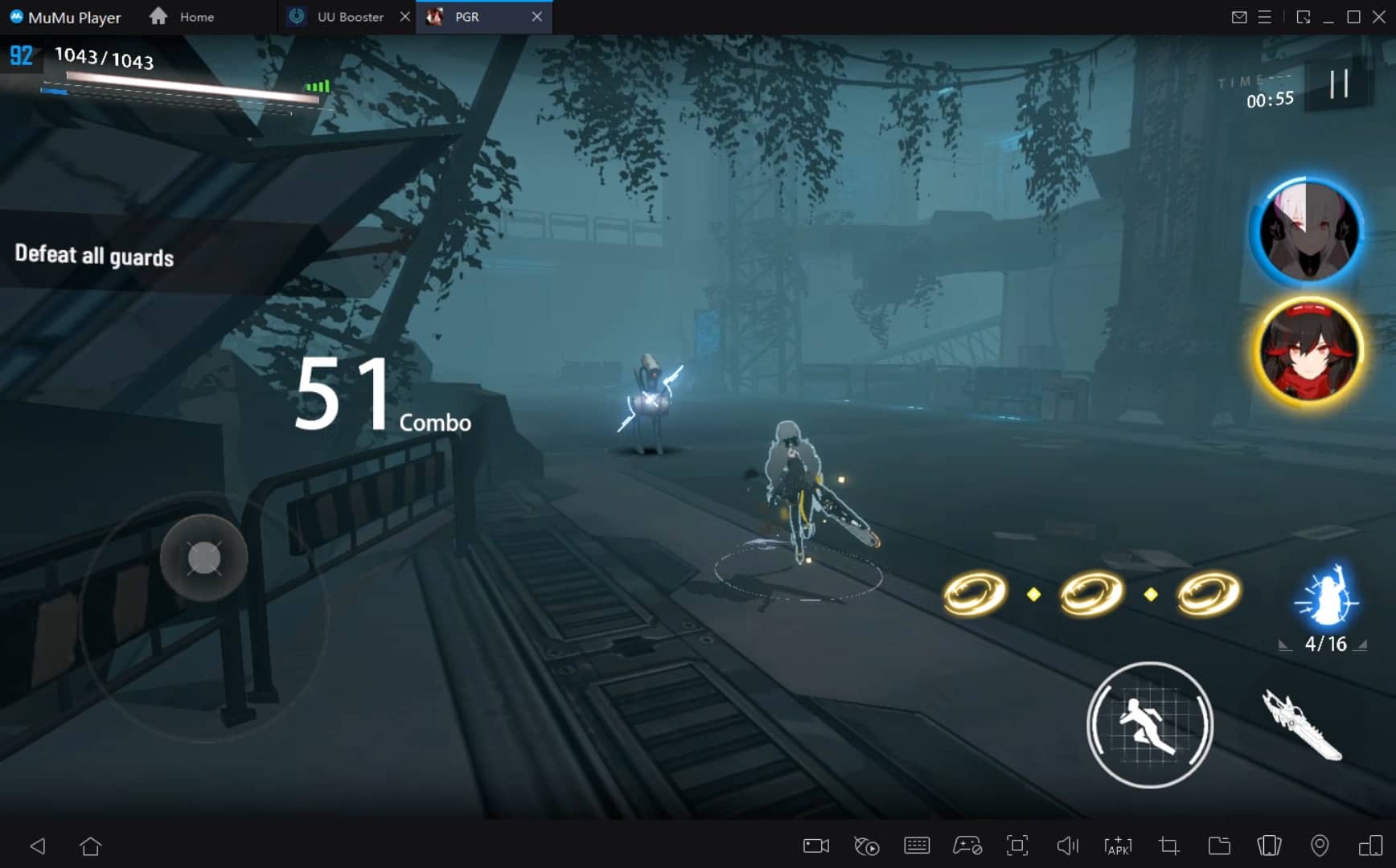
Break through FPS limit, and enjoy a seamless gaming experience without lag and delay!
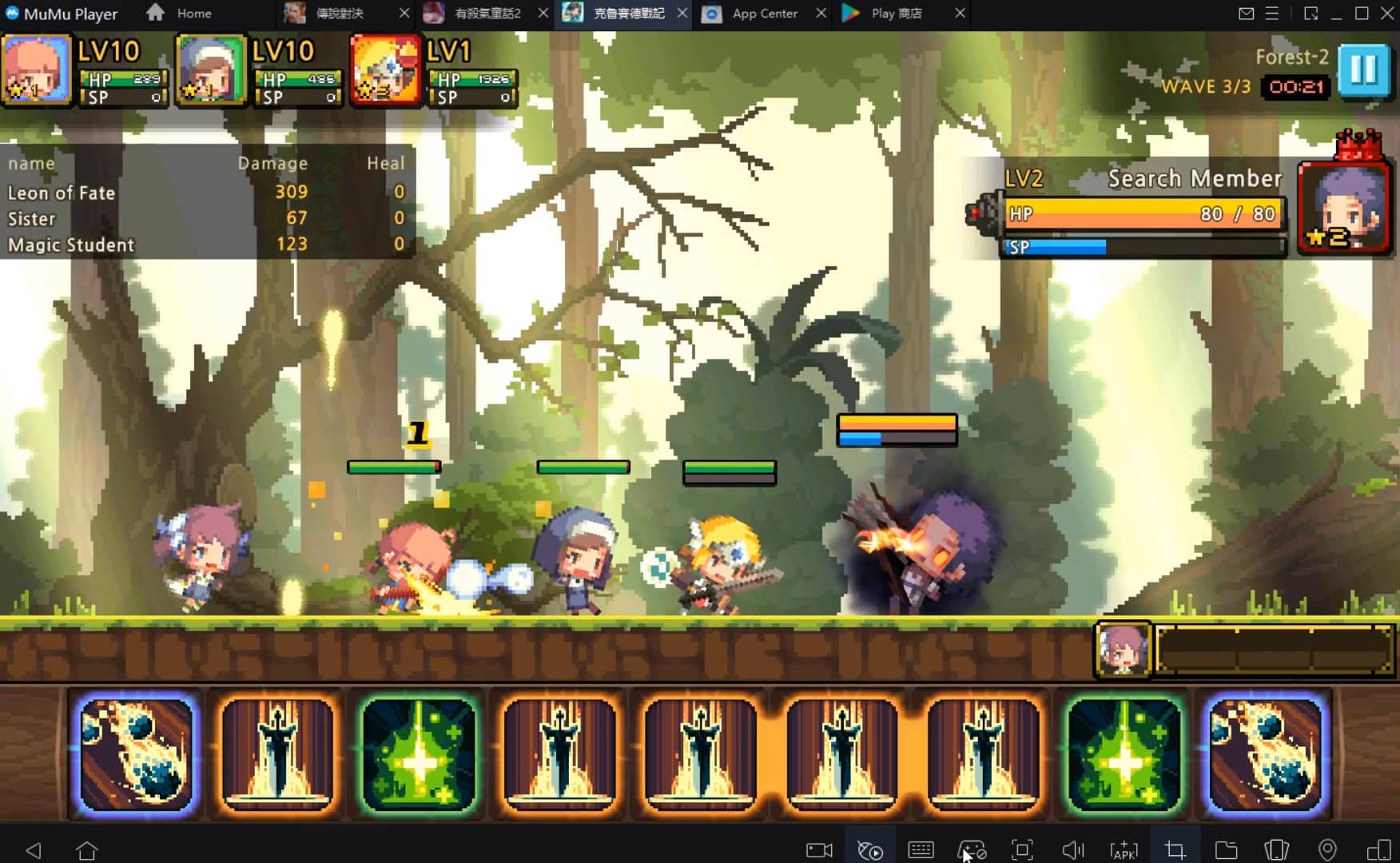
One-time recording of complex operations, just click once to free hands, automatically manage and run specific scripts.
Recommended Configuration for MuMuPlayer
Recommended computer configuration: 4-core CPU, 4GB RAM, i5 operating system, GTX950+ graphics card.
It is recommended to enable VT, which will significantly improve emulator performance, reduce screen freezing, and make games run more smoothly. >>How to enable VT
Recommended performance settings: 2 cores, 2GB. >>How to adjust performance settings
Emulator graphics rendering mode: Vulkan and DirectX both supported.
Installation Guide
① Download and install MuMuPlayer on your PC or Mac. It will identify automatically your current system and download the latest version.
② Start MuMuPlayer and complete Google sign-in to access the Play Store, or do it later.
③ Search Happy Citizens - Mayor Sim in the Play Store.
④ Complete Google sign-in (if you skipped step 2) to install Happy Citizens - Mayor Sim.
⑤ Once installation completes, click the Happy Citizens - Mayor Sim icon on the home page to start the game.
⑥ Enjoy playing Happy Citizens - Mayor Sim on your PC or Mac with MuMuPlayer.
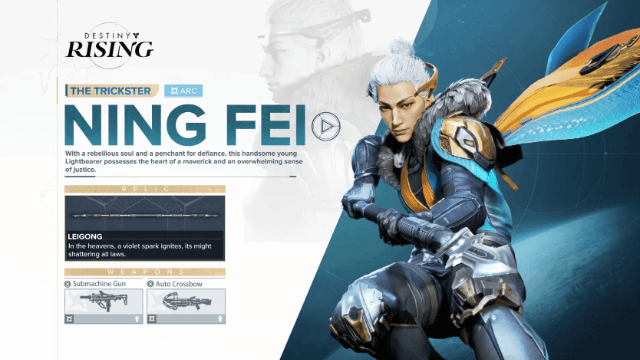
Destiny: Rising Ning Fei Guide - Abilities, Skill Tree, and How to Unlock

Destiny: Rising Jolder Guide - Abilities, Skill Tree, and How to Unlock
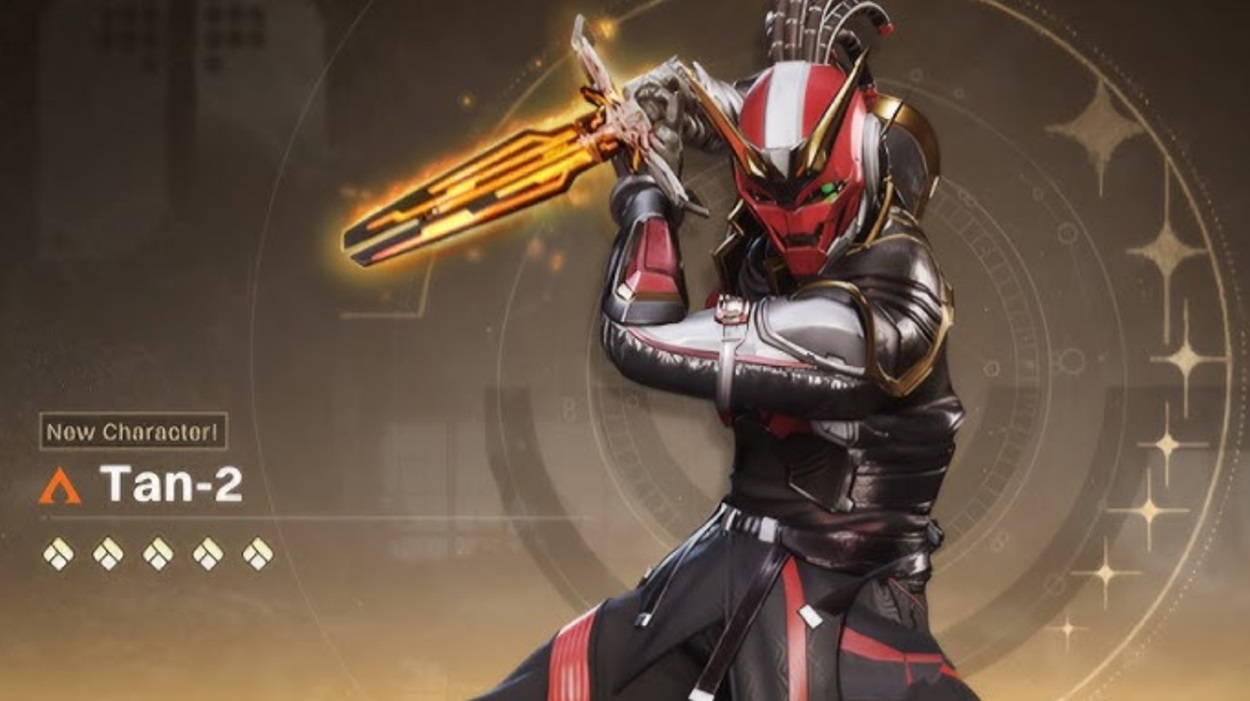
Destiny: Rising Tan-2 Guide - Abilities, Skill Tree, and How to Unlock

Azur Lane Redeem Codes - Working Codes and How to Redeem ( September 2025)

Wuthering Waves Version 2.6 Banner Guide - Featured Characters and Details
Wuthering Waves Redeem Codes - Active Codes and How to Claim Rewards ( September 2025)

Roblox: Tennis Zero Latest Codes & How to Redeem (September 2025)

Roblox: Fisch Latest Codes & How to Redeem (September 2025)