Lost Light: Weapon Skin Treat (macOS)
Juega a Lost Light: Weapon Skin Treat en PC y Mac
Descarga Lost Light: Weapon Skin Treat en PC o Mac con MuMuPlayer y obtén una experiencia de juego como en PC, con control inteligente y alto rendimiento gráfico.
MuMuPlayer, el mejor emulador Android para PC y Mac con Apple Silicon, ofrece una experiencia de juego óptima con uso mínimo de RAM y FPS alto. También te permite crear múltiples instancias del emulador y ejecutar varios juegos simultáneamente gracias a su función Multi-instance. Sus funciones avanzadas garantizan una jugabilidad fluida, incluso en PCs de baja gama.
Descarga y juega a Lost Light: Weapon Skin Treat en PC o Mac con MuMuPlayer y empieza a disfrutar de tu experiencia de juego ahora.
Sobre el juego
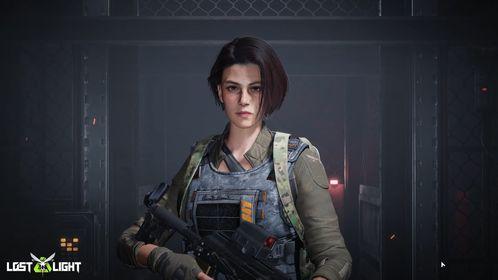
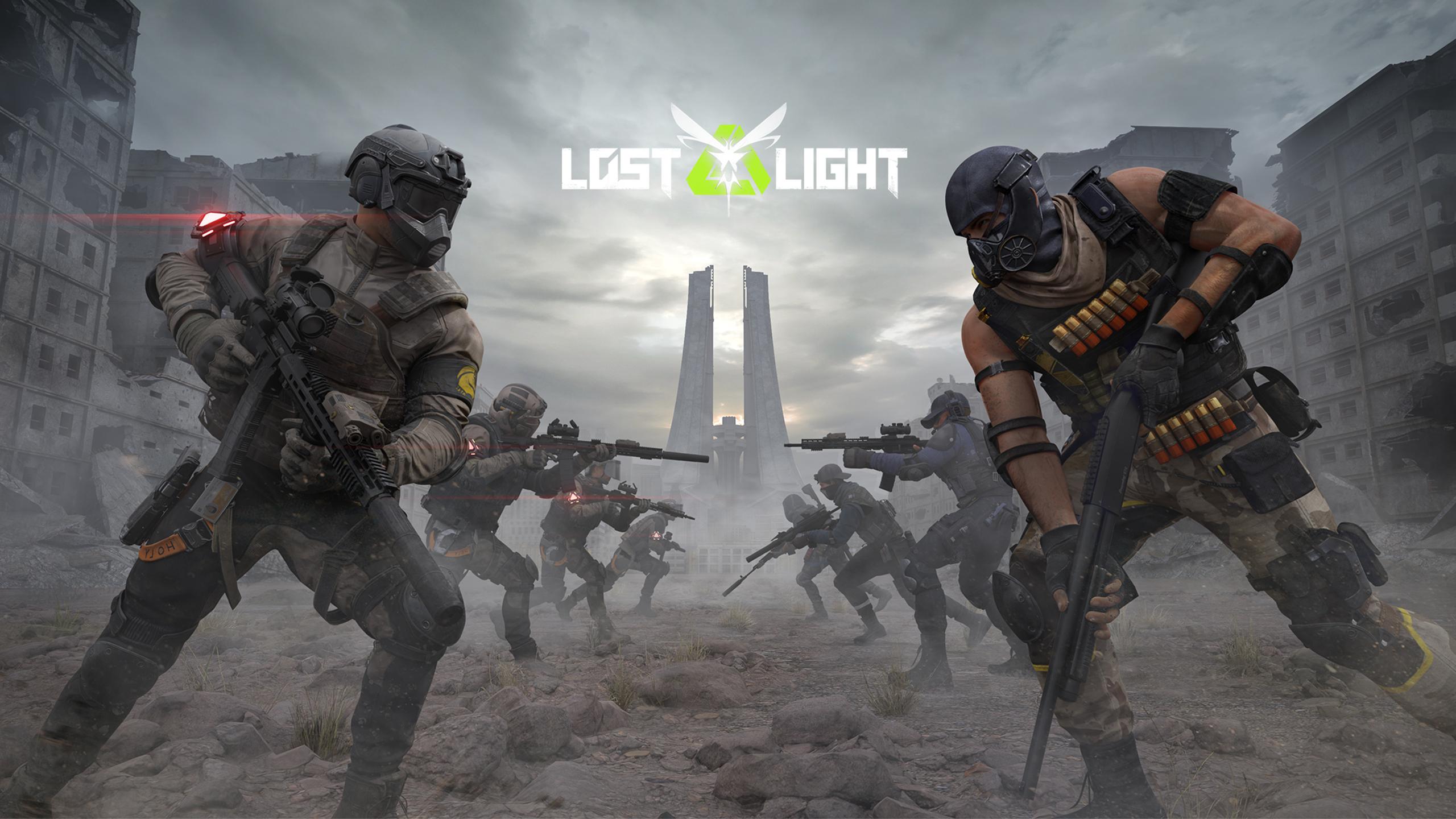
Join the Firefly Squad and embark on a quest to save the world of Lost Light. You can salvage resources by exploring the map or battling against enemies. Survive the chaotic and dangerous Exclusion Zone head-on and find the truth behind the Pheromone Outbreak.

[Game Features]
1. The Immersive Apocalypse Battlefield
In a post-apocalyptic world, survival depends on your knowledge of weapons and equipment, familiarity with maps, ability to handle hunger and injuries, and battle strategies.
Surviving in the Exclusion Zone means taking no chances. Every move counts and a single misstep could be your last. However, completing the Black Market merchant's missions, looting valuable resources, and constantly improving your survival skills can greatly increase your odds. Become the one who ultimately digs out the truth of the disaster!
2. Fully Customizable Weapons
With the realistic weapon structures and textures, Lost Light brings you an immersive shooting experience.
The highly customizable modification system brings you 12 components and over 100 parts, so you can create the best weapon build with ease. With the new Weapon Skin Customization System, you can find over 10,000 spray combinations, giving you the freedom to design your own unique style! Choose from over 100 presets and enjoy the convenience of our one-click loadout function, allowing you to prepare for battle quickly and efficiently!
3. Acting after Planning Is the Key to Survival
Enter the operation with a full build or go light and avoid fully prepared enemies, it's your choice. You can still make a fortune by looting and evacuating even if you don't defeat any enemies.
But remember, if you fail to evacuate, you will lose everything you've collected.
4. Prepare Your Strategies
In Lost Light, being fully prepared for battle in your Shelter is essential. This involves maintaining good physical condition, upgrading and modifying your combat equipment, and coordinating your personalized gear. As battle can start at any moment, it's crucial to select your equipment carefully. Luckily, Smart Pet is available to assist you. They can help you carry back the items you found in the Exclusion Zone or try to retrieve your items if you're defeated.
5. Diverse Social Interactions
On the real battlefield, there are no permanent enemies. You can choose to rescue other players, team up with them, and evacuate together. If you are knocked out, you can send an SOS signal and reveal your location to others. But you'll never know if the approaching player will be a friend or a foe.
6. Cross-platform Feature, FREE on PC
Now, players can experience a truly immersive battlefield on both PC and mobile devices. Mobile and PC players can chat in real-time and team up. With the seamless cross-platform function, you can take on more challenges and achieve greater goals!
Download Now and Play for Free - Start Your Exciting Adventure!
Follow us:
Official Website:https://www.lostlight.game/
VK:https://vk.com/lostlight.game
Facebook:https://www.facebook.com/lostlightgame
Discord:https://discord.gg/lostlightgame
Funciones del emulador

Con un esquema de botones inteligente y función de reconocimiento de imágenes, ofrece una interfaz más concisa y admite asignación de botones personalizada para satisfacer diferentes necesidades.

Ejecuta varios juegos de forma independiente al mismo tiempo, gestiona múltiples cuentas fácilmente y juega mientras mantienes otros juegos en segundo plano.

Supera el límite de FPS y disfruta de una experiencia de juego fluida sin retrasos ni caídas de rendimiento.

Arranca en 3 segundos con un 52% menos de uso de memoria y un 65% más de estabilidad.
Cómo descargar y jugar a Lost Light: Weapon Skin Treat en PC y Mac
Guía de instalación
Descarga MuMuPlayer
Descarga e instala MuMuPlayer en tu PC o Mac
Iniciar sesión en Google Store
Inicia sesión en Google para acceder a Play Store
Buscar e instalar
Busca Lost Light: Weapon Skin Treat en Play Store
Disfruta del juego
Disfruta de 120 FPS y pantalla grande de alta definición
Requisitos del sistema
Windows PC
Soporte Vulkan / DirectX. Recomendado 4 núcleos + 4GB de memoria. Hasta 240 FPS. VT requerido.
macOS
Recomendado: Apple Silicon Mac con 8GB de memoria o más. Hasta 240 FPS.