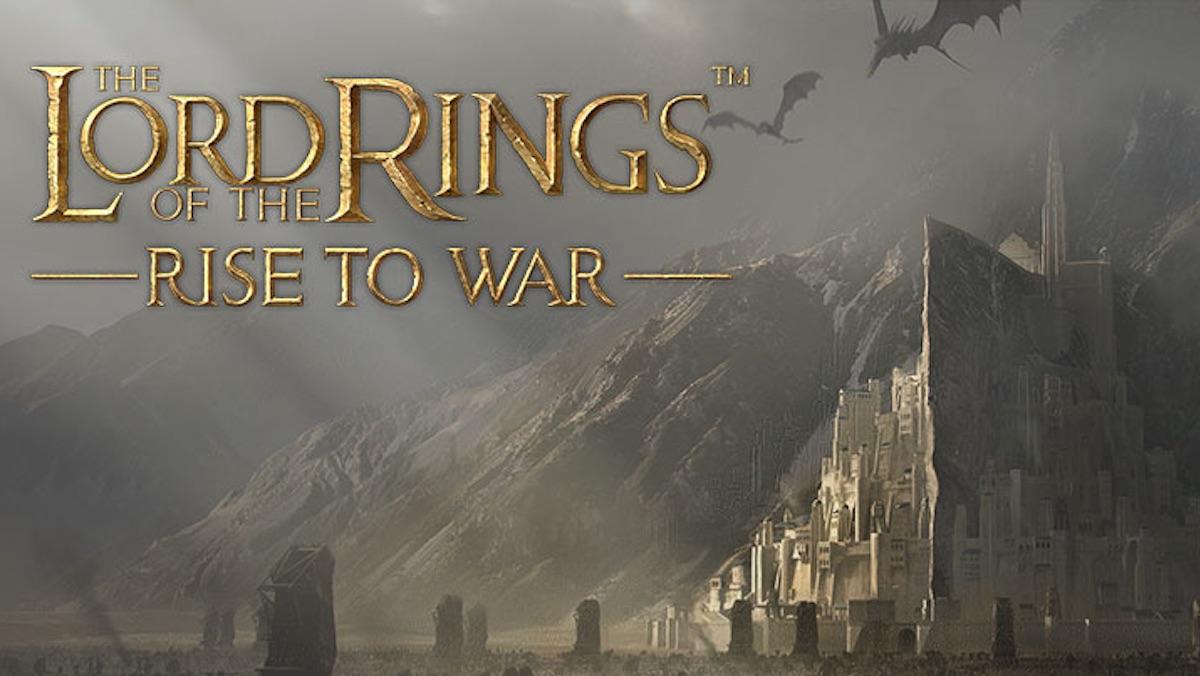
Jouez à The Lord of the Rings: War sur PC et Mac
Téléchargez The Lord of the Rings: War sur PC ou Mac avec MuMuPlayer, profitez d'un gameplay semblable à celui d'un PC avec un contrôle intelligent et des performances graphiques élevées.
MuMuPlayer, le meilleur émulateur Android pour PC et Mac avec puce Apple, offre une expérience de jeu optimale avec une utilisation minimale de la RAM et un FPS élevé. Il vous permet également de créer plusieurs instances de l'émulateur et de faire fonctionner plusieurs jeux simultanément, grâce à sa fonction Multi-instance. Ses fonctionnalités avancées d'émulateur garantissent un gameplay fluide, même sur des PC bas de gamme.
Téléchargez et jouez à The Lord of the Rings: War sur PC ou Mac avec MuMuPlayer et commencez à profiter de votre expérience de jeu dès maintenant.
À propos du jeu
Epic tales of old, be it of love, friendship, or glory, are in days bygone. A new War of the Ring is on the horizon, and the fate of Middle-earth now falls into your hands. An irrepressible dark power has been growing and seeping through every inch of Middle-earth. From Minas Tirith to Mount Doom, each faction is desperate to seize control over the One Ring and take dominion over Middle-earth once and for all.

One Ring to Rule Them All.

The War of the Ring has reignited!

- Assemble Formidable Armies
From spearmen, archers, and knights to marvellous creatures and dreadful beasts—all forces must be mustered before the battle is waged. Victory will be yours if your strategy is sound and your forces are mighty.
- Form Your Warband
As a Steward of Middle-earth, you must step into a vast world and take control by developing your settlement, expanding your territory and founding your own Warband. Grand challenges await.
- Live Your War of the Ring
The One Ring has resurfaced in the deserted castle of Dol Guldur. It bestows unrivaled power to dominate Middle-earth on its bearer, luring peoples from all factions into a great war.
- Build A Fortified Settlement
Your settlement infrastructure dictates the efficacy of your strategies. Each building functions uniquely, and your power grows with the development of your settlement.
- Expand Factional Territories
Throughout the season, your power enhances by building expeditionary forces, expanding land tiles, collecting valuable resources, and repelling the enemies. The experience and strength you gained during your conquest would help you get through any unexpected obstacles.
- Explore Middle-earth’s Wonders
From the lofty majesty of Minas Tirith to the brutish terror of Barad-dûr, experience a re-creation of Middle-earth that places you on the ground in the expansive world created by J.R.R. Tolkien.
Fonctionnalités de l'émulateur

Avec un schéma de boutons intelligente et une fonction de reconnaissance d'image, offrez une interface utilisateur plus concise et prenez en charge la personnalisation des mappages de boutons pour répondre à différents besoins.

Exécutez plusieurs jeux indépendamment en même temps, gérez facilement plusieurs comptes, jouez à des jeux avec l'opération synchrone.

Dépassez la limite de FPS et profitez d'une expérience de jeu fluide sans lag ni retard !

Démarrage 3s, mémoire -52%, stabilité +65%, 2,2M jeux Android fluides.
Comment télécharger et jouer à The Lord of the Rings: War sur PC et Mac
Guide d'installation
Télécharger MuMuPlayer
Télécharger et installer MuMuPlayer sur votre PC ou Mac
Connexion Google Store
Se connecter à Google pour accéder au Play Store
Rechercher et installer
Rechercher The Lord of the Rings: War dans le Play Store
Profiter du jeu
Profitez de 120 FPS et d'un grand écran haute définition
Configuration requise
Windows PC
Support Vulkan / DirectX. 4 cœurs + 4 Go de mémoire recommandés. Jusqu'à 240 FPS. VT requis.
macOS
Recommandé : Apple Silicon Mac avec 8 Go de mémoire ou plus. Jusqu'à 240 FPS.