Play Black Beacon on PC and Mac
Download Black Beacon on PC or Mac with MuMuPlayer, get a PC like gameplay along with smart control and high graphics performance.
MuMuPlayer, the top Android emulator for PC and Apple silicon Mac, delivers an optimal gaming experience with minimal RAM usage and high FPS. It also allows you to create multiple instances of the emulator and run several games simultaneously, thanks to its Multi-instance feature. Its advanced emulator features ensure smooth gameplay, even on low-end PCs.
Download and play Black Beacon on PC or Mac with MuMuPlayer and start enjoying your gaming experience now.
About the Game
─ Game Introduction ─
Upon the arrival of the "Seer," a prophet foretold in ancient prophecies, the mysterious black monolith known as the "Beacon" activates, triggering anomalies beyond comprehension at the Tower of Babel.

These anomalies are far more than mere myths; within them lie hidden truths, waiting to be uncovered.

Join forces with your comrades as you embark on a journey to unravel the secrets behind these catastrophic events and save humanity from impending disaster.
Your choices will shape the fate of the world and echo through the ages.

"Are you ready to seek the truth?"

─ Game Features ─
⟡ Rich Story and Immersive Worldbuilding ⟡
□ Explore the blurred lines between myth and reality.
□ Journey through the mysterious reawakening of anomalies, as you uncover long-buried truths.
□ Character-driven narratives, each uniquely tied to your companions’ journeys.

⟡ Distinctive Character Development ⟡
□ Strengthen bonds with your characters through affinity, voice lines, and profile systems.
□ Unlock personal customization with character costumes and exclusive weapons.

⟡ Unique and Strategic Action RPG Combat System ⟡
□ Dive into intuitive yet deeply tactical combat, where your choices influence the flow of battle.
□ Experience dynamic quarter-view action with unique combo mechanics and skill synergies.

⟡ Full Story Voice Acting ⟡
□ Full voice acting in multiple languages immerses you in the story.
□ Rich character development through deep and realistic emotional expressions.

─ System Requirements ─
□ Requires Android 6.0 or higher
□ Recommend: Qualcomm Snapdragon 865, Kirin 990, MediaTek 1000, RAM 6GB+, Storage 8GB+
□ Minimum: Qualcomm Snapdragon 670, Kirin 960, MediaTek Helio P95, RAM 4GB+, Storage 8GB+

*This app contains in-game purchases and chance-based items.*

▶ Smartphone App Permissions
The following permissions are requested to allow you access to the listed in-game features.

[Required Permissions]
None

[Optional Permissions]
None

* If your device is running on a version lower than Android 6.0, you will be unable to set optional permissions. We recommend upgrading to Android 6.0 or higher.
* Some apps may not ask for optional permissions. However, you can still manage your app permissions and deny access.

▶ How to Revoke Permissions
You can reset or revoke permissions using the following steps:

[Android 6.0 and up]
Open Settings > Apps > Select app > Permissions > Allow or deny access

[Android 5.1.1 and lower]
Update your operating system to revoke permissions or delete the app from your device.
Emulator Features

With a smart button scheme and image recognition function, provide a more concise UI, and support custom button mapping to meet different needs.

Run multiple games independently at the same time, easily manage multiple accounts, play games while hanging.

Break through FPS limit, and enjoy a seamless gaming experience without lag and delay!

Get a 3-second startup with 52% less memory usage and 65% more stability.
How to Download and Play Black Beacon on PC and Mac
Installation Guide
Download MuMuPlayer
Download and install MuMuPlayer on your PC or Mac
Sign-in Google Store
Complete Google sign-in to access the Play Store
Search and Install
Search Black Beacon in the Play Store
Enjoy Gaming
Enjoy 120 FPS high-def gameplay with big screen
System Requirements
Windows PC
Vulkan / DirectX supported. 4 cores + 4GB RAM recommended. Up to 240 FPS. VT required.
macOS
Recommended: Apple Silicon Mac with 8GB RAM or above. Up to 240 FPS.
Get more news, guides and redeem codes about Black Beacon
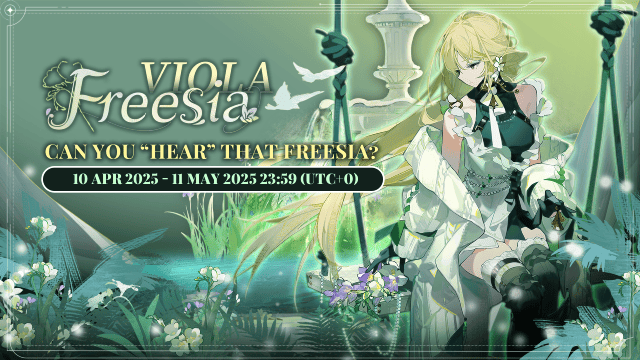
Black Beacon: Unlock Your Free Weapon Skin on the Viola-Freesia Event!
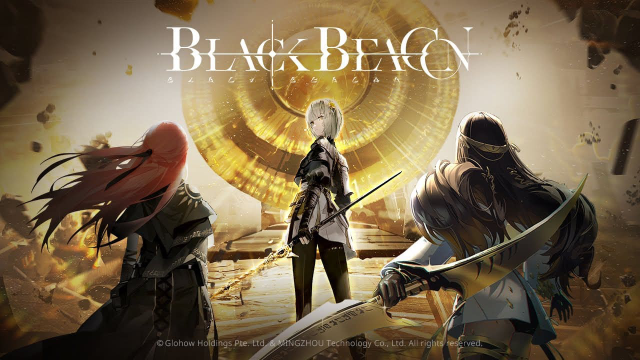
Black Beacon: Complete List of Codes for June

Black Beacon Global Launch on April 10th: Pre-register Now to Unlock Exclusive Rewards!
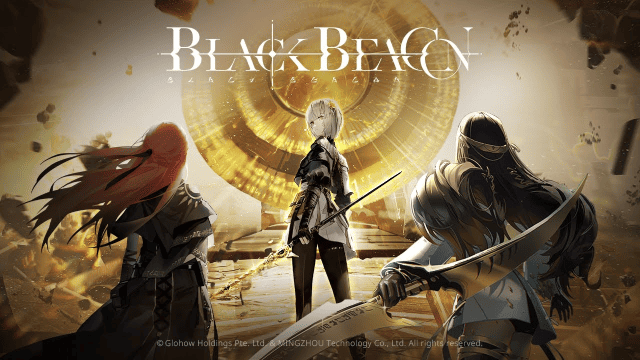
How to play Black Beacon on PC & Mac with MuMuPlayer?
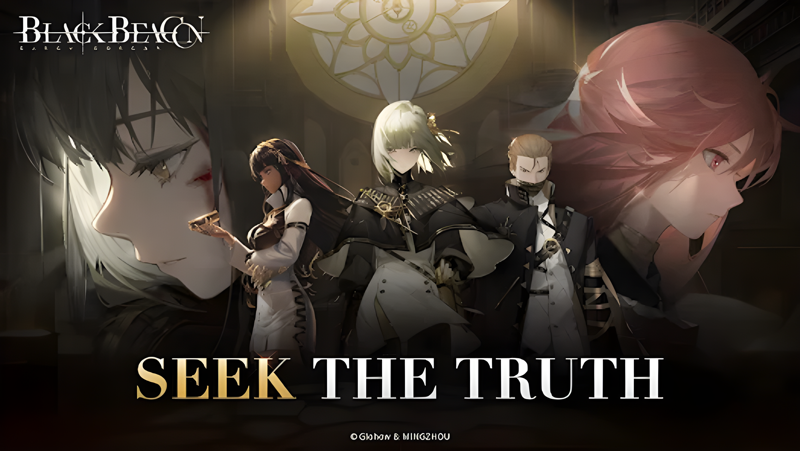
How to play Black Beacon on Mac with MuMuPlayer Pro
(1).png?fop=imageView/0/w/150/h/150)