Play Block Blast! on PC and Mac
Block Blast! is a casual puzzle game that challenges players to think ahead and place colorful blocks strategically on a grid. The core idea is straightforward: drag blocks onto the board, complete rows and columns to clear space, and build combos to push your score higher. Its blend of simple mechanics and genuine strategic depth has made it a favorite for anyone who enjoys relaxed but mentally engaging gameplay, and it plays just as smoothly on PC through MuMuPlayer as it does on a phone.
What makes Block Blast! stand out among casual puzzle titles is how naturally it balances accessibility with challenge. New players can pick it up within seconds, while experienced players will find themselves planning several moves ahead to keep the board open and maximize combo potential. The game is fully playable offline, making it a reliable option whenever you want entertainment without needing a network connection. Daily challenges add fresh goals to return to, and the quick round structure means a satisfying session can fit into almost any schedule.
Playing Block Blast! on PC through MuMuPlayer brings real advantages to this type of puzzle game. The larger screen makes the grid significantly easier to read at a glance, giving you a clearer view of available space and upcoming block shapes before committing to a placement. Mouse control offers precise drag-and-drop interaction that feels natural for this style of gameplay. MuMuPlayer also runs reliably in the background, so you can enjoy long sessions or step away and return without interruption, making it an ideal setup for players who want the full Block Blast! experience on a bigger display.
About the Game
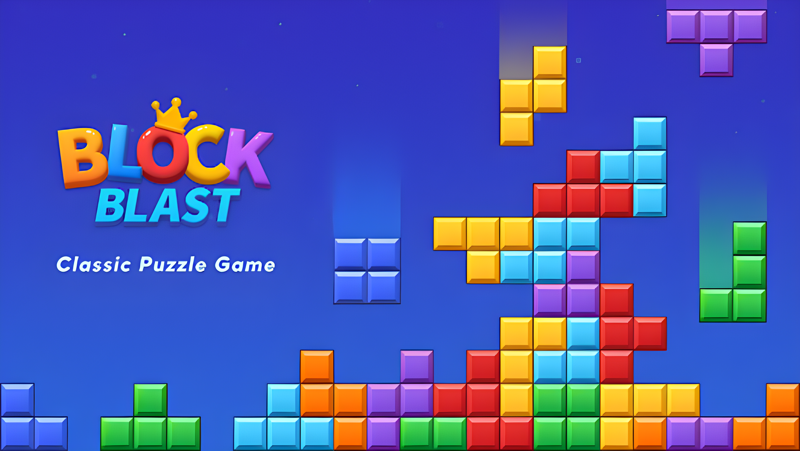
Block Blast! takes a concept that feels immediately familiar and builds enough depth around it to keep players coming back long after the first session. The playing field is a grid, and your job is to fit incoming block shapes onto it in a way that completes full rows and columns. When a row or column fills up completely, it clears, opening space for more pieces. The longer you keep the board manageable, the longer you survive, and the more opportunities you create for the chain combos that send your score climbing.
The satisfaction of this game comes from two places at once. There is the immediate pleasure of watching a well-placed block snap into position and trigger a satisfying clear, and then there is the slower, more deliberate pleasure of recognizing a setup several moves early and executing it cleanly. Neither half of that experience requires any prior puzzle game knowledge. The rules take about thirty seconds to understand, but the decisions you make within those rules can keep your mind engaged for as long as you want to play.
What Block Blast! does particularly well is pacing. Sessions can be as short as a few minutes during a break or extended into longer runs when you have more time to settle in. There is no artificial pressure from timers or limited lives in the traditional sense. Progress comes from skill and attention rather than grinding or waiting. That structure makes it genuinely relaxing without removing the sense of accomplishment that comes from a strong performance.
Key gameplay elements worth knowing before you start:
- Blocks arrive in sets and must be placed on the board before the next set appears
- Completing multiple rows or columns in a single move creates combo bonuses
- Planning around the shapes of upcoming blocks is central to maintaining a clear board
- The game ends when no valid placement exists for incoming pieces
- Daily challenges provide structured goals beyond pure score chasing
Because Block Blast! runs entirely offline, it works well in environments where a stable connection is not available. Commutes, travel, and areas with unreliable coverage are all situations where the game remains fully functional. There are no loading screens that require server contact and no features locked behind an internet requirement.
The visual presentation keeps things clean and readable. Block colors are distinct, the grid lines are easy to follow, and cleared rows produce just enough animation to feel rewarding without becoming distracting. The overall aesthetic leans into calm rather than stimulation, which fits the gameplay tone well.
For players who enjoy chasing personal bests, the scoring system rewards efficiency. Larger combos generated by clearing multiple lines simultaneously score significantly better than single-line clears, which creates a natural incentive to think beyond the immediate placement and set up sequences in advance. Over time, this encourages a more deliberate style of play even among players who start out placing blocks reactively.
Block Blast! works well for a wide range of players precisely because it does not demand anything specific from them. Casual players can enjoy it as a low-pressure way to pass time. More competitive players can use it as a score-chasing exercise that rewards pattern recognition and forward planning. Either approach is valid, and the game supports both without pushing players toward one style over the other.
Emulator Features

With a smart button scheme and image recognition function, provide a more concise UI, and support custom button mapping to meet different needs.

Run multiple games independently at the same time, easily manage multiple accounts, play games while hanging.

Break through FPS limit, and enjoy a seamless gaming experience without lag and delay!

Get a 3-second startup with 52% less memory usage and 65% more stability.
How to Download and Play Block Blast! on PC and Mac
Installation Guide
Download MuMuPlayer
Download and install MuMuPlayer on your PC or Mac
Sign-in Google Store
Complete Google sign-in to access the Play Store
Search and Install
Search Block Blast! in the Play Store
Enjoy Gaming
Enjoy 120 FPS high-def gameplay with big screen
System Requirements
Windows PC
Vulkan / DirectX supported. 4 cores + 4GB RAM recommended. Up to 240 FPS. VT required.
macOS
Recommended: Apple Silicon Mac with 8GB RAM or above. Up to 240 FPS.