

StarSavior Reroll Guide: How to Get the Best Start
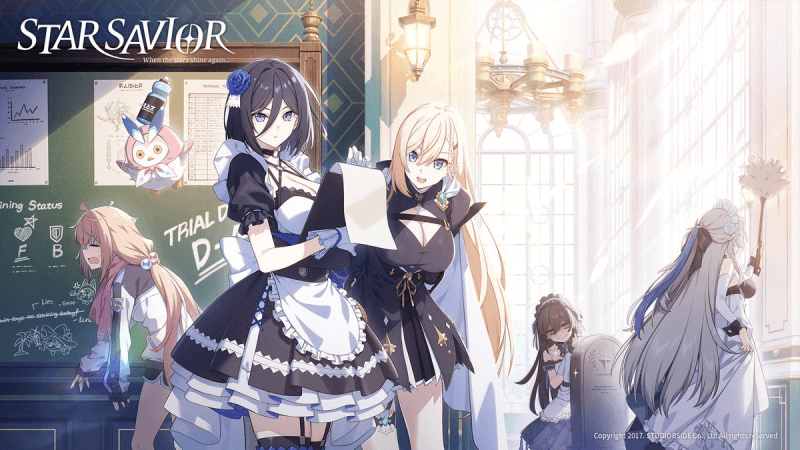
StarSavior, set to launch its global server on March 19th, is an immersive sci-fi role-playing game (RPG) that combines strategic turn-based combat with stunning space exploration. Players take on the role of a "Star Savior" tasked with protecting the galaxy from interstellar threats, uncovering ancient civilizations, and assembling a team of powerful heroes to stand against chaos. The game features a deep character progression system, where each hero has unique skills, elements, and synergies—making team composition crucial to overcoming challenging stages, boss battles, and competitive modes. As a free-to-play game, obtaining top-tier heroes early through rerolling can significantly boost your progress and enhance your gaming experience, which is why this guide focuses on using MuMuPlayer to reroll efficiently.
If you’re looking to get more information about StarSavior, feel free to check out the related guides below:
These guides can help you boost your progress and enhance your overall gameplay experience.
By the way, if you’re already eager to play StarSavior, we highly recommend playing StarSavior on PC and Mac with MuMuPlayer for a smoother gameplay experience. MuMuPlayer is the top Android emulator that offers optimal gaming performance with smooth keyboard and mouse controls, high FPS, and multi-instance support. You could also directly download StarSavior PC on MuMuPlayer if you don’t want to miss out on the latest game updates.
How To Reroll In StarSavior with MuMuPlayer
Step 1. Download MuMuplayer
Step 2. Create Multiple Devices
Open MuMuPlayer and create new devices.
- Option 1: Manually create a new device.
- Option 2: Enter how many devices you want to make (for example, 3–5).
- Option 3: Wait for the creation process to complete — once done, all devices will appear in your list.
This allows you to manage several accounts simultaneously and perform rerolls much faster.
Step 3. Enable Multi-Tasking
Click on the device windows and open the Synchronizer tool. This feature mirrors your actions across all open devices — letting you play, summon, and reset multiple accounts at the same time.
Step 4. Download StarSavior
Next, install StarSavior inside MuMuPlayer.
You can do this in two ways:
- From MuMu Store: Search for StarSavior and download it directly.
- From an APK file: Download the game’s APK from Google or a trusted site, then drag and drop it into your MuMuPlayer window to install.
Step 5. Start Rerolling
Log in the game in "Guest Mode" in each emulator and peform summoning synchronously. Once an instance yields a satisfactory result, bind your personal account to it.
Tips for rerolling StarSavior
• Optimize Your PC Performance: Close other unnecessary apps while running multiple MuMuPlayer instances to avoid lag. Lower the emulator’s graphics settings (e.g., resolution, frame rate) if your PC is not powerful enough.
• Skip Unnecessary Cutscenes: Most cutscenes in the tutorial can be skipped by clicking the "Skip" button. This will reduce the time per reroll cycle.
• Focus on Launch Banners: The game’s launch banners have higher drop rates for S-Tier heroes, so avoid using your summoning resources on other banners until you get your desired heroes.
• Save Time with Auto-Click: MuMuPlayer has an auto-click feature that can automate repetitive tasks (e.g., clicking through dialogue). Use this to speed up the tutorial process.
• Don’t Settle for Less: While A-Tier heroes are good, aim for at least one S-Tier hero to make your early game easier. Rerolling may take time, but it’s worth it for long-term progress.
StarSavior FAQ
Q1: How long does it take to complete one reroll cycle?
A: With MuMuPlayer and skipping cutscenes, one reroll cycle takes about 10-15 minutes per instance. If you run 3 instances at once, you can complete 3 rerolls in 15 minutes.
Q2: Are rerolled accounts safe?
A: Yes, as long as you create new accounts for each reroll (e.g., using different Google accounts or guest accounts). Avoid sharing account information to prevent bans.
Q3: What if I don’t get any S-Tier heroes after multiple rerolls?
A: Be patient. Rerolling is a game of chance, and the drop rate for S-Tier heroes is low (usually around 3-5%). Keep repeating the process, and you will eventually get your desired hero.
Q4: Can I transfer my rerolled account to my mobile device?
A: Yes. Once you have a good account on MuMuPlayer, link it to your Google Play, Apple ID, or game account. Then you can log in to the same account on your mobile device and continue playing.
MuMuPlayer – The Perfect Companion for StarSavior
For the ultimate gaming experience, we suggest you download StarSavior on MuMuPlayer. This emulator offers several advantages:
- Smooth Gaming Experience: Experience StarSavior with minimal lag and stunning graphics.
- Smart Controls: Customize your keyboard and mouse settings for precise control.
- Multi-Tasking: Run multiple apps simultaneously without affecting performance.
- Mac-Compatible: Specifically designed for mobile gamers and tailored for macOS, MuMuPlayer(macOS) is the first to adapt to the Apple Silicon Mac.
Conclusion
Rerolling is the best way to start your StarSavior journey on the right foot, and MuMuPlayer makes the process fast and efficient. With its multi-instance feature, you can run multiple accounts at once, save time, and quickly get the S-Tier heroes you need to dominate the game. Don’t miss out on StarSavior’s global launch on March 19th—download MuMuPlayer today, follow this reroll guide, and assemble your dream team of galactic heroes. Experience the stunning visuals, strategic combat, and epic space adventure of StarSavior on the big screen with MuMuPlayer—your ultimate tool for a perfect start!
End of Article