Play Century: Age of Ashes on PC and Mac
Download Century: Age of Ashes on PC or Mac with MuMuPlayer, get a PC like gameplay along with smart control and high graphics performance.
MuMuPlayer, the top Android emulator for PC and Apple silicon Mac, delivers an optimal gaming experience with minimal RAM usage and high FPS. It also allows you to create multiple instances of the emulator and run several games simultaneously, thanks to its Multi-instance feature. Its advanced emulator features ensure smooth gameplay, even on low-end PCs.
Download and play Century: Age of Ashes on PC or Mac with MuMuPlayer and start enjoying your gaming experience now.
About the Game
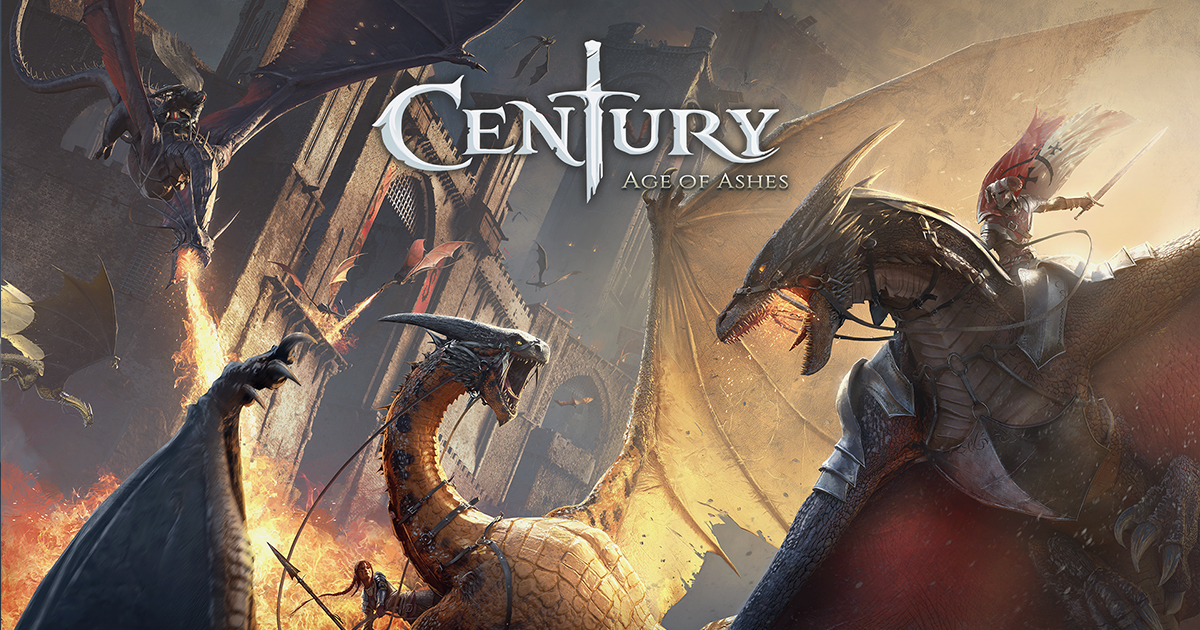
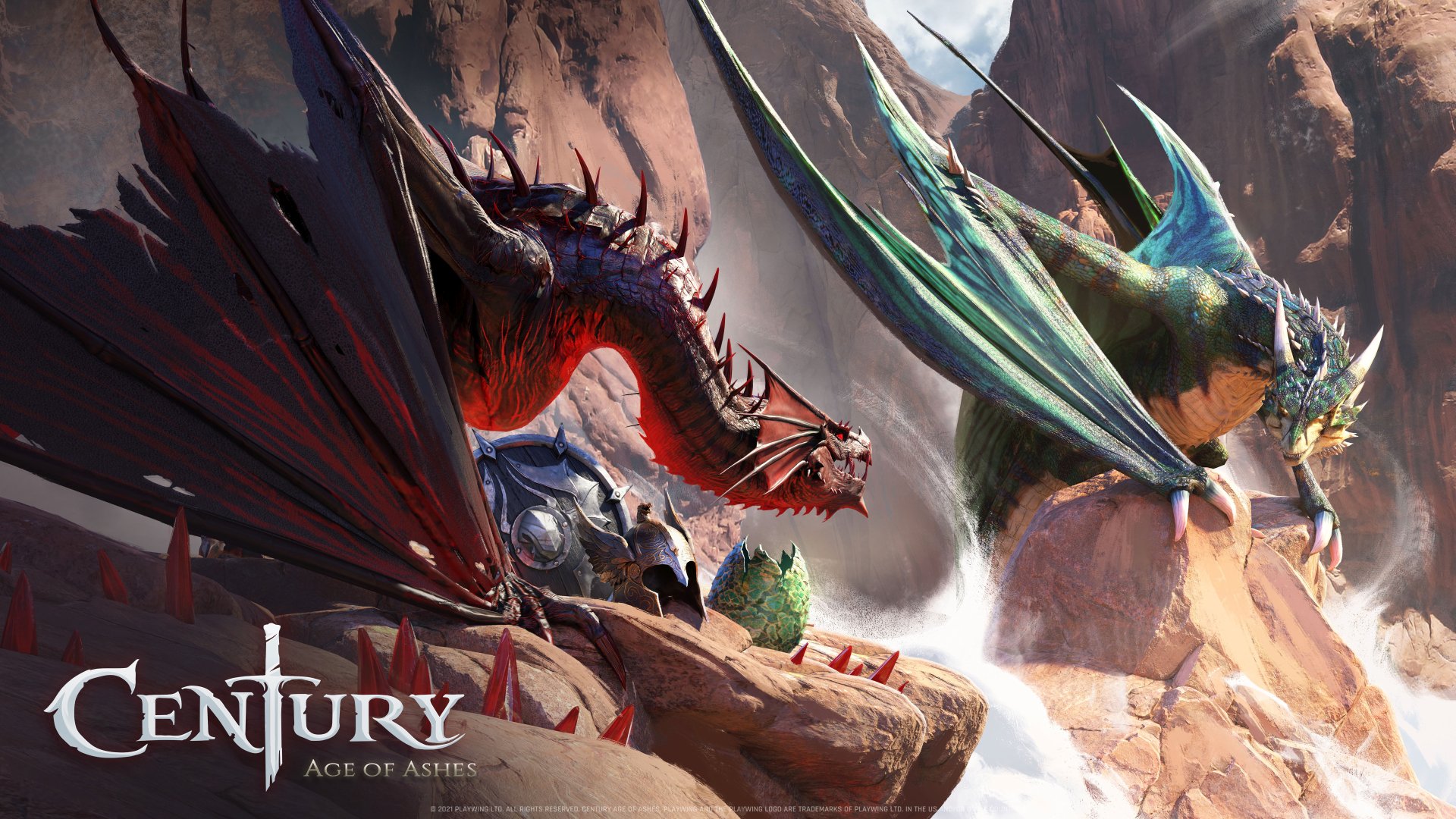
Century: Age of Ashes, the multiplayer dragon battle game is now available for free! Customize your dragon, dive into the arena and compete to become a legendary Dragoneer. Burn your enemies and rule the skies!

-------
INTENSE ARENA BATTLES
Dive into the arena alone or with friends and fight for your survival in exciting game modes:
- Carnage: A killing spree with special power ups. It’s Team Deathmatch, Dragon riders style!
- Spoils of War: Steal gold from carriers & the enemy while protecting your own nest, and adapt to unexpected situations!


-------
CHOOSE YOUR CLASS
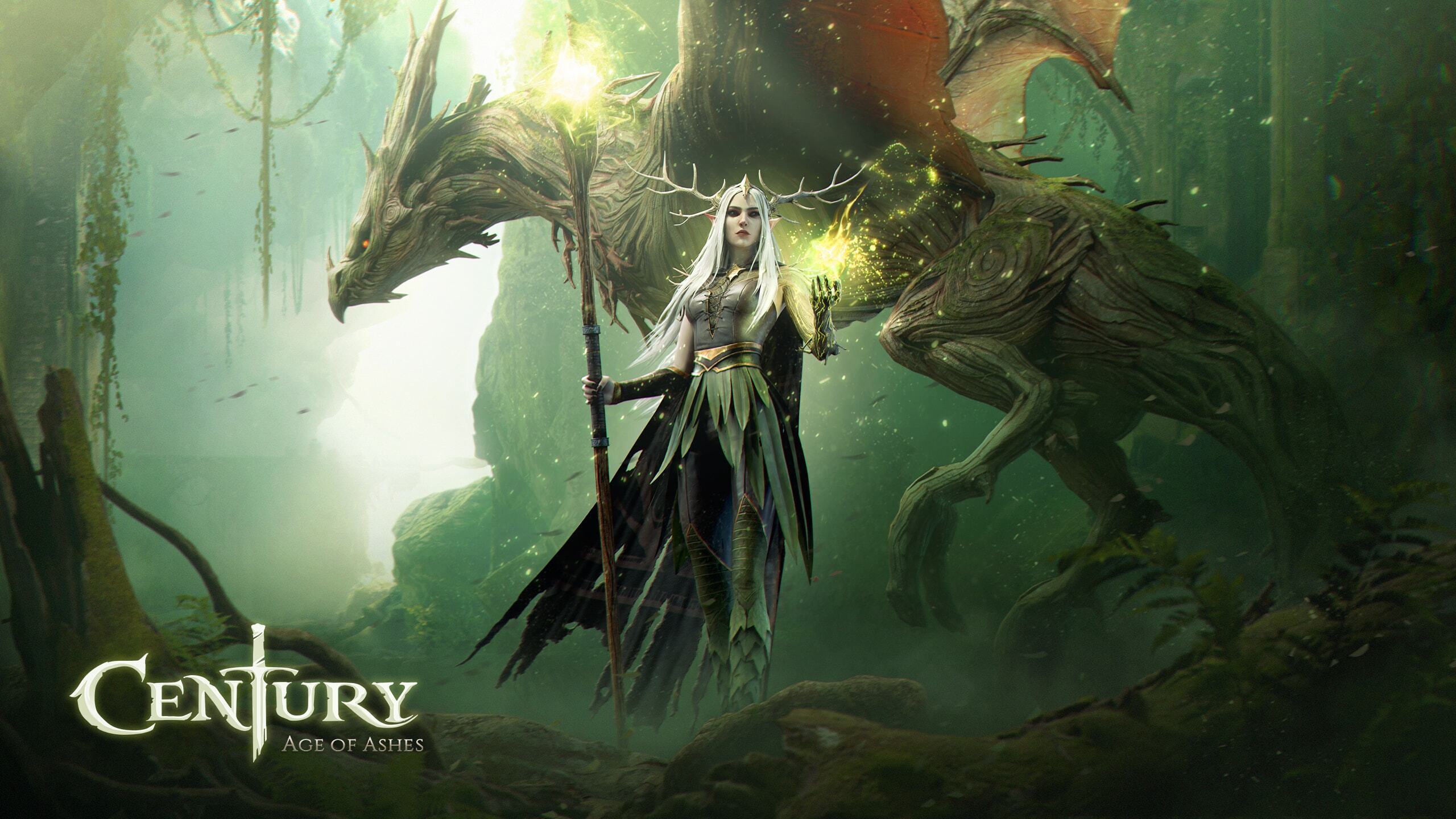
Experience different play styles with unique classes, each with their own abilities! Shield and disorient as the Windguard, track and destroy as the Marauder, stealth and trap as the Phantom or rush and thunder-shock your opponents as the Stormraiser! How will you choose your path to victory?

-------
FULL CUSTOMIZATION
Your dragon, your style! Century: Age of Ashes offers carefully designed cosmetic items to stand out in the arena. Gain experience as you play and unlock awesome skins to customize your dragon and its rider!

-------
GAME REQUIREMENTS
To enjoy our game on Android devices, please ensure that your device meets these minimum requirements:
- RAM: 4 GB or more
- Free Disk Space: 5 GB
- Minimum Processor:
    - Snapdragon 732G or better.
    - Helio G99 or better.
    - Dimensity 800 or better.
    - Exynos 880 or better.
Emulator Features

With a smart button scheme and image recognition function, provide a more concise UI, and support custom button mapping to meet different needs.

Run multiple games independently at the same time, easily manage multiple accounts, play games while hanging.

Break through FPS limit, and enjoy a seamless gaming experience without lag and delay!

Get a 3-second startup with 52% less memory usage and 65% more stability.
How to Download and Play Century: Age of Ashes on PC and Mac
Installation Guide
Download MuMuPlayer
Download and install MuMuPlayer on your PC or Mac
Sign-in Google Store
Complete Google sign-in to access the Play Store
Search and Install
Search Century: Age of Ashes in the Play Store
Enjoy Gaming
Enjoy 120 FPS high-def gameplay with big screen
System Requirements
Windows PC
Vulkan / DirectX supported. 4 cores + 4GB RAM recommended. Up to 240 FPS. VT required.
macOS
Recommended: Apple Silicon Mac with 8GB RAM or above. Up to 240 FPS.