
Play Chronicle of Infinity on PC and Mac
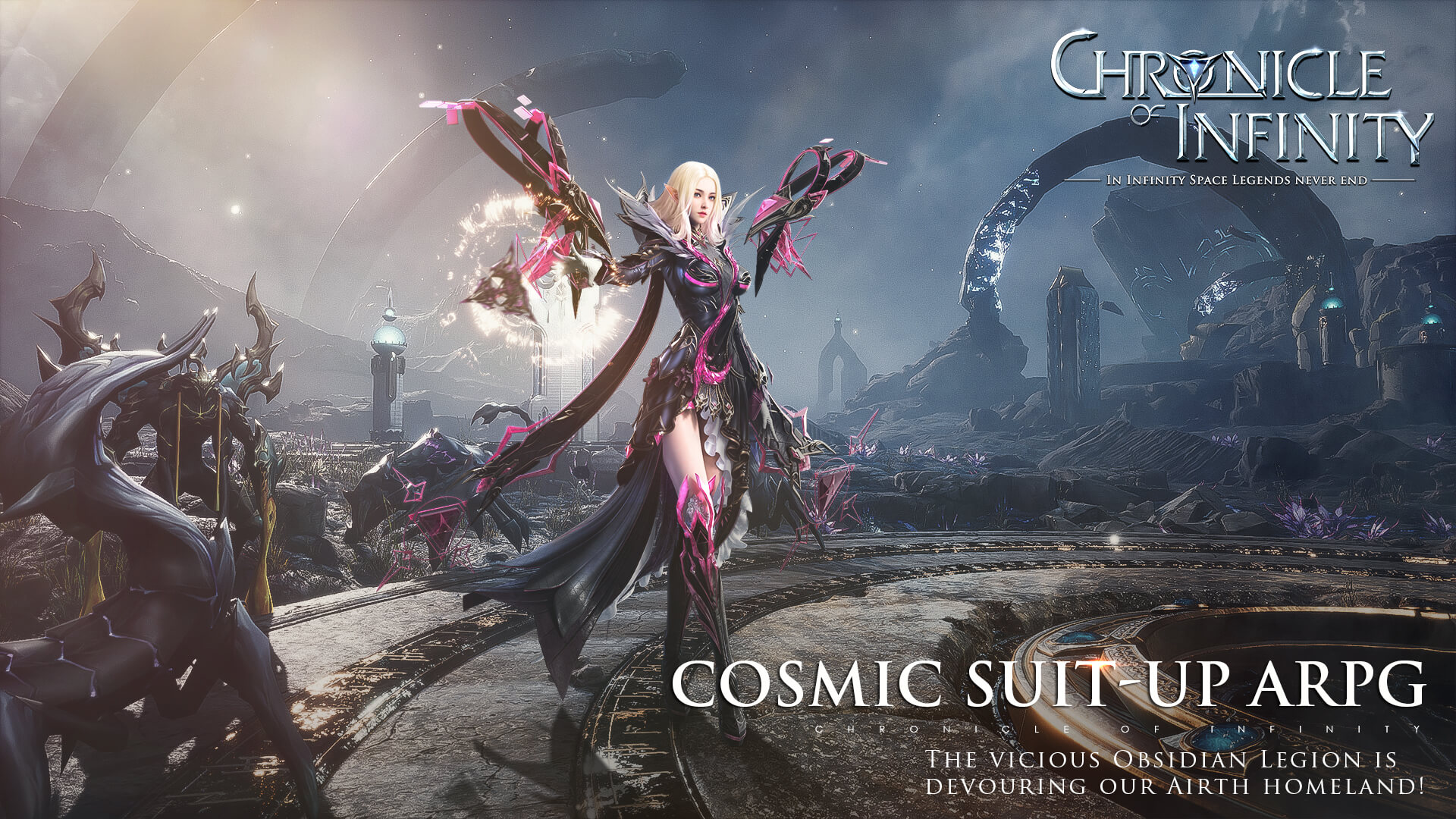
Chronicle of Infinity is an action role-playing MMORPG that drops players into the world of Astrapolis, where the Astral Alliance is locked in a desperate struggle against the relentless forces of the Obsidian Army. You step into the role of a Guardian, answering the call to defend civilization through high-impact combat, deep character progression, and a richly connected online world. Play Chronicle of Infinity on PC through MuMuPlayer and experience every explosive encounter on a larger screen with smoother controls.
The game sets itself apart with visually striking combat, featuring screen-filling special effects, elaborate ultimate skill animations, and a transforming Armor Status system that changes how your character looks and fights. Exploration and loot gathering are driven by a fully randomized dungeon system, where layouts, monsters, chests, NPCs, and traps are generated fresh every run, keeping rewards unpredictable and the challenge varied. Outside dungeons, a dynamic open-world sandbox hosts random events and hidden secrets scattered across its environments, making exploration genuinely rewarding. Chronicle of Infinity also supports up to 150 players competing simultaneously in its Battle Royale mode called Apex Guerilla, where titles, wealth, and fame are earned by the last one standing. Companions take the form of pets and avian creatures that deal serious damage while also serving as wings during moments of danger.
Playing Chronicle of Infinity on PC through MuMuPlayer brings meaningful advantages to every part of the experience. The larger display gives you a clear view of the wide open world and lets you track chaotic 150-player PVP battles with far more precision than a mobile screen allows. Keyboard and mouse controls make navigating randomized dungeons and reacting to dynamic world events faster and more comfortable during long sessions. MuMuPlayer's stable performance also helps maintain consistency through the game's demanding combat animations and real-time multiplayer encounters, so nothing interrupts the action when it matters most.
About the Game
Chronicle of Infinity places you in the middle of a war that defines the fate of an entire civilization. The Astral Alliance, struggling to hold back the Obsidian Army's relentless assault, has put out a call for Guardians powerful enough to turn the tide. You are one of those Guardians, and the city of Astrapolis is where your journey begins. What unfolds from there is a layered MMORPG experience that combines high-intensity action combat with open-world exploration, large-scale multiplayer competition, and endlessly variable dungeon content.
Combat in Chronicle of Infinity is built around spectacle and impact. Special effect animations are designed to fill the screen during key moments, and ultimate skills come with elaborate visual sequences that make each activation feel significant. One of the standout mechanics is the Armor Status transformation, which alters your character's appearance and combat capabilities, adding a strategic layer to how you approach different encounters. Every fight feels deliberate, and the visual feedback makes even routine clashes satisfying.
The dungeon system is one of the game's most distinctive features. Rather than repeating the same fixed layouts, every dungeon run is generated from scratch. The structural layout changes each time, and so do the monsters, treasure chests, NPCs, traps, and entry points scattered throughout. This means no two runs feel identical, and the rewards you earn are never guaranteed, which keeps the motivation to keep pushing forward genuinely strong. Special rewards are tucked into well-designed traps, rewarding players who pay close attention to their surroundings.
Beyond dungeons, the open world operates as a living sandbox where randomized events unfold across the map. Your choices and actions carry real consequences in this environment, and the world responds to what players do over time. Exploration is further encouraged by a collection of Easter eggs hidden throughout different regions, giving curious players extra incentive to stray from the main path.
For competitive players, Chronicle of Infinity offers Apex Guerilla, a Battle Royale mode that supports up to 150 participants at once. The stakes are high: exclusive titles, in-game wealth, and recognition are all on the line. The format is straightforward but intense, you either outlast everyone else or you lose everything. This mode adds a sharp competitive edge to a game that already offers plenty of cooperative and exploration-driven content.
Your character is never alone in Chronicle of Infinity. Pets travel alongside you and are capable of dealing serious damage despite their appealing appearances. Avian companions serve a dual purpose, acting as combat allies and transforming into wings when you find yourself in danger. These companions add personality to your Guardian and provide meaningful mechanical support throughout the game.
Key things to know before you start: - Dungeons are fully randomized on every run, covering layout, enemies, loot, and traps - Apex Guerilla supports up to 150 players in a single Battle Royale match - The Armor Status system lets your character transform visually and mechanically during combat - The open world features dynamic random events that react to player actions - Pets and avian companions provide both cosmetic appeal and real combat utility - Hidden Easter eggs are scattered across the world map for dedicated explorers
Chronicle of Infinity rewards players who invest time in both its systems and its world, offering a consistently fresh experience through randomization and a competitive scene that raises the difficulty bar through real human opposition.
Emulator Features

With a smart button scheme and image recognition function, provide a more concise UI, and support custom button mapping to meet different needs.

Run multiple games independently at the same time, easily manage multiple accounts, play games while hanging.

Break through FPS limit, and enjoy a seamless gaming experience without lag and delay!

Get a 3-second startup with 52% less memory usage and 65% more stability.
How to Download and Play Chronicle of Infinity on PC and Mac
Installation Guide
Download MuMuPlayer
Download and install MuMuPlayer on your PC or Mac
Sign-in Google Store
Complete Google sign-in to access the Play Store
Search and Install
Search Chronicle of Infinity in the Play Store
Enjoy Gaming
Enjoy 120 FPS high-def gameplay with big screen
System Requirements
Windows PC
Vulkan / DirectX supported. 4 cores + 4GB RAM recommended. Up to 240 FPS. VT required.
macOS
Recommended: Apple Silicon Mac with 8GB RAM or above. Up to 240 FPS.




(1).png?fop=imageView/0/w/150/h/150)