
Play City of Fantasy on PC and Mac
Download City of Fantasy on PC or Mac with MuMuPlayer, get a PC like gameplay along with smart control and high graphics performance.
MuMuPlayer, the top Android emulator for PC and Apple silicon Mac, delivers an optimal gaming experience with minimal RAM usage and high FPS. It also allows you to create multiple instances of the emulator and run several games simultaneously, thanks to its Multi-instance feature. Its advanced emulator features ensure smooth gameplay, even on low-end PCs.
Download and play City of Fantasy on PC or Mac with MuMuPlayer and start enjoying your gaming experience now.
About the Game
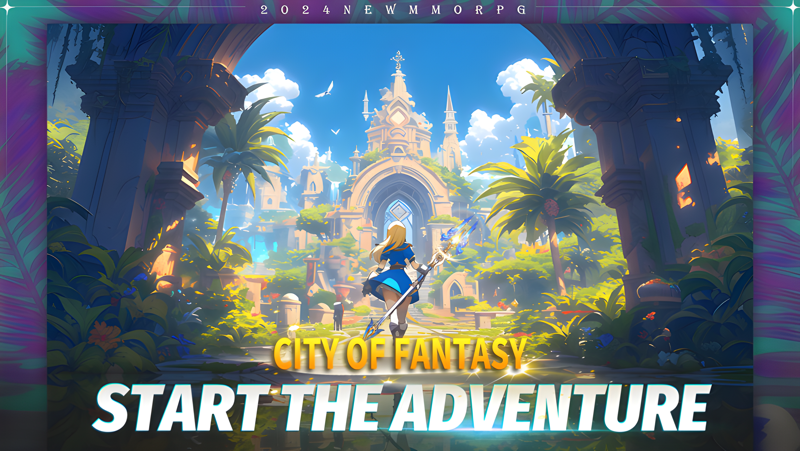
-Seize your destiny, change jobs as you like
Introducing the Class Evolution system in the game, where your hero's path reaches new heights, two job transfer paths for each profession, you can reset skill points at will, customize and add points to play dungeons. Embark on a new journey, unlocking boundless possibilities!

-Richly detailed map, begin an adventure with your faithful pet
Prove your mettle by conquering challenges that span the length and breadth of the map. Prepare to immerse yourself in a world of exploration, where your journey is enriched by the companionship of your faithful pets.

-BOSS battle strikes, multiplayer team take epic adventure
On the dangerous road to survival, overcome powerful enemies with partners! Adventurers will defeat the legendary BOSS, become the strongest in the lost kingdom, and fight for the defense of civilization through layers of experience such as undead invasion, astral hunting, and territorial defense battles!

-Forge Bonds, your Ultimate Social Gaming Odyssey
Immerse yourself in a realm where friendship, teamwork, and love for gaming converge. Prepare to embark on a journey that not only celebrates victory but also cultivates lasting connections through guilds, unions, and even unions of hearts, the MMO full of love is so simple and warm.

-A self-expression realm,your journey is adorned with style
Customize your character with a vast array of outfits, accessories, and back adornments that reflect your mood, achievements, and personality. Unleash your imagination as you decorate your character with unique back items that showcase your achievements, adventures, and the essence of who you are.
Emulator Features

With a smart button scheme and image recognition function, provide a more concise UI, and support custom button mapping to meet different needs.

Run multiple games independently at the same time, easily manage multiple accounts, play games while hanging.

Break through FPS limit, and enjoy a seamless gaming experience without lag and delay!

Get a 3-second startup with 52% less memory usage and 65% more stability.
How to Download and Play City of Fantasy on PC and Mac
Installation Guide
Download MuMuPlayer
Download and install MuMuPlayer on your PC or Mac
Sign-in Google Store
Complete Google sign-in to access the Play Store
Search and Install
Search City of Fantasy in the Play Store
Enjoy Gaming
Enjoy 120 FPS high-def gameplay with big screen
System Requirements
Windows PC
Vulkan / DirectX supported. 4 cores + 4GB RAM recommended. Up to 240 FPS. VT required.
macOS
Recommended: Apple Silicon Mac with 8GB RAM or above. Up to 240 FPS.

(1).png?fop=imageView/0/w/150/h/150)