
Play Cross Summoner:R on PC and Mac
Download Cross Summoner:R on PC or Mac with MuMuPlayer, get a PC like gameplay along with smart control and high graphics performance.
MuMuPlayer, the top Android emulator for PC and Apple silicon Mac, delivers an optimal gaming experience with minimal RAM usage and high FPS. It also allows you to create multiple instances of the emulator and run several games simultaneously, thanks to its Multi-instance feature. Its advanced emulator features ensure smooth gameplay, even on low-end PCs.
Download and play Cross Summoner:R on PC or Mac with MuMuPlayer and start enjoying your gaming experience now.
About the Game
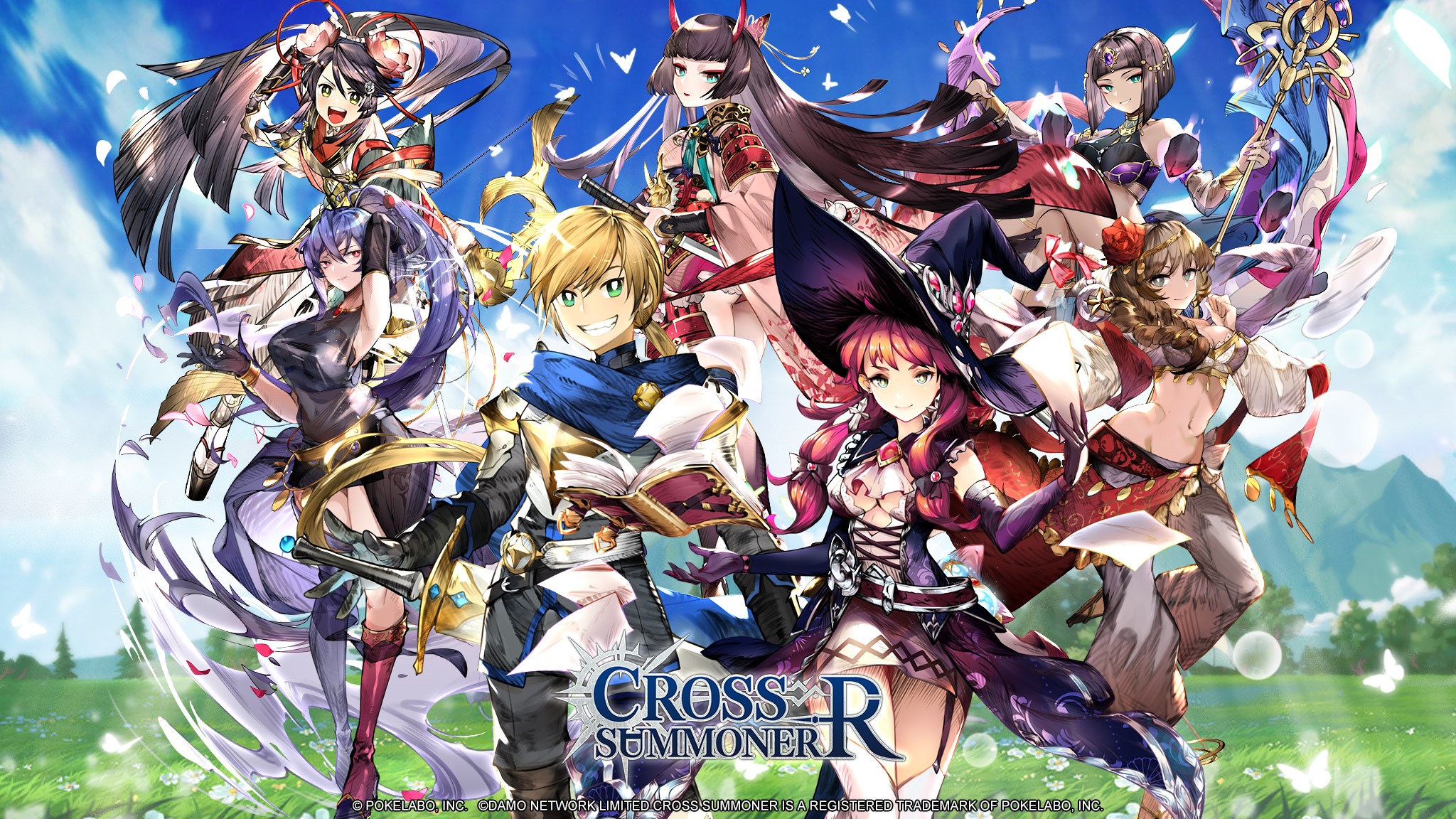
- A huge cast of charming characters!
Collect your favorite characters and understand each of their stories by improving them.
More gameplay modes allow for a truly multi-dimensional experience. Create a team that belongs to you!

-Heart-pumping battle experience!
The Synergy Skills of well-coordinated heroes will determine the outcome of combat.
Skillfully control the timing of skill releases to enjoy a fluid combat experience.

- Lots of gameplay modes!
PVE: Beautiful battle scenes play out over an expansive story map. Powerful Boss quests provide the thrill of a challenge. Tower climbing mode lets you prove your power and continually push yourself to improve. Limited time resource tasks reward you with exclusive items that increase your power.
PVP: The heat of Arena combat presents a different way to coordinate your techniques.
Training: Develop exclusive characters through a multi-dimensional system that includes leveling up, gear, jewelry, skills, Star upgrades, and Bonds. Light up stars in the Magic Sigil to receive permanent attribute bonuses.
Guilds: Create powerful guilds with your friends.

[BACKGROUND STORY]
After a final showdown with the Black Iron Mage, the human world and the various realms finally welcomed a brief time of peace.
Little was it known, however, that beneath this peace, darkness had already begun seeping in. Out of a selfish ambition for power, a group of humans began seeking immortality and placed their hope in a terrifying, taboo form of magic. As their understanding of this magic deepened, so did the chaos in the kingdoms of the various realms. From the Heavenly Realm to the Hellish Realm, none remained at peace. Creatures that should never have existed in the world poured forth and began wreaking havoc...
Who is the mastermind behind it all? Was all this destruction really caused by the wish for immortality? Or are there deeper secrets lying deep beneath it all, waiting to be discovered...
Emulator Features

With a smart button scheme and image recognition function, provide a more concise UI, and support custom button mapping to meet different needs.

Run multiple games independently at the same time, easily manage multiple accounts, play games while hanging.

Break through FPS limit, and enjoy a seamless gaming experience without lag and delay!

Get a 3-second startup with 52% less memory usage and 65% more stability.
How to Download and Play Cross Summoner:R on PC and Mac
Installation Guide
Download MuMuPlayer
Download and install MuMuPlayer on your PC or Mac
Sign-in Google Store
Complete Google sign-in to access the Play Store
Search and Install
Search Cross Summoner:R in the Play Store
Enjoy Gaming
Enjoy 120 FPS high-def gameplay with big screen
System Requirements
Windows PC
Vulkan / DirectX supported. 4 cores + 4GB RAM recommended. Up to 240 FPS. VT required.
macOS
Recommended: Apple Silicon Mac with 8GB RAM or above. Up to 240 FPS.



(1).png?fop=imageView/0/w/150/h/150)