
Play Dark Nemesis: Infinite Quest on PC and Mac
Download Dark Nemesis: Infinite Quest on PC or Mac with MuMuPlayer, get a PC like gameplay along with smart control and high graphics performance.
MuMuPlayer, the top Android emulator for PC and Apple silicon Mac, delivers an optimal gaming experience with minimal RAM usage and high FPS. It also allows you to create multiple instances of the emulator and run several games simultaneously, thanks to its Multi-instance feature. Its advanced emulator features ensure smooth gameplay, even on low-end PCs.
Download and play Dark Nemesis: Infinite Quest on PC or Mac with MuMuPlayer and start enjoying your gaming experience now.
About the Game
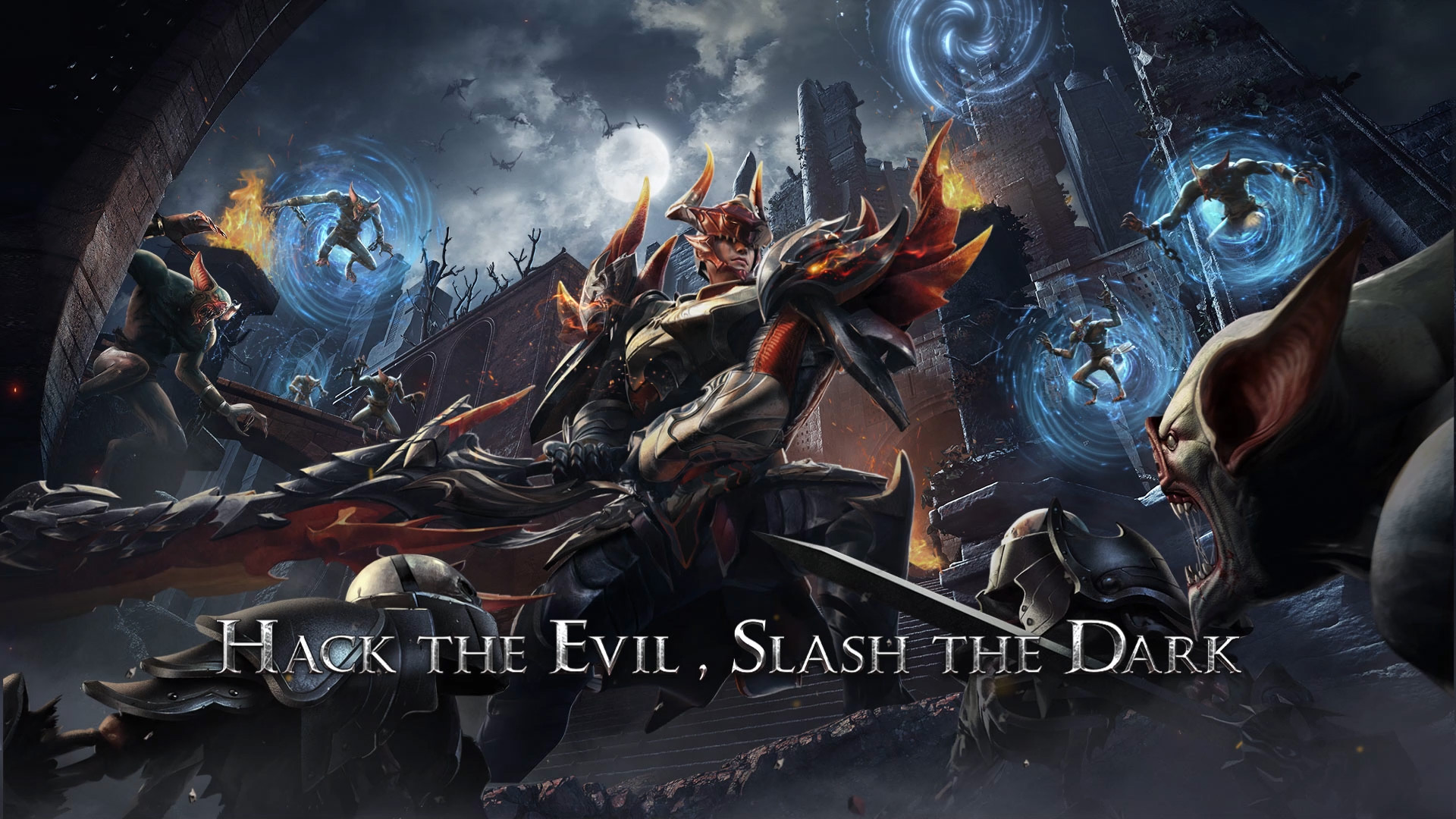
Dark Nemesis: Infinite Quest is an epic MMORPG that unfolds in a dark fantasy adventure with stunning special effects, smooth controls, and a storyline packed with adventure and combat.

The all-powerful Crystal of Light has fallen into the multi-dimensional world of Dark Nemesis. Coveting the power of the Crystal, the long-concealed Dark Forces rise rapidly, fighting against each other for this magic treasure, which drives the world into complete chaos. As a member of the Peacekeepers, you embark on an unknown adventure following the trail of the crystal. Along this perilous journey, you will encounter friends with different personalities, fight together to resist decimation from the dark forces, and complete your adventure!

The game guarantees a fabulous MMORPG combat experience. Slash your way through a multi-dimensional world where good and evil collide!

[Game Features]
Dive into a multi-dimensional world with epic 3D visual effects
- Great graphics & 3D models create an immersive dark fantasy world
- Innovative scenes & demons unlock a mystery MMO world at your fingertips

Level-up characters and gain incredible combat power
- A great many character upgrades & various new skills to unlock
- Abundant equipment and weapons waiting to be collected, activate sets to gain unrealized glory
- Spirits are your close companions and dangerous weapons. They are by your side through thick and thin.

Exceptional combat skills and breath-taking battles
- Slash through atrocious demons with epic special effects and 3D graphics on the battlefield
- Fantastic MMORPG gameplay & smooth control create great action for you to enjoy
- Combo attacks lash out ultimate damage that crushes epic demons

Massive PVP and a place to socialize
- Hundreds of players join guild battles to bring you super action-packed gameplay.
- The core gameplay ""Treasure Dungeon"" is tightly integrated with socialization. Chat with your friends and make new teammates to achieve glory.

Grand Multiverse setting and intriguing plots
- Dark Nemesis provides multiple parallel worlds where good and evil collide in an epic adventure
- Immerse yourself in this journey filled with twists and turns. Master your destiny!

[Social Media]
Follow us on our Social Media for the latest news & updates!
Facebook: https://www.facebook.com/DNInfiniteQuest/
Emulator Features

With a smart button scheme and image recognition function, provide a more concise UI, and support custom button mapping to meet different needs.

Run multiple games independently at the same time, easily manage multiple accounts, play games while hanging.

Break through FPS limit, and enjoy a seamless gaming experience without lag and delay!

Get a 3-second startup with 52% less memory usage and 65% more stability.
How to Download and Play Dark Nemesis: Infinite Quest on PC and Mac
Installation Guide
① Download and install MuMuPlayer on your PC or Mac. It will identify automatically your current system and download the latest version.
② Start MuMuPlayer and complete Google sign-in to access the Play Store, or do it later.
③ Search Dark Nemesis: Infinite Quest in the Play Store.
④ Complete Google sign-in (if you skipped step 2) to install Dark Nemesis: Infinite Quest.
⑤ Once installation completes, click the Dark Nemesis: Infinite Quest icon on the home page to start the game.
⑥ Enjoy playing Dark Nemesis: Infinite Quest on your PC or Mac with MuMuPlayer.
Installation Guide
Recommended computer configuration
For Windows:4-core CPU, 4GB RAM, i5 OS, GTX950+ graphics card
For macOS: 4-core CPU, 4GB RAM
Recommended Android Device performance settings
Graphics renderer mode
Vulkan and DirectX both supported
Performance Settings
Recommended performance settings: 2 cores, 2GB. >>How to adjust performance settings
Recommended Android Device Display Settings
Resolution Settings
Go to Device Settings > Display > Resolution Settings to adjust your device's resolution as needed.
FPS Settings
MuMuPlayer supports up to 240 FPS. >>How to enable high FPS mode
Recommended to enable VT
Enabling VT will significantly improve emulator performance, reduce screen freezing, and make games run more smoothly. >>How to enable VT
(1).png?fop=imageView/0/w/150/h/150)