Play ECHOES of MANA on PC and Mac
Download ECHOES of MANA on PC or Mac with MuMuPlayer, get a PC like gameplay along with smart control and high graphics performance.
MuMuPlayer, the top Android emulator for PC and Apple silicon Mac, delivers an optimal gaming experience with minimal RAM usage and high FPS. It also allows you to create multiple instances of the emulator and run several games simultaneously, thanks to its Multi-instance feature. Its advanced emulator features ensure smooth gameplay, even on low-end PCs.
Download and play ECHOES of MANA on PC or Mac with MuMuPlayer and start enjoying your gaming experience now.
About the Game
Echoes of Mana is the brand new title to join the lineup of popular Mana series games!
Ally with past Mana series characters in your journey for the search of the legendary Mana Sword!

Dive into the world of the widely acclaimed Mana series action RPG,
fun for both long-time fans and newcomers alike!

■ 2D Action RPG with Simple Controls & Layers of Features
Swipe and tap with ease using skills and items to dominate the battlefield!
Co-op battle with other players against tough bosses!

■ Immerse yourself in an all new original story featuring characters from past titles!
Guided by the Mana Goddess, watch as your story unfolds into a journey across worlds in search of the sword that holds the key to saving all life.
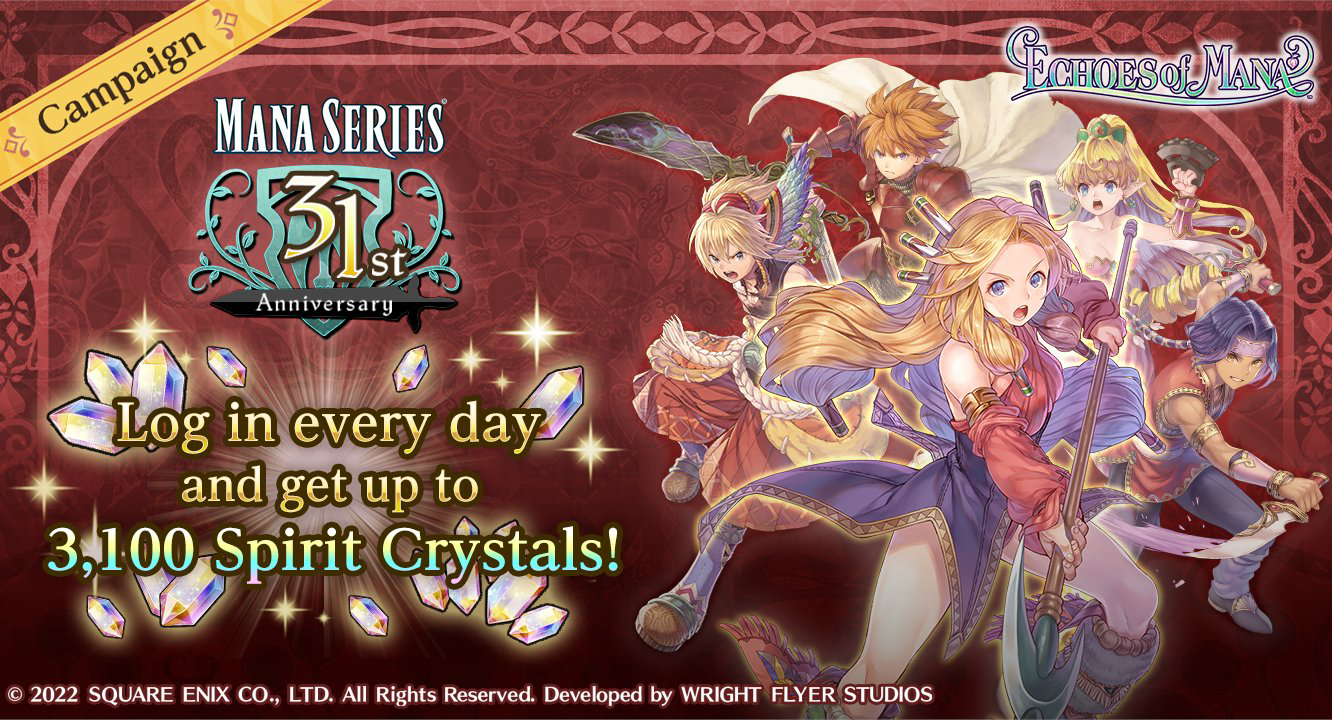
Reunite with familiar faces from past Mana series titles, and encounter all new original characters too!

■ Form a dream-team party with characters across titles!
Mix and match characters old and original into your party, then lead your customized team to victory in battle!

■ Featured Characters
Sumo (VA: Hiro Shimono)
Amanda (VA: Miyuki Sawashiro)
Dark Lord (VA: Kazuyuki Okitsu)
Julius (VA: Koki Uchiyama)
Randi (VA: Kensho Ono)
Primm  (VA: Nozomi Yamamoto)
Popoi  (VA: Emiri Kato)
Thanatos (VA: Jouji Nakata)
Duran (VA: Takuya Eguchi)
Angela (VA: Rumi Okubo)
Riesz  (VA: Mikako Komatsu)
Hawkeye (VA: Yuki Ono)
Kevin (VA: Ryota Osaka)
Charlotte (VA: Sumire Morohoshi)
Lekius (VA: Shoya Chiba)
Shiloh (VA: Nobunaga Shimazaki)
Serafina (VA: Saori Hayami)
Niccolo (VA: Wataru Takagi)
Sierra  (VA: Kiyono Yasuno)
Ferrik (VA: Tasuku Hatanaka)
Wanderer (VA: Kenjiro Tsuda) and more!

Recommended for...
・Mana series fans
・Those who want to play a fun smartphone action RPG
・Those who love character-training type RPGs
・Those who are looking for fun solo or co-op online games
・Those who want to play the latest title from a widely-acclaimed RPG series
・Those who are looking for a popular RPG with a first-class cast of Japanese voiced characters
・Those who are looking for a popular free-to-play game

■ Official Site
https://www.jp.square-enix.com/seiken_eom/en

■Recommended Device Specs
OS: Android 8 or later
Memory: 4GB or more
Note: We do not guarantee functionality on all devices listed above.

© SQUARE ENIX CO., LTD. All Rights Reserved.Developed by WRIGHT FLYER STUDIOS
Emulator Features

With a smart button scheme and image recognition function, provide a more concise UI, and support custom button mapping to meet different needs.

Run multiple games independently at the same time, easily manage multiple accounts, play games while hanging.

Break through FPS limit, and enjoy a seamless gaming experience without lag and delay!

Get a 3-second startup with 52% less memory usage and 65% more stability.
How to Download and Play ECHOES of MANA on PC and Mac
Installation Guide
① Download and install MuMuPlayer on your PC or Mac. It will identify automatically your current system and download the latest version.
② Start MuMuPlayer and complete Google sign-in to access the Play Store, or do it later.
③ Search ECHOES of MANA in the Play Store.
④ Complete Google sign-in (if you skipped step 2) to install ECHOES of MANA.
⑤ Once installation completes, click the ECHOES of MANA icon on the home page to start the game.
⑥ Enjoy playing ECHOES of MANA on your PC or Mac with MuMuPlayer.
Installation Guide
Recommended computer configuration
For Windows:4-core CPU, 4GB RAM, i5 OS, GTX950+ graphics card
For macOS: 4-core CPU, 4GB RAM
Recommended Android Device performance settings
Graphics renderer mode
Vulkan and DirectX both supported
Performance Settings
Recommended performance settings: 2 cores, 2GB. >>How to adjust performance settings
Recommended Android Device Display Settings
Resolution Settings
Go to Device Settings > Display > Resolution Settings to adjust your device's resolution as needed.
FPS Settings
MuMuPlayer supports up to 240 FPS. >>How to enable high FPS mode
Recommended to enable VT
Enabling VT will significantly improve emulator performance, reduce screen freezing, and make games run more smoothly. >>How to enable VT