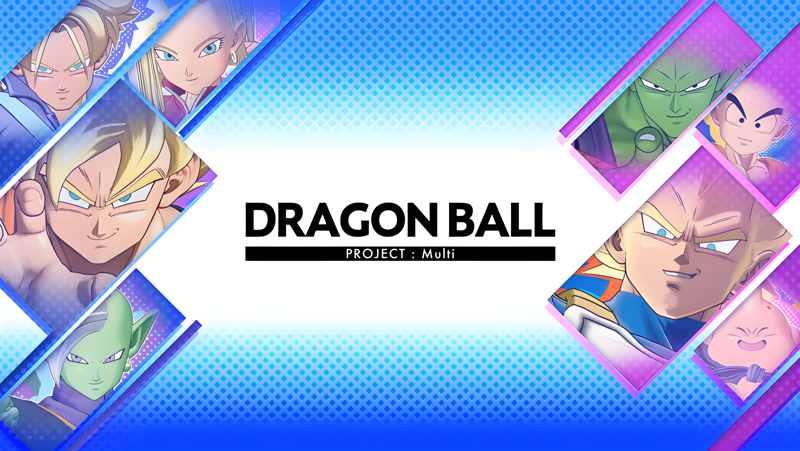
DRAGON BALL PROJECT:Multi (macOS)
Play DRAGON BALL PROJECT:Multi on PC and Mac
Download DRAGON BALL PROJECT:Multi on PC or Mac with MuMuPlayer, get a PC like gameplay along with smart control and high graphics performance.
MuMuPlayer, the top Android emulator for PC and Apple silicon Mac, delivers an optimal gaming experience with minimal RAM usage and high FPS. It also allows you to create multiple instances of the emulator and run several games simultaneously, thanks to its Multi-instance feature. Its advanced emulator features ensure smooth gameplay, even on low-end PCs.
Download and play DRAGON BALL PROJECT:Multi on PC or Mac with MuMuPlayer and start enjoying your gaming experience now.
About the Game
The Dragon Ball franchise's team-oriented battle begins!
- Join the beta test now!

◆ Intense 4 VS 4 team battle
Experience the world of Dragon Ball through wrecking the battlefield with your own strength, or by conquesting the enemy objective with your friends and allies.
The Hero characters you take in control will grown in strength as the round progress to give you a chance to obliterate enemy players and bosses alike.

◆ Heroes with roles
Pick heroes with unqiue abilities and skills to fulfill their roles.
- The simple but effective super aggressive damage role.
- The ever persistent tank role staying on the battlefield indefinitely.
- The technical role which excells in ally support or enemy disruption.

◆ Customization
From simple character aesthetic changes with skin items, to animation changes, express your love for the characters in your own way.
Acquire a wide variety of customization items such as entrance animations to special finisher animations.

*Internet connection required.
*This product is a multiplayer game that is played mainly through online matches between players.
*Online matches allow you to play against players from all over the world. You will match with people whose network conditions are optimal for the region you play in.

SUPPORT:
https://bnfaq.channel.or.jp/title/3169

Bandai Namco Entertainment Inc. Website:
https://bandainamcoent.co.jp/english/

By downloading or installing this app, you agree to the Bandai Namco Entertainment Terms of Service.

Terms of Service:
https://legal.bandainamcoent.co.jp/terms/
Privacy Policy:
https://legal.bandainamcoent.co.jp/privacy/
Emulator Features
Highest Android 15 Support Best Compatibility on Mac

With a smart button scheme and image recognition function, provide a more concise UI, and support custom button mapping to meet different needs. With a smart button scheme and image recognition, enjoy a cleaner UI and custom button mapping to fit different gaming needs on Mac.

Run multiple games independently at the same time, easily manage multiple accounts, play games while hanging. Take your Mac gaming further with multiple independent instances, easy account management, and seamless AFK gaming on Apple Silicon Mac.

Break through FPS limit, and enjoy a seamless gaming experience without lag and delay! Break through FPS limits for a seamless, lag-free gaming experience on MacBook, Mac mini, iMac, and Mac Studio.

Get a 3-second startup with 52% less memory usage and 65% more stability. Enjoy 3-second startup, 52% less memory usage, and 65% greater stability on Apple Silicon Mac.
How to Download and Play DRAGON BALL PROJECT:Multi on PC and Mac
Installation Guide
Download MuMuPlayer
Download MuMuPlayer and install it on your PC or Mac
Sign-in Google Store
Complete Google sign-in to access the Play Store
Search and Install
Search DRAGON BALL PROJECT:Multi in the Play Store
Enjoy Gaming
Enjoy 120 FPS high-def gameplay with big screen
System Requirements
Windows PC
Vulkan / DirectX supported. 4 cores + 4GB RAM recommended. Up to 240 FPS. VT required.
macOS
Recommended: Apple Silicon Mac with 8GB RAM or above. Up to 240 FPS.