Play Ninja Must Die on PC and Mac
Download Ninja Must Die on PC or Mac with MuMuPlayer, get a PC like gameplay along with smart control and high graphics performance.
MuMuPlayer, the top Android emulator for PC and Apple silicon Mac, delivers an optimal gaming experience with minimal RAM usage and high FPS. It also allows you to create multiple instances of the emulator and run several games simultaneously, thanks to its Multi-instance feature. Its advanced emulator features ensure smooth gameplay, even on low-end PCs.
Download and play Ninja Must Die on PC or Mac with MuMuPlayer and start enjoying your gaming experience now.
About the Game
◆Game Features

-SAVOUR VISUALS
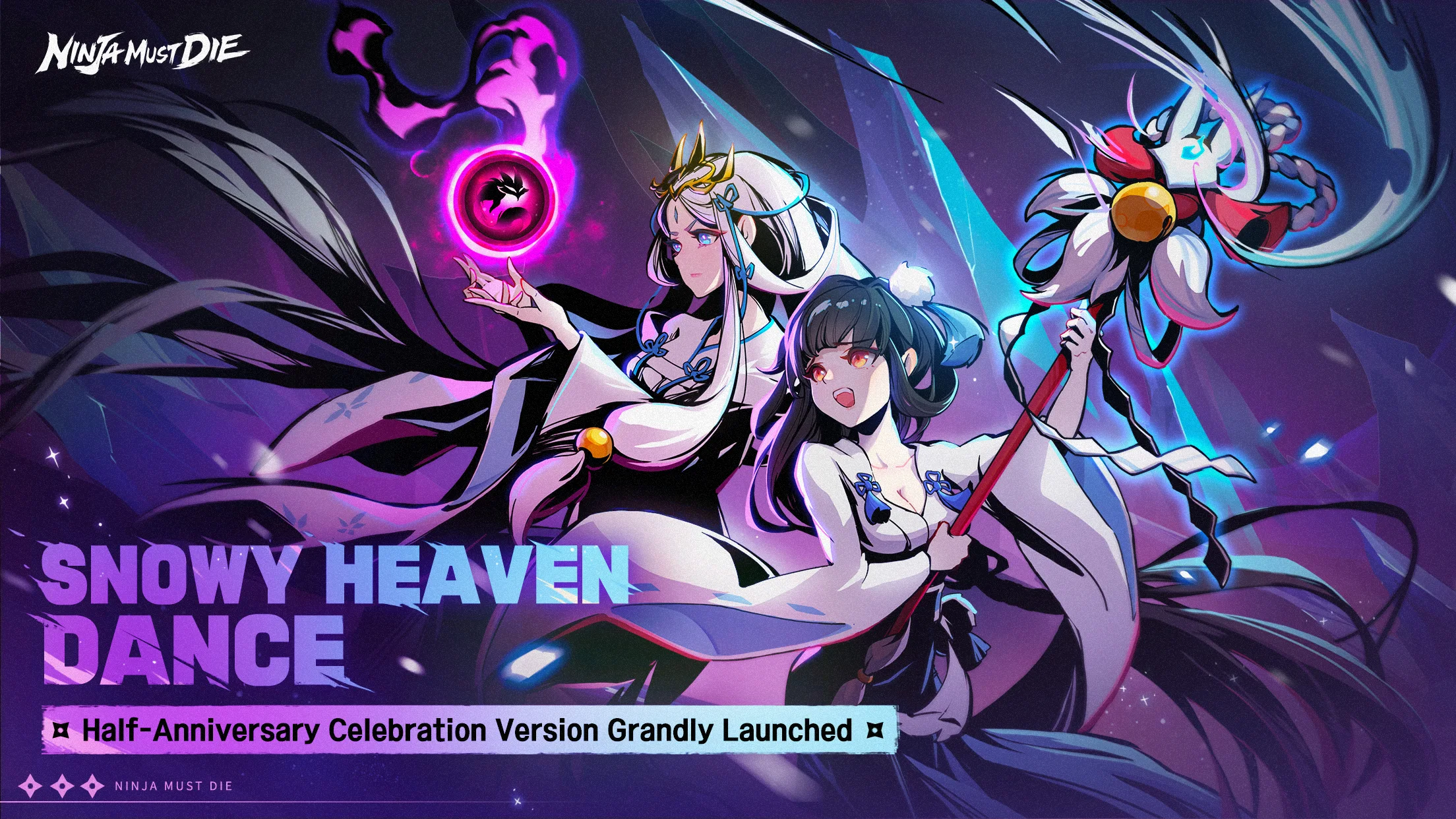
Our game features an ink wash painting visual style. All Ninja realm’s landscapes are full of vitality. Immerse yourself in this ink world and enjoy a lingering refreshing sense of combat.

-UNRAVEL THE MYSTERIES
Ninja, Samurai, Oni, and the upheavals intertwine behind a deep intrigue. As a young ninja, you are obligated to fight against the boss and solve the puzzles to reveal the truth of Ninja Realm.

-CHALLENGE THE IMPOSSIBLE
Push yourself to the limits throughout whimsical stages;
Fight against Bosses with exclusive skills;
Confront challenges together with skillful Ninja and ignite your passion;
Equip Weapons and Relics to strengthen yourself;
Enjoy tactic multiplayer combat running experience.

-RUN WITH FRIENDS
Ninja Realm is one full of love and warmth;
Run alongside bunches of like-minded friends and help each other out;
Join with clan members to fight against Bosses and reap abundant rewards;
Become a master and help your apprentices better survive in the Ninja Realm.

◆Background Story

300 years ago, Oni from the Oni Domain opened the Rasho Gate and invaded this land. In the blink of an eye, the earth collapsed, and the people of this land plummeted into the abyss.
In order to rebuild the homes of the people and restore peace and order, the two heroes built this country together, the Land of Sunbreak. One of them became the Supreme Ruler of this new land and became known as the Samurai Daimyo. The other went on to protect this country from within the shadows and has disappeared from the public eye ever since.

As for now, the Samurai, the ruling class, had for years fallen into decadence by their greed for power. Scared of the mighty power of Ninjas, they potted and schemed to bring the Land of Sunbreak to the brink of war. Even the Oni sealed hundreds of years ago are now starting moves busily for action.

As a young Ninja, you will witness the centuries-old feud between the Ninjas and the Samurai, confront the mysterious Onis in the dark, meet a rebellious genius ninja in an infinite spiral of destiny, and uncover the suspense and conspiracy by your own hands...

The new era of blood and fire is coming soon, is your ninja spirit ready to burn?

= = = For more exciting game information and massive benefits, please pay attention to the official community! ===

FOLLOW US
Website: https://www.pandadagames.com/en/
Twitter: https://twitter.com/NinjaMustDie_EN
Facebook: https://www.facebook.com/ninjamustdie.en
YouTube: https://www.youtube.com/channel/UC4SFmy6hgtnLFFCdhdq_GxA
Emulator Features

With a smart button scheme and image recognition function, provide a more concise UI, and support custom button mapping to meet different needs.

Run multiple games independently at the same time, easily manage multiple accounts, play games while hanging.

Break through FPS limit, and enjoy a seamless gaming experience without lag and delay!

Get a 3-second startup with 52% less memory usage and 65% more stability.
How to Download and Play Ninja Must Die on PC and Mac
Installation Guide
① Download and install MuMuPlayer on your PC or Mac. It will identify automatically your current system and download the latest version.
② Start MuMuPlayer and complete Google sign-in to access the Play Store, or do it later.
③ Search Ninja Must Die in the Play Store.
④ Complete Google sign-in (if you skipped step 2) to install Ninja Must Die.
⑤ Once installation completes, click the Ninja Must Die icon on the home page to start the game.
⑥ Enjoy playing Ninja Must Die on your PC or Mac with MuMuPlayer.
Installation Guide
Recommended computer configuration
For Windows:4-core CPU, 4GB RAM, i5 OS, GTX950+ graphics card
For macOS: 4-core CPU, 4GB RAM
Recommended Android Device performance settings
Graphics renderer mode
Vulkan and DirectX both supported
Performance Settings
Recommended performance settings: 2 cores, 2GB. >>How to adjust performance settings
Recommended Android Device Display Settings
Resolution Settings
Go to Device Settings > Display > Resolution Settings to adjust your device's resolution as needed.
FPS Settings
MuMuPlayer supports up to 240 FPS. >>How to enable high FPS mode
Recommended to enable VT
Enabling VT will significantly improve emulator performance, reduce screen freezing, and make games run more smoothly. >>How to enable VT