Play LifeAfter: Night falls on PC and Mac
Download LifeAfter: Night falls on PC or Mac with MuMuPlayer, get a PC like gameplay along with smart control and high graphics performance.
MuMuPlayer, the top Android emulator for PC and Apple silicon Mac, delivers an optimal gaming experience with minimal RAM usage and high FPS. It also allows you to create multiple instances of the emulator and run several games simultaneously, thanks to its Multi-instance feature. Its advanced emulator features ensure smooth gameplay, even on low-end PCs.
Download and play LifeAfter: Night falls on PC or Mac with MuMuPlayer and start enjoying your gaming experience now.
About the Game
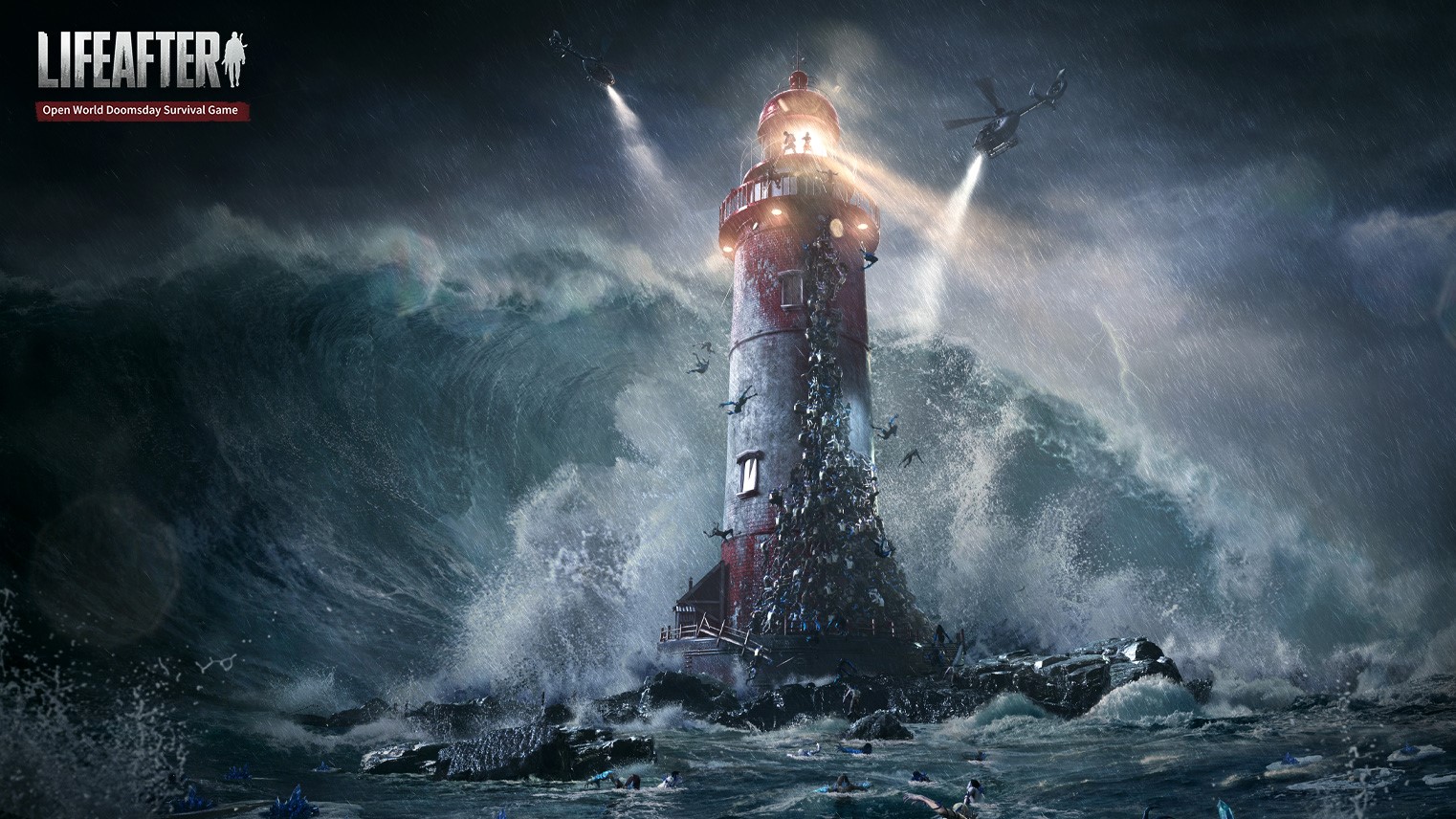
[LifeAfter Season 4: The 2nd Outbreak] is officially live.
Mutations are happening in the doomsday world. Massive zombie swarms are coming in all directions. Enigmatic giant eggs and new type of Infected emerge.
In the doomsday world that is getting out of control, survive, together!

Experience Half-zombie Survival
The organization called "Dawn Break" emerged out of the doomsday. They claimed that human still has a chance after being bitten by zombie - to live as a half-man-half-zombie "The Revenant", by abandoning identity, appearance, abilities of human, and change forever.
It sounds risky, but what would you choose if it’s matter of life and death?

Create the Vast Open World
From snow mountain to beach, from forest to desert, from swamp to city... The vast doomsday world is full of crises, but also has endless possibilities.
Explore and witness every corner of doomsday world with your footsteps. At the same time, you can also collect resources and work with other survivors to build infrastructure, strengthen defense and fend off the zombie invasions.

Make Friends and Survive Together
You’ll encounter other survivors during your doomsday exploration.
Maybe you’re tired of all the zombie roaring and night wind howling when you’re traveling alone. Try to open up, share food with friends, talk all night long, and piece by piece create a peaceful shelter together.

Maintain Hope and Will
When the doomsday comes, zombies are everywhere. Social order suddenly collapsed, and the familiar world became strange. Zombies covet the human settlement. The harsh climate and scant resources make it difficult to move. And there is also power struggle among the survivor forces......
Danger is everywhere. Please keep calm and live on by all means!

【Contact us】
Facebook: https://www.facebook.com/LifeAfterEU/
Twitter:  https://twitter.com/Lifeafter_eu
Emulator Features

With a smart button scheme and image recognition function, provide a more concise UI, and support custom button mapping to meet different needs.

Run multiple games independently at the same time, easily manage multiple accounts, play games while hanging.

Break through FPS limit, and enjoy a seamless gaming experience without lag and delay!

Get a 3-second startup with 52% less memory usage and 65% more stability.
How to Download and Play LifeAfter: Night falls on PC and Mac
Installation Guide
Download MuMuPlayer
Download and install MuMuPlayer on your PC or Mac
Sign-in Google Store
Complete Google sign-in to access the Play Store
Search and Install
Search LifeAfter: Night falls in the Play Store
Enjoy Gaming
Enjoy 120 FPS high-def gameplay with big screen
System Requirements
Windows PC
Vulkan / DirectX supported. 4 cores + 4GB RAM recommended. Up to 240 FPS. VT required.
macOS
Recommended: Apple Silicon Mac with 8GB RAM or above. Up to 240 FPS.