
Play Streamyard Live Streaming Clue on PC or Mac
Download Streamyard Live Streaming Clue on PC or Mac with MuMuPlayer, get a PC like gameplay along with smart control and high graphics performance.
MuMuPlayer, the top Android emulator for PC and Apple silicon Mac, delivers an optimal gaming experience with minimal RAM usage and high FPS. It also allows you to create multiple instances of the emulator and run several games simultaneously, thanks to its Multi-instance feature. Its advanced emulator features ensure smooth gameplay, even on low-end PCs.
Download and play Streamyard Live Streaming Clue on PC or Mac with MuMuPlayer and start enjoying your gaming experience now.
"StreamYard is a live streaming studio in your browser". Interview guests, share your screen, and much more. Stream directly to Facebook, YouTube, LinkedIn, and Social media platforms.
StreamYard is similar to many other software that already popular and you might probably be familiar with, so if you have ever used such products this app guide will help you conduct successful StreamYard meetings from your desktop or mobile device.

Features:
- You can use Stream Yard broadcast to participate in or host video meetings on your computer or mobile device.
- StreamYard free is a video conferencing and streaming service used by companies and universities for remote communication.
- The service is similar to competitors , Its basic functions include the ability to chat and call individual contacts, as well as schedule meetings for future events.
- list of streamyard pricing and how you can take advantage of it.

This app is not official or affiliated to StreamYard.com or any restreaming service app.

DISCLAIMER:
1. This is not an Official guide and not affiliated to any popular mobile live apps
2. If there is any trademark or copyright infringement that doesn't comply within the FAIR USE, please get in touch with us and we will quickly take an action on it.
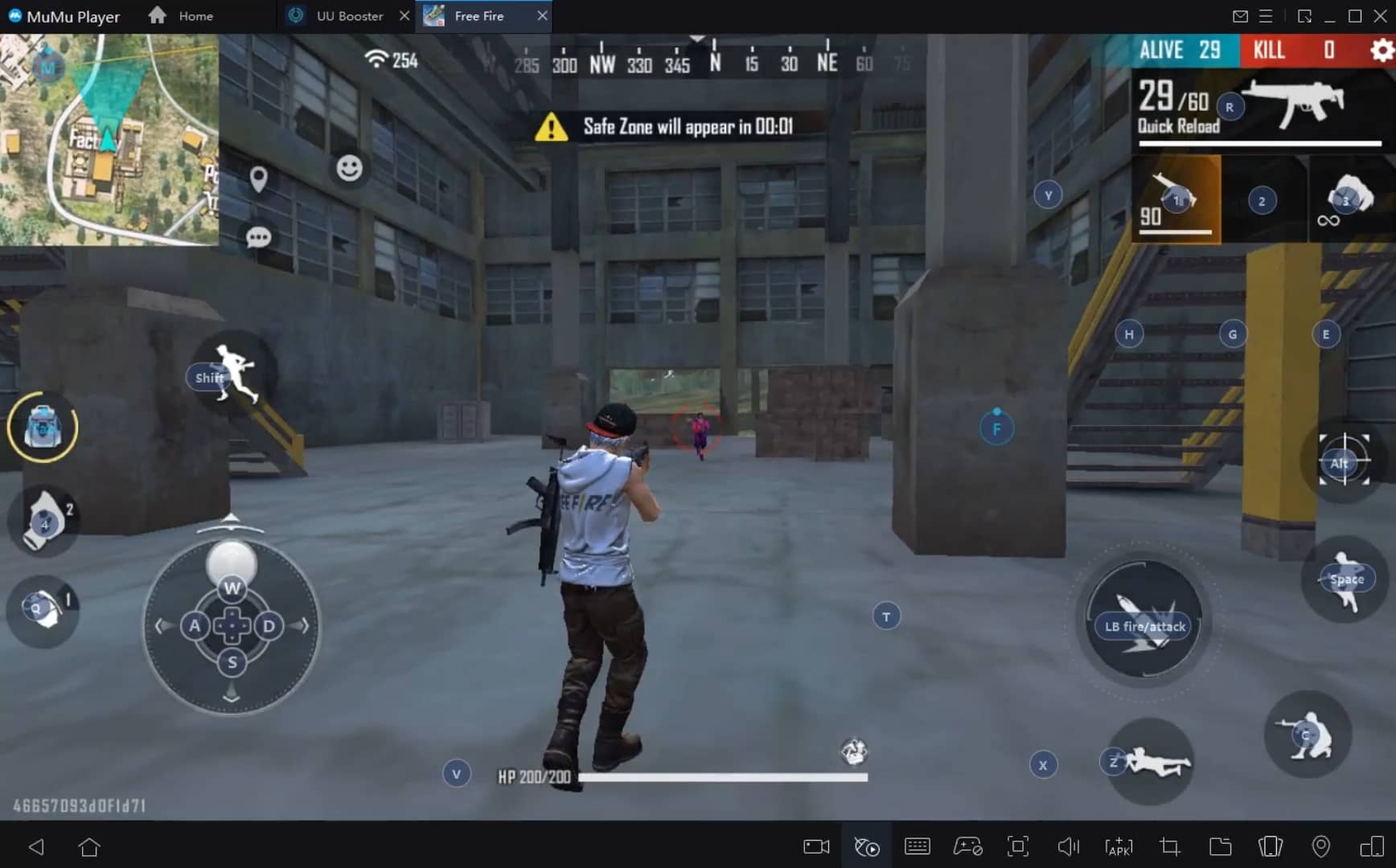
With a smart button scheme and image recognition function, provide a more concise UI, and support custom button mapping to meet different needs.
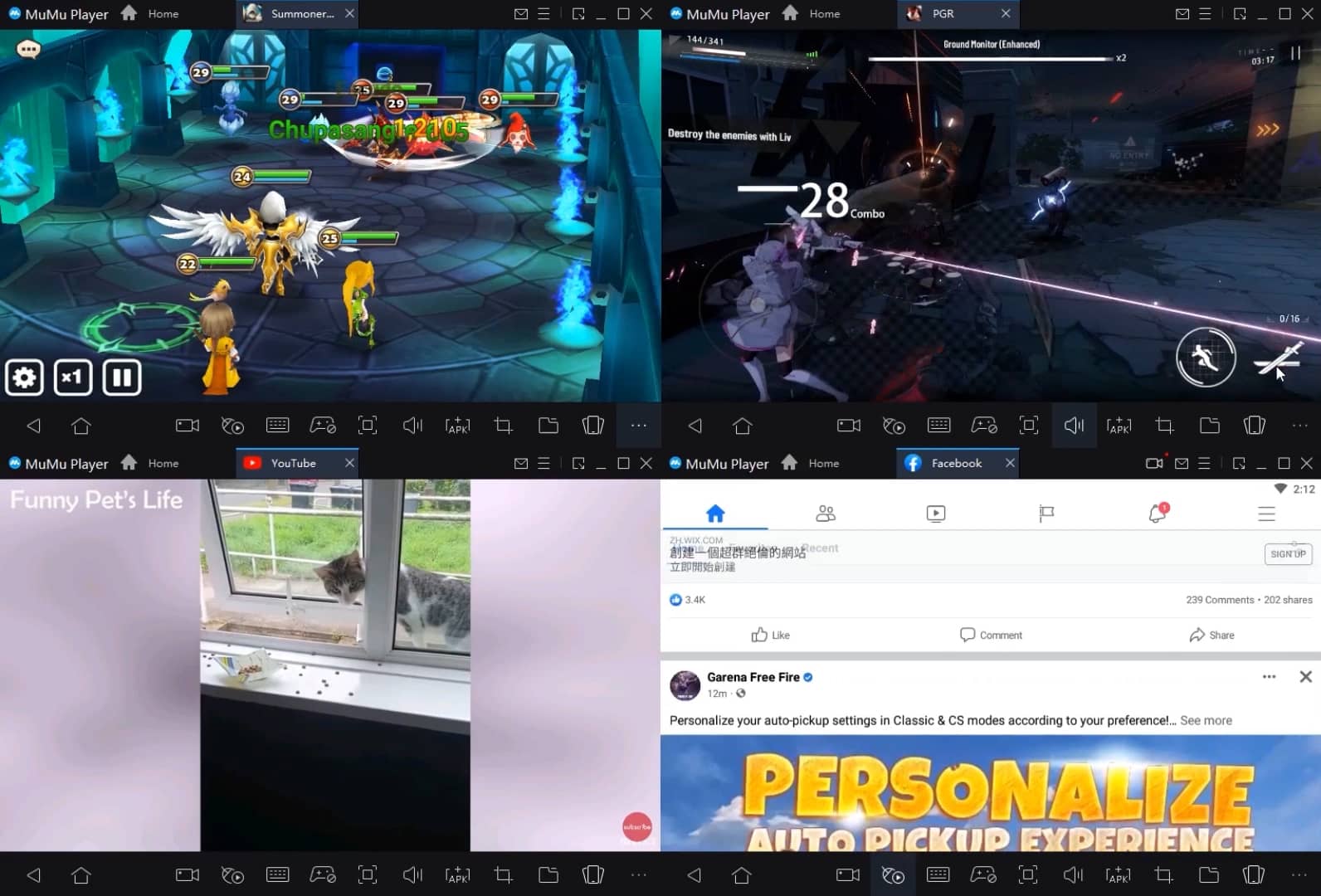
Run multiple games independently at the same time, easily manage multiple accounts, play games while hanging.
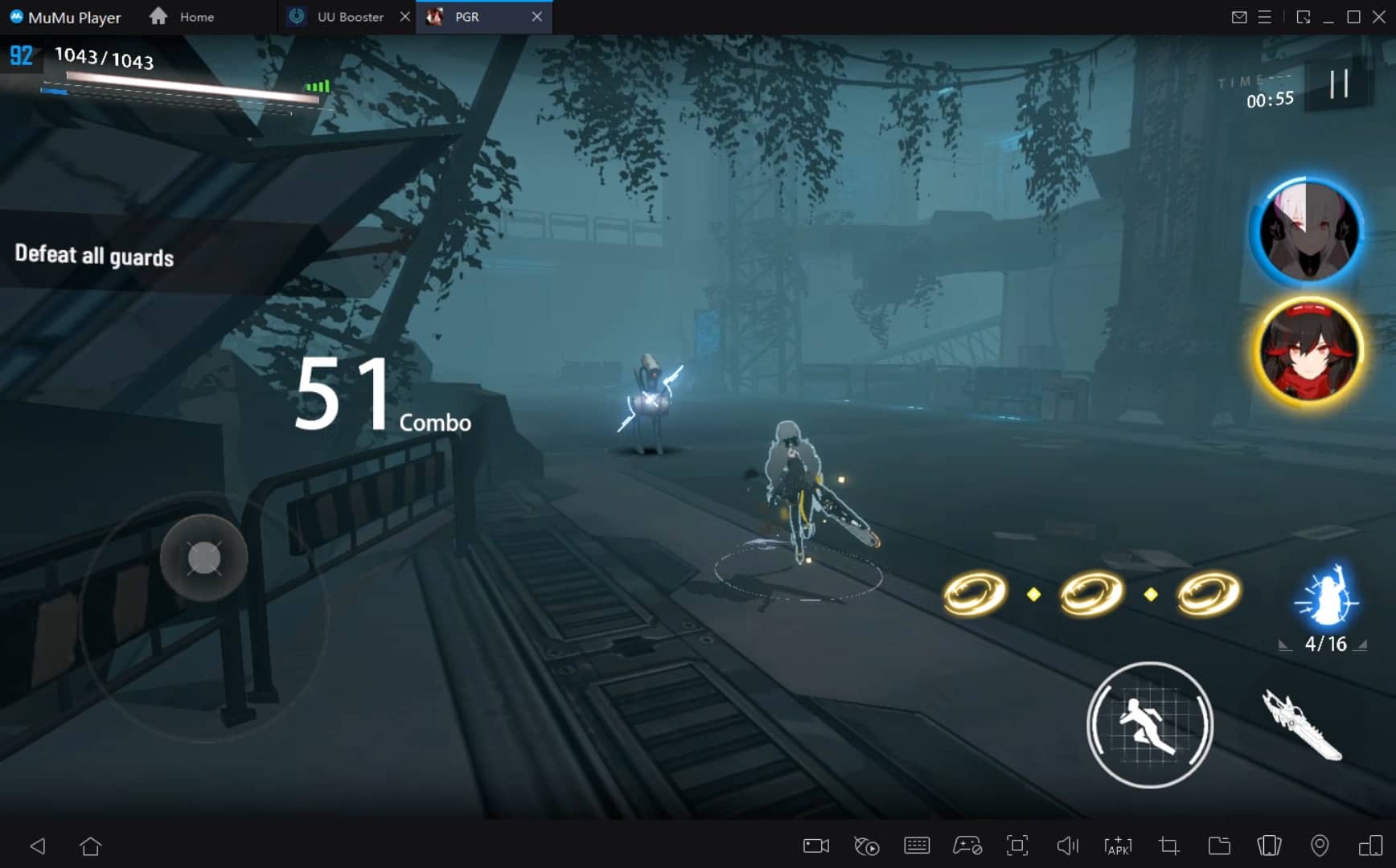
Break through FPS limit, and enjoy a seamless gaming experience without lag and delay!
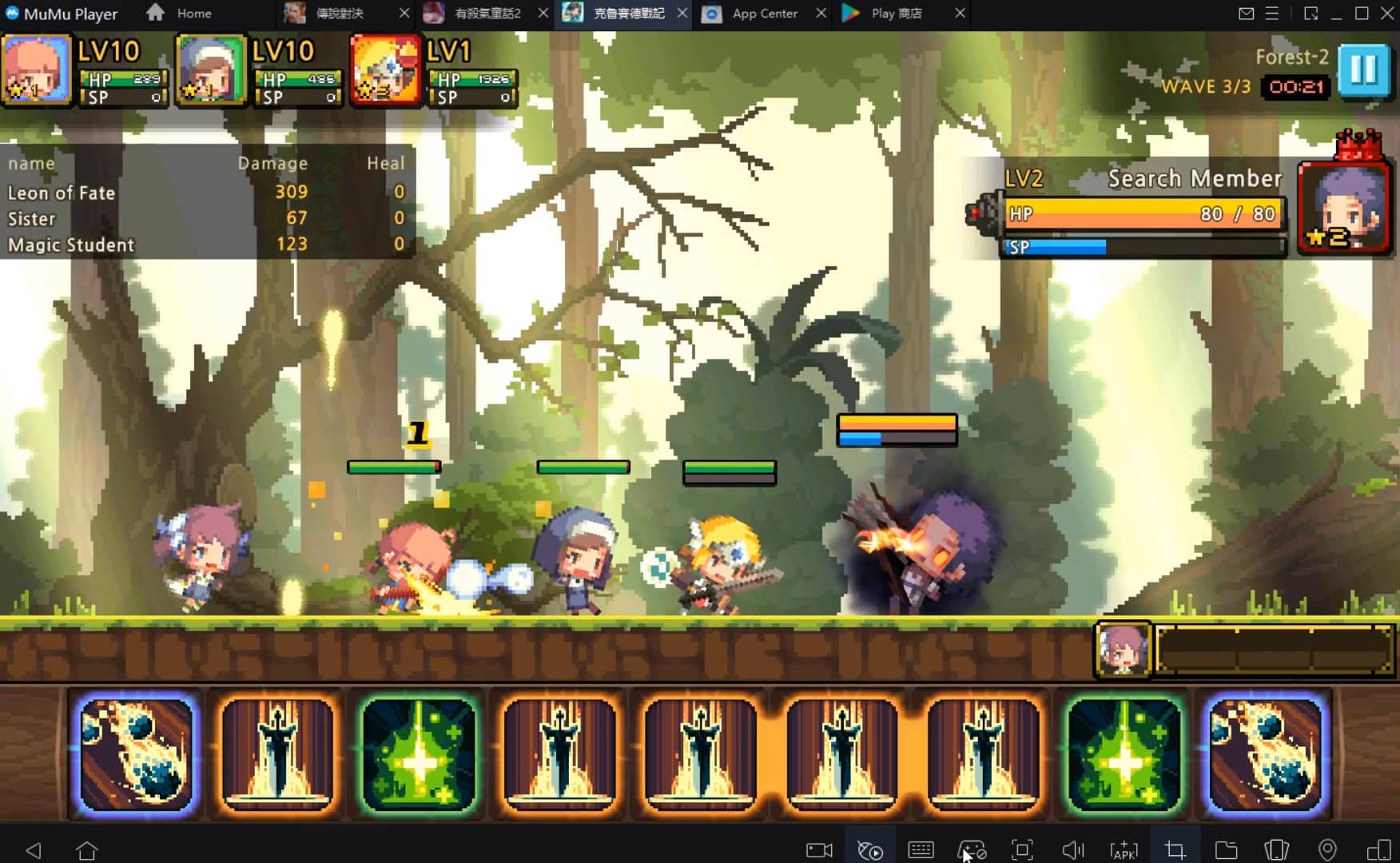
One-time recording of complex operations, just click once to free hands, automatically manage and run specific scripts.
Recommended Configuration for MuMuPlayer
Recommended computer configuration: 4-core CPU, 4GB RAM, i5 operating system, GTX950+ graphics card.
It is recommended to enable VT, which will significantly improve emulator performance, reduce screen freezing, and make games run more smoothly. >>How to enable VT
Recommended performance settings: 2 cores, 2GB. >>How to adjust performance settings
Emulator graphics rendering mode: Vulkan and DirectX both supported.
Installation Guide
① Download and install MuMuPlayer on your PC or Mac. It will identify automatically your current system and download the latest version.
② Start MuMuPlayer and complete Google sign-in to access the Play Store, or do it later.
③ Search Streamyard Live Streaming Clue in the Play Store.
④ Complete Google sign-in (if you skipped step 2) to install Streamyard Live Streaming Clue.
⑤ Once installation completes, click the Streamyard Live Streaming Clue icon on the home page to start the game.
⑥ Enjoy playing Streamyard Live Streaming Clue on your PC or Mac with MuMuPlayer.

Palworld Mobile Release Date: Latest News, Predictions & What to Expect

Unlock All Hidden Achievements in Love and Deepspace - Get Diamonds Now

VALORANT Mobile Release Date: The Latest Info You Need to Know

Tokyo Ghoul: Break the Chains Tier List Guide - Master Character Rankings Now!

Survivor.io Weapons Tier List Guide: Master the Best Gear (Updated May 2025)

KAIJU NO. 8 THE GAME: Anticipated Release Date and Pre-Registration Opens!

Conquer the Tracks: Your Ultimate Beginner's Guide to Umamusume: Pretty Derby

Shadowverse: Worlds Beyond Classes and Archetypes Guide - Master the Meta