
Play 契約吧!精靈少女 on PC and Mac
Download 契約吧!精靈少女 on PC or Mac with MuMuPlayer, get a PC like gameplay along with smart control and high graphics performance.
MuMuPlayer, the top Android emulator for PC and Apple silicon Mac, delivers an optimal gaming experience with minimal RAM usage and high FPS. It also allows you to create multiple instances of the emulator and run several games simultaneously, thanks to its Multi-instance feature. Its advanced emulator features ensure smooth gameplay, even on low-end PCs.
Download and play 契約吧!精靈少女 on PC or Mac with MuMuPlayer and start enjoying your gaming experience now.
About the Game
【A Fantasy World of Classic Action and Passion】 The story takes place on the giant World Tree called "Aria." Players will take on the role of a "Commander" summoned from another world by the goddess Aria, possessing the ability to purify evil spirits. Becoming the savior of this world, you will encounter and lead a diverse cast of guardians on an adventure to explore, save, and eradicate the root of evil.

【Relaxed and Casual Idle Gameplay】
◆New Cards Instantly Available, High Aesthetics and Strength Combined
Easily raise hundreds of adorable girls, with one-click leveling and equipment synchronization. Choose the most suitable girls and create your own unique alliance of beauties.

◆Reduced Training Burden, Relaxing Idle Gameplay for Easy Rewards
Level up effortlessly while you sleep, reaping great treasures even while you sleep. Even busy saviors in real life can easily enjoy the game.

◆Exhilarating level progression, in-depth skill combination system
The innovative skill order setting system allows for free formation, making the combat experience more challenging and fun. Limited number of skills, infinite combination possibilities!

◆Fun events, massive rewards await you
Fun mini-games combined with abundant rewards; the 1000-draw extravaganza is just the beginning. There are also daily rewards, level completion rewards, idle rewards, and hero selection rewards… Plenty of gacha resources to keep you busy, making a complete character list no longer out of reach.
Emulator Features
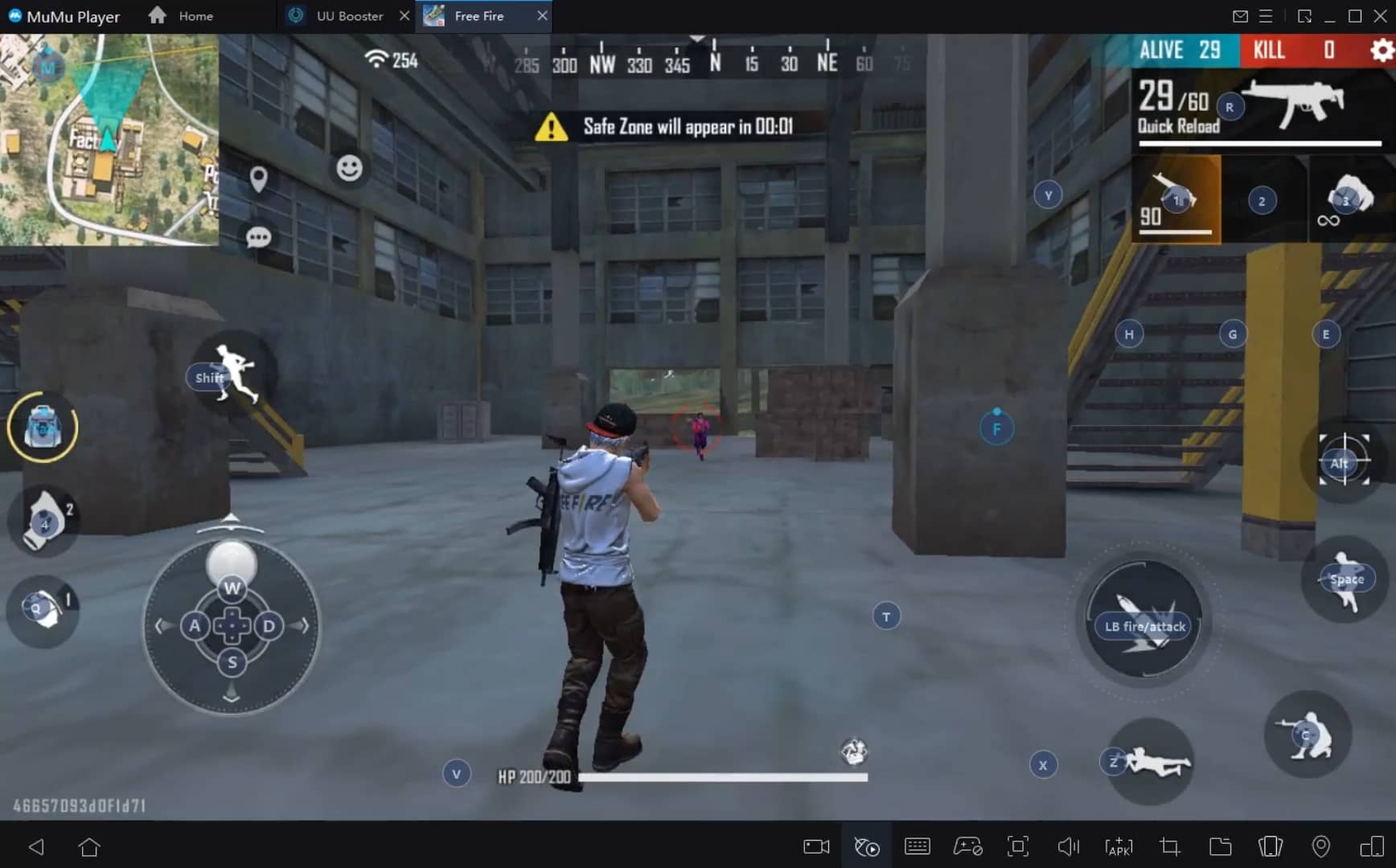
With a smart button scheme and image recognition function, provide a more concise UI, and support custom button mapping to meet different needs.
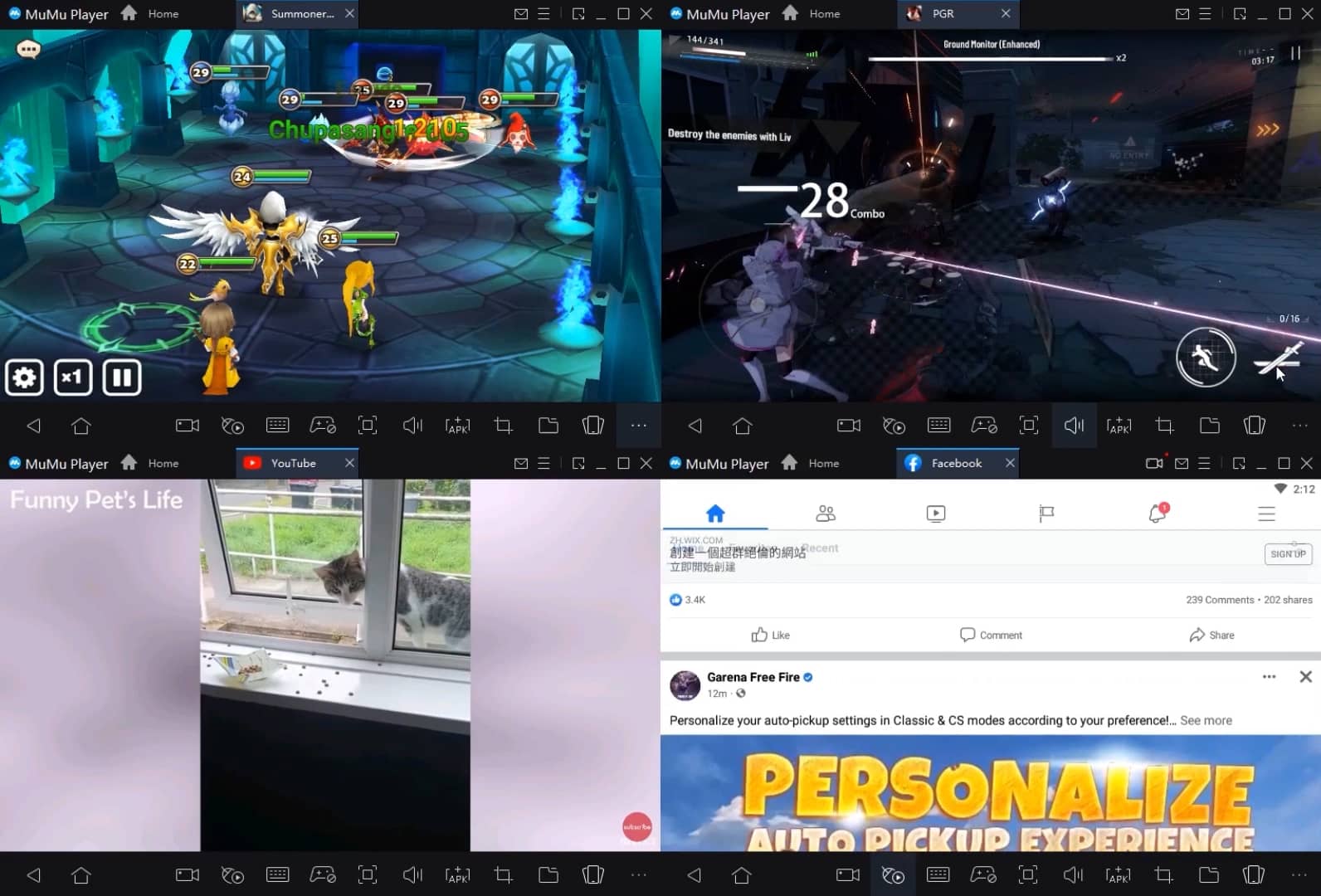
Run multiple games independently at the same time, easily manage multiple accounts, play games while hanging.
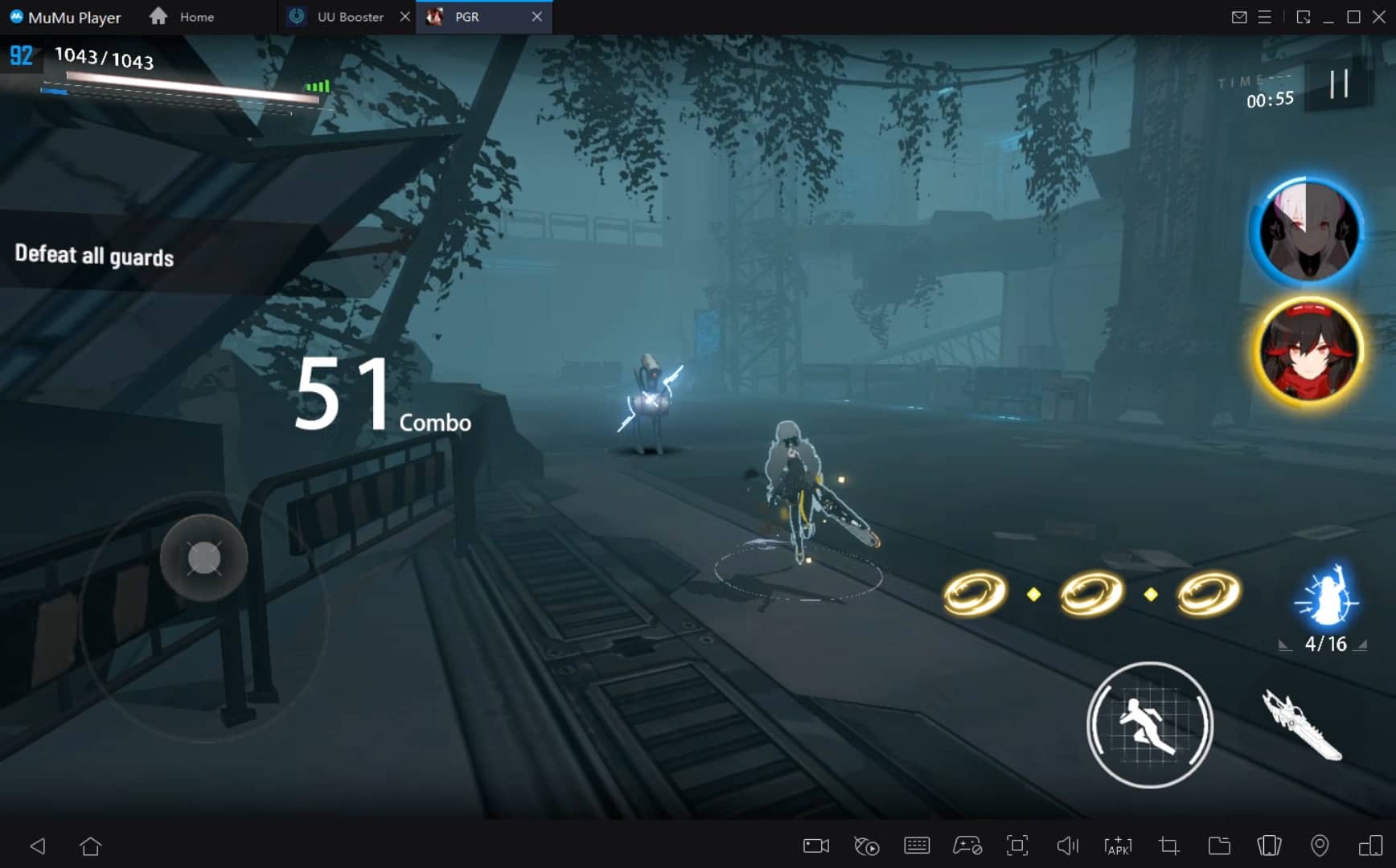
Break through FPS limit, and enjoy a seamless gaming experience without lag and delay!
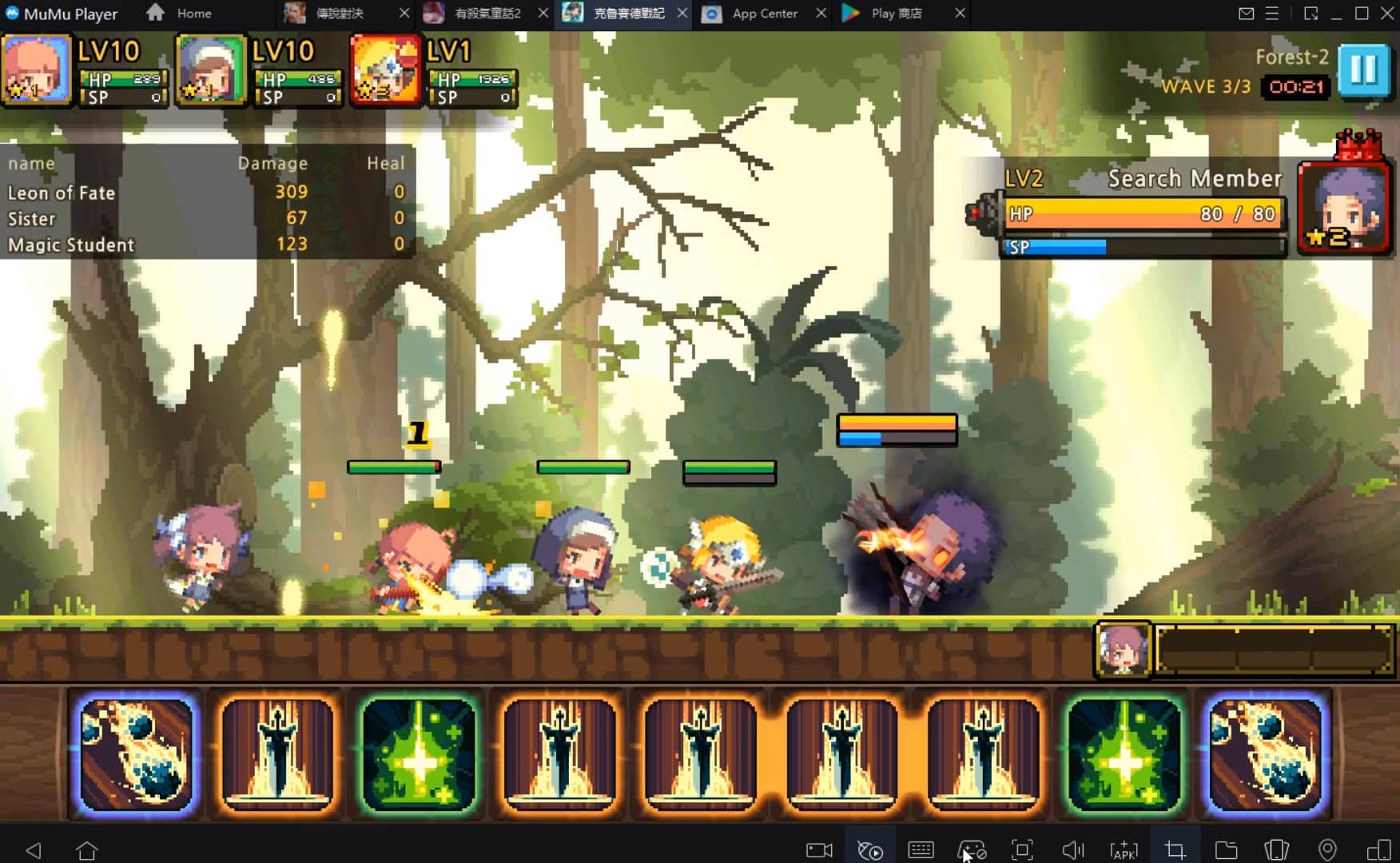
Get a 3-second startup with 52% less memory usage and 65% more stability.
How to Download and Play 契約吧!精靈少女 on PC and Mac
Installation Guide
① Download and install MuMuPlayer on your PC or Mac. It will identify automatically your current system and download the latest version.
② Start MuMuPlayer and complete Google sign-in to access the Play Store, or do it later.
③ Search 契約吧!精靈少女 in the Play Store.
④ Complete Google sign-in (if you skipped step 2) to install 契約吧!精靈少女.
⑤ Once installation completes, click the 契約吧!精靈少女 icon on the home page to start the game.
⑥ Enjoy playing 契約吧!精靈少女 on your PC or Mac with MuMuPlayer.
Recommended Configuration for MuMuPlayer
Recommended computer configuration
For Windows:4-core CPU, 4GB RAM, i5 OS, GTX950+ graphics card
For macOS: 4-core CPU, 4GB RAM
Recommended Android Device performance settings
Graphics renderer mode
Vulkan and DirectX both supported
Performance Settings
Recommended performance settings: 2 cores, 2GB. >>Click here to learn>>How to adjust performance settings
Recommended Android Device Display Settings
Resolution Settings
Go to Device Settings > Display > Resolution Settings to adjust your device's resolution as needed.
FPS Settings
MuMuPlayer supports up to 240 FPS. >> Click here to learn>>how to enable high FPS mode
Recommended to enable VT
Enabling VT will significantly improve emulator performance, reduce screen freezing, and make games run more smoothly. >>Click here to learn>>How to enable VT
Get more news, guides and redeem codes about 契約吧!精靈少女

eFootball 2026 Playstyle Guide for Forwards – Scoring Tips
eFootball 2026 Beginne's Guide - Learn the Basics Fast
Arknights Sankta Miksaparato Build and Skill Guide: How to Maximize the New Defender
Arknights New Side Story Event “The Masses' Travels”: New Stages, Operators, and Rewards Await
Ragnarok Twilight Beginner Guide: Essential Tips & Early Progression
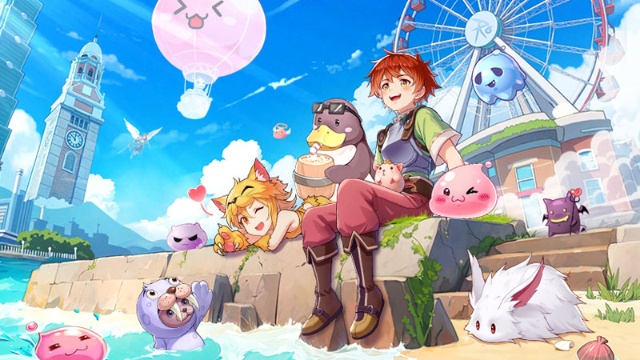
Ragnarok Twilight Career Guide: How to Master the Careers Efficiently
Ragnarok Twilight Redeem Codes (October 2025) – Free Rewards, Zeny, and Costumes
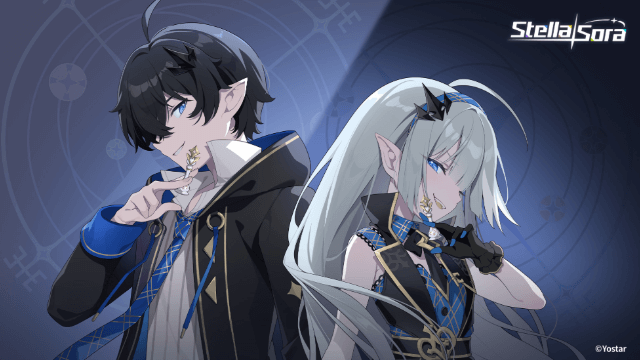
Stella Sora Latest Redeem Codes (Oct 2025): How to Use Redeem Codes for Extra Bonuses