
Fotor Photo Editor - Design Maker & Photo Collage (macOS)
Play Fotor Photo Editor - Design Maker & Photo Collage on PC and Mac
Download Fotor Photo Editor - Design Maker & Photo Collage on PC or Mac with MuMuPlayer, get a PC like gameplay along with smart control and high graphics performance.
MuMuPlayer, the top Android emulator for PC and Apple silicon Mac, delivers an optimal gaming experience with minimal RAM usage and high FPS. It also allows you to create multiple instances of the emulator and run several games simultaneously, thanks to its Multi-instance feature. Its advanced emulator features ensure smooth gameplay, even on low-end PCs.
Download and play Fotor Photo Editor - Design Maker & Photo Collage on PC or Mac with MuMuPlayer and start enjoying your gaming experience now.
About the Game
Fotor is an online photo editing program with 350 million users that from all round the globe.
Fotor was once called Photoshop Lite by the BBC because of its ease of use and its ability to satisfy most of your photo editing needs.
"I find using Fotor is simple and straightforward.  I believe that many photography enthusiasts are going to love Fotor's photo editor." - TUAW
“If you're still looking for an easy-to-use photo editor packed with features and filters, well, look no further because Fotor is your answer.” - Softpedia.com
“Fotor is perhaps the perfect solution for many amateur photographers.”-Macreview.com.

Come and see how Fotor can help you express yourself easily.

 1. Full-featured effects, borders, and stickers to expand your creativity!
Hundreds of special effects designed by pro photographers and designs to carefully cover color pallettes, like film, nostalgic, retro, kaleidoscope and other styles. There's so many to choose from that you can mix and match to create dazzling visual displays!
Christmas, Printing, Snowflake Frames, Holidays, and over 200+ other interesting and unique stickers for you to choose from which makes editing that much more interesting!


 2. Personalized collages makes it easy to control any space!
You can use Fotor's Collage Creator to quickly create something a will a choose your own style and place photos wherever you think they belong. You can also add filters and rotate the image. Your space is now yours to customize!


3. Professional editing software that you can chisel out your own charming image!
The industry-leading Fotor photo processor is powerful, able to handle high-quality images with ease. No matter if you are adjusting the brightness, contrast, saturation, shadows, highlights, noise, dark corners, cropping, angle correction, or whatever, Fotor can handle it!


4. One-click enhancements brings out the best in your photos!
Most photos aren't taken in a professional studio, and what about the perfect camera settings and positioning? It's hard to get right! That means editing is inevitable, which is where the magic of Fotor comes in. One-click Enhancement lets you make quick editing changes to the image in both detail and level. The Scene features offers 13 different auto-enhancement options for various lighting, shadow, etc. conditions. Now you can shoot and adjust later!


5. A natural focus that unleashes your creative spirit! Fotor has circle, lines, and ellipses to focus on your expression point. The shift-axis editor that is used to adjust depth of field is only found on in professional DSLR rigs, but now it's also available here in Fotor!

Fotor Serial Subscriptions
* Fotor Pro subscription fees can be charged monthly or annually depending on what you want.
* Join Fotor Pro and gain access to all the features and paid content, including effect packs, collage packs, sticker packs, and anything we think up in the future. Advertising will also be removed.
* If you purchase a serial subscription, you will pay any and all relevant fees after confirming purchase. Once the subscription period is nearing its end, you will automatically be charged 24-hours before the subscription period ends unless you turn off auto-renewal before the end of the current billing cycle. Fees will be deducted from your iTunes account depending on the package you've chosen.
* Service Agreement: https://www.fotor.com/service.html?f=iphoneapp&v=1
* Privacy Policy: https://www.fotor.com/privacy.html
Follow photography masters in the Fotor community, and enjoy the latest and hottest pictures on the platform and be inspired from them, learn from their techniques, and become an even better photography enthusiast.
Follow us:
Facebook: http://www.facebook.com/pages/Fotor/265860730168745
Instagram: http://www.instagram.com/fotor_apps
Twitter:https://twitter.com/fotor_com
Pinterest:http://www.pinterest.com/fotor2012/
Emulator Features
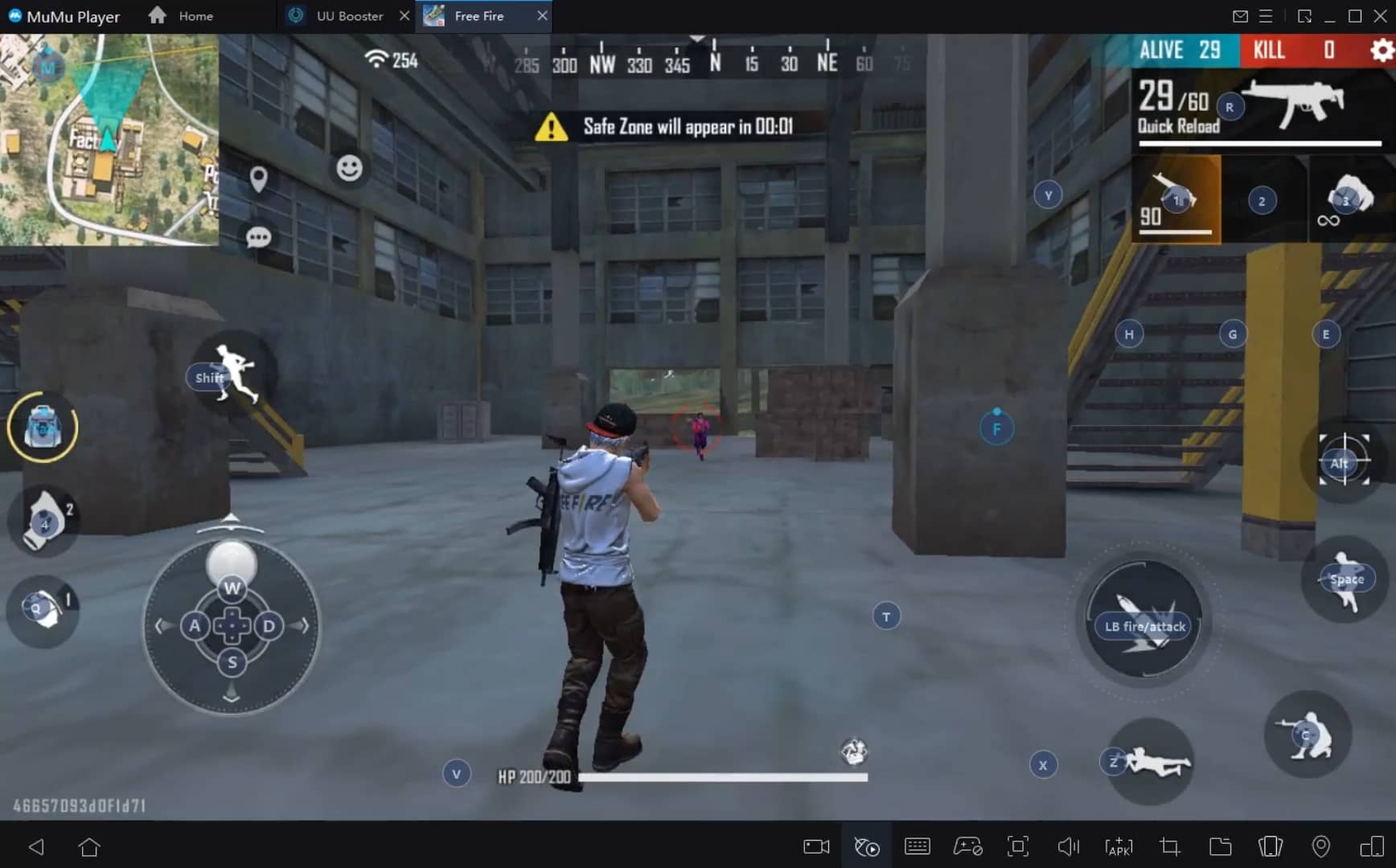
With a smart button scheme and image recognition function, provide a more concise UI, and support custom button mapping to meet different needs.
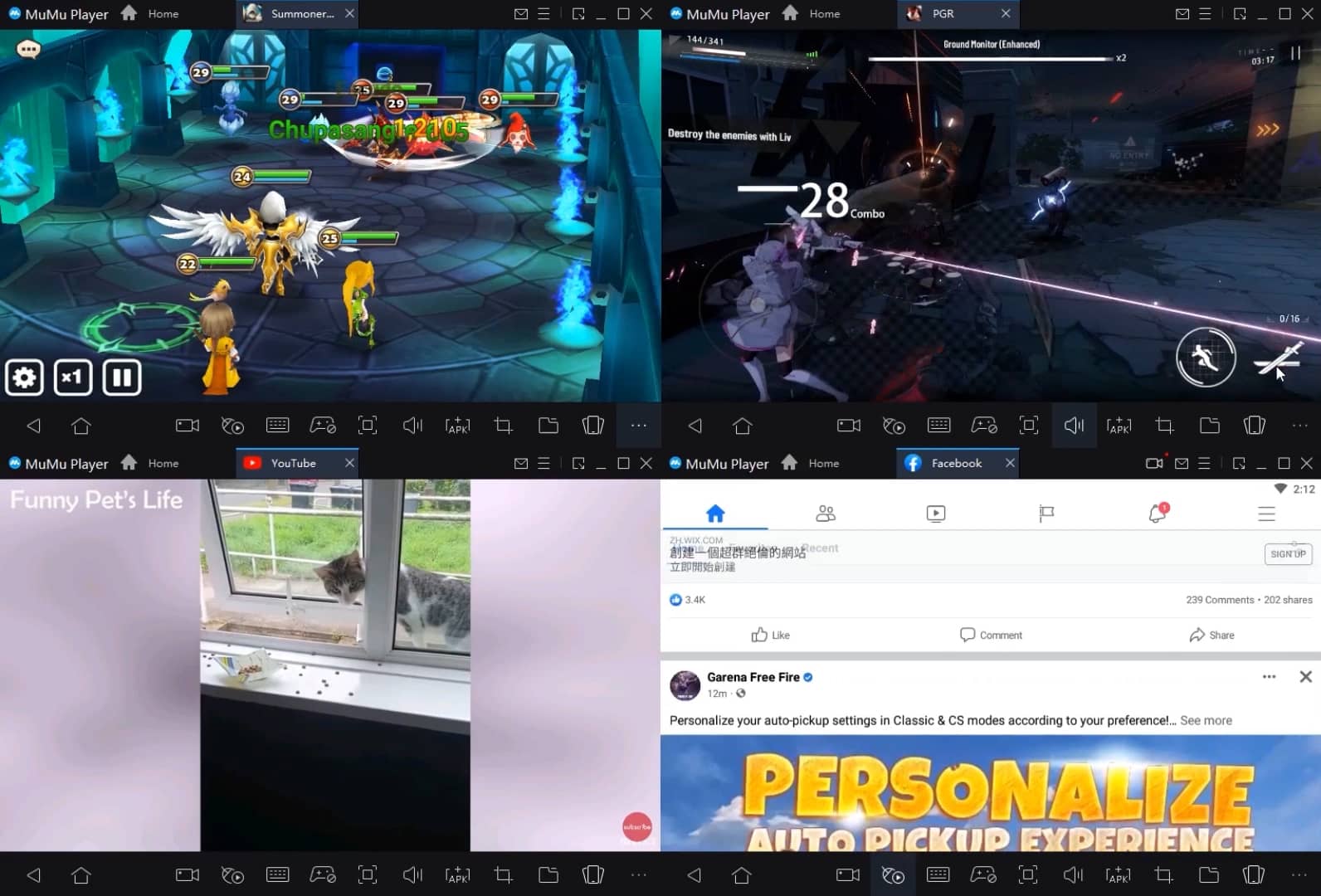
Run multiple games independently at the same time, easily manage multiple accounts, play games while hanging.
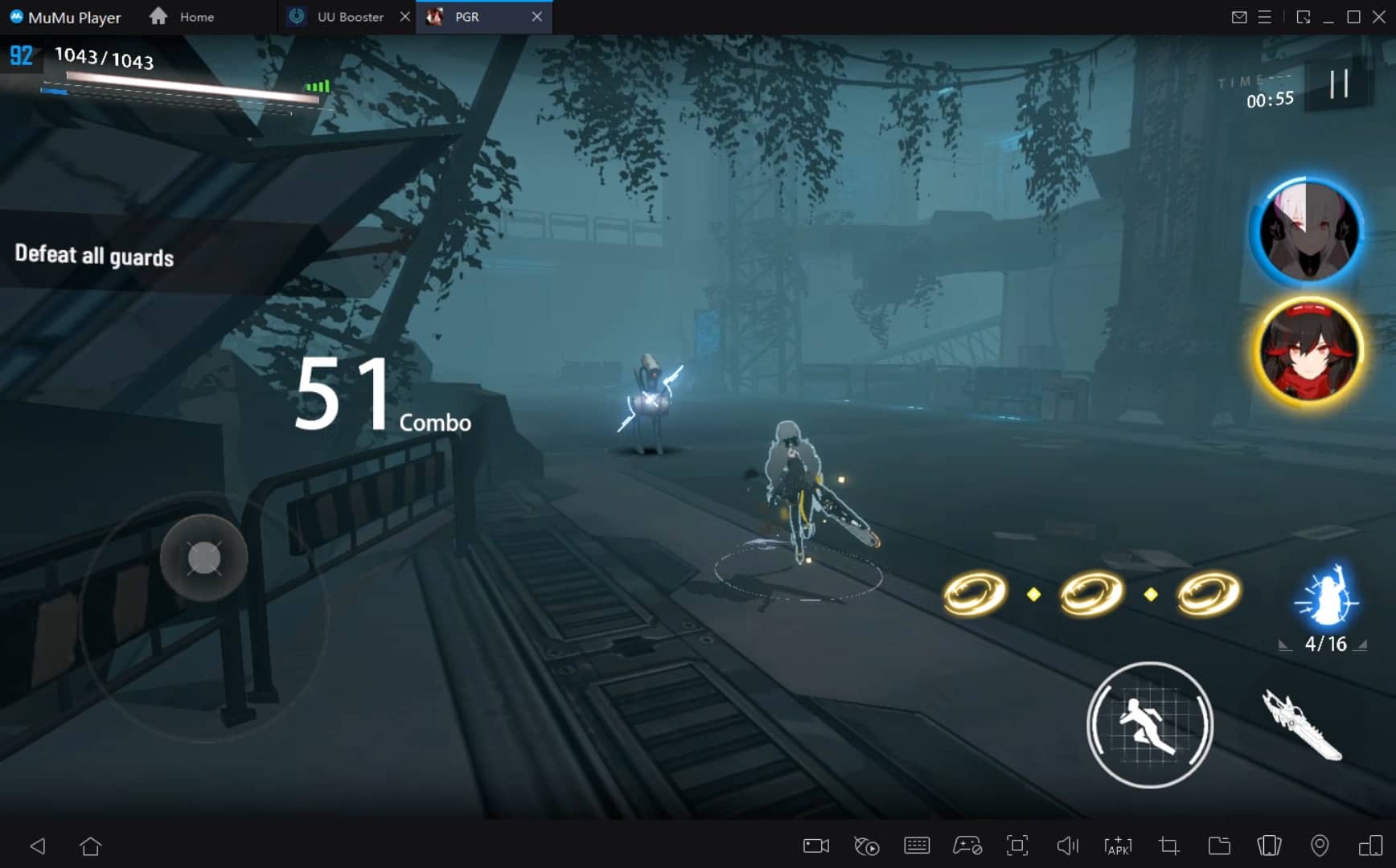
Break through FPS limit, and enjoy a seamless gaming experience without lag and delay!
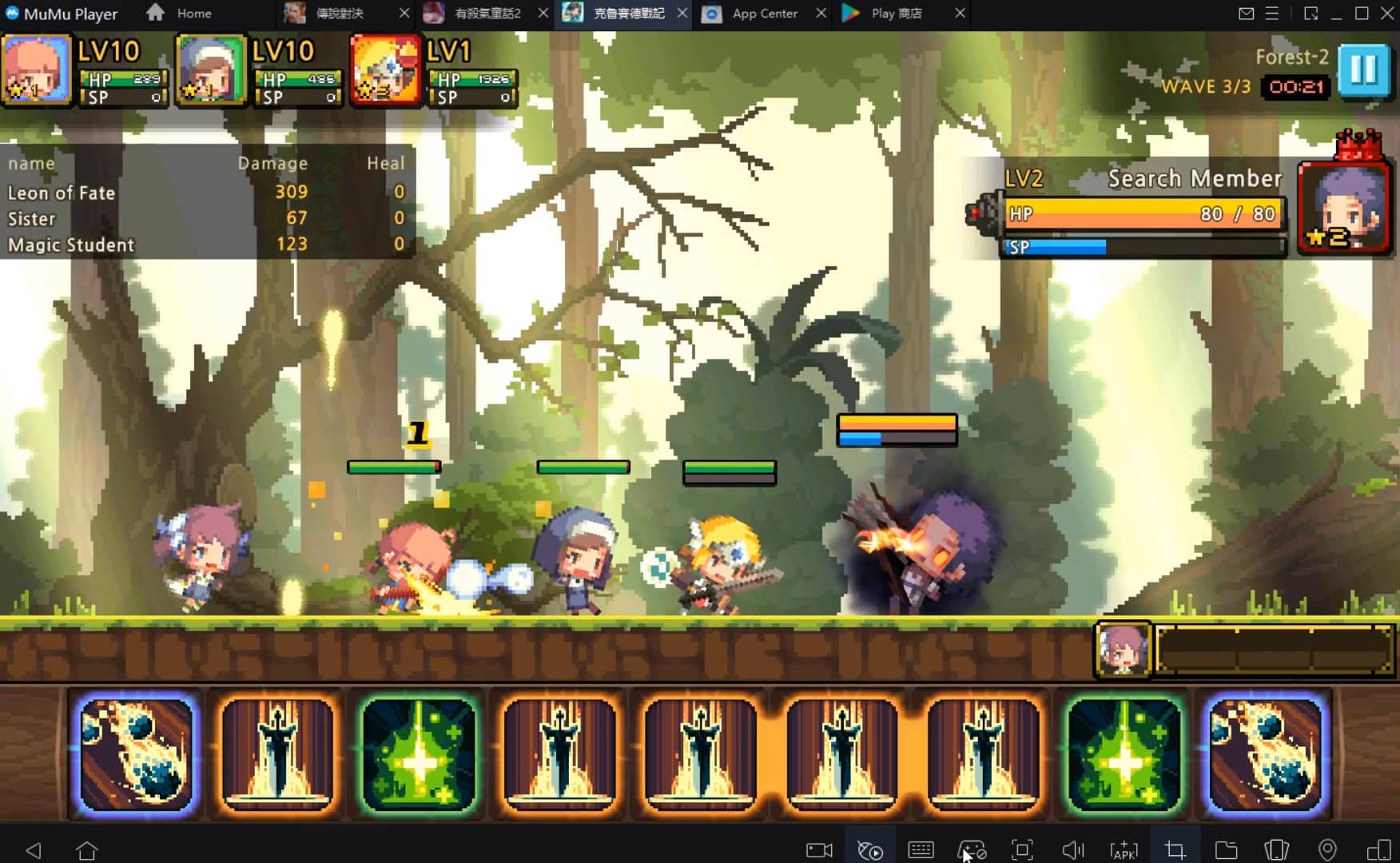
Get a 3-second startup with 52% less memory usage and 65% more stability.
How to Download and Play Fotor Photo Editor - Design Maker & Photo Collage on PC and Mac
Installation Guide
① Download and install MuMuPlayer on your PC or Mac. It will identify automatically your current system and download the latest version.
② Start MuMuPlayer and complete Google sign-in to access the Play Store, or do it later.
③ Search Fotor Photo Editor - Design Maker & Photo Collage in the Play Store.
④ Complete Google sign-in (if you skipped step 2) to install Fotor Photo Editor - Design Maker & Photo Collage.
⑤ Once installation completes, click the Fotor Photo Editor - Design Maker & Photo Collage icon on the home page to start the game.
⑥ Enjoy playing Fotor Photo Editor - Design Maker & Photo Collage on your PC or Mac with MuMuPlayer.
Recommended Configuration for MuMuPlayer
Recommended computer configuration
For Windows:4-core CPU, 4GB RAM, i5 OS, GTX950+ graphics card
For macOS: 4-core CPU, 4GB RAM
Recommended Android Device performance settings
Graphics renderer mode
Vulkan and DirectX both supported
Performance Settings
Recommended performance settings: 2 cores, 2GB. >>Click here to learn>>How to adjust performance settings
Recommended Android Device Display Settings
Resolution Settings
Go to Device Settings > Display > Resolution Settings to adjust your device's resolution as needed.
FPS Settings
MuMuPlayer supports up to 240 FPS. >> Click here to learn>>how to enable high FPS mode
Recommended to enable VT
Enabling VT will significantly improve emulator performance, reduce screen freezing, and make games run more smoothly. >>Click here to learn>>How to enable VT
Get more news, guides and redeem codes about Fotor Photo Editor - Design Maker & Photo Collage

eFootball 2026 Playstyle Guide for Forwards – Scoring Tips
eFootball 2026 Beginne's Guide - Learn the Basics Fast
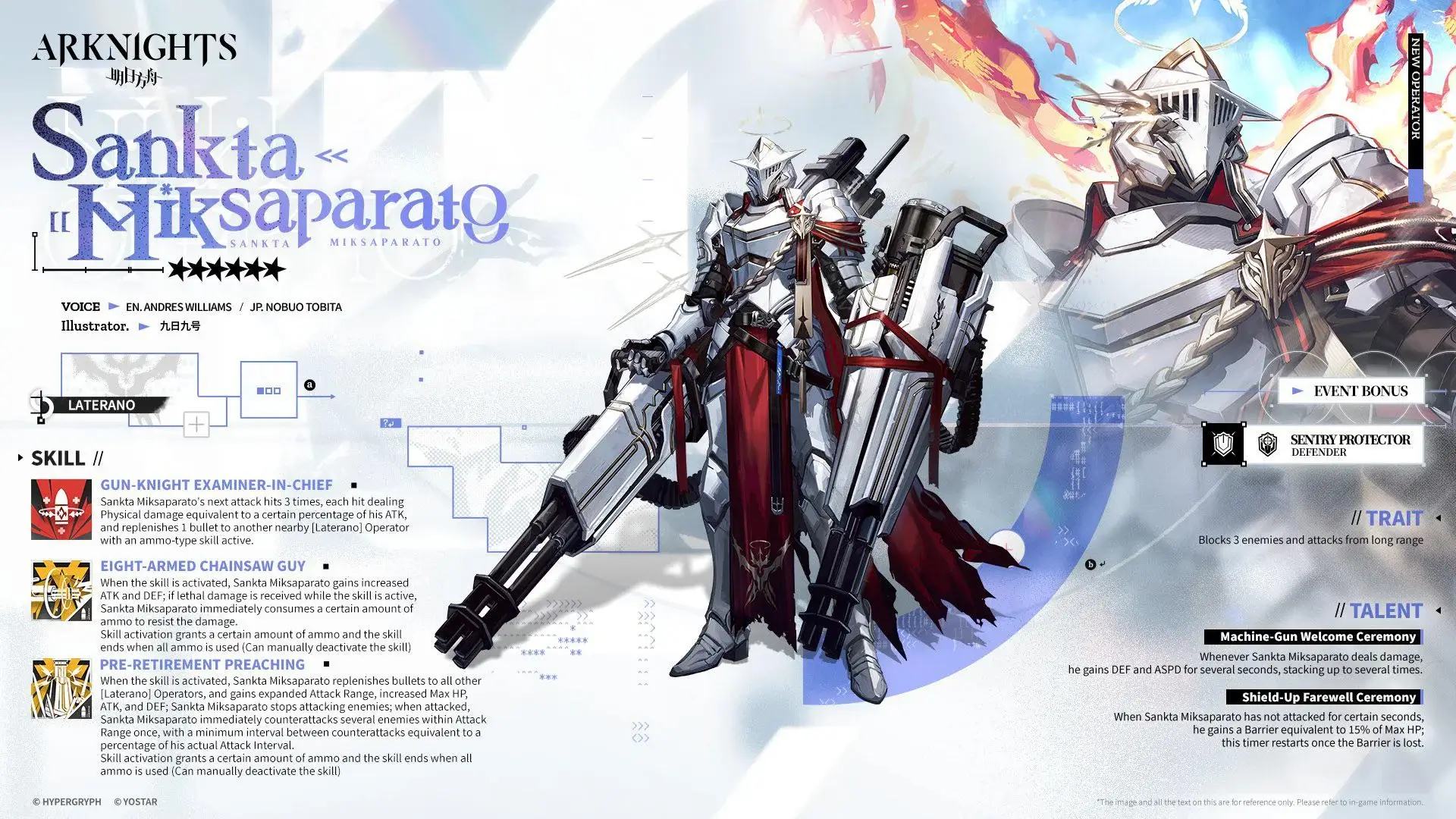
Arknights Sankta Miksaparato Build and Skill Guide: How to Maximize the New Defender

Arknights New Side Story Event “The Masses' Travels”: New Stages, Operators, and Rewards Await

Ragnarok Twilight Beginner Guide: Essential Tips & Early Progression

Ragnarok Twilight Career Guide: How to Master the Careers Efficiently
Ragnarok Twilight Redeem Codes (October 2025) – Free Rewards, Zeny, and Costumes

Stella Sora Latest Redeem Codes (Oct 2025): How to Use Redeem Codes for Extra Bonuses