
Play AlchiMerge: Merge & Craft on PC and Mac
Download AlchiMerge: Merge & Craft on PC or Mac with MuMuPlayer, get a PC like gameplay along with smart control and high graphics performance.
MuMuPlayer, the top Android emulator for PC and Apple silicon Mac, delivers an optimal gaming experience with minimal RAM usage and high FPS. It also allows you to create multiple instances of the emulator and run several games simultaneously, thanks to its Multi-instance feature. Its advanced emulator features ensure smooth gameplay, even on low-end PCs.
Download and play AlchiMerge: Merge & Craft on PC or Mac with MuMuPlayer and start enjoying your gaming experience now.
About the Game
🧪 In AlchiMerge you are the Shopkeeper of your very own Alchemy Shop! 🎮 Match and Merge materials to harvest magical ingredients for your Shop! ⚒️ Craft mystical Potions, Spells and more! 💸 Sell them to customers for profits and become a Legendary Shop Tycoon! 🎨 Decorate your Shop and Customize your human, Catanian (cat) or Lupinian (dog) avatar! 📚 Befriend heroes along your way and uncover the mysteries of the Vortex Isles! 🧑🤝🧑 Join forces with other players and Invest in your City together! Interested in knowing more? Here’s what you can expect from AlchiMerge: Merge & Craft. ■ Backstory: The kingdoms of Catania and Lupinia used to live secluded from each other, but everything changed when the Great Tremor hit, causing a Rift Storm in the middle of the great ocean. Dimensional rifts started to appear out of magical thunder, introducing a whole new archipelago to the world. These are the Vortex Isles, a place of magical flora, mystical ruins and ever-lasting storm clouds. Upon sailing to the Vortex Isles, Catanians and Lupinians met Humans for the very first time. They were also brought to the world of Anima by the Rift Storm. In AlchiMerge these three kingdoms meet to explore the mysterious Vortex Isles. Will they all get along? Players familiar with PocApp Studios' previous titles, Castle Cats & Dungeon Dogs, will be able to meet beloved heroes in an entirely new format. Completing Quests from new and old heroes will reveal unique stories of the characters and the world of Anima. Key Features: ■ Merge Gameplay: Merge Your Way Through the World of Anima! Match and Merge endless materials to harvest magical ingredients for your shop! ■ Crafting: Sell your wares to customers! Craft mystical Potions, Spells, and ancient Trinkets. Sell and trade them to customers for profits! ■ Shop Tycoon: Become the best! Hustle, bargain, and strike deals to become the most prestigious Shopkeeper on the Vortex Isles! ■ Avatar Customization: Show off your Shopkeeper! Customize your avatar to your own liking and start your adventure either as a human, catanian (cat), or lupinian (dog), the choice is yours! ■ Shop Decoration: Show off your interior skills! Be as creative as you want - your customers value a well-designed shop! ■ Multiplayer: Join Forces with Other Players! Team up with friends, invest together, build thriving Cities, and powerful alliances between Humans, Catanians, and Lupinians! ■ Story Progression: Uncover the mysteries of the Vortex Isles! Can the three races work together? Are dogs still a Human’s best friend? Complete Quests from Trust Characters to unlock their unique stories and learn more about the world of Anima!
Emulator Features
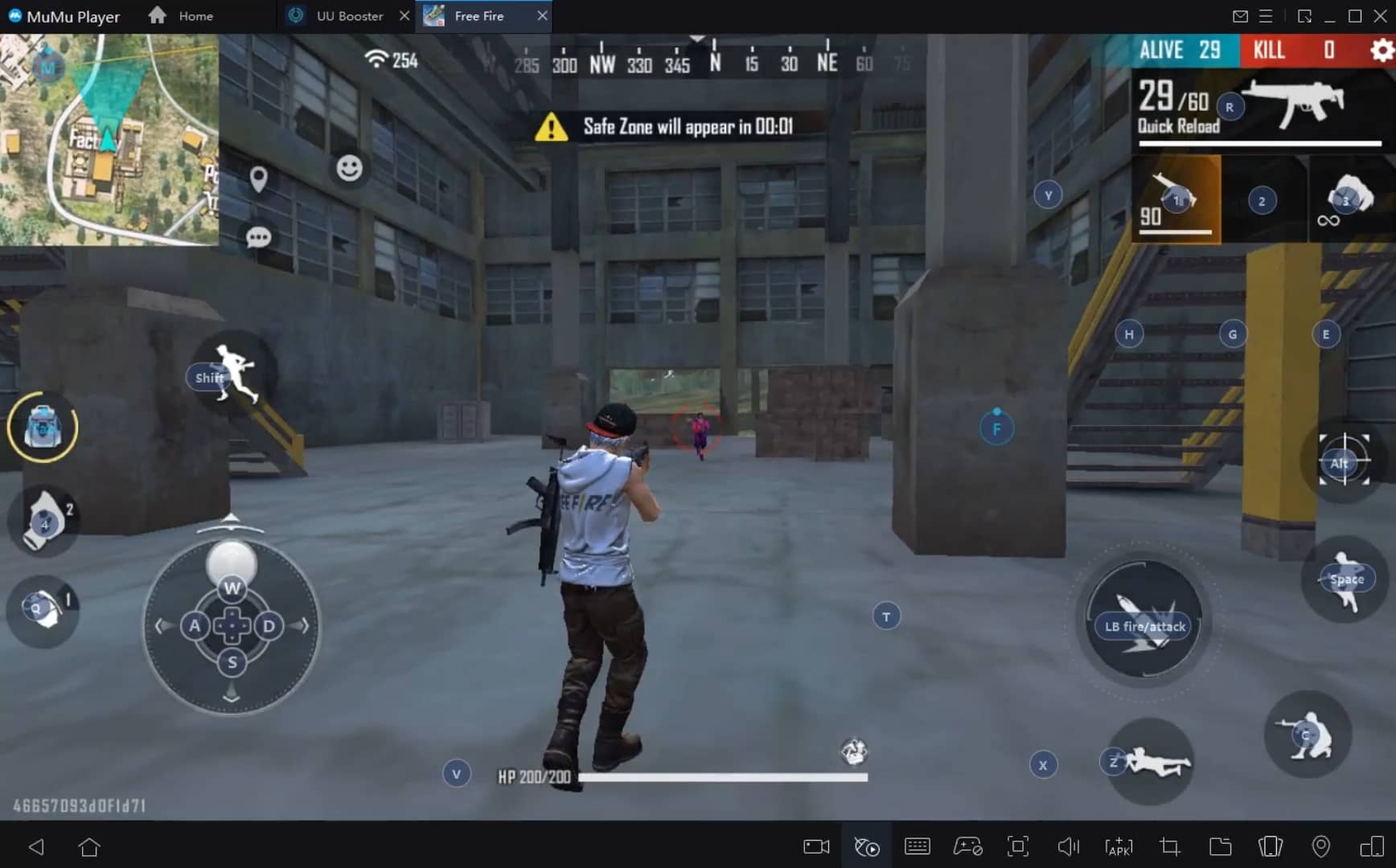
With a smart button scheme and image recognition function, provide a more concise UI, and support custom button mapping to meet different needs.
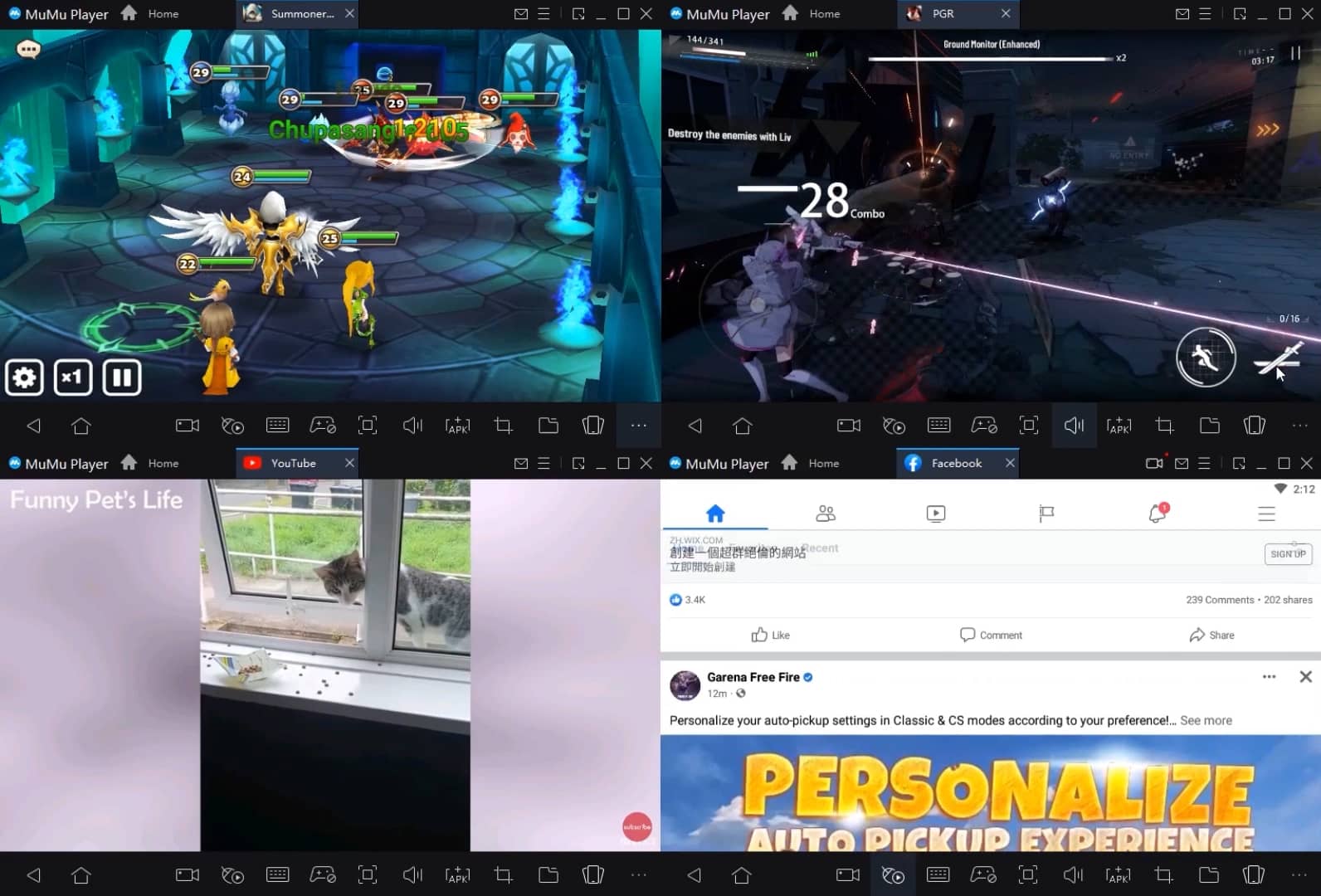
Run multiple games independently at the same time, easily manage multiple accounts, play games while hanging.
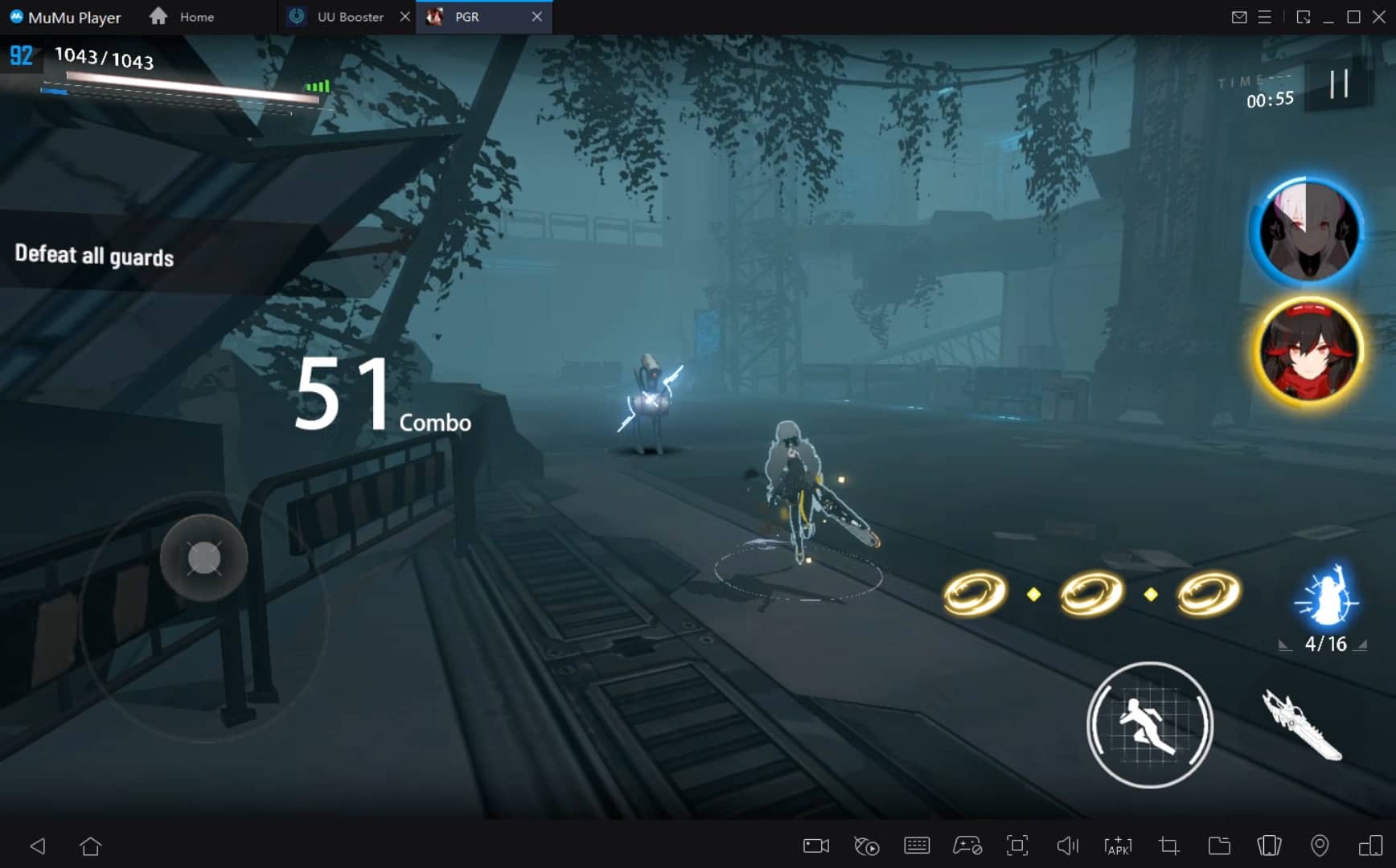
Break through FPS limit, and enjoy a seamless gaming experience without lag and delay!
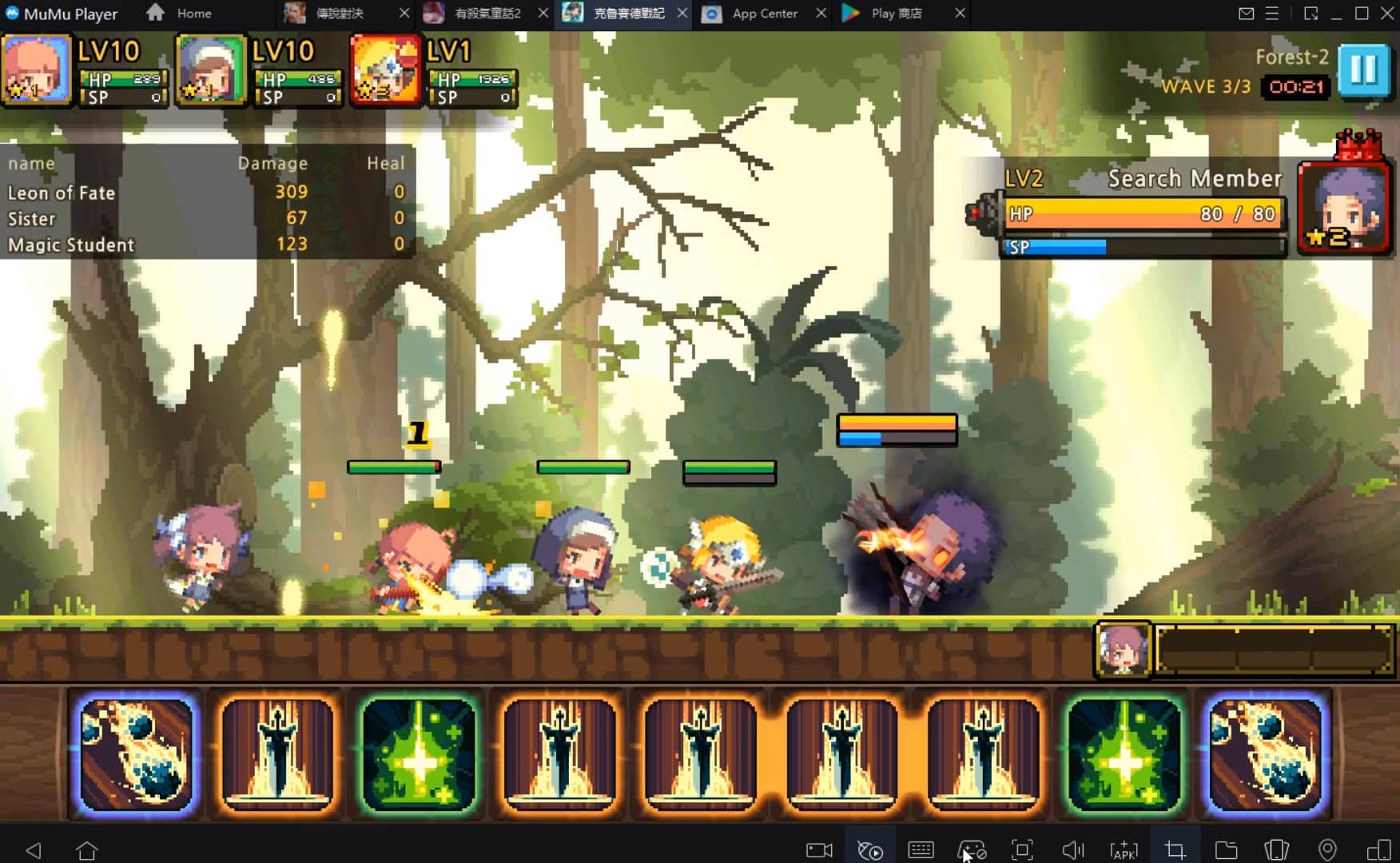
Get a 3-second startup with 52% less memory usage and 65% more stability.
How to Download and Play AlchiMerge: Merge & Craft on PC and Mac
Installation Guide
① Download and install MuMuPlayer on your PC or Mac. It will identify automatically your current system and download the latest version.
② Start MuMuPlayer and complete Google sign-in to access the Play Store, or do it later.
③ Search AlchiMerge: Merge & Craft in the Play Store.
④ Complete Google sign-in (if you skipped step 2) to install AlchiMerge: Merge & Craft.
⑤ Once installation completes, click the AlchiMerge: Merge & Craft icon on the home page to start the game.
⑥ Enjoy playing AlchiMerge: Merge & Craft on your PC or Mac with MuMuPlayer.
Recommended Configuration for MuMuPlayer
Recommended computer configuration
For Windows:4-core CPU, 4GB RAM, i5 OS, GTX950+ graphics card
For macOS: 4-core CPU, 4GB RAM
Recommended Android Device performance settings
Graphics renderer mode
Vulkan and DirectX both supported
Performance Settings
Recommended performance settings: 2 cores, 2GB. >>Click here to learn>>How to adjust performance settings
Recommended Android Device Display Settings
Resolution Settings
Go to Device Settings > Display > Resolution Settings to adjust your device's resolution as needed.
FPS Settings
MuMuPlayer supports up to 240 FPS. >> Click here to learn>>how to enable high FPS mode
Recommended to enable VT
Enabling VT will significantly improve emulator performance, reduce screen freezing, and make games run more smoothly. >>Click here to learn>>How to enable VT
Get more news, guides and redeem codes about AlchiMerge: Merge & Craft

eFootball 2026 Playstyle Guide for Forwards – Scoring Tips
eFootball 2026 Beginne's Guide - Learn the Basics Fast
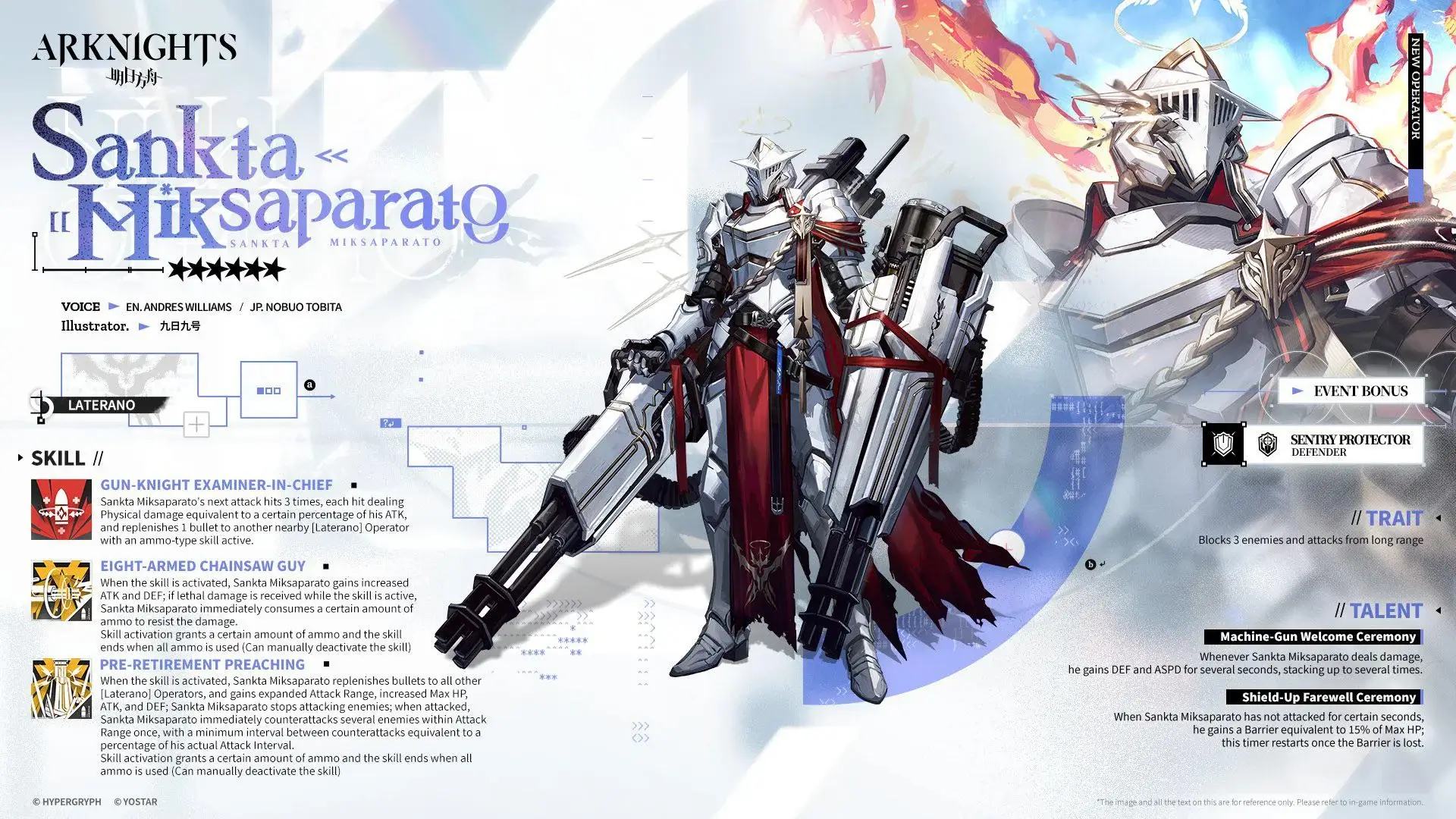
Arknights Sankta Miksaparato Build and Skill Guide: How to Maximize the New Defender
Arknights New Side Story Event “The Masses' Travels”: New Stages, Operators, and Rewards Await
Ragnarok Twilight Beginner Guide: Essential Tips & Early Progression

Ragnarok Twilight Career Guide: How to Master the Careers Efficiently
Ragnarok Twilight Redeem Codes (October 2025) – Free Rewards, Zeny, and Costumes

Stella Sora Latest Redeem Codes (Oct 2025): How to Use Redeem Codes for Extra Bonuses