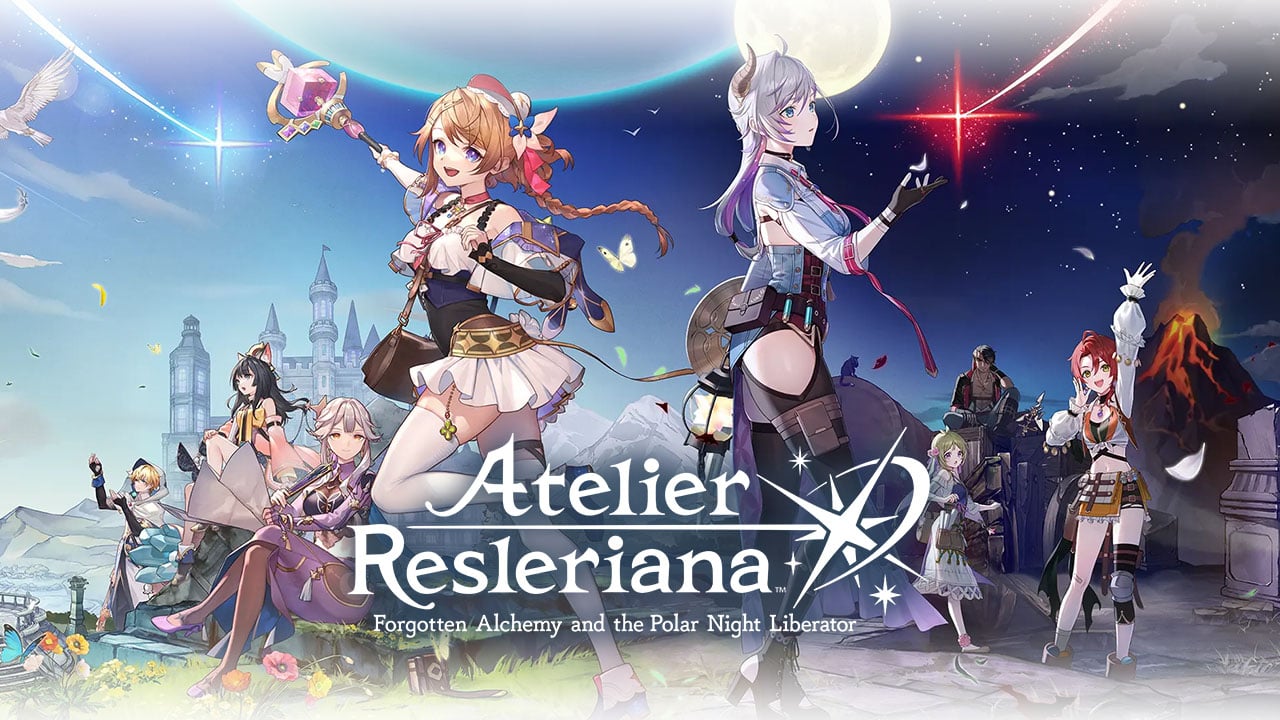
Play Atelier Resleriana on PC and Mac
Download Atelier Resleriana on PC or Mac with MuMuPlayer, get a PC like gameplay along with smart control and high graphics performance.
MuMuPlayer, the top Android emulator for PC and Apple silicon Mac, delivers an optimal gaming experience with minimal RAM usage and high FPS. It also allows you to create multiple instances of the emulator and run several games simultaneously, thanks to its Multi-instance feature. Its advanced emulator features ensure smooth gameplay, even on low-end PCs.
Download and play Atelier Resleriana on PC or Mac with MuMuPlayer and start enjoying your gaming experience now.
About the Game
Atelier Resleriana: Forgotten Alchemy and the Polar Night Liberator

KOEI TECMO GAMES and Akatsuki Games present the latest title in the Atelier series, Atelier Resleriana: Forgotten Alchemy and the Polar Night Liberator.
High quality world and character design.
An RPG with a compelling story written by TAKAHIRO, the creator of many manga, games, and anime, including "Yuki Yuna Is a Hero"!

Long ago, the kingdom of Lantarna prospered from the blessings of a white comet that passed overhead. The art of harnessing the comet's blessings was called alchemy, and the practitioners of this art were known as alchemists.
However, when the comet disappeared and its blessings were no longer available, the use of alchemy gradually declined and was eventually forgotten.

Many years have passed, and in a corner of Lantarna two girls have a fateful meeting.
One is Resna, who has found hope in alchemy and is on her way to the Capital, aiming to travel to the World’s End where the source of the miracle is said to lie.
The other is Valeria, a girl who has lost her memories and now lives in the city while doing rough work as an adventurer for the Moonlight Society.

Behind them looms the shadow of the group known as the Polar Night Alchemists, a dark organization shrouded in mystery.
With different motives and ambitions intertwined, the two eventually come closer to the truth that lies dormant on the continent.

GAME SYSTEM

New Adventures with a New Protagonist
An epic adventure with a new protagonist, the first one in four years since the release of “Atelier Ryza.” Embark on this adventure to revive alchemy with a cast of charming characters!

High-Quality 3D Characters in Action
The latest technology developed for the Atelier series has been used to create 3D graphics equivalent to the latest console titles. Enjoy this cinematic story filled with beautiful high-quality characters!

A Tactical, Timeline-Based Battle System
Simple timeline-style command battles and dynamic skill visuals make for a fun and entertaining battle experience. The "Effects Panel" has a variety of effects that can be used to build a strategy to gain an advantage in battles!

An Easy-to-Use, Yet Profound Synthesis System
The synthesis system, a signature feature of the Atelier series, is optimized for easy and rewarding play. Combine the traits assigned to the characters and materials to create your optimal solution!

A System to Upgrade All Characters
Characters can be enhanced in a variety of ways, such as by using items and equipment created through synthesis, and the Growboards, which increase character parameters. Build the strongest and best party, then embark on an alchemical adventure!
Emulator Features

With a smart button scheme and image recognition function, provide a more concise UI, and support custom button mapping to meet different needs.

Run multiple games independently at the same time, easily manage multiple accounts, play games while hanging.

Break through FPS limit, and enjoy a seamless gaming experience without lag and delay!

Get a 3-second startup with 52% less memory usage and 65% more stability.
How to Download and Play Atelier Resleriana on PC and Mac
Installation Guide
Download MuMuPlayer
Download and install MuMuPlayer on your PC or Mac
Sign-in Google Store
Complete Google sign-in to access the Play Store
Search and Install
Search Atelier Resleriana in the Play Store
Enjoy Gaming
Enjoy 120 FPS high-def gameplay with big screen
System Requirements
Windows PC
Vulkan / DirectX supported. 4 cores + 4GB RAM recommended. Up to 240 FPS. VT required.
macOS
Recommended: Apple Silicon Mac with 8GB RAM or above. Up to 240 FPS.