Play Blade Idle on PC and Mac
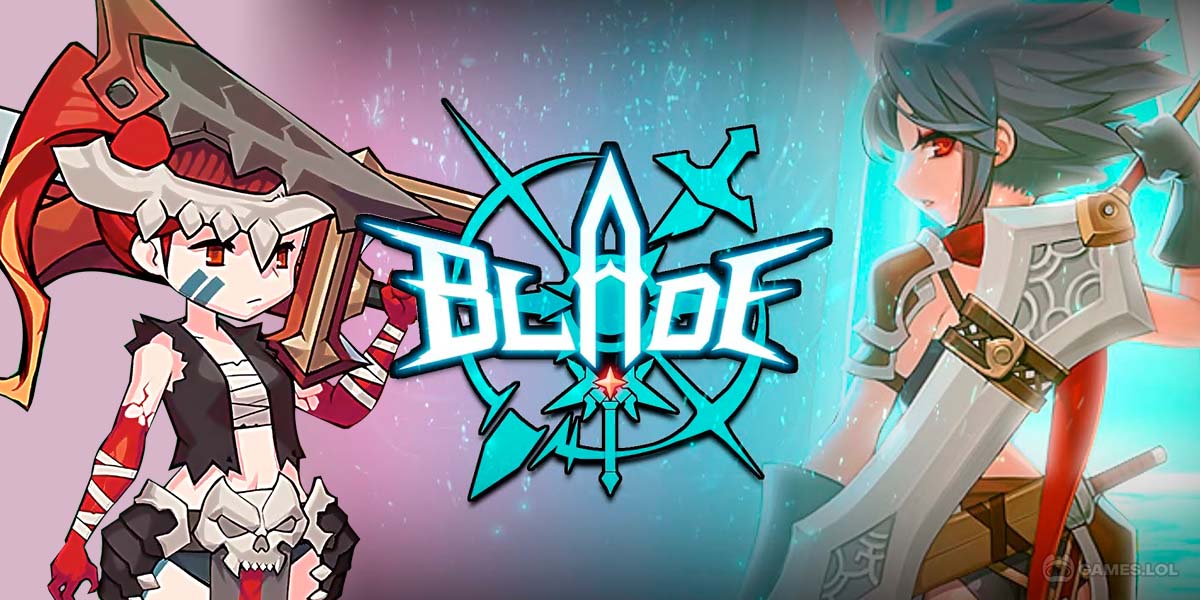
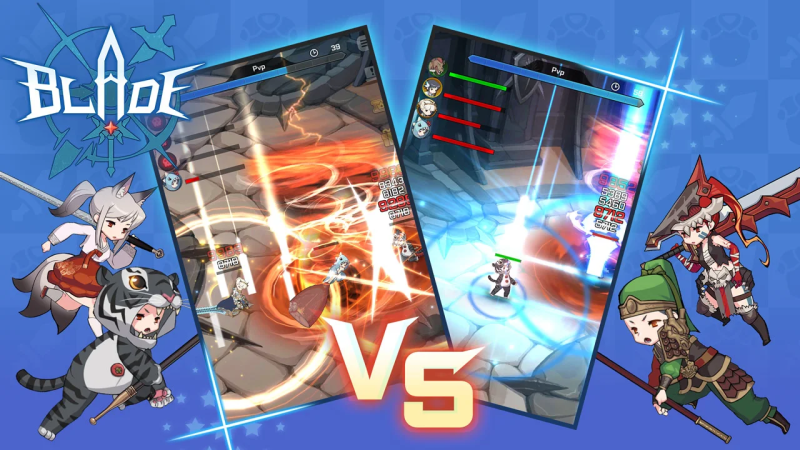
Blade Idle is a role-playing game that follows the unexpected journey of a humble herb collector who discovers a legendary sword and rises to become a celebrated hero. The game blends idle progression with active adventuring, letting players explore main stages and dungeons while steadily growing their character through a rewarding farming loop. Whether you are diving into combat or managing upgrades, every session pushes your hero closer to greatness, and playing Blade Idle on PC through MuMuPlayer lets you enjoy that journey on a bigger screen with smoother controls.
The game offers a rich set of systems designed to keep progression feeling fresh and meaningful. A customizable skill system lets players obtain and mix various abilities to suit their preferred playstyle. Equipment can be combined through a Merge System to produce increasingly powerful gear, while both normal and special dungeons provide the materials needed to fuel that growth. Beyond combat, the Pet, Relic, and Insignia systems each add another layer of character development, and the Upgrade Dungeon gives dedicated players a place to chase exclusive skins and cosmetic rewards.
Running Blade Idle on PC through MuMuPlayer brings clear advantages to the idle RPG experience. The larger display makes it far easier to track multiple progression systems at once, from equipment merging to dungeon rewards, without constantly squinting at a small screen. MuMuPlayer also ensures stable, consistent performance during longer farming sessions, so your progress never gets interrupted by device overheating or battery drain. For a game built around steady growth and continuous resource collection, having a reliable PC environment through MuMuPlayer means you can keep your hero advancing without any unnecessary interruptions.
About the Game
What begins as an ordinary life collecting herbs in the wilderness quickly transforms into an epic tale of power and destiny. Blade Idle tells the story of an unremarkable gatherer who stumbles upon a legendary sword hidden from the world, setting him on a path toward becoming one of history's greatest heroes. The premise is simple, but the systems underneath it are layered and deeply satisfying for players who enjoy watching a character evolve from nothing into an unstoppable force.
At the heart of the experience is a progression loop built around exploration and farming. Players move through a series of main stages, pushing further into the world as their hero grows stronger. Dungeons serve as the backbone of character development, offering both standard challenges and special variants that reward different types of growth materials. Every dungeon run has a purpose, and the variety between them ensures that farming never feels like a repetitive chore.
One of the standout elements of Blade Idle is how it handles skills. Rather than locking players into a fixed playstyle, the game provides a customizable skill system where you can obtain a wide range of abilities and arrange them to match how you want to fight. Experimenting with different combinations adds a strategic dimension that goes beyond simply leveling up.
Equipment progression follows a similar philosophy of depth and flexibility. Through the Merge System, players combine gear to produce higher-grade items with greater power. This system rewards consistent play and smart resource management, turning every item drop into a potential building block for something stronger. Knowing when to merge and when to hold onto current gear becomes part of the ongoing strategy.
Growth in Blade Idle extends well beyond skills and weapons. Three dedicated systems, Pets, Relics, and Insignias, each contribute meaningful bonuses to your hero's overall capability. These systems ensure that progression always has multiple paths moving forward simultaneously, so there is rarely a moment where advancement feels stalled.
For players who want to test their limits and earn something extra along the way, the Upgrade Dungeon offers a dedicated challenge space. Completing these encounters unlocks a variety of skins, giving motivated players visual rewards to pursue alongside their stat-based goals.
Key things to know before diving in:
- The game connects players to servers based on device language settings. Korean language devices link to the Korean Server, while all other languages connect to the Global Server.
- Skills are fully customizable, allowing players to build loadouts around personal preferences.
- The Merge System turns equipment farming into a long-term investment rather than simple stat collection.
- Pets, Relics, and Insignias each offer independent progression tracks that complement combat growth.
- Special dungeons and the Upgrade Dungeon provide targeted challenges beyond the main stage journey.
Blade Idle is a game designed for players who appreciate watching effort translate into tangible power over time. Every system feeds into the next, and the steady rhythm of farming, merging, and upgrading creates a satisfying cycle that keeps sessions engaging whether you play for five minutes or several hours.
Emulator Features

With a smart button scheme and image recognition function, provide a more concise UI, and support custom button mapping to meet different needs.

Run multiple games independently at the same time, easily manage multiple accounts, play games while hanging.

Break through FPS limit, and enjoy a seamless gaming experience without lag and delay!

Get a 3-second startup with 52% less memory usage and 65% more stability.
How to Download and Play Blade Idle on PC and Mac
Installation Guide
Download MuMuPlayer
Download and install MuMuPlayer on your PC or Mac
Sign-in Google Store
Complete Google sign-in to access the Play Store
Search and Install
Search Blade Idle in the Play Store
Enjoy Gaming
Enjoy 120 FPS high-def gameplay with big screen
System Requirements
Windows PC
Vulkan / DirectX supported. 4 cores + 4GB RAM recommended. Up to 240 FPS. VT required.
macOS
Recommended: Apple Silicon Mac with 8GB RAM or above. Up to 240 FPS.