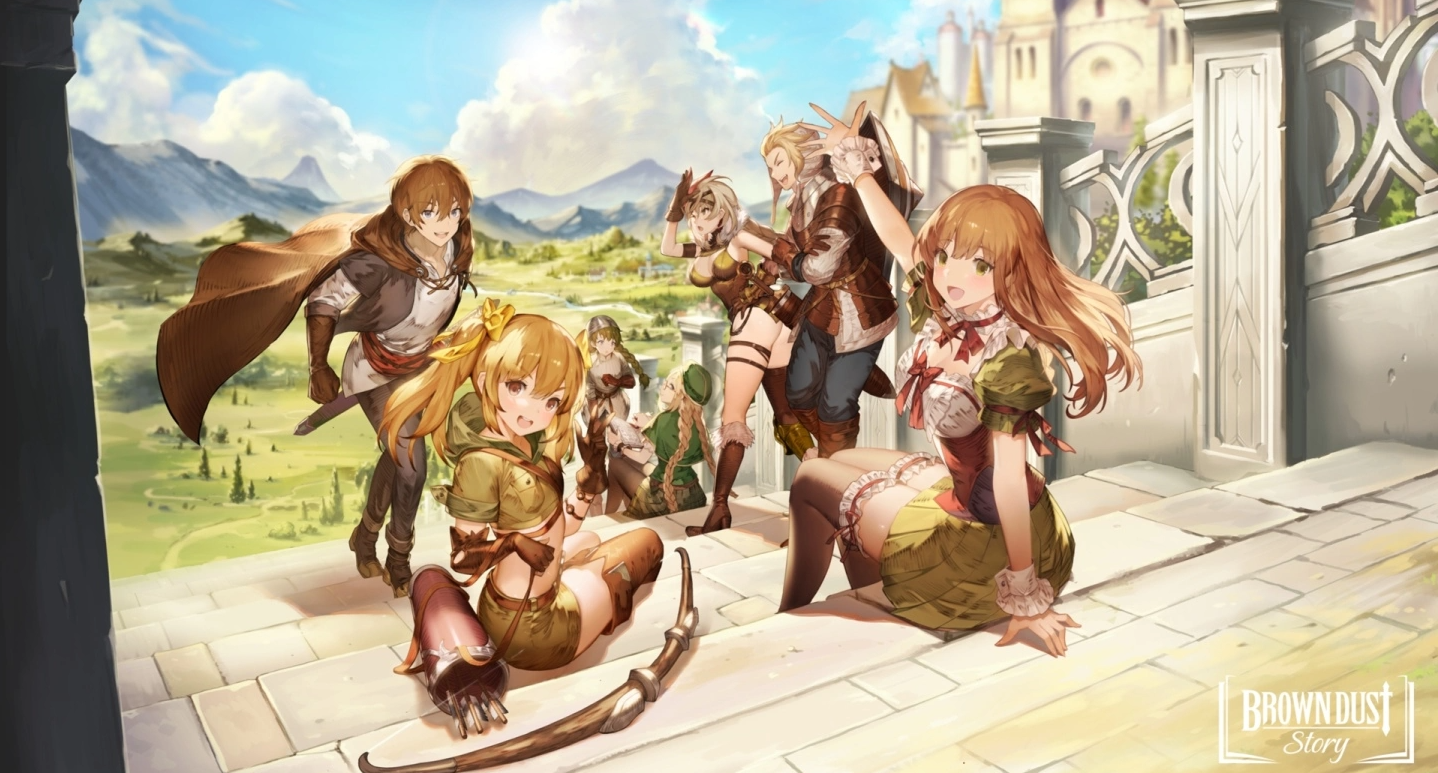
Play BraveNine Story on PC and Mac
Download BraveNine Story on PC or Mac with MuMuPlayer, get a PC like gameplay along with smart control and high graphics performance.
MuMuPlayer, the top Android emulator for PC and Apple silicon Mac, delivers an optimal gaming experience with minimal RAM usage and high FPS. It also allows you to create multiple instances of the emulator and run several games simultaneously, thanks to its Multi-instance feature. Its advanced emulator features ensure smooth gameplay, even on low-end PCs.
Download and play BraveNine Story on PC or Mac with MuMuPlayer and start enjoying your gaming experience now.
About the Game
An extraordinary adventure story of the unstoppable mercenary group!
Brave Nine mercenaries are back in a new Visual Novel RPG, Brave Nine Story!

Why did this young noble man from a prestigious family become a runaway overnight?

◆ A Story of No Ordinary Adventure of an Ordinary Mercenary Group!
A young man's life fell apart due to his father's rebellion.
He established a mercenary group to grant the dream of ‘work less, earn more’!
However, what awaited him were hard core tasks...

◆ The Integration of a Novel and RPG! – A Battle with a Story, a Story with a Battle
Fill the page of your adventure with breathtaking battles and tactics.
Complete the story of the book as you play the game.
Enjoy the exciting story that you would never want to skip. Time flies! Watch out!

◆ The Highly Acclaimed Turn Based Combat system!
Win or Lose by a single turn in this relentless turn based RPG!
The thrilling battle mechanics derived from the previous work, a masterpiece of turn based RPG!
Use your brain and beat the opponent out!

◆ Sign a Contract with Mercenaries!
Don’t you worry about the probability. Just sign the contract and you’re done!
Encounter many different characters as you play and let them join your mercenary group!
Make a contract with your own favorite character and collect their hidden stories!

◆ Collect Various Spin-off Stories of all Genres!
From a heart-fluttering love story to a thriller with twists and turns!
Collect a variety of Spin-off episodes by series regardless of genre!
A Visual Novel RPG more exciting than anime and more addictive than web novel!

◆ The Hidden Story of Brave Nine Characters is Finally Revealed!
Enjoy the story with amazing illustrations and great storyline of a collectible RPG!
Immerse yourself in the fantasy Novel/RPG!
Check out the secrets of the characters hidden inside the pages!

What’s new

Join the BraveNine Story Open Beta Test!
Period: Aug 8 ~ Aug 15, 2022 (GMT+9)
Emulator Features

With a smart button scheme and image recognition function, provide a more concise UI, and support custom button mapping to meet different needs.

Run multiple games independently at the same time, easily manage multiple accounts, play games while hanging.

Break through FPS limit, and enjoy a seamless gaming experience without lag and delay!

Get a 3-second startup with 52% less memory usage and 65% more stability.
How to Download and Play BraveNine Story on PC and Mac
Installation Guide
① Download and install MuMuPlayer on your PC or Mac. It will identify automatically your current system and download the latest version.
② Start MuMuPlayer and complete Google sign-in to access the Play Store, or do it later.
③ Search BraveNine Story in the Play Store.
④ Complete Google sign-in (if you skipped step 2) to install BraveNine Story.
⑤ Once installation completes, click the BraveNine Story icon on the home page to start the game.
⑥ Enjoy playing BraveNine Story on your PC or Mac with MuMuPlayer.
Installation Guide
Recommended computer configuration
For Windows:4-core CPU, 4GB RAM, i5 OS, GTX950+ graphics card
For macOS: 4-core CPU, 4GB RAM
Recommended Android Device performance settings
Graphics renderer mode
Vulkan and DirectX both supported
Performance Settings
Recommended performance settings: 2 cores, 2GB. >>How to adjust performance settings
Recommended Android Device Display Settings
Resolution Settings
Go to Device Settings > Display > Resolution Settings to adjust your device's resolution as needed.
FPS Settings
MuMuPlayer supports up to 240 FPS. >>How to enable high FPS mode
Recommended to enable VT
Enabling VT will significantly improve emulator performance, reduce screen freezing, and make games run more smoothly. >>How to enable VT