
Play BrownDust2 - Full Burst RPG on PC and Mac
Brown Dust 2 - Adventure RPG is a richly crafted role-playing game that blends console-quality 2D visuals with deep turn-based strategic combat. Set across a multi-universe world filled with compelling stories, the game invites players to explore beautifully designed fields, meet a diverse cast of characters, and engage in battles that reward careful thinking. Whether you are diving into its latest Magical Girl story arc or testing your tactics against other players, Brown Dust 2 delivers an experience that feels as polished as a dedicated handheld title. Playing it on PC through MuMuPlayer lets you enjoy all of that depth on a full-sized screen right from your desktop.
The game stands out for several reasons rooted directly in what it offers. Its high-end Live 2D character artwork, produced by top-tier illustrators, brings every character to life with fluid animation and striking visual design. The interface is built to support both landscape and vertical orientations, giving players genuine flexibility in how they engage with the world. At the heart of the experience is a 3x4 simulation battle system that uses a quarter-view perspective, turning each encounter into a calculated, tension-filled event. Beyond the main story, the game includes a console-style game pack system that channels the nostalgia of classic gaming while pushing into a layered narrative about parallel universes. Competitive players also have access to user-versus-user PvP modes and the challenging Evil Castle content, which continuously tests strategic limits.
Bringing Brown Dust 2 to PC with MuMuPlayer adds real practical value to the experience. The larger display makes it far easier to read the battlefield layout during those intricate 3x4 turn-based encounters, and the detailed Live 2D character animations look especially impressive at a bigger scale. MuMuPlayer also provides stable, consistent performance that keeps the game running smoothly through extended play sessions, which matters when you are working through a long story arc or grinding through the Evil Castle. Keyboard and mouse controls give you precision that touchscreen input cannot always match, and you can keep the game running in the background while multitasking. For a game this visually and strategically rich, the PC setup through MuMuPlayer simply makes everything more comfortable and more rewarding.
About the Game
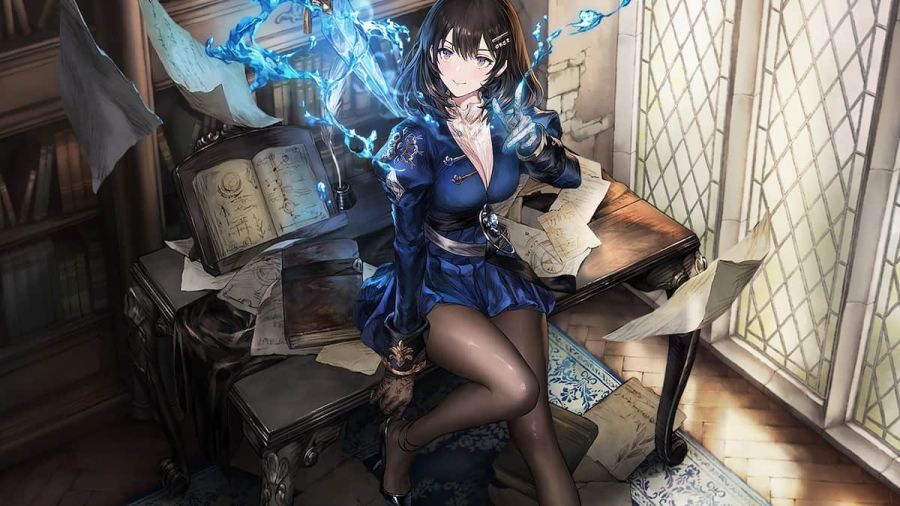
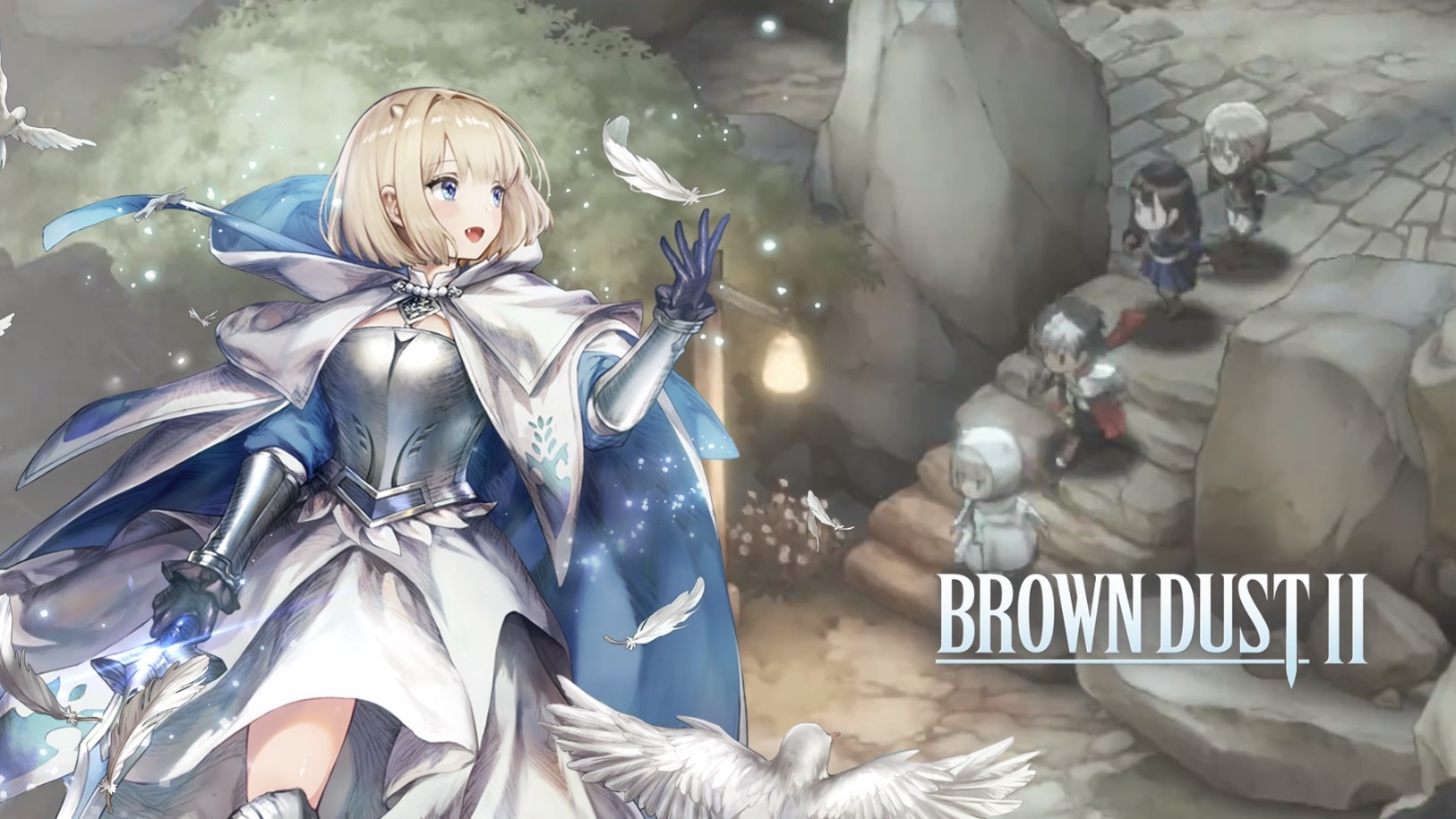
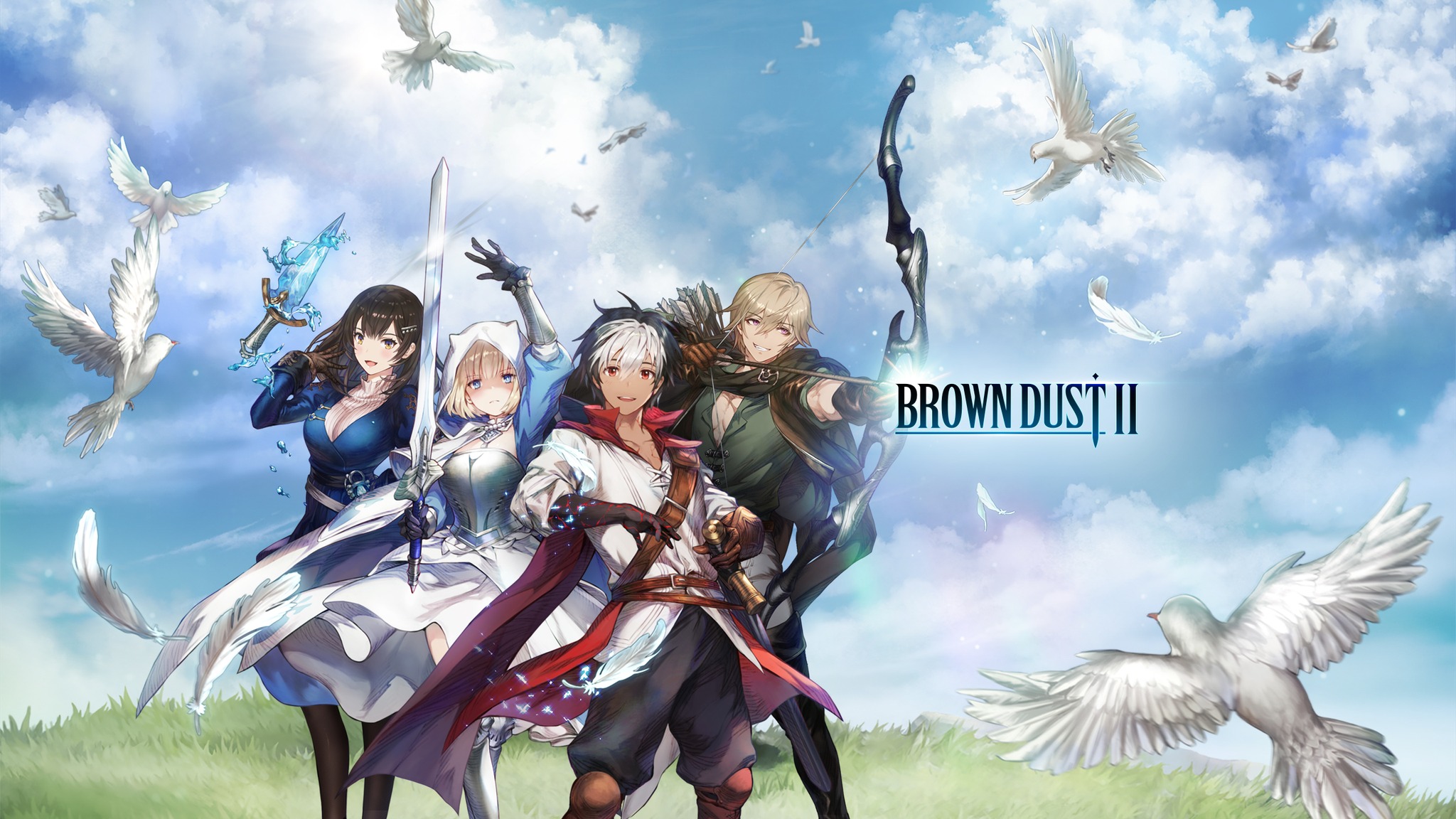
Brown Dust 2 - Adventure RPG arrives as a full-featured role-playing experience built around the idea that mobile gaming can match the production values of dedicated console titles. From its opening moments, the game signals its ambitions through stunning high-end 2D artwork that moves and breathes thanks to Live 2D technology. Every character has been illustrated by skilled artists, and the animations layered on top of that artwork give the cast a sense of personality that static images simply cannot capture. The world itself is equally carefully constructed, with field environments designed to feel alive and worth exploring rather than just serving as backdrops between battles.
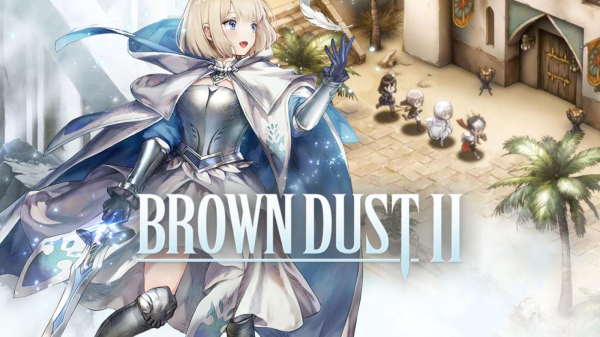
One of the most immediately noticeable things about Brown Dust 2 is how it handles its battle system. Rather than defaulting to simple row-based formations, the game uses a quarter-view 3x4 grid that adds a layer of spatial reasoning to every fight. Players must think not just about which characters to deploy but where to place them, how enemy patterns interact with positioning, and when to act within the turn order. This makes each battle feel deliberate and engaging, rewarding players who take the time to understand the mechanics rather than those who simply field the strongest units available.
The game's narrative ambitions are equally substantial. Brown Dust 2 uses a console-style game pack system to deliver its story, a structure that echoes the feeling of loading up a classic handheld title and losing yourself in a self-contained adventure. What sets the storytelling apart is its multi-universe framework, which allows the game to explore wildly different settings and tones without losing narrative coherence. The most recent addition to this structure is the Miracle Twinkle character pack, which introduces a Magical Girl storyline complete with transformation sequences and a fresh set of characters to meet and understand.
For players who want competition rather than story, Brown Dust 2 offers two primary outlets:
- Player-versus-player combat that pits your carefully built strategies directly against those of other players, creating a constantly shifting competitive landscape where no single approach dominates for long.
- The Evil Castle, a content mode designed to push your roster and tactics to their limits, offering escalating challenges that serve as a genuine test of how well you have mastered the game's systems.
The game also makes a point of accommodating different play preferences through its interface design. Both landscape and vertical screen orientations are fully supported, and the layout in each mode has been optimized so that the experience feels native rather than adapted. This attention to usability carries through the entire presentation, making Brown Dust 2 accessible without being simplistic.
For players who choose to run Brown Dust 2 through MuMuPlayer on PC, the advantages are meaningful. The quarter-view battle grid becomes much easier to read and plan around on a larger monitor, and the Live 2D animations gain an extra layer of visual impact when displayed at scale. Longer play sessions are more comfortable without the physical constraints of holding a phone, and the stable performance environment that MuMuPlayer provides ensures that the game runs consistently through demanding content. The result is a version of Brown Dust 2 that takes everything the developers built and presents it in the most favorable conditions possible.
Emulator Features

With a smart button scheme and image recognition function, provide a more concise UI, and support custom button mapping to meet different needs.

Run multiple games independently at the same time, easily manage multiple accounts, play games while hanging.

Break through FPS limit, and enjoy a seamless gaming experience without lag and delay!

Get a 3-second startup with 52% less memory usage and 65% more stability.
How to Download and Play BrownDust2 - Full Burst RPG on PC and Mac
Installation Guide
Download MuMuPlayer
Download and install MuMuPlayer on your PC or Mac
Sign-in Google Store
Complete Google sign-in to access the Play Store
Search and Install
Search BrownDust2 - Full Burst RPG in the Play Store
Enjoy Gaming
Enjoy 120 FPS high-def gameplay with big screen
System Requirements
Windows PC
Vulkan / DirectX supported. 4 cores + 4GB RAM recommended. Up to 240 FPS. VT required.
macOS
Recommended: Apple Silicon Mac with 8GB RAM or above. Up to 240 FPS.



(1).png?fop=imageView/0/w/150/h/150)