Play Capybara Go! on PC and Mac
Download Capybara Go! on PC or Mac with MuMuPlayer, get a PC like gameplay along with smart control and high graphics performance.
MuMuPlayer, the top Android emulator for PC and Apple silicon Mac, delivers an optimal gaming experience with minimal RAM usage and high FPS. It also allows you to create multiple instances of the emulator and run several games simultaneously, thanks to its Multi-instance feature. Its advanced emulator features ensure smooth gameplay, even on low-end PCs.
Download and play Capybara Go! on PC or Mac with MuMuPlayer and start enjoying your gaming experience now.
About the Game
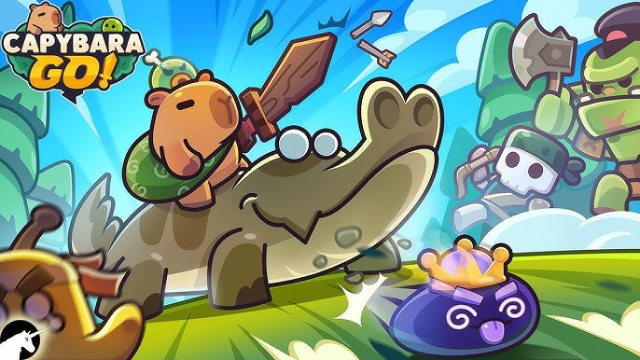
Love capybaras so much you want to play as one? Get ready to embark on a whimsical adventure with a bunch of furry, feathery, fantastic friends!
Introducing the craziest capybara roguelike adventure RPG!
Dive into the world of capybaras with "CAPYBARA GO"!

- Your journey starts and ends with the capybara! Befriend it, bond with it, deck it out with the best gear and explore the wild!
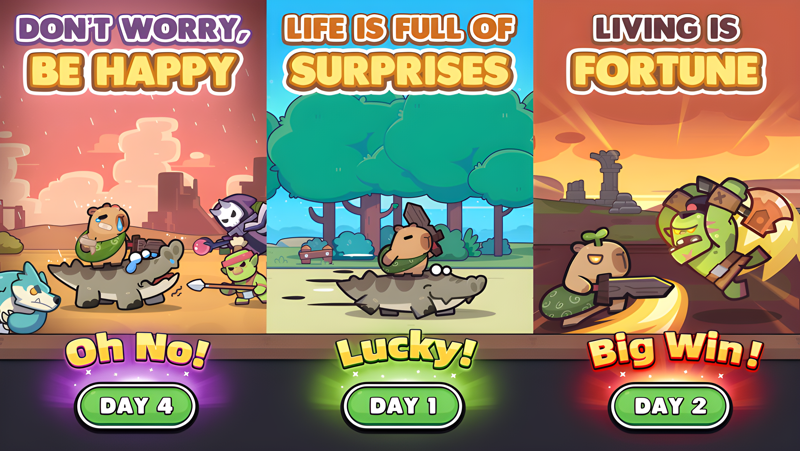
- Endless adventures with randomized events, conquer the challenges ahead!
- Forge kindred bonds with other animal companions! Form alliances and face dangers together!
- Will you take the road off the beaten path or go the chaotic capybara route? Uncover hidden secrets with your capybara companion!

Victory or defeat depends entirely on your choices and luck (good, bad and ugly)!
CAPYBARA GO - A text-based roguelike RPG starring a capybara! Dive headfirst into bizarre adventures with some whismy, some irreverence, and a shovelful of good ol’ madness in this cute capy caper!

©2025 Viacom Overseas Holdings C.V. All Rights Reserved. Teenage Mutant Ninja Turtles and all related titles, logos and characters are trademarks of Viacom Overseas Holdings C.V. Nickelodeon and all related titles and logos are trademarks of Viacom International Inc.
Emulator Features
Highest Android 15 Support Best Compatibility on Mac

With a smart button scheme and image recognition function, provide a more concise UI, and support custom button mapping to meet different needs. With a smart button scheme and image recognition, enjoy a cleaner UI and custom button mapping to fit different gaming needs on Mac.

Run multiple games independently at the same time, easily manage multiple accounts, play games while hanging. Take your Mac gaming further with multiple independent instances, easy account management, and seamless AFK gaming on Apple Silicon Mac.

Break through FPS limit, and enjoy a seamless gaming experience without lag and delay! Break through FPS limits for a seamless, lag-free gaming experience on MacBook, Mac mini, iMac, and Mac Studio.

Get a 3-second startup with 52% less memory usage and 65% more stability. Enjoy 3-second startup, 52% less memory usage, and 65% greater stability on Apple Silicon Mac.
How to Download and Play Capybara Go! on PC and Mac
Installation Guide
Download MuMuPlayer
Download MuMuPlayer and install it on your PC or Mac
Sign-in Google Store
Complete Google sign-in to access the Play Store
Search and Install
Search Capybara Go! in the Play Store
Enjoy Gaming
Enjoy 120 FPS high-def gameplay with big screen
System Requirements
Windows PC
Vulkan / DirectX supported. 4 cores + 4GB RAM recommended. Up to 240 FPS. VT required.
macOS
Recommended: Apple Silicon Mac with 8GB RAM or above. Up to 240 FPS.