Play Code Geass: Lost Stories on PC and Mac
Download Code Geass: Lost Stories on PC or Mac with MuMuPlayer, get a PC like gameplay along with smart control and high graphics performance.
MuMuPlayer, the top Android emulator for PC and Apple silicon Mac, delivers an optimal gaming experience with minimal RAM usage and high FPS. It also allows you to create multiple instances of the emulator and run several games simultaneously, thanks to its Multi-instance feature. Its advanced emulator features ensure smooth gameplay, even on low-end PCs.
Download and play Code Geass: Lost Stories on PC or Mac with MuMuPlayer and start enjoying your gaming experience now.
About the Game
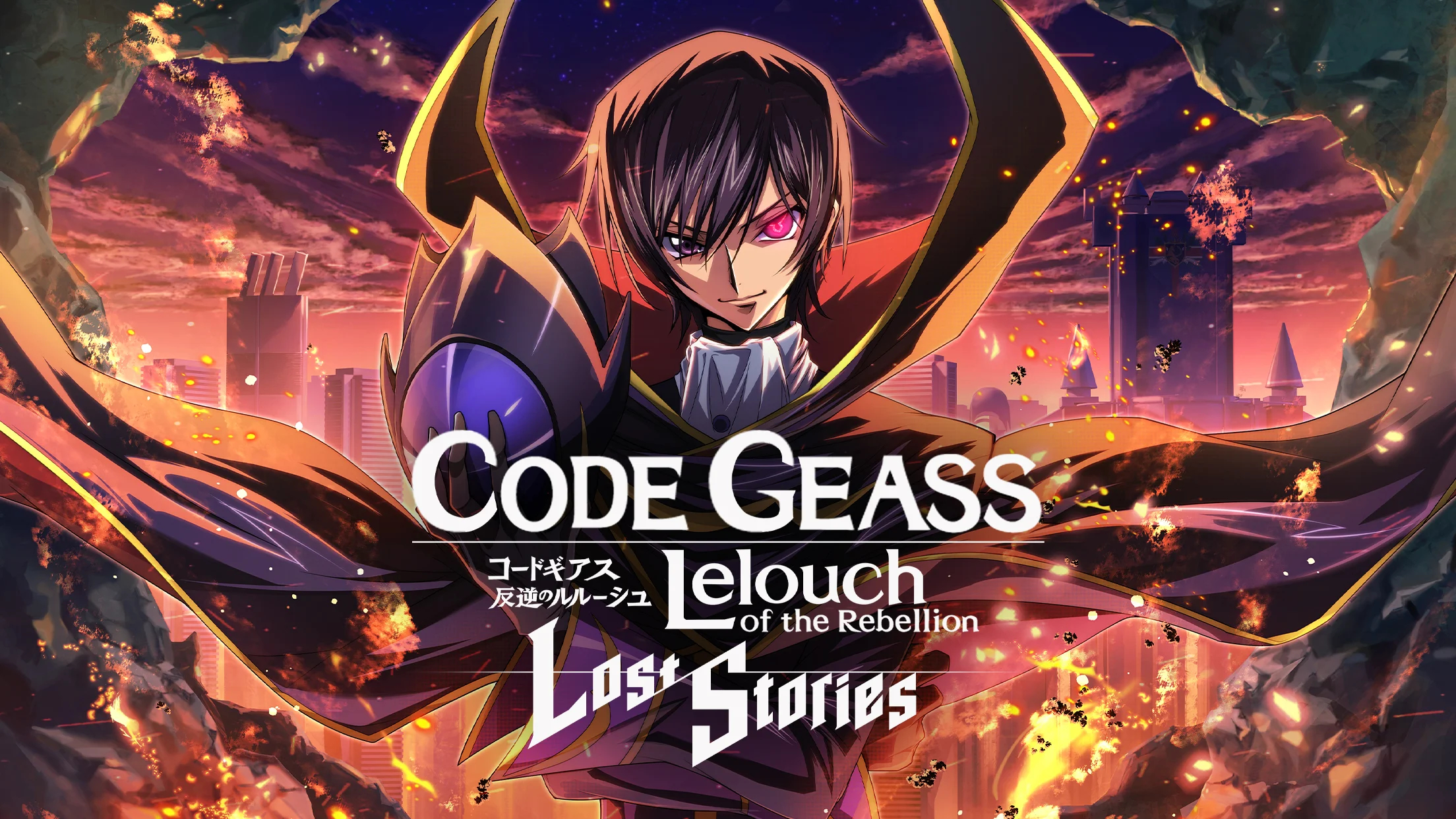
The only official game for the series ""Code Geass: Lelouch of the Rebellion""!
Team up with Lelouch and crush the Britannian Empire
-------------------------
Story
-------------------------
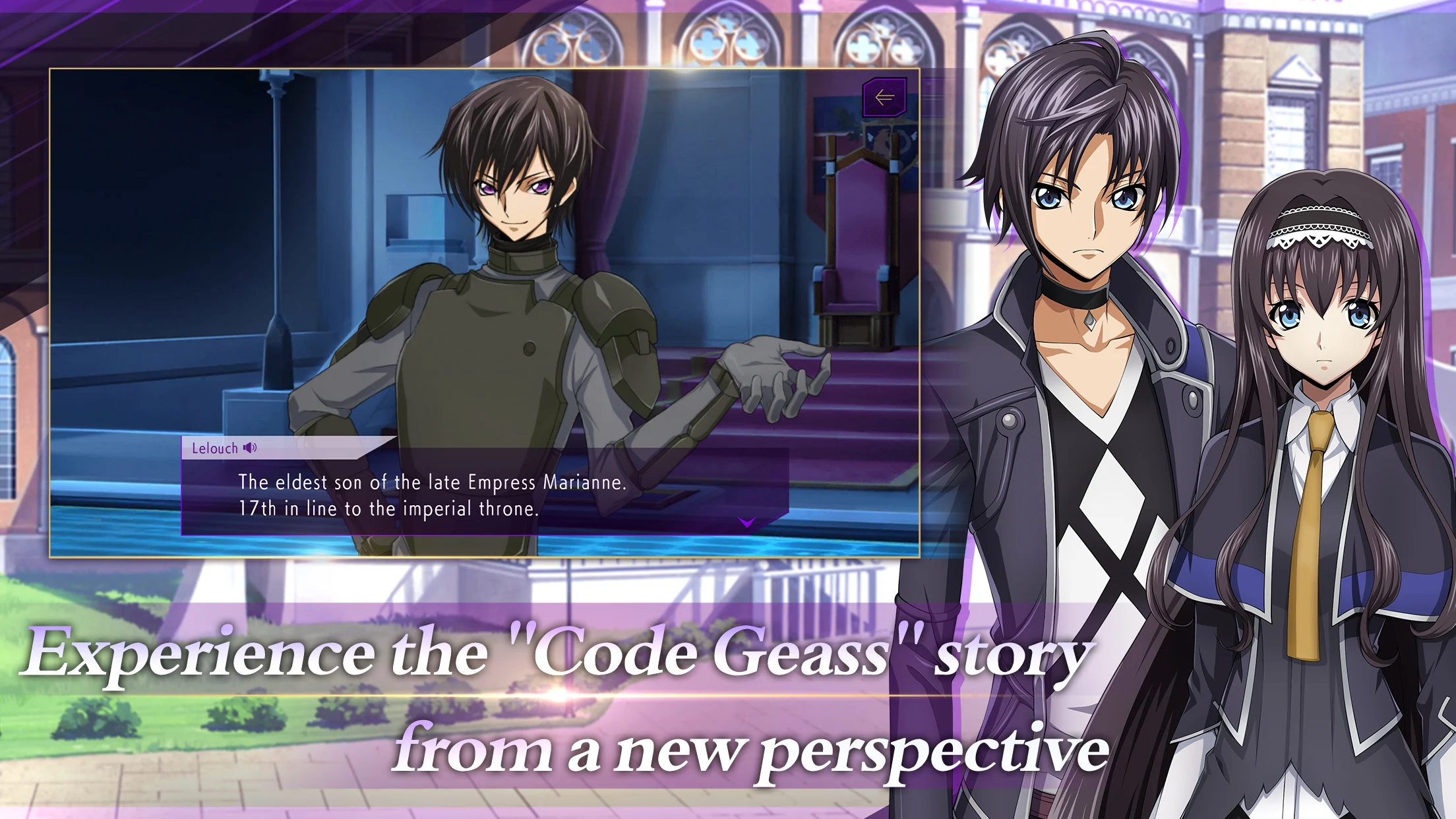
■Experience the story of Lelouch and others from a different perspective
The hero, who lost their parents during the Britannia's invasion of Japan,
throws themselves into the turmoil of Area 11 as an ally of Lelouch, while seeking revenge against the empire.
This is another 'lost story' from
""Code Geass: Lelouch of the Rebellion""——

*Main Story cutscenes are made using Live 2D, and are fully voiced
*You can change the gender of your character at any time

■Stories based on official spin-offs and game-specific side stories will be included
Spin offs such as
Code Geass: Akito the Exiled,
Code Geass: Oz of the Reflection, as well as side stories
focusing on the main characters will also be added.
-------------------------
Gameplay
-------------------------
■A highly strategic real-time battle system
Enjoy taking the command in fast-paced battles, where proper placement of your
squad's Knightmare Frames are the difference between victory and defeat.
High-quality 3-D battle scenes add even more excitement to each skirmish.
■Create your own unique battle squad!
All the characters and Knightmare Frames that appear in the anime can be used
to create your own unique squad. Who you decide to send into combat, as well as what Knightmare Frame that they pilot is up to you.
Choose from your favorites to create the strongest squad that suits your playstyle.
-------------------------
Main Characters: CV(Listed Below)
-------------------------
Lelouch: Jun Fukuyama,
Hero: Yuuma Uchida, Heroine: Ayaka Oohashi,
Suzaku: Takahiro Sakurai, C.C.: Yukana, Kallen: Ami Koshimizu,
Clarice: Azuki Tadokoro, Carly: Minami Takahashi、
Anone: Manaka Iwami
-------------------------
Staff
-------------------------
■The anime production staff from ""Code Geass: Lelouch of the Rebellion"" returns!
Creative Directors: SUNRISE, Ichirou Okouchi, Taniguchi Gorou
Original Planning/Production: SUNRISE
Original Character Design: CLAMP
In-game Character Design: Takahiro Kimura, Shirabii
In-game Knightmare Frame Design: Astrays
Developer(s): DMM GAMES、f4samurai
Publisher: Komoe Game
Animation Production Studio: SUNRISE
Theme Song: FLOW- PENDULUM
Contact
Official Website: https://loststories.komoejoy.com/
Facebook: https://www.facebook.com/loststories.KOMOE/
-------------------------
Copyright
-------------------------
©SUNRISE/PROJECT GEASS Character Design ©2006 CLAMP・ST
©SUNRISE/PROJECT GEASS Character Design ©2006-2008 CLAMP・ST
©SUNRISE/PROJECT G-AKITO Character Design ©2006-2011 CLAMP・ST
©SUNRISE/PROJECT L-GEASS Character Design ©2006-2017 CLAMP・ST
©2019 EXNOA LLC・f4samurai
©2023 KOMOE Game Corporation
Note
*This game's story contains themes of ""violence"", ""sexual acts"", and ""anti-societal sentiments"", and may not be suitable for younger audiences.
*While this game is free-to-play, a payment system is available to use during certain purchases, such as in-game currency and various items.
*Please keep these points in mind when downloading and playing the game.
This, is your ""Lost Story""
Emulator Features

With a smart button scheme and image recognition function, provide a more concise UI, and support custom button mapping to meet different needs.

Run multiple games independently at the same time, easily manage multiple accounts, play games while hanging.

Break through FPS limit, and enjoy a seamless gaming experience without lag and delay!

Get a 3-second startup with 52% less memory usage and 65% more stability.
How to Download and Play Code Geass: Lost Stories on PC and Mac
Installation Guide
① Download and install MuMuPlayer on your PC or Mac. It will identify automatically your current system and download the latest version.
② Start MuMuPlayer and complete Google sign-in to access the Play Store, or do it later.
③ Search Code Geass: Lost Stories in the Play Store.
④ Complete Google sign-in (if you skipped step 2) to install Code Geass: Lost Stories.
⑤ Once installation completes, click the Code Geass: Lost Stories icon on the home page to start the game.
⑥ Enjoy playing Code Geass: Lost Stories on your PC or Mac with MuMuPlayer.
Installation Guide
Recommended computer configuration
For Windows:4-core CPU, 4GB RAM, i5 OS, GTX950+ graphics card
For macOS: 4-core CPU, 4GB RAM
Recommended Android Device performance settings
Graphics renderer mode
Vulkan and DirectX both supported
Performance Settings
Recommended performance settings: 2 cores, 2GB. >>How to adjust performance settings
Recommended Android Device Display Settings
Resolution Settings
Go to Device Settings > Display > Resolution Settings to adjust your device's resolution as needed.
FPS Settings
MuMuPlayer supports up to 240 FPS. >>How to enable high FPS mode
Recommended to enable VT
Enabling VT will significantly improve emulator performance, reduce screen freezing, and make games run more smoothly. >>How to enable VT