Play Dragon Trail: Hunter World on PC and Mac
Download Dragon Trail: Hunter World on PC or Mac with MuMuPlayer, get a PC like gameplay along with smart control and high graphics performance.
MuMuPlayer, the top Android emulator for PC and Apple silicon Mac, delivers an optimal gaming experience with minimal RAM usage and high FPS. It also allows you to create multiple instances of the emulator and run several games simultaneously, thanks to its Multi-instance feature. Its advanced emulator features ensure smooth gameplay, even on low-end PCs.
Download and play Dragon Trail: Hunter World on PC or Mac with MuMuPlayer and start enjoying your gaming experience now.
About the Game
★Log in to receive 200 consecutive draws★

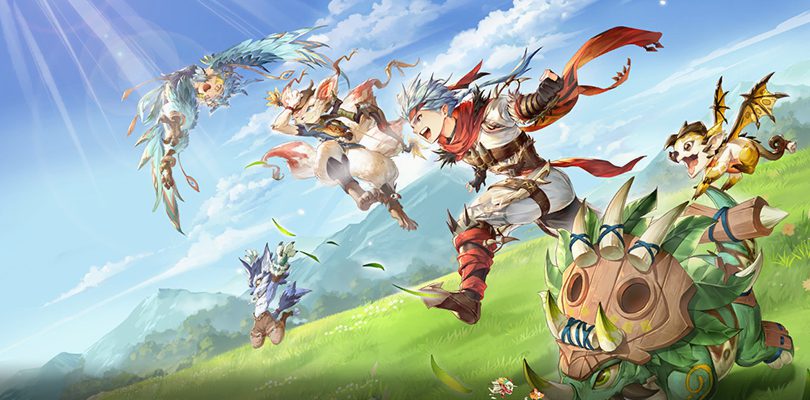
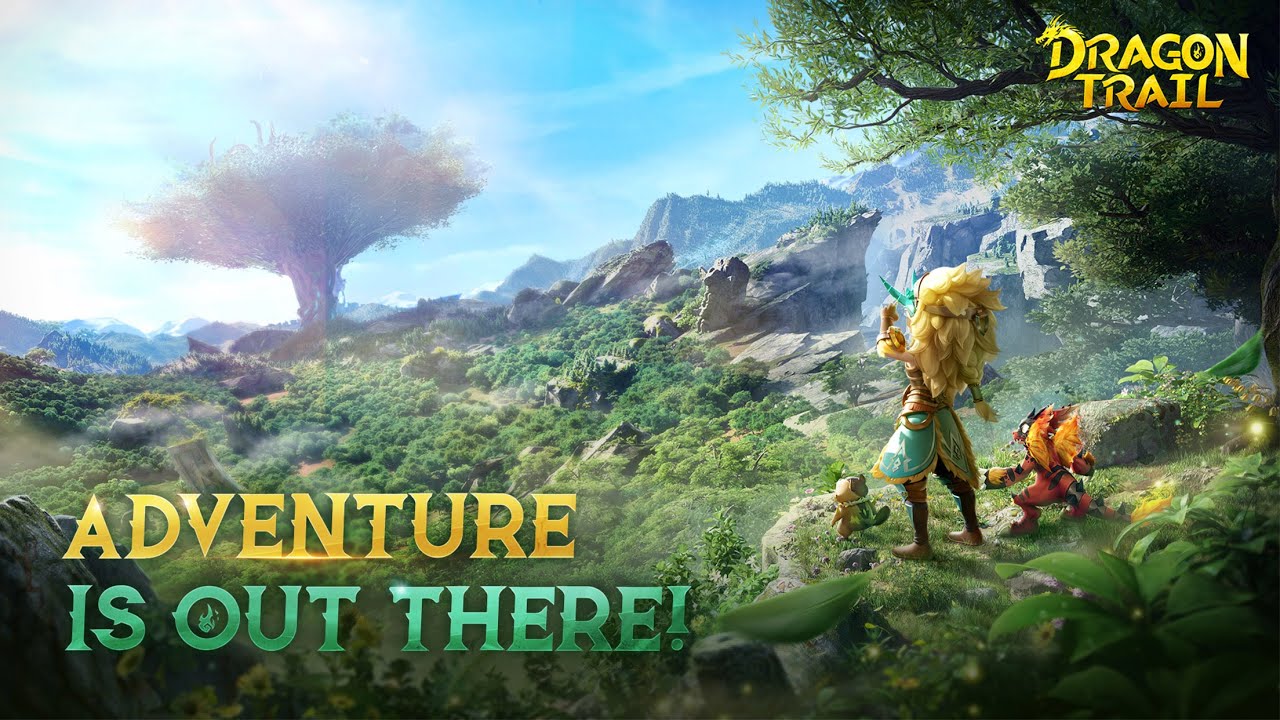
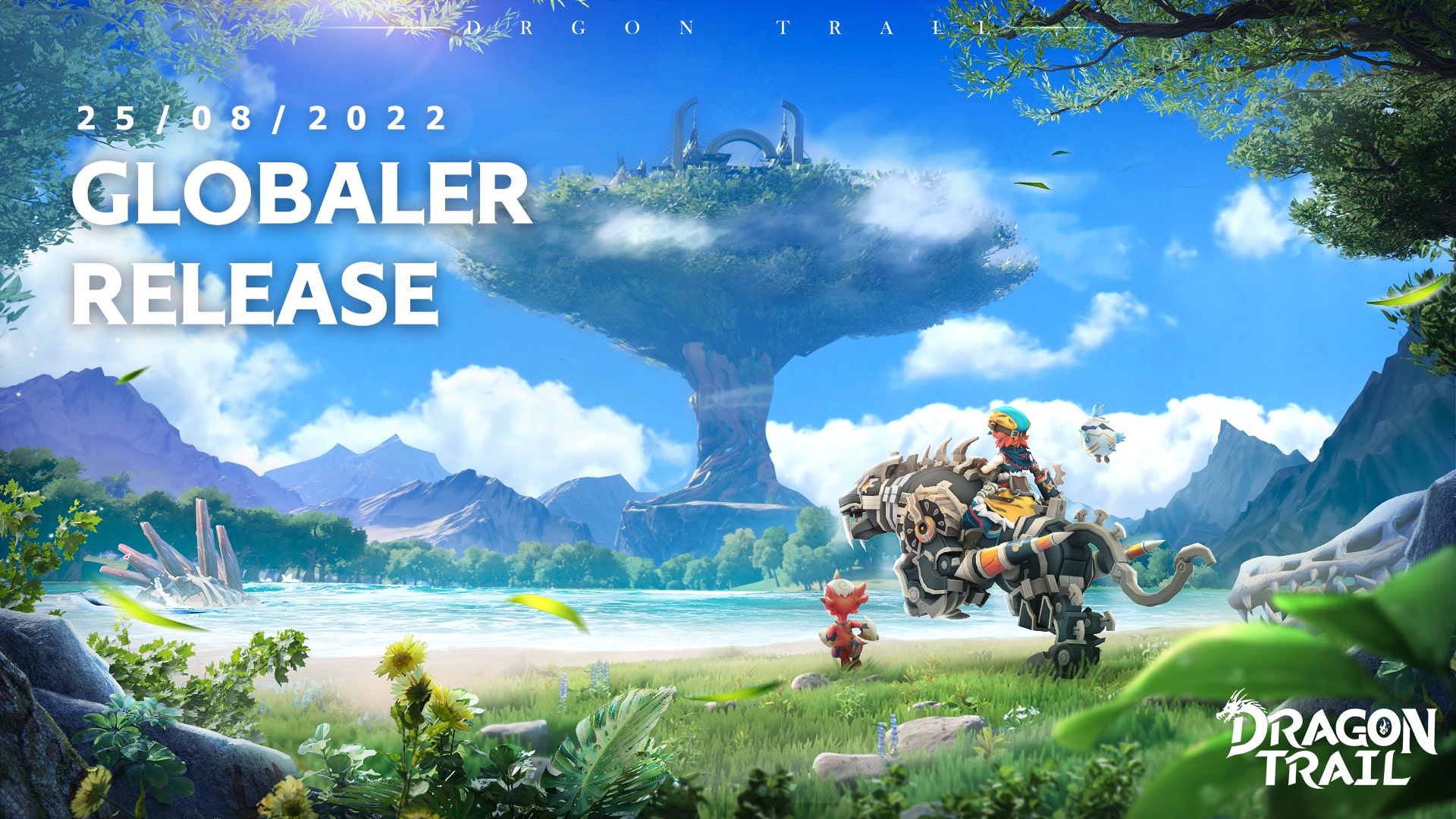
Dragon Trail, a brand-new island tribal adventure game! As a youth chosen by the dragon, you will start the trip to explore the secret of Loya Book with your father's belief. Various costumes, cute pets and mounts, team work, island competition, etc., all create a unique tribal world for you.

[Assemble your squad and defeat evil dragons!]

Explore the fantastical landscape of Star Island collecting dozens of different pets and dragons. Assemble your Dragoncide Squad to fight against evil dragons that threaten the land.

[Find pets all over Star Island]

Star Island is full of amazing and unique creatures like the Icy Bear, Fire Wyvern or Bluish Parrot. Each of these creatures has their own personality whether adorable and sweet or very naughty. Observe every corner of the land to find their traces.

[Evolve to grow stronger]

Form bonds with your pets and evolve them when they’re ready. Watch them grow and work together with them to break through the limits of combat. Which of your pets will be the strongest?

[Train with an instructor]

Dragon Trail features a Mentor-Disciple system. Train everyday with your kind master by completing missions and grow more powerful. Gain rewards by finishing missions. Hunt with your master, apprentice, friends and partners to gain profit and uncover surprises.

[Pick your favorite class]

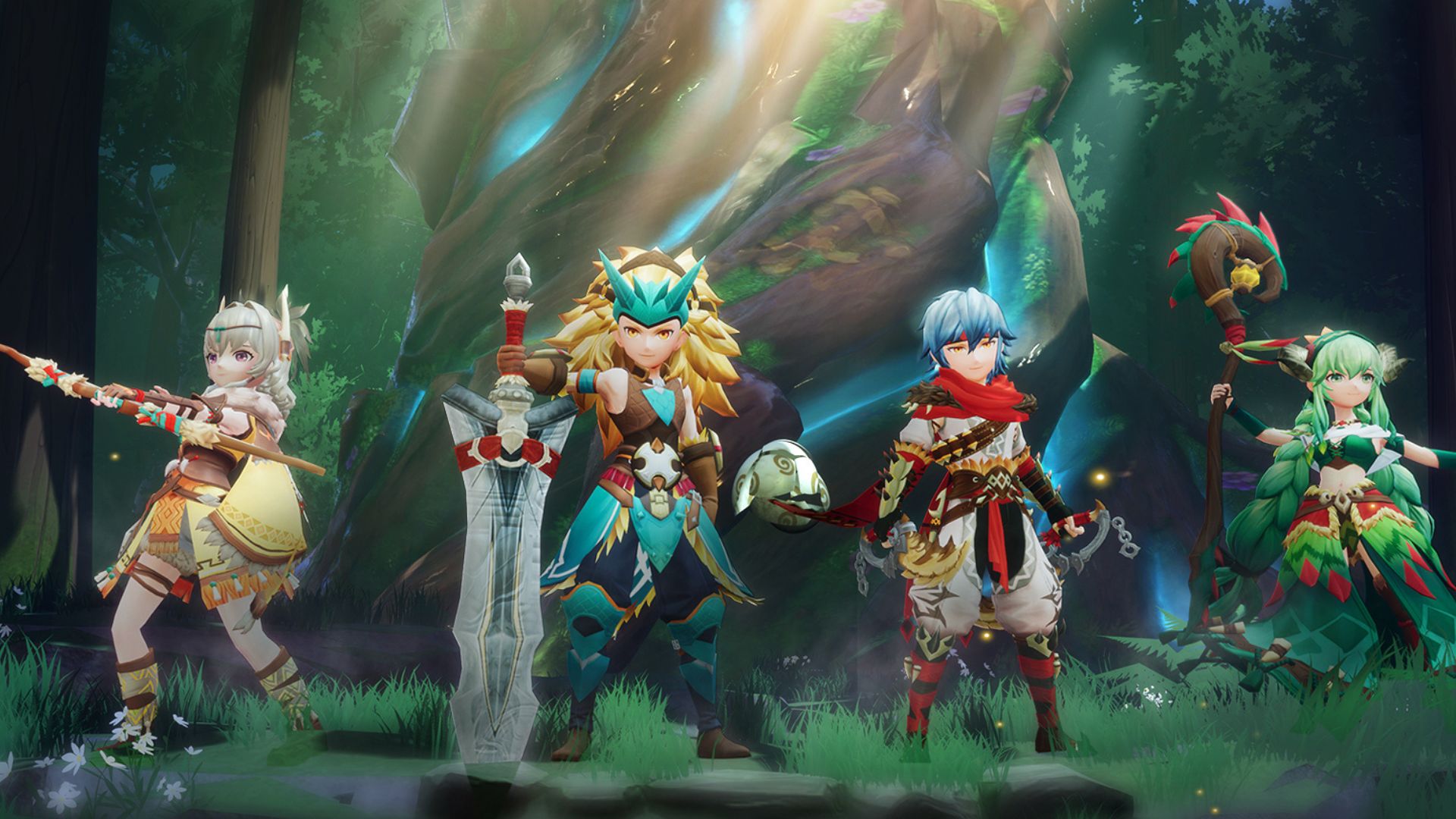
Every hero has something they’re great at. Dragon Trail lets you decide what you do best. Choose a strong warrior and resist damage while fighting. Pick the beautiful priests who aim to protect their fellow adventurers. Jump into the shoes of a ranger to perform long-range damage attacks or take a stealthier approach with the mysterious assassins. Different classes means different strategies and more fun.


Join our Discord and Facebook for the latest info of the game now!
Discord: https://discord.gg/A8VRtGYDJn
Facebook: https://www.facebook.com/104641912231933
Emulator Features

With a smart button scheme and image recognition function, provide a more concise UI, and support custom button mapping to meet different needs.

Run multiple games independently at the same time, easily manage multiple accounts, play games while hanging.

Break through FPS limit, and enjoy a seamless gaming experience without lag and delay!

Get a 3-second startup with 52% less memory usage and 65% more stability.
How to Download and Play Dragon Trail: Hunter World on PC and Mac
Installation Guide
① Download and install MuMuPlayer on your PC or Mac. It will identify automatically your current system and download the latest version.
② Start MuMuPlayer and complete Google sign-in to access the Play Store, or do it later.
③ Search Dragon Trail: Hunter World in the Play Store.
④ Complete Google sign-in (if you skipped step 2) to install Dragon Trail: Hunter World.
⑤ Once installation completes, click the Dragon Trail: Hunter World icon on the home page to start the game.
⑥ Enjoy playing Dragon Trail: Hunter World on your PC or Mac with MuMuPlayer.
Installation Guide
Recommended computer configuration
For Windows:4-core CPU, 4GB RAM, i5 OS, GTX950+ graphics card
For macOS: 4-core CPU, 4GB RAM
Recommended Android Device performance settings
Graphics renderer mode
Vulkan and DirectX both supported
Performance Settings
Recommended performance settings: 2 cores, 2GB. >>How to adjust performance settings
Recommended Android Device Display Settings
Resolution Settings
Go to Device Settings > Display > Resolution Settings to adjust your device's resolution as needed.
FPS Settings
MuMuPlayer supports up to 240 FPS. >>How to enable high FPS mode
Recommended to enable VT
Enabling VT will significantly improve emulator performance, reduce screen freezing, and make games run more smoothly. >>How to enable VT