Play Idle Fantasia on PC and Mac
Download Idle Fantasia on PC or Mac with MuMuPlayer, get a PC like gameplay along with smart control and high graphics performance.
MuMuPlayer, the top Android emulator for PC and Apple silicon Mac, delivers an optimal gaming experience with minimal RAM usage and high FPS. It also allows you to create multiple instances of the emulator and run several games simultaneously, thanks to its Multi-instance feature. Its advanced emulator features ensure smooth gameplay, even on low-end PCs.
Download and play Idle Fantasia on PC or Mac with MuMuPlayer and start enjoying your gaming experience now.
About the Game
Embark on an amazing adventure, meet and gather various heroes in this idle anime fantasia!

SUMMON HEROES
Explore the epic Land of Eileen and meet diverse characters during your adventure. Collect powerful allies and deepen your bond with them. Fire, Water, Wind, Light and Dark! Train up to 70 unique characters from 5 different attribute factions to build the strongest legion.

STRATEGIC BATTLES
Perfect your strategy with each turn, assemble your ultimate battle-ready squad with tactics and wisdom. Unleash devastating special skills through dozens of character and skill combinations! Adjust the front and back row of your lineup wisely, then turn the tide of battles and blitz all high-CP PVE stages.

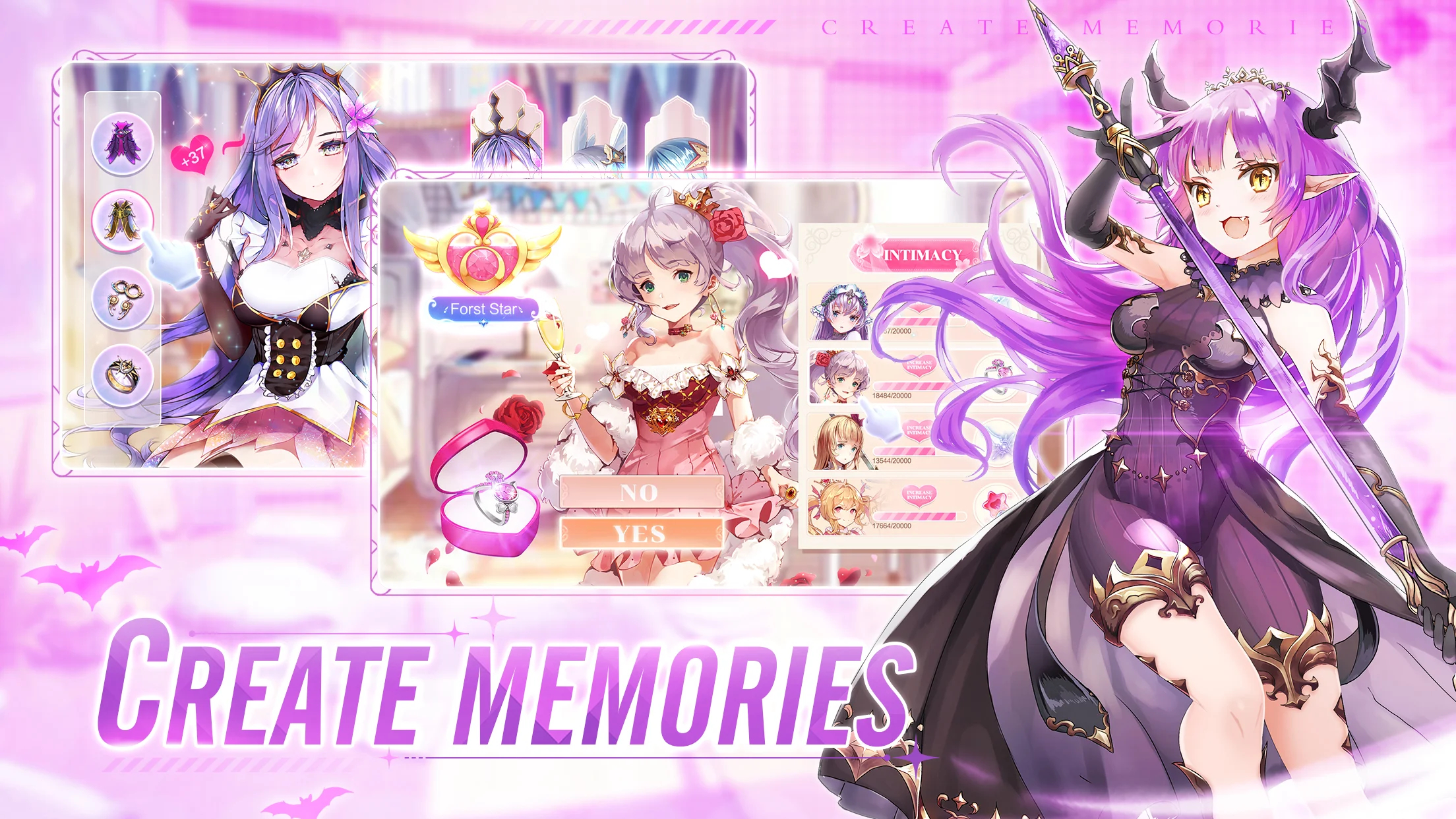
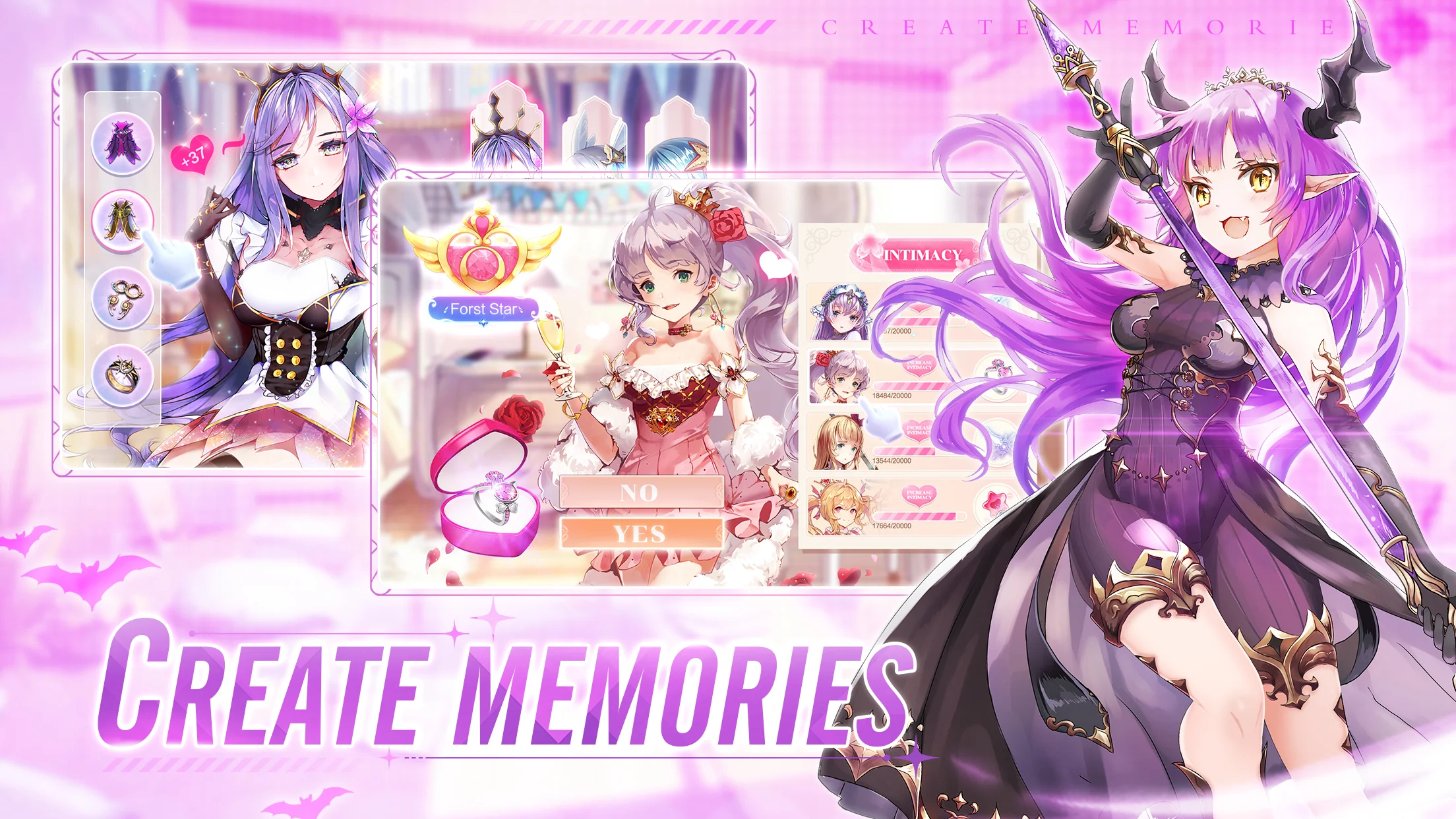
CREATE MEMORIES
Strengthen your connection with your favorite characters by sending them gifts! Experience unique moments and stories with heroes of all kinds of personalities. Know your heroes better and show your affection! Full of story and wonderfully animated scenes with smooth sound enjoyment!

EXPLORE AND GAIN
Embark on an epic journey to explore a new vivid world! Encounter wonderful characters, discover hidden secrets, and face off against powerful enemies. Join them on their thrilling adventure and see what lies beyond the horizon!

LOOT EFFORTLESSLY
Gacha role-playing games shouldn't be slog. One-tap to set your warrior lineup —then Hands-Free! Just enjoy the idle play and claim rewards! Main story stages, daily quest, bounty systems and events giveaway UR heroes, lots of training materials, gems and other great benefits you have never seen!

Idle Fantasia awaits you to join the adventure now!
Emulator Features

With a smart button scheme and image recognition function, provide a more concise UI, and support custom button mapping to meet different needs.

Run multiple games independently at the same time, easily manage multiple accounts, play games while hanging.

Break through FPS limit, and enjoy a seamless gaming experience without lag and delay!

Get a 3-second startup with 52% less memory usage and 65% more stability.
How to Download and Play Idle Fantasia on PC and Mac
Installation Guide
① Download and install MuMuPlayer on your PC or Mac. It will identify automatically your current system and download the latest version.
② Start MuMuPlayer and complete Google sign-in to access the Play Store, or do it later.
③ Search Idle Fantasia in the Play Store.
④ Complete Google sign-in (if you skipped step 2) to install Idle Fantasia.
⑤ Once installation completes, click the Idle Fantasia icon on the home page to start the game.
⑥ Enjoy playing Idle Fantasia on your PC or Mac with MuMuPlayer.