
Play Lovebrush Chronicles on PC and Mac
Download Lovebrush Chronicles on PC or Mac with MuMuPlayer, get a PC like gameplay along with smart control and high graphics performance.
MuMuPlayer, the top Android emulator for PC and Apple silicon Mac, delivers an optimal gaming experience with minimal RAM usage and high FPS. It also allows you to create multiple instances of the emulator and run several games simultaneously, thanks to its Multi-instance feature. Its advanced emulator features ensure smooth gameplay, even on low-end PCs.
Download and play Lovebrush Chronicles on PC or Mac with MuMuPlayer and start enjoying your gaming experience now.
About the Game
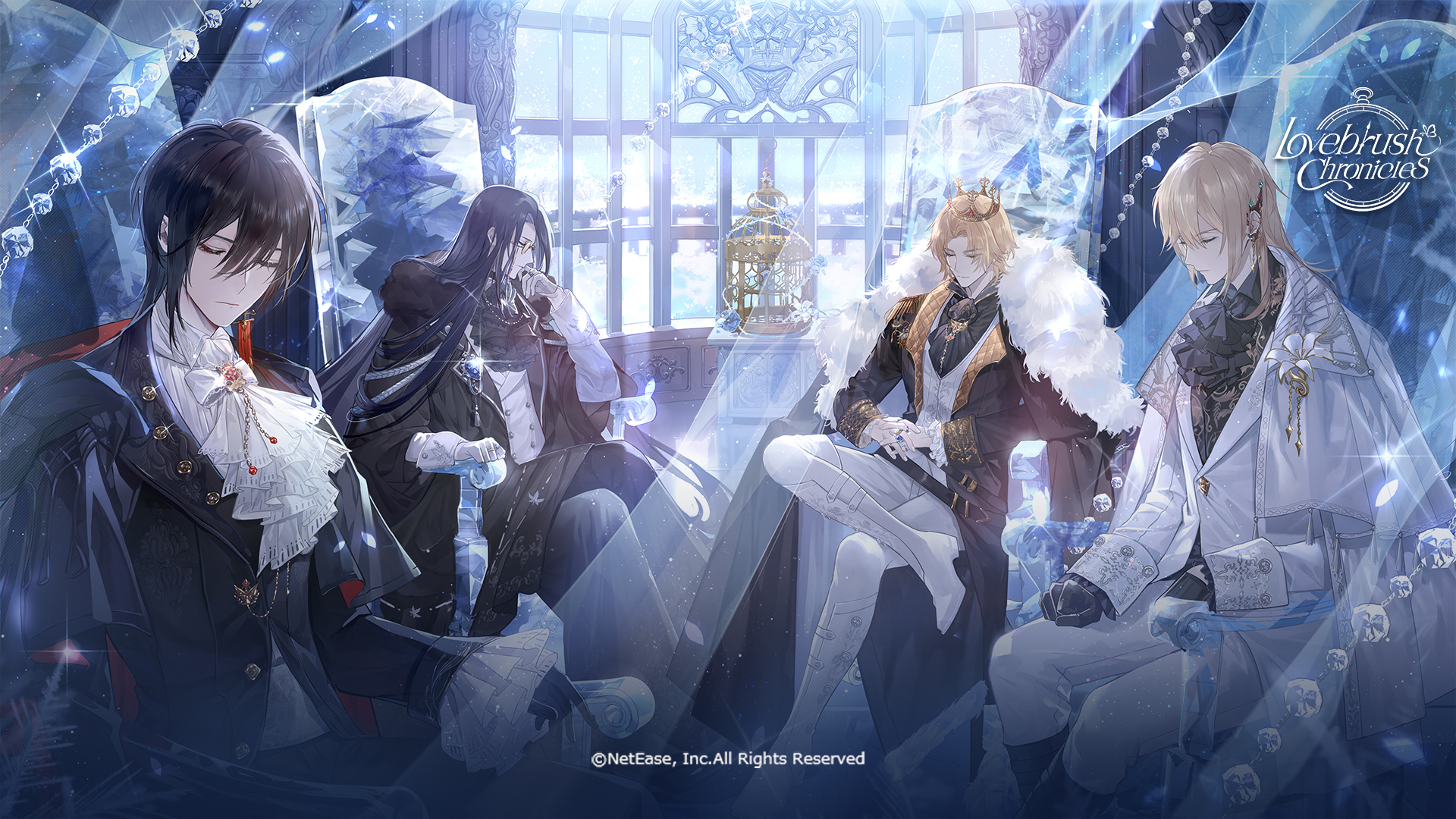
The latest version of Lovebrush Chronicles is now live! Experience a dreamy romance brought to life by renowned voice actors such as KENN, Junichi Suwabe, Shinnosuke Tachibana, Kosuke Toriumi, and Daisuke Hirakawa, alongside exquisite artworks and enchanting music. As a talented art student with mysterious powers, you'll explore diverse worlds, encounter "him", and write your own love story.


[Game Features]
1. Countless Parallel Worlds, Epic Million-Word Storyline
From dazzling fantasy realms and post-apocalyptic Eden to enigmatic myth tales and cozy modern romance, begin your journey across parallel worlds. Unravel the mysteries of time and love, where every universe invites your footsteps.

2. Branching Story Paths, Discover Diverse Endings
Experience branching storylines where each romance option reveals unique perspectives of the core narrative. Your choices shape personal journeys, and every decision leads to a different ending.

3. Build Your Love Story, Every Interaction Matters
Experience exciting interactions through Live 2D calls, romantic dates, and shared activities. Build connections, uncover heartfelt stories, and collect precious moments. Every interaction brings you closer to love's magic.

4. Exquisite Original Artwork, Immersive Voice Acting
Top voice actors and exquisite artworks unite in harmony. Lose yourself in flawless audio and visuals designed to captivate every sense.

[Game Theme]
This is a story about choice—
Face the challenge or flee it, accept goodwill, or fight against it.
Here, you can choose to kindle romance or walk a solitary path, dedicating yourself to your goals.

This is a story about growth—
Who you are is shaped by every choice. Each decision ripples through the story, changing small details or entire destinies.
A moment will come when your choice changes everything, with no turning back.
This path with no return bears the name of growth.

That brush in your grasp can transform all creation's colors.
Every choice you make charts a different destiny.
Remember, you can only paint the world that you believe in.

About:
Website: http://www.lovebrushchronicles.com/
Twitter: https://twitter.com/LBChronicles_EN
Emulator Features

With a smart button scheme and image recognition function, provide a more concise UI, and support custom button mapping to meet different needs.

Run multiple games independently at the same time, easily manage multiple accounts, play games while hanging.

Break through FPS limit, and enjoy a seamless gaming experience without lag and delay!

Get a 3-second startup with 52% less memory usage and 65% more stability.
How to Download and Play Lovebrush Chronicles on PC and Mac
Installation Guide
Download MuMuPlayer
Download and install MuMuPlayer on your PC or Mac
Sign-in Google Store
Complete Google sign-in to access the Play Store
Search and Install
Search Lovebrush Chronicles in the Play Store
Enjoy Gaming
Enjoy 120 FPS high-def gameplay with big screen
System Requirements
Windows PC
Vulkan / DirectX supported. 4 cores + 4GB RAM recommended. Up to 240 FPS. VT required.
macOS
Recommended: Apple Silicon Mac with 8GB RAM or above. Up to 240 FPS.


(1).png?fop=imageView/0/w/150/h/150)