Play Myth: Gods of Asgard on PC and Mac
Download Myth: Gods of Asgard on PC or Mac with MuMuPlayer, get a PC like gameplay along with smart control and high graphics performance.
MuMuPlayer, the top Android emulator for PC and Apple silicon Mac, delivers an optimal gaming experience with minimal RAM usage and high FPS. It also allows you to create multiple instances of the emulator and run several games simultaneously, thanks to its Multi-instance feature. Its advanced emulator features ensure smooth gameplay, even on low-end PCs.
Download and play Myth: Gods of Asgard on PC or Mac with MuMuPlayer and start enjoying your gaming experience now.
About the Game
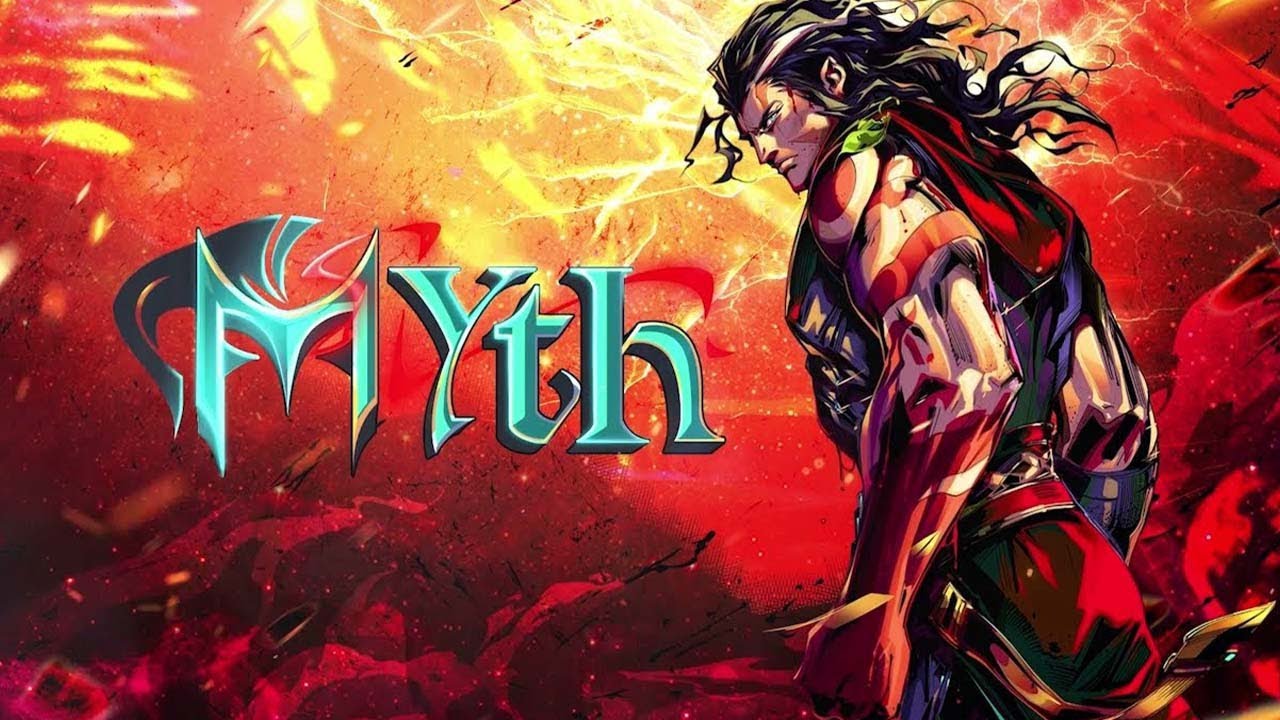
Enter the Norse world and become the Norse Gods' incarnation! Experience the ultimate aestheticization of violence in battles.

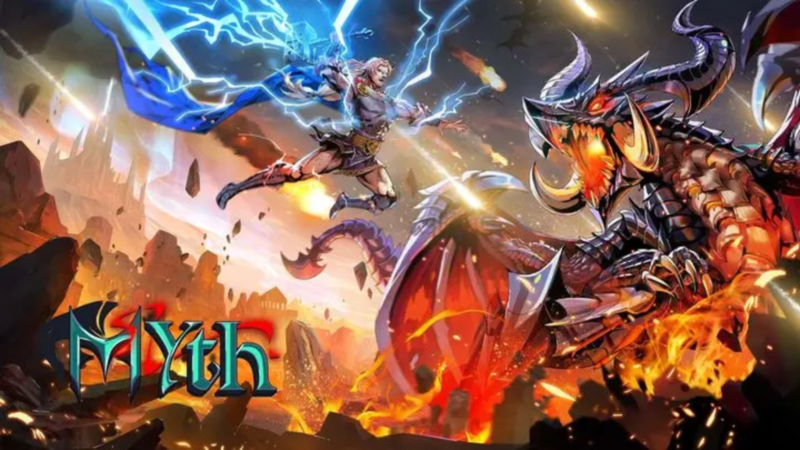
Myth: Gods of Asgard is an elaborately developed action RPG based on Norse mythology. By participating in the epic wars and defeating legendary powerful BOSS including Nidhogg, Fenrir, and Jörmungandr, you'll enjoy the ultimate exhilaration of Hack 'n' Slash, fighting against the fate of Ragnarok!

EXTREME AESTHETICS OF VIOLENCE

- Hack 'N' Slash with verisimilar slashing sensation and splendid skill effects make each of your battles immortal.
- Your combat talent determines the outcome. The key to winning the BOSS lies in flexible dodge and correct attack timing.
- An identical battle system to PC games will bring you superlative quality at any time at your fingertips.
- Hundreds of challenge maps bring you novel experiences in each expedition

INVINCIBLE WITH HUNDREDS OF MILLIONS BUILD

- Nourish the Yggdrasil that connects the Nine Worlds with precious leaves.
- The talent system is as huge as the galaxy, light it up to power up.
- A variety of divine bonds for you to create and each combination generates unimaginable power, thus surging your battle power tremendously.
- The runes that contain wisdom and mystery yield mighty power of different attributes to choose from.
- Search for the ancient supernatural artifact lost in the Nine Worlds to help you conquer the battlefield

REPRODUCE NORSE MYTHOLOGY AND STOP RAGNAROK WITH THOR

- The plots are based on various masterpieces including Eda, Song of the Nibelungen, Beowulf, and the Gospel of Loki, restoring the authentic Norse world vividly.
- Incarnate yourself as the well-known characters such as Valkyrie, Siegfried, Thor, Ullr, and Freya to explore the unknown in this world gradually.
- Turn hundreds of wonderful stories into divine cards and form the strongest power to fight against Ragnarok together!

Contact Us

If you encounter any problems during the game, please reach us through the in-game customer service center.

▶Facebook:https://www.facebook.com/goa.managene

▶Discord:https://discord.com/invite/GKhhEWfqKq

▶Support Mail: myth.support@managames.hk
Emulator Features

With a smart button scheme and image recognition function, provide a more concise UI, and support custom button mapping to meet different needs.

Run multiple games independently at the same time, easily manage multiple accounts, play games while hanging.

Break through FPS limit, and enjoy a seamless gaming experience without lag and delay!

Get a 3-second startup with 52% less memory usage and 65% more stability.
How to Download and Play Myth: Gods of Asgard on PC and Mac
Installation Guide
① Download and install MuMuPlayer on your PC or Mac. It will identify automatically your current system and download the latest version.
② Start MuMuPlayer and complete Google sign-in to access the Play Store, or do it later.
③ Search Myth: Gods of Asgard in the Play Store.
④ Complete Google sign-in (if you skipped step 2) to install Myth: Gods of Asgard.
⑤ Once installation completes, click the Myth: Gods of Asgard icon on the home page to start the game.
⑥ Enjoy playing Myth: Gods of Asgard on your PC or Mac with MuMuPlayer.
Installation Guide
Recommended computer configuration
For Windows:4-core CPU, 4GB RAM, i5 OS, GTX950+ graphics card
For macOS: 4-core CPU, 4GB RAM
Recommended Android Device performance settings
Graphics renderer mode
Vulkan and DirectX both supported
Performance Settings
Recommended performance settings: 2 cores, 2GB. >>How to adjust performance settings
Recommended Android Device Display Settings
Resolution Settings
Go to Device Settings > Display > Resolution Settings to adjust your device's resolution as needed.
FPS Settings
MuMuPlayer supports up to 240 FPS. >>How to enable high FPS mode
Recommended to enable VT
Enabling VT will significantly improve emulator performance, reduce screen freezing, and make games run more smoothly. >>How to enable VT