Play Ragnarok: The Lost Memories on PC Play Ragnarok: The Lost Memories on PC and Mac
Download Ragnarok: The Lost Memories on PC with MuMuPlayer, get a PC like gameplay along with smart control and high graphics performance.
MuMuPlayer, the top Android emulator for PC and Apple silicon Mac, delivers an optimal gaming experience with minimal RAM usage and high FPS. It also allows you to create multiple instances of the emulator and run several games simultaneously, thanks to its Multi-instance feature. Its advanced emulator features ensure smooth gameplay, even on low-end PCs.
Download and play Ragnarok: The Lost Memories on PC with MuMuPlayer and start enjoying your gaming experience now.
Download Ragnarok: The Lost Memories on PC or Mac with MuMuPlayer, get a PC like gameplay along with smart control and high graphics performance.
MuMuPlayer, the top Android emulator for PC and Apple silicon Mac, delivers an optimal gaming experience with minimal RAM usage and high FPS. It also allows you to create multiple instances of the emulator and run several games simultaneously, thanks to its Multi-instance feature. Its advanced emulator features ensure smooth gameplay, even on low-end PCs.
Download and play Ragnarok: The Lost Memories on PC or Mac with MuMuPlayer and start enjoying your gaming experience now.
About the Game
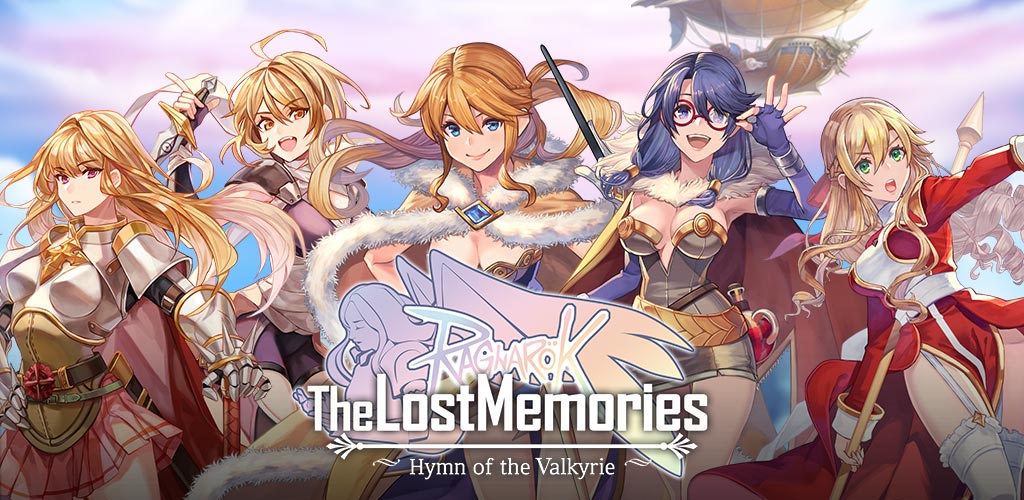
Ragnarok: The Lost Memories, the follow-up to Ragnarok Online, is finally here! Ragnarok: The Lost Memories brings back all the nostalgia and classic game experience of the original. You can now enjoy the Cinematic Newtro RPG experience on your mobile device!

Experience a storyline never before seen in the Ragnarok series. Choose your own path as you unlock the story and truth in Ragnarok: The Lost Memories. It will keep you engaged and wanting to know more about what happens next. Play at your own pace without feeling pressured to keep up. This is an adventure RPG, so expect to face challenges to beat the monsters, clear dungeons, and battle bosses to move forward with your story. A free to play adventure strategy game with a card battle system and character collection system!


Unique Card Battle System
● All cards come with unique abilities and stats. Offense, Defence and Support
● Plan your own unique strategy and deck to conquer different Ragnarok monsters and bosses
● Create a deck of up to 10 Active Card and 5 Passive Card to start your fight
● Visit the Card Shop and use the Draw Card system to try your luck pulling (MVP) cards
● Level up your deck and cards to unlock more abilities and powers
● Earn free cards or more chances to draw cards by participating in the game events

Character Collection
● Collect and own more than 20 Ragnarok characters of different jobs to create your squads
● All Ragnarok characters have their unique skills. Build different teams to tackle Ragnarok monsters, bosses and other players in PVP
● Rank up your Ragnarok characters by challenging heroes in the Ragnarok Hall of Valhalla
● Develop your Ragnarok character abilities and powers through upgrading and levelling
● Equip your Ragnarok character with different grades of equipment to make them more stronger


***** HERE ARE MORE FEATURES *****
Auto Bot Idle System
● A convenient auto-functions that allows you to battle and cast skills
● Idle and farm rewards and materials
● Adventure automatically across maps and fields
● No limitation on idling. Idle and earn gold, materials, drops and experience all day!

Equipment
● Farm, purchase, craft, refine or enchant equipment for your Ragnarok characters
● Switch your equipment among characters to build the best setup for your team
● Create the best strategy for your attack and defence teams with equipment upgrades

PvP Arena
● Battle in PvP arena and achieve victory by taking down your opponent
● Set up your team of 4 to battle against another player's pre-set team
● Get exciting rewards from participating in the PVP arena

Guild
● Join a Guild and participate in Guild quests to obtain exclusive rewards
● Defeat powerful monsters with Guild members and try to become the strongest Guild
● Guild Battles (GvG) to come in future updates

Dungeons
● Explore more than 200 different field dungeons adapted from Ragnarok Online
● Engage and battle famous monsters from Raganarok Online!
● Get rare and exciting drops from dungeons to get stronger and increase exp

Achievement System
● Earn Gemstones and other rewards from unlocking achievements

Daily Quest
● A list of daily quests provides players with EXP and "Adventurer's Emblem"
● Adventurer's Emblem is used to exchange for Adventurer Support Package, which gives goodies including Gemstones

Side Quests
● Endless side quests to unlock rewards and level up your characters
● Complete mission to earn various rewards (Gemstones, EXP, Zeny, Card Draw Tickets, and much more)

Ragnarok: The Lost Memories aims to provide an unique gaming experience for players through our exciting JRPG story-based game.
Emulator Features
Highest Android 15 Support Best Compatibility on Mac

With a smart button scheme and image recognition function, provide a more concise UI, and support custom button mapping to meet different needs. With a smart button scheme and image recognition, enjoy a cleaner UI and custom button mapping to fit different gaming needs on Mac.

Run multiple games independently at the same time, easily manage multiple accounts, play games while hanging. Take your Mac gaming further with multiple independent instances, easy account management, and seamless AFK gaming on Apple Silicon Mac.

Break through FPS limit, and enjoy a seamless gaming experience without lag and delay! Break through FPS limits for a seamless, lag-free gaming experience on MacBook, Mac mini, iMac, and Mac Studio.

Get a 3-second startup with 52% less memory usage and 65% more stability. Enjoy 3-second startup, 52% less memory usage, and 65% greater stability on Apple Silicon Mac.
How to Download and Play Ragnarok: The Lost Memories on PC and Mac
Installation Guide
Download MuMuPlayer
Download MuMuPlayer and install it on your PC or Mac
Sign-in Google Store
Complete Google sign-in to access the Play Store
Search and Install
Search Ragnarok: The Lost Memories in the Play Store
Enjoy Gaming
Enjoy 120 FPS high-def gameplay with big screen
System Requirements
Windows PC
Vulkan / DirectX supported. 4 cores + 4GB RAM recommended. Up to 240 FPS. VT required.
macOS
Recommended: Apple Silicon Mac with 8GB RAM or above. Up to 240 FPS.