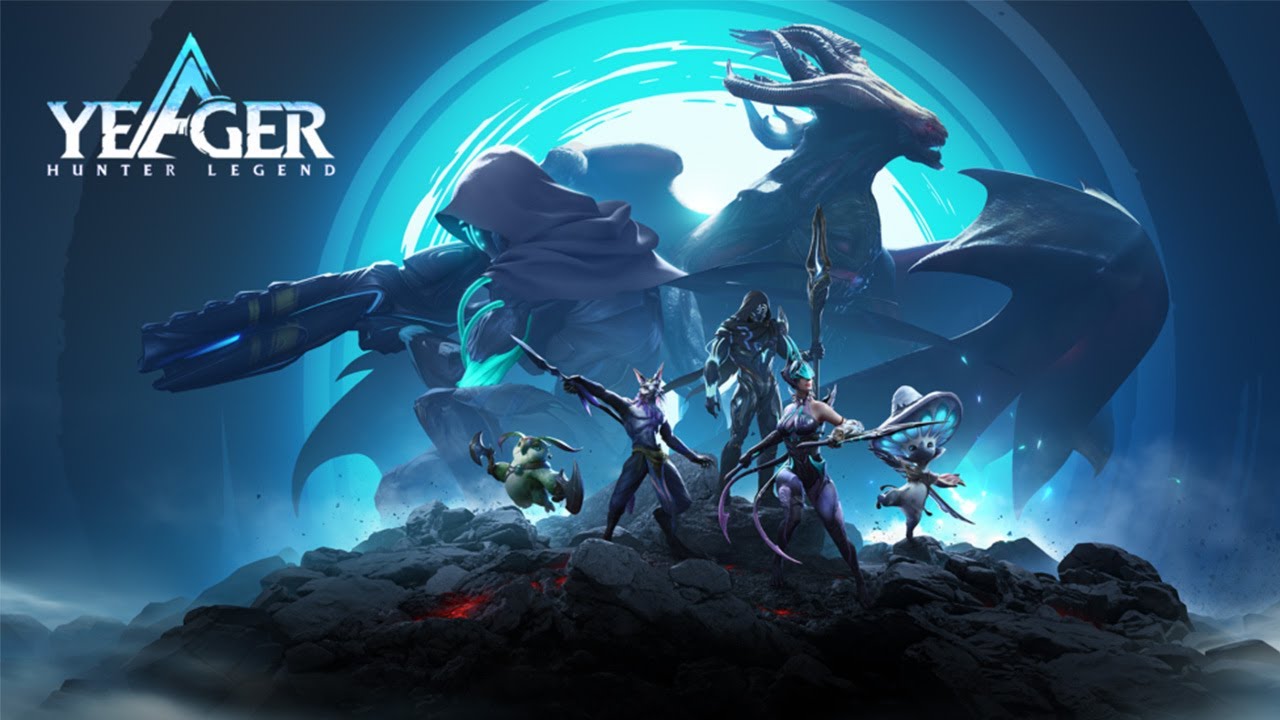
Play Yeager: Hunter Legend on PC and Mac
Download Yeager: Hunter Legend on PC or Mac with MuMuPlayer, get a PC like gameplay along with smart control and high graphics performance.
MuMuPlayer, the top Android emulator for PC and Apple silicon Mac, delivers an optimal gaming experience with minimal RAM usage and high FPS. It also allows you to create multiple instances of the emulator and run several games simultaneously, thanks to its Multi-instance feature. Its advanced emulator features ensure smooth gameplay, even on low-end PCs.
Download and play Yeager: Hunter Legend on PC or Mac with MuMuPlayer and start enjoying your gaming experience now.
About the Game
Yeager: Hunter Legend's pre-registration campaign is now live!
Register yourself and your friends on our official social media account for a chance to win fabulous rewards!
Campaign link: https://yeager.igg.com/?lang=eng

Discord: https://discord.gg/vsGzbdRdwW
Official Facebook Page: https://www.facebook.com/YeagerHunterLegend

Yeager is a 3D action role-playing monster hunting game set in an alien world.

You take on the role of Yeager, an elite Vyderan hunter sent to retrieve a priceless stolen relic. Your mission will take you around the mysterious Planet Ekors, a world of deadly creatures and dark secrets. Hunt ferocious beasts and encounter alien civilizations as you uncover the hidden secrets of the Vyderan clan—and the Empire itself.

Yeager's intuitive, action-oriented combat system allows you to choose from five powerful weapon classes: Hunting Sword, Force Hammer, Fury Blades, Flux Blaster, and Eidolon Spear. Master each weapon's class signature moves to engage fearsome creatures up close, weaken them with special combos, and move in for the kill.

Hunt Beasts for materials rich in Kallar, the powerful essence of your ancestors, to forge and upgrade your equipment. Equipment forged with Kallar-infused Beast Parts will even gain the appearance and traits of the Beasts themselves.

Equip Ancient Seals—mysterious artifacts infused with Kallar and the rich hunting experience of your ancestors—to gain legendary hunting prowess.install Sigils on your Kallar Arm to boost your physical aptitude and unlock new Hunting Skills.

Choose the Weapon School that fits your playstyle, each Weapon School grants you unique movesets and abilities, allowing you to customize your build from a huge variety of options.

Navigate through vast forests and winding canyons while discovering the many secrets hidden on Ekors—but beware the monsters snapping at your heels! Compared to the monsters in other Games, the beasts in Yeager all have unique combat abilities!

The breathtaking realistic action and next-generation cinematics powered by cutting-edge motion capture technology in Yeager will provide you with an immersive experience that cannot be found in other Games!
Emulator Features
Highest Android 15 Support Best Compatibility on Mac

With a smart button scheme and image recognition function, provide a more concise UI, and support custom button mapping to meet different needs. With a smart button scheme and image recognition, enjoy a cleaner UI and custom button mapping to fit different gaming needs on Mac.

Run multiple games independently at the same time, easily manage multiple accounts, play games while hanging. Take your Mac gaming further with multiple independent instances, easy account management, and seamless AFK gaming on Apple Silicon Mac.

Break through FPS limit, and enjoy a seamless gaming experience without lag and delay! Break through FPS limits for a seamless, lag-free gaming experience on MacBook, Mac mini, iMac, and Mac Studio.

Get a 3-second startup with 52% less memory usage and 65% more stability. Enjoy 3-second startup, 52% less memory usage, and 65% greater stability on Apple Silicon Mac.
How to Download and Play Yeager: Hunter Legend on PC and Mac
Installation Guide
Download MuMuPlayer
Download MuMuPlayer and install it on your PC or Mac
Sign-in Google Store
Complete Google sign-in to access the Play Store
Search and Install
Search Yeager: Hunter Legend in the Play Store
Enjoy Gaming
Enjoy 120 FPS high-def gameplay with big screen
System Requirements
Windows PC
Vulkan / DirectX supported. 4 cores + 4GB RAM recommended. Up to 240 FPS. VT required.
macOS
Recommended: Apple Silicon Mac with 8GB RAM or above. Up to 240 FPS.
![Yeager: Hunter Legend Retainer Tier List [April 2023]](https://r.res.easebar.com/pic/20230404/bb942a24-6df5-4858-8997-0afe1a2b239c.jpg)