
Play Squid Game 3D: octopus tentacles challenge. on PC and Mac
Download Squid Game 3D: octopus tentacles challenge. on PC or Mac with MuMuPlayer, get a PC like gameplay along with smart control and high graphics performance.
MuMuPlayer, the top Android emulator for PC and Apple silicon Mac, delivers an optimal gaming experience with minimal RAM usage and high FPS. It also allows you to create multiple instances of the emulator and run several games simultaneously, thanks to its Multi-instance feature. Its advanced emulator features ensure smooth gameplay, even on low-end PCs.
Download and play Squid Game 3D: octopus tentacles challenge. on PC or Mac with MuMuPlayer and start enjoying your gaming experience now.
About the Game
3d challenge can be perfectly adapted to 3d glass. Squid games is a great example of this. "Squid Game 3D: octopus tentacles. Glass challenge" has the simplest gameplay, reduced to a single tap on the screen. It does not torment the user with tedious training and is intended for the widest audience, so even schoolchildren, even adult uncles, even grandmothers can play them.

The essence of this game, like the whole genre, is simple. You need to click on the screen, thereby earning a certain currency, which in turn can be spent on improving your productivity. It seems like nothing interesting, but why then did absolutely everyone play it?

How does Squid game grab all the attention?
In words, these games are as stupid and ridiculous as possible, but now everyone knows this genre perfectly well. If you have ever launched such games, then half an hour after the launch you regained consciousness and realized that the game had dragged you out.

"Squid Game 3D: octopus tentacles. Glass challenge" has its own interesting plot. When you get lost in the world around you, when everything falls out of your hands and flies to hell, you just have to risk everything to fix the situation. It is necessary to help the hero, who is a loser in life, to pass the most dangerous game and get a reward that will help him reunite with his daughter.

On the way the hero is waiting for the angry kraken, from which you need to escape with your dexterous movements in 3D glasses. It is necessary to pass the 3D challenge to win the game. Otherwise, kraken will not allow the hero to reunite with his daughter. Survival depends only on the player's ability to balance on the bridge with giant octopus.

Meet by clothes
First and most importantly, the 3D challenge game always creates an insanely beautiful first impression, which is very difficult to interrupt with something later. At the start of Squid games, you are given a lot of resources, even twice as much as you need, which allows you to quickly pump up and increase your capital. Notice that you are constantly growing, you are always doing something good and you are being encouraged for it!

Red and green in squid games for free
Red and green lights will help survival, move correctly on the bridge. Whoever wins will get a lot of prizes. With money, you can buy items and unlock things to make the player stand out more!

In the game you play as a character and jump on a glass bridge. You can increase the number of friends, get a reward for passing the bridge. With each level, the bridge increases. As the game progresses, we meet giant octopus, so survival is very important in the game.


For each of your actions, the game gives beautiful feedback. Each click is a beautiful and colorful red and green animation, and each improvement is a whole parade in your honor.

You are always well done in squid games for free
Whatever you do in this clicker, you will always be encouraged, this is the second important aspect in these games.

Do you come in every day and play?
You are well done, you are developing rapidly!
You haven't been in for a week?
Well done, take the mountain of money accumulated during the week and improve!
There are no situations in these games that you will get upset. Any of your actions will lead to success, you are always a successful and strong person. Let's be honest, sometimes we all want this in life.
The perfect gaming session
Clickers fit into the modern pace of life coolly, as part of the day we always have a couple of free minutes that we want to spend on stupid sticking. Just clickers give us this opportunity, they allow us to come in a couple of times a day and distribute our savings, progress is always going on. The game does not force you to sit in yourself all the time, it pushes the player out by itself, insisting on accumulating resources, which encourages the player to come back again.
Emulator Features
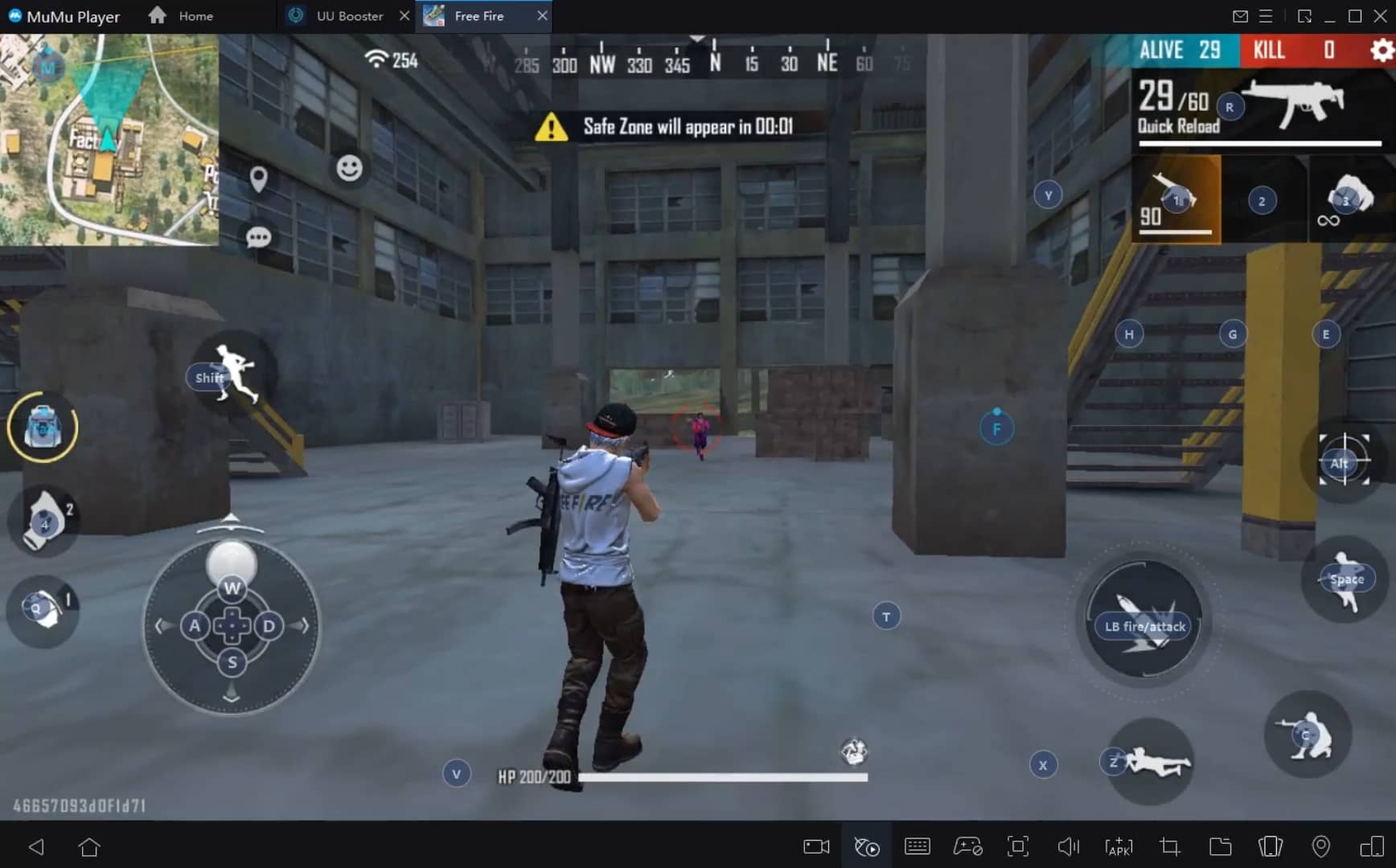
With a smart button scheme and image recognition function, provide a more concise UI, and support custom button mapping to meet different needs.
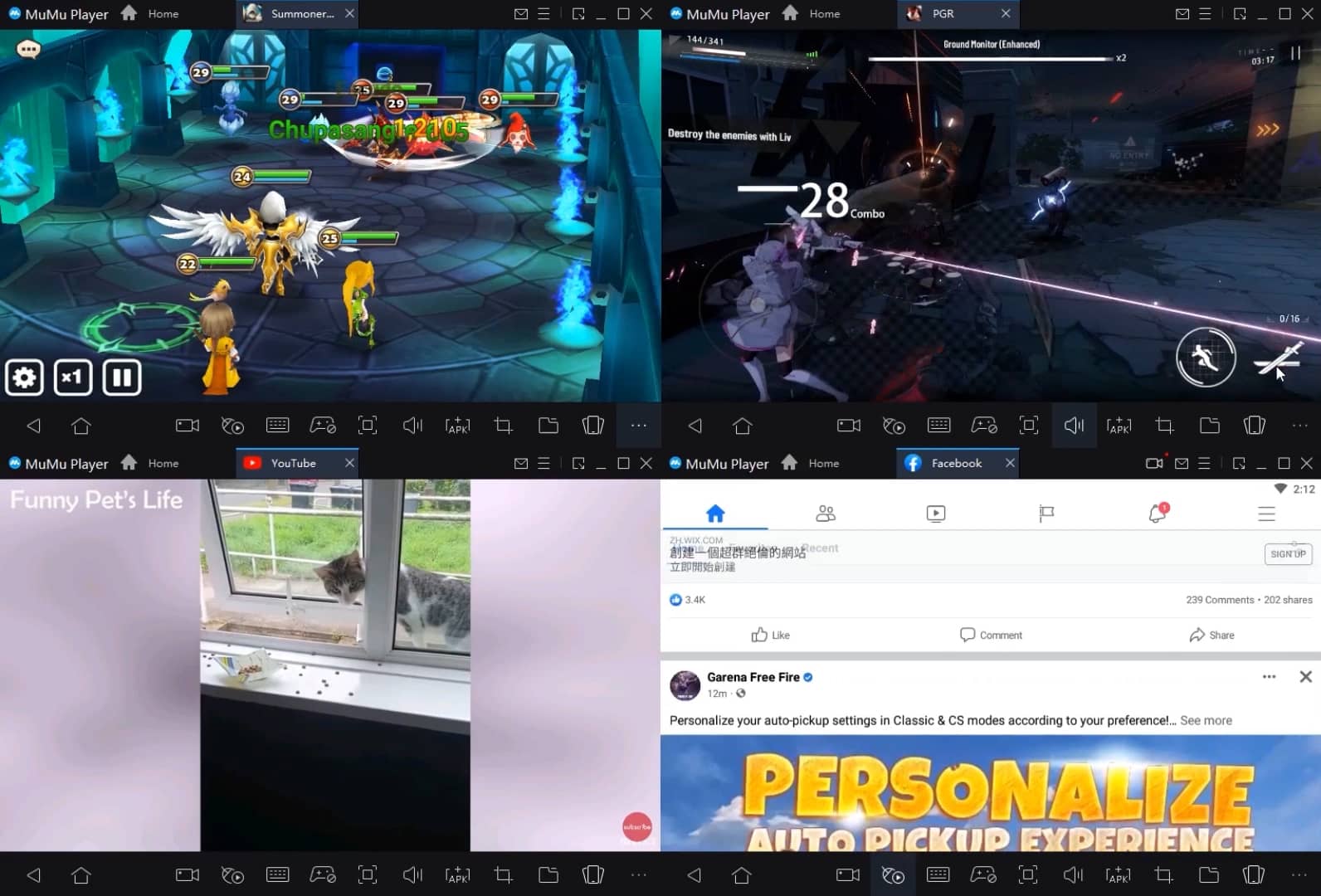
Run multiple games independently at the same time, easily manage multiple accounts, play games while hanging.
Break through FPS limit, and enjoy a seamless gaming experience without lag and delay!
Get a 3-second startup with 52% less memory usage and 65% more stability.
How to Download and Play Squid Game 3D: octopus tentacles challenge. on PC and Mac
Installation Guide
① Download and install MuMuPlayer on your PC or Mac. It will identify automatically your current system and download the latest version.
② Start MuMuPlayer and complete Google sign-in to access the Play Store, or do it later.
③ Search Squid Game 3D: octopus tentacles challenge. in the Play Store.
④ Complete Google sign-in (if you skipped step 2) to install Squid Game 3D: octopus tentacles challenge..
⑤ Once installation completes, click the Squid Game 3D: octopus tentacles challenge. icon on the home page to start the game.
⑥ Enjoy playing Squid Game 3D: octopus tentacles challenge. on your PC or Mac with MuMuPlayer.
Recommended Configuration for MuMuPlayer
Recommended computer configuration
For Windows:4-core CPU, 4GB RAM, i5 OS, GTX950+ graphics card
For macOS: 4-core CPU, 4GB RAM
Recommended Android Device performance settings
Graphics renderer mode
Vulkan and DirectX both supported
Performance Settings
Recommended performance settings: 2 cores, 2GB. >>Click here to learn>>How to adjust performance settings
Recommended Android Device Display Settings
Resolution Settings
Go to Device Settings > Display > Resolution Settings to adjust your device's resolution as needed.
FPS Settings
MuMuPlayer supports up to 240 FPS. >> Click here to learn>>how to enable high FPS mode
Recommended to enable VT
Enabling VT will significantly improve emulator performance, reduce screen freezing, and make games run more smoothly. >>Click here to learn>>How to enable VT
Get more news, guides and redeem codes about Squid Game 3D: octopus tentacles challenge.

eFootball 2026 Playstyle Guide for Forwards – Scoring Tips
eFootball 2026 Beginne's Guide - Learn the Basics Fast
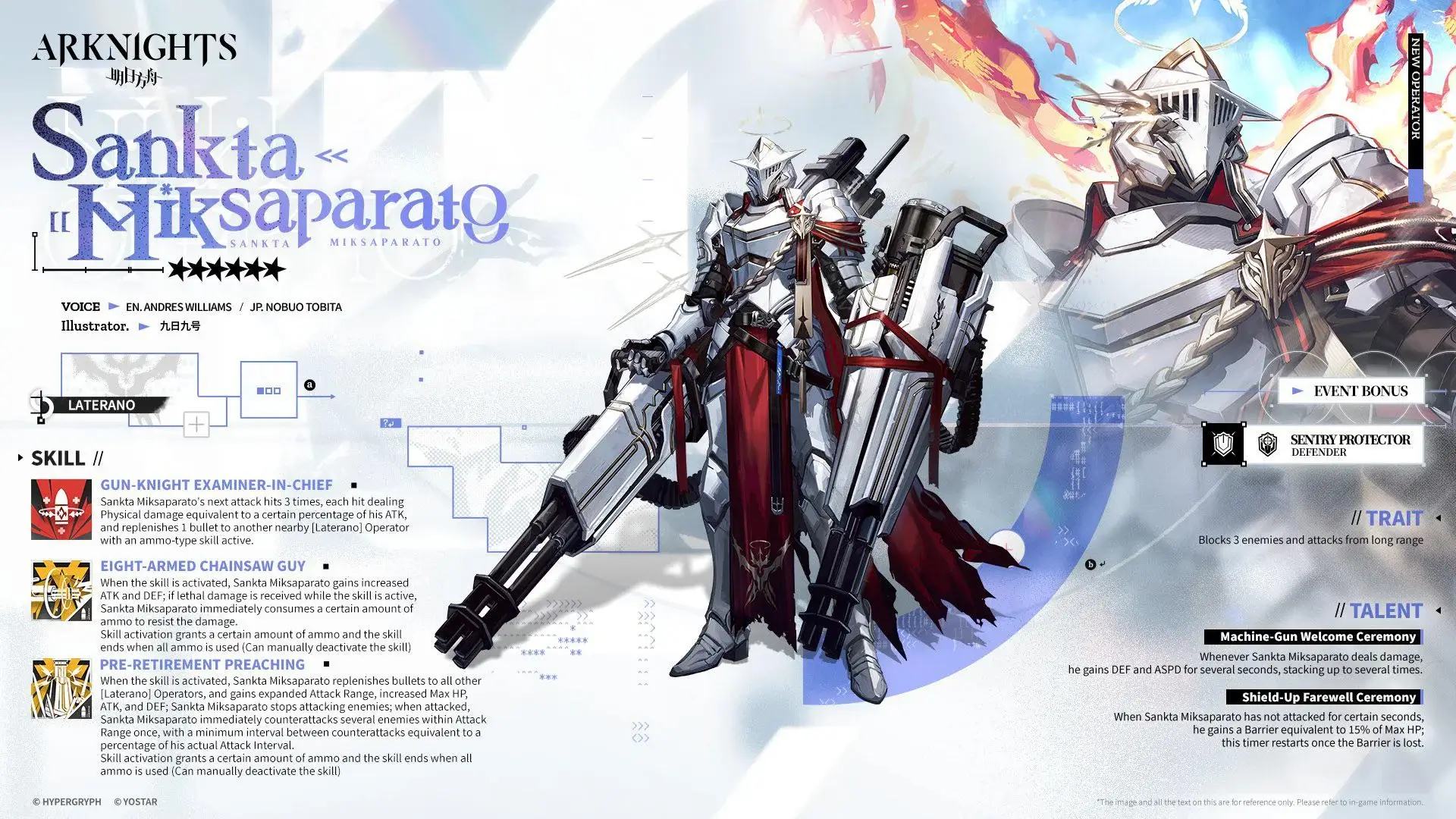
Arknights Sankta Miksaparato Build and Skill Guide: How to Maximize the New Defender

Arknights New Side Story Event “The Masses' Travels”: New Stages, Operators, and Rewards Await
Ragnarok Twilight Beginner Guide: Essential Tips & Early Progression
Ragnarok Twilight Career Guide: How to Master the Careers Efficiently
Ragnarok Twilight Redeem Codes (October 2025) – Free Rewards, Zeny, and Costumes
Stella Sora Latest Redeem Codes (Oct 2025): How to Use Redeem Codes for Extra Bonuses