Play Rising of Ants-Glory on PC and Mac
Download Rising of Ants-Glory on PC or Mac with MuMuPlayer, get a PC like gameplay along with smart control and high graphics performance.
MuMuPlayer, the top Android emulator for PC and Apple silicon Mac, delivers an optimal gaming experience with minimal RAM usage and high FPS. It also allows you to create multiple instances of the emulator and run several games simultaneously, thanks to its Multi-instance feature. Its advanced emulator features ensure smooth gameplay, even on low-end PCs.
Download and play Rising of Ants-Glory on PC or Mac with MuMuPlayer and start enjoying your gaming experience now.
About the Game
Pre-registration for Rising of Ants is now open!

Pre-register in the store to unlock exclusive rewards, including the powerful SR Hero - Vercingetorix! Claim Pre-registration rewards by logging in after the launch!By joining us on FB/Twitter/Discord for our latest news and cash gift card benefits!

FB:https://www.facebook.com/Rising-of-Ants-121109390959196/
Twitter:https://twitter.com/DreamMeta168896
Discord:https://discord.com/channels/1096378146074411070/1096378146623856753

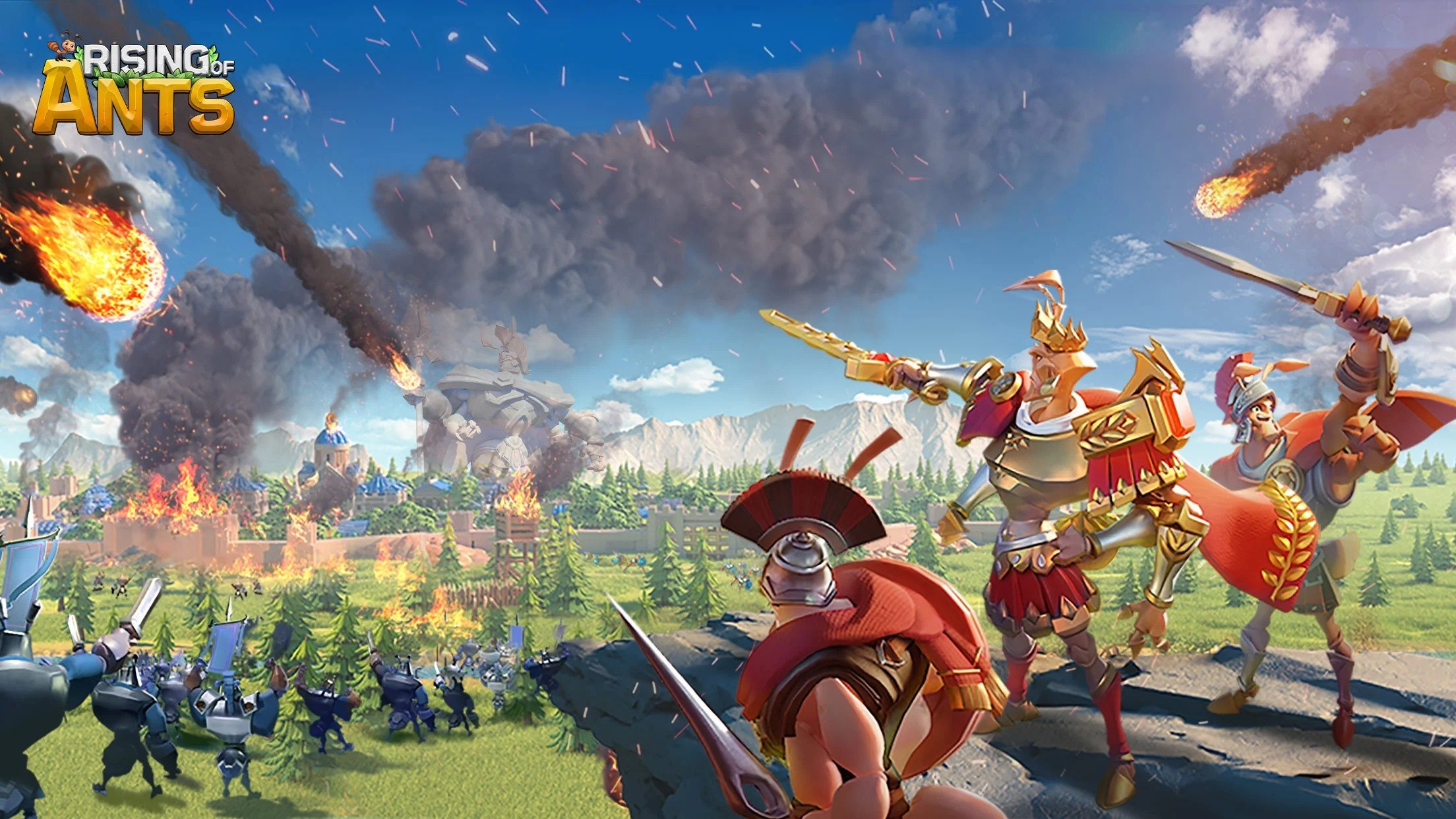
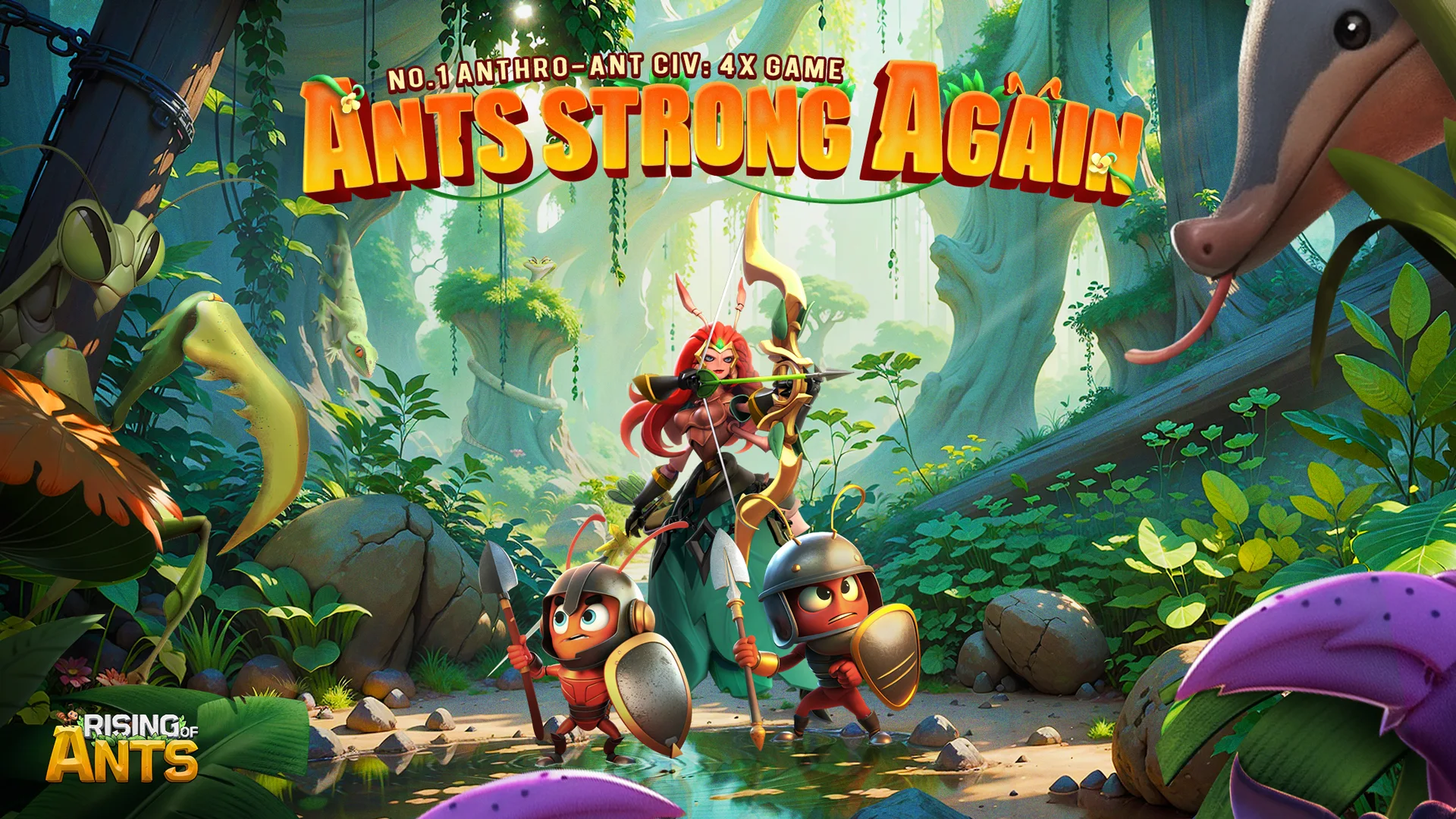
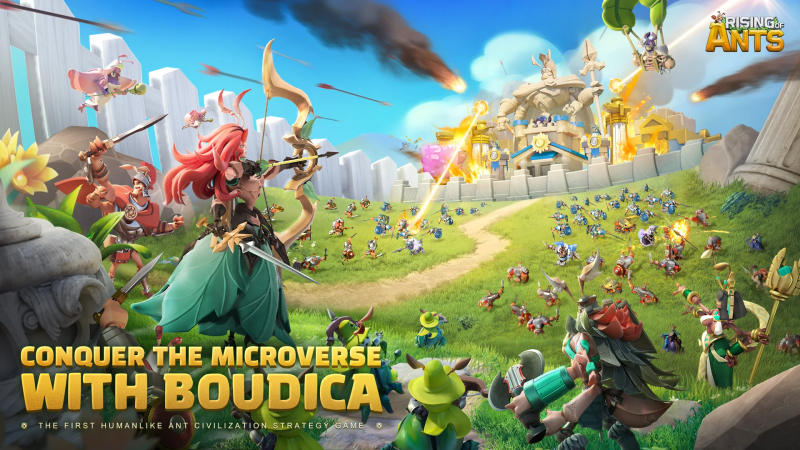
Immerse yourself in the captivating world of "Rising of Ants"! Explore the microcosmic realm, gather resources, construct your colony, embark on vast map explorations, and engage in thrilling alliance battles in this epic strategy game.

🔍Microcosmic Exploration:
Dive into the intricate details of the ant world as you uncover hidden wonders and embark on exciting quests. Discover new territories, encounter unique creatures, and unravel the secrets of the microcosm.

🏗️Base Construction:
Build and customize your ant colony with precision. Strategically place chambers, tunnels, and resource nodes to optimize your colony's growth and defense. Expand your empire and create an anthill that reflects your strategic vision.

🗺️Vast Map Explorations:
Venture beyond your colony and explore a vast and diverse world. Traverse lush forests, scorching deserts, and treacherous mountains in search of valuable resources and new territories to conquer.

🤝Alliance Confrontations:
Form alliances with other players and engage in thrilling battles against rival ant colonies. Coordinate strategies, share resources, and combine forces to dominate the microcosmic realm. Team up with friends and become unstoppable!

⚔️Engaging Gameplay:
Command your ant armies in epic battles against formidable enemies. Train and upgrade your ants to unlock unique abilities and unleash devastating attacks. Plan your tactics, outmaneuver your opponents, and claim victory on the battlefield.

📢 Pre-Register Now: Be part of the ant revolution! Pre-register for "Rising of Ants" and secure exclusive in-game rewards. Don't miss out on this extraordinary adventure!
Emulator Features

With a smart button scheme and image recognition function, provide a more concise UI, and support custom button mapping to meet different needs.

Run multiple games independently at the same time, easily manage multiple accounts, play games while hanging.

Break through FPS limit, and enjoy a seamless gaming experience without lag and delay!

Get a 3-second startup with 52% less memory usage and 65% more stability.
How to Download and Play Rising of Ants-Glory on PC and Mac
Installation Guide
① Download and install MuMuPlayer on your PC or Mac. It will identify automatically your current system and download the latest version.
② Start MuMuPlayer and complete Google sign-in to access the Play Store, or do it later.
③ Search Rising of Ants-Glory in the Play Store.
④ Complete Google sign-in (if you skipped step 2) to install Rising of Ants-Glory.
⑤ Once installation completes, click the Rising of Ants-Glory icon on the home page to start the game.
⑥ Enjoy playing Rising of Ants-Glory on your PC or Mac with MuMuPlayer.
Installation Guide
Recommended computer configuration
For Windows:4-core CPU, 4GB RAM, i5 OS, GTX950+ graphics card
For macOS: 4-core CPU, 4GB RAM
Recommended Android Device performance settings
Graphics renderer mode
Vulkan and DirectX both supported
Performance Settings
Recommended performance settings: 2 cores, 2GB. >>How to adjust performance settings
Recommended Android Device Display Settings
Resolution Settings
Go to Device Settings > Display > Resolution Settings to adjust your device's resolution as needed.
FPS Settings
MuMuPlayer supports up to 240 FPS. >>How to enable high FPS mode
Recommended to enable VT
Enabling VT will significantly improve emulator performance, reduce screen freezing, and make games run more smoothly. >>How to enable VT