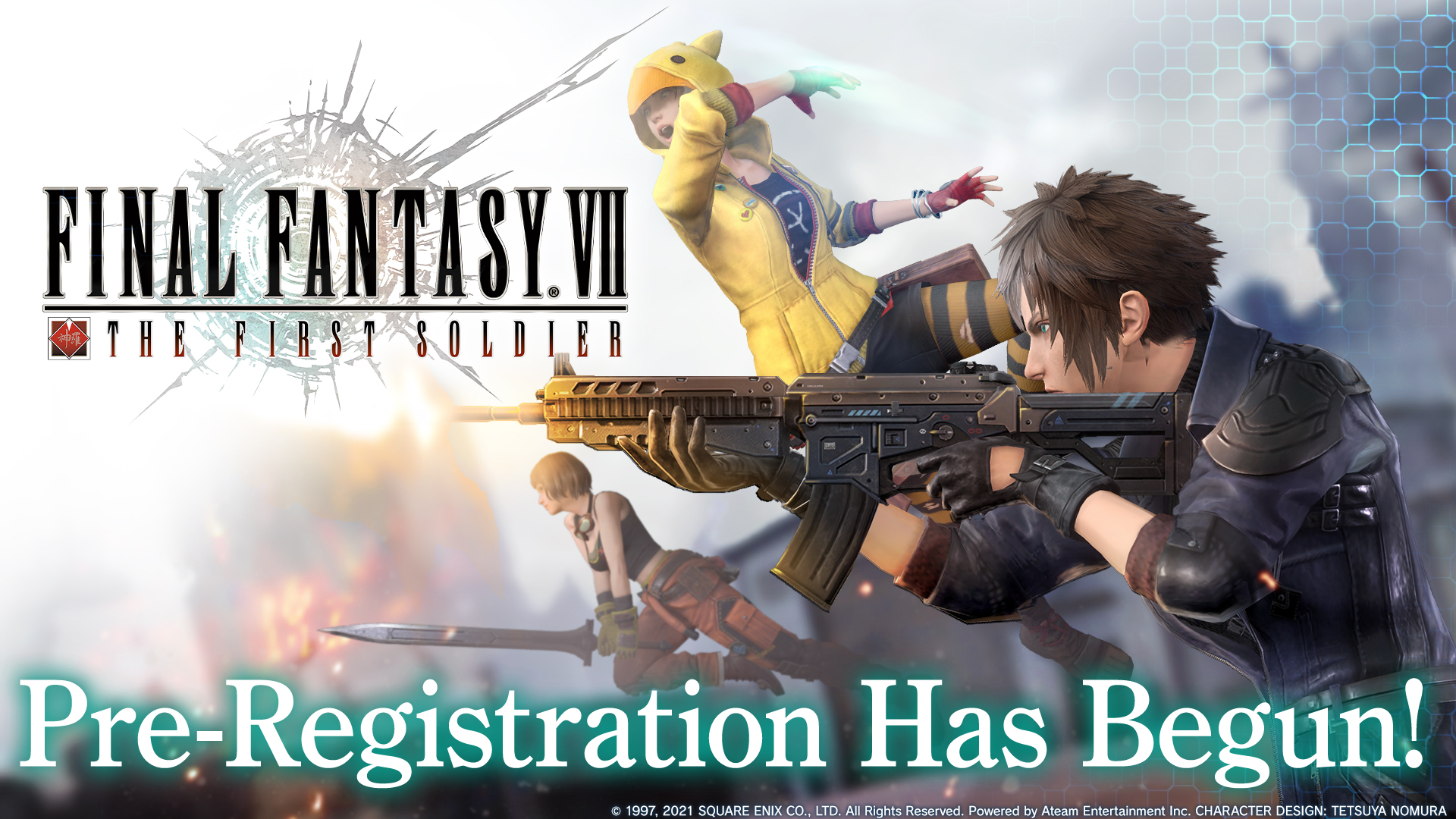
Play FINAL FANTASY VII THE FIRST SOLDIER on PC and Mac
Download FINAL FANTASY VII THE FIRST SOLDIER on PC or Mac with MuMuPlayer, get a PC like gameplay along with smart control and high graphics performance.
MuMuPlayer, the top Android emulator for PC and Apple silicon Mac, delivers an optimal gaming experience with minimal RAM usage and high FPS. It also allows you to create multiple instances of the emulator and run several games simultaneously, thanks to its Multi-instance feature. Its advanced emulator features ensure smooth gameplay, even on low-end PCs.
Download and play FINAL FANTASY VII THE FIRST SOLDIER on PC or Mac with MuMuPlayer and start enjoying your gaming experience now.
About the Game
Fight to be the last SOLDIER standing in this high-intensity battle royale experience set in the world of FINAL FANTASY VII.
President Shinra, in his effort to make Shinra Electric Power Company the untouchable force it’s destined to become, has established the “SOLDIER Project.” Join Shinra by becoming a SOLIDER candidate and utilize magic, special abilities, and more to triumph on the battlefield!

■Wield an arsenal of weapons and magic!
Utilize a wide variety of guns, melee weapons, and classic materia from FFVII to overcome the competition! Find the combination that fits to your play style to gain the advantage over your opponents!

■Master class-based traits and abilities!
Choose from styles such as the Warrior, Sorcerer, or Monk, and master their unique traits and abilities. Unlock abilities and skills within each style and customize your own experience!

■Take down ferocious monsters!
Defeat legendary FFVII monsters to earn experience points and gil! Level up your chosen style in battle to unlock famous original FFVII weapons and annihilate your enemies!

■Experience a unique FINAL FANTASY battle royale!
Ride through battle on a chocobo, rain punishment on your enemies with classic FINAL FANTASY summons like Ifrit, and use materia to harness powerful spells!

■Customize outfits, emotes, skins, and more!
You can obtain a variety outfits to change your look. Is Shinra more your style, or Avalanche?
With a range of accessories, weapon and vehicle skins, emotes, and more, the customization options are endless!
Emulator Features

With a smart button scheme and image recognition function, provide a more concise UI, and support custom button mapping to meet different needs.

Run multiple games independently at the same time, easily manage multiple accounts, play games while hanging.

Break through FPS limit, and enjoy a seamless gaming experience without lag and delay!

Get a 3-second startup with 52% less memory usage and 65% more stability.
How to Download and Play FINAL FANTASY VII THE FIRST SOLDIER on PC and Mac
Installation Guide
① Download and install MuMuPlayer on your PC or Mac. It will identify automatically your current system and download the latest version.
② Start MuMuPlayer and complete Google sign-in to access the Play Store, or do it later.
③ Search FINAL FANTASY VII THE FIRST SOLDIER in the Play Store.
④ Complete Google sign-in (if you skipped step 2) to install FINAL FANTASY VII THE FIRST SOLDIER.
⑤ Once installation completes, click the FINAL FANTASY VII THE FIRST SOLDIER icon on the home page to start the game.
⑥ Enjoy playing FINAL FANTASY VII THE FIRST SOLDIER on your PC or Mac with MuMuPlayer.
Installation Guide
Recommended computer configuration
For Windows:4-core CPU, 4GB RAM, i5 OS, GTX950+ graphics card
For macOS: 4-core CPU, 4GB RAM
Recommended Android Device performance settings
Graphics renderer mode
Vulkan and DirectX both supported
Performance Settings
Recommended performance settings: 2 cores, 2GB. >>How to adjust performance settings
Recommended Android Device Display Settings
Resolution Settings
Go to Device Settings > Display > Resolution Settings to adjust your device's resolution as needed.
FPS Settings
MuMuPlayer supports up to 240 FPS. >>How to enable high FPS mode
Recommended to enable VT
Enabling VT will significantly improve emulator performance, reduce screen freezing, and make games run more smoothly. >>How to enable VT