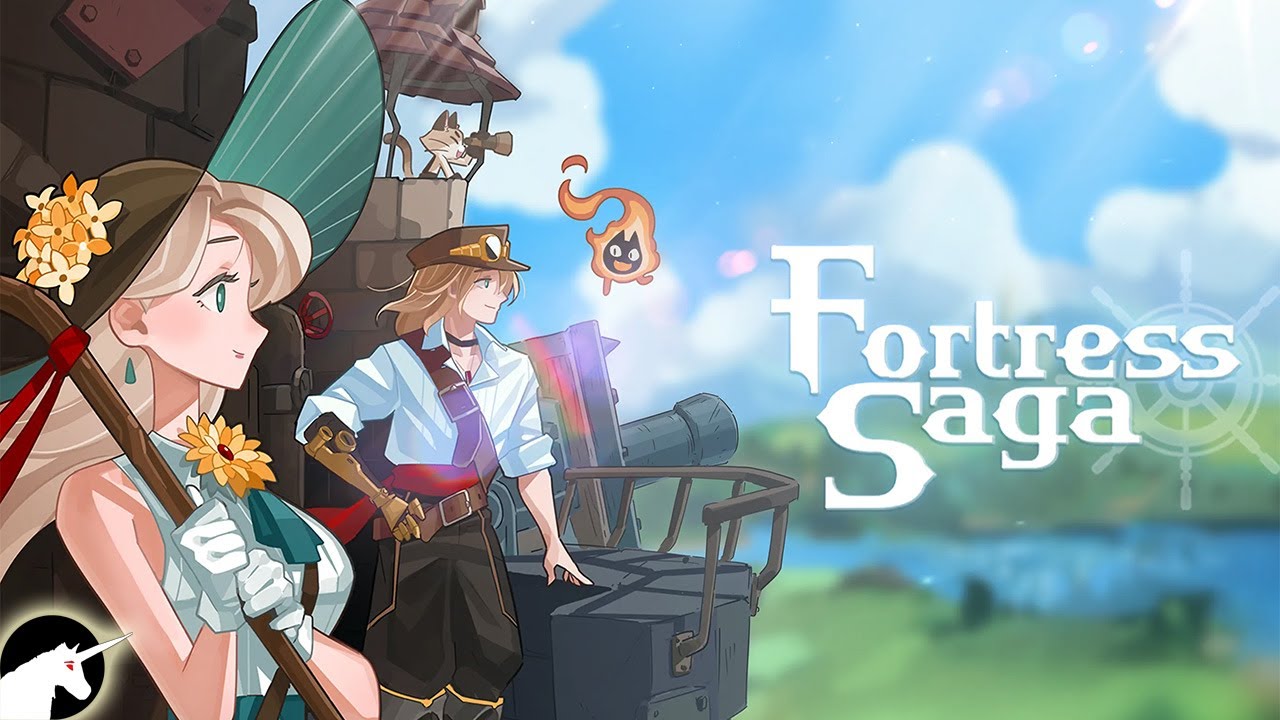
Play Fortress Saga: AFK RPG on PC and Mac
Download Fortress Saga: AFK RPG on PC or Mac with MuMuPlayer, get a PC like gameplay along with smart control and high graphics performance.
MuMuPlayer, the top Android emulator for PC and Apple silicon Mac, delivers an optimal gaming experience with minimal RAM usage and high FPS. It also allows you to create multiple instances of the emulator and run several games simultaneously, thanks to its Multi-instance feature. Its advanced emulator features ensure smooth gameplay, even on low-end PCs.
Download and play Fortress Saga: AFK RPG on PC or Mac with MuMuPlayer and start enjoying your gaming experience now.
About the Game
Hey y’all! Get ready to join Fortress Saga and hop on the adventure of Cor and Louis - the seed filled with power of life and the descendant of honored hero!

As you gather allies, you’ll customize your fortress to your own taste and explore dungeons in vast worlds. Defeat your enemies and grow stronger even faster! Plus, the chemistry between heroes and eye-catching graphics will keep you engaged and wanting more.

So what are you waiting for? In Fortress Saga, anything is possible, so come and let your imagination run wild!

▶Strengthen your heroes and fortress, 24/7!

Your heroes and fortress are always growing stronger and leveling up, even while you're chowing down or catching some Z's. It's easy, it's fast, and it's all about having a blast while taking on the world with your customized fortress and automatic battles.

▶Enjoy the ride with automatic battle system!

With easy-to-use interface and intuitive combat mechanics, you can sit back and watch your fortress crush your enemies while you level up and grow your heroes stronger without lifting a finger!

▶Personalized Heroes & Customizable Fortress

Enjoy collecting dealers, tanks and more heroes to suit your playstyle! Spice up your fortress with the latest gear and upgrade to make it truly yours!

▶ Get your souls ready to collect heroes!

Combine the unique abilities of your heroes and unleash flashy skills to overcome any challenge. Activate synergy among heroes to grow stronger,faster! Dive in and experience the joy of collecting heroes and rare items!

▶Stunning Graphics and Heart-pounding

Experience the charm of unique heroes with unique and dynamic animation in the style of Art Nouveau. And that’s not all - our heroes come to lives with fully-voiced by an all-star cast, making for witty conversations and captivating chemistry!
Emulator Features

With a smart button scheme and image recognition function, provide a more concise UI, and support custom button mapping to meet different needs.

Run multiple games independently at the same time, easily manage multiple accounts, play games while hanging.

Break through FPS limit, and enjoy a seamless gaming experience without lag and delay!

Get a 3-second startup with 52% less memory usage and 65% more stability.
How to Download and Play Fortress Saga: AFK RPG on PC and Mac
Installation Guide
Download MuMuPlayer
Download and install MuMuPlayer on your PC or Mac
Sign-in Google Store
Complete Google sign-in to access the Play Store
Search and Install
Search Fortress Saga: AFK RPG in the Play Store
Enjoy Gaming
Enjoy 120 FPS high-def gameplay with big screen
System Requirements
Windows PC
Vulkan / DirectX supported. 4 cores + 4GB RAM recommended. Up to 240 FPS. VT required.
macOS
Recommended: Apple Silicon Mac with 8GB RAM or above. Up to 240 FPS.