Foundation: Galactic Frontier (macOS)
Play Foundation: Galactic Frontier on PC and Mac
Foundation: Galactic Frontier is a sci-fi strategy game developed by FunPlus International AG that drops you into a crumbling Galactic Empire where rival factions are clawing for dominance. You take on a flexible role as a trader, bounty hunter, and political operator, commanding your own starship while navigating alliances, conflicts, and the unpredictable forces shaping humanity's future. Playing on PC through MuMuPlayer brings this sprawling universe to a larger screen where every star map and fleet formation can be seen in full detail.
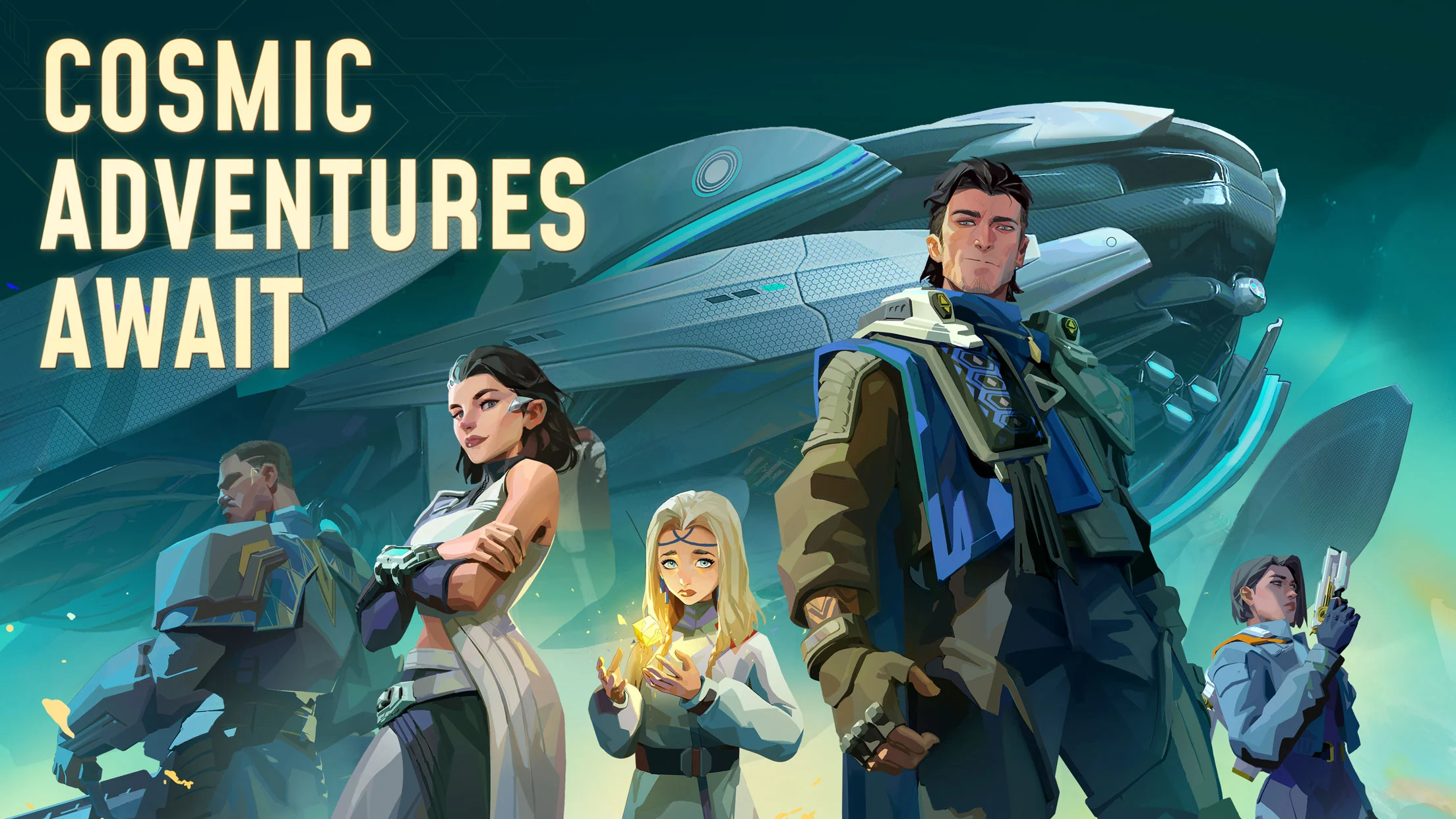
The game weaves together several distinct layers of gameplay. You design and customize your own mothership, constructing individual cabins for food, water recycling, oxygen generation, and combat armaments, turning it into a living, breathing mobile base. A crew system lets you recruit characters from wildly different backgrounds, each adding personality and capability to your ship's roster. Beyond the mothership, the game sends you out to explore uncharted planets and drifting space ruins through third-person landing missions, where you deploy squads of three heroes in tactical shooter-style combat. On the strategic side, you build trade networks, assemble combat fleets, manage fleet formations, and compete in large-scale RTS conflicts against rival players. A cinematic story runs through it all, branching based on the decisions you make across factions and events.
MuMuPlayer makes Foundation: Galactic Frontier significantly more comfortable to manage on PC. The broad strategic map, fleet coordination screens, and mothership construction interface all benefit from a larger display and mouse-driven precision that touch controls simply cannot match. Keyboard mapping through MuMuPlayer lets you assign shortcuts for combat actions and navigation, keeping your response time sharp during landing missions and real-time fleet battles. For a game that asks you to juggle base building, crew management, exploration, and interstellar warfare at the same time, having the stability and screen real estate of a PC environment through MuMuPlayer gives you a meaningful edge.
About the Game
Foundation: Galactic Frontier places you at the center of a collapsing interstellar civilization. The Galactic Empire is disintegrating, and in the vacuum it leaves behind, new powers are scrambling to fill the void. You are not a general or a chosen hero in the traditional sense. Instead, you carve out your own path as a trader, bounty hunter, and political operator, building influence by working across competing factions rather than pledging blind loyalty to any single one. Every choice you make during story events shapes how the galaxy responds to you, giving the narrative a reactive quality that makes the campaign feel personal rather than scripted.
At the heart of the experience is your mothership, and constructing it is one of the game's most satisfying ongoing activities. Rather than a simple upgrade menu, the ship is built cabin by cabin, with each module serving a real function. You need food production facilities, water recycling systems, and oxygen farms just to keep your crew alive during long voyages. Add weapon emplacements and you transform that survival platform into a formidable combat vessel. The ship is not just a strategic tool either. It becomes a home, and the game reinforces this through daily crew interactions that build a sense of belonging over time.
The crew you gather along the way brings the ship to life in a different way. Characters you encounter during your travels span a wide range of backgrounds and personalities:
- A robot packed with encyclopedic knowledge but completely unable to grasp sarcasm
- A legendary wandering space cowboy with a reputation that precedes him
- Criminals and outcasts whose histories make them unpredictable but invaluable
Each recruit adds something distinct to your roster, and assembling the right combination of crew members becomes part of the broader strategic puzzle.
When the game sends you down to a planet or a drifting ruin, the action shifts into a close-range landing mission that plays out as a tactical shooter. You select a strike team of three heroes and take direct control during combat, using positioning and ability timing to push through alien threats and uncover whatever secrets the location holds. The variety of hero combinations keeps these missions from feeling repetitive, and the challenge scales enough to reward careful team composition.
Zooming back out, Foundation also operates as a fleet strategy game on a galactic scale. You construct different classes of combat ships, arrange them into formations designed around your preferred tactics, and then protect or expand your trade routes against rivals. The alliance system plugs you into large-scale real-time strategy conflicts where cooperation and coordination determine who controls the most valuable corridors of space. Building a dominant trade empire requires balancing economic growth with military readiness, and the tension between those two goals keeps the strategic layer engaging long after the early campaign stages.
The overall package blends ship simulation, crew management, action combat, and large-scale RTS warfare into a single connected experience. Whether you are fine-tuning your mothership layout, hunting bounties on a forgotten moon, or directing your fleet in a contested sector, Foundation: Galactic Frontier keeps finding new ways to challenge the decisions you made earlier in your playthrough.
Emulator Features

With a smart button scheme and image recognition function, provide a more concise UI, and support custom button mapping to meet different needs.

Run multiple games independently at the same time, easily manage multiple accounts, play games while hanging.

Break through FPS limit, and enjoy a seamless gaming experience without lag and delay!

Get a 3-second startup with 52% less memory usage and 65% more stability.
How to Download and Play Foundation: Galactic Frontier on PC and Mac
Installation Guide
Download MuMuPlayer
Download and install MuMuPlayer on your PC or Mac
Sign-in Google Store
Complete Google sign-in to access the Play Store
Search and Install
Search Foundation: Galactic Frontier in the Play Store
Enjoy Gaming
Enjoy 120 FPS high-def gameplay with big screen
System Requirements
Windows PC
Vulkan / DirectX supported. 4 cores + 4GB RAM recommended. Up to 240 FPS. VT required.
macOS
Recommended: Apple Silicon Mac with 8GB RAM or above. Up to 240 FPS.