Play Dear, Ella on PC Play Dear, Ella on PC and Mac
Download Dear, Ella on PC with MuMuPlayer, get a PC like gameplay along with smart control and high graphics performance.
MuMuPlayer, the top Android emulator for PC and Apple silicon Mac, delivers an optimal gaming experience with minimal RAM usage and high FPS. It also allows you to create multiple instances of the emulator and run several games simultaneously, thanks to its Multi-instance feature. Its advanced emulator features ensure smooth gameplay, even on low-end PCs.
Download and play Dear, Ella on PC with MuMuPlayer and start enjoying your gaming experience now.
Download Dear, Ella on PC or Mac with MuMuPlayer, get a PC like gameplay along with smart control and high graphics performance.
MuMuPlayer, the top Android emulator for PC and Apple silicon Mac, delivers an optimal gaming experience with minimal RAM usage and high FPS. It also allows you to create multiple instances of the emulator and run several games simultaneously, thanks to its Multi-instance feature. Its advanced emulator features ensure smooth gameplay, even on low-end PCs.
Download and play Dear, Ella on PC or Mac with MuMuPlayer and start enjoying your gaming experience now.
About the Game
[Launch Event Rewards]
Enjoy amazing rewards for every level milestone reached!
Embark on an adventure alongside Ella!

-----------------------------------------------------------------

Princess Ella was betrayed and murdered by her uncle.
When she wakes up, she finds herself 1 year back in time!

Discover anime-themed characters and immersive cartoon strips!
Enjoy the fun of control with tactical deployment and a unique Chain Skill system!

Start your adventure now with charming band of heroes!
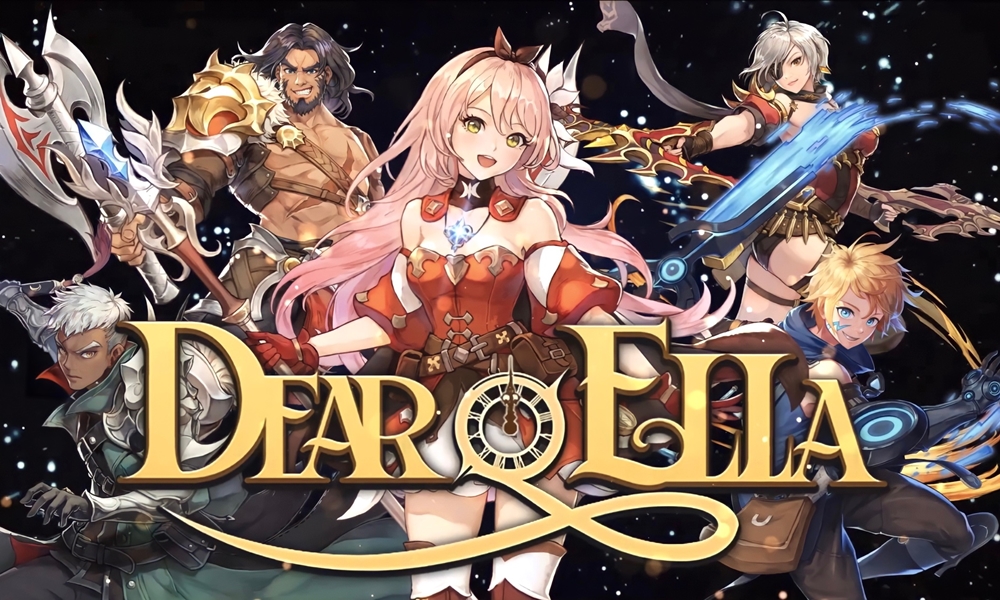
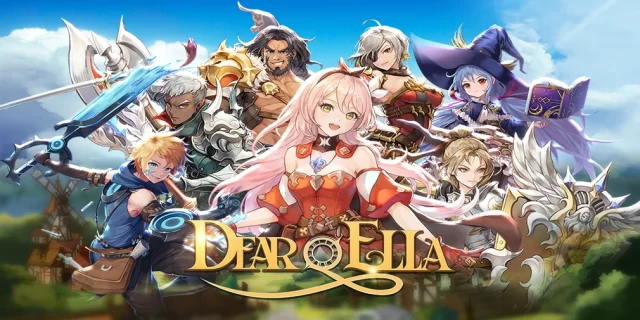
Get ready to immerse yourself in Dear, Ella - an anime-style collectible RPG!

[Game Overview]
■ Engage in this anime-style collectible RPG with animations and cartoon strips!
- Join Ella's adventure and help change her fate!
- Experience incredible stories with high-quality animations and cartoon strips!

■ Tactical Deployment and Unique Skill Chain
- Tactically deploy characters and develop your own band of Heroes!
- Experience the thrill of unique Skill Chains!
- You can find everything you wish for in this immersive, remarkable RPG!

■ Build Your Own Band of Heroes with Charming Characters
- Collect over 30 Heroes with different skills!
- Enjoy their immense power every time they are upgraded!
- Get ready to be surprised as they change their looks after Awakening!

■ Various Modes That Add Excitements to Adventure
- Enjoy more than 10 Battle Modes available in Dear, Ella such as Dungeon, Arena, Raid, and more!
- Immerse yourself in Ella's journey with fascinating visual effects and breathtaking storyline!

> Visit Brand Page: https://dear-ella.c2x.world/

The game is available in 한국어, English, 日本語, 中文简体, 中文繁體, ไทย, and Bahasa Indonesia.

Game is free to play, but offers in-app purchases. You can disable in-app purchases through your device's settings.

Minimum Requirements:
Galaxy S8 (OS 8.0) / 3GB RAM
3GB or more storage space is required on devices.
Network connection is required in order to play Dear, Ella.

▶ Permission Guidelines
App will request permissions in order to provide certain services.:

[Optional Permissions]

- Phone (Device): Permission is required in order to run in-game events, reward prizes, and check OS versions/device models to handle customer inquiries. The app will not affect or access phone features such as phone calls.
- Storage: This permission is required to store and load your gameplay screenshots and video captures. Only gameplay data will be accessed.

※ App will run without optional permissions but certain game features may remain inaccessible.
※ Android 6.0 or higher is required in order to grant the app optional permissions.
※ Apps may not request user consent for certain permissions. Please see below for instructions on how to manually set app permissions.

▶ Manually Setting Permissions
Users can reset or revoke permissions after granting access.

[OS 6.0 or Later]
Settings > Apps > Select the App > Permissions > Choose which permissions you want the app to have.

[Versions Prior to OS 6.0]
- Upgrading to 6.0 or higher will allow you to set permissions manually.

* COM2US Holdings Official Website: https://www.withhive.com
* For any questions, please contact us at: https://m.withhive.com/customer/inquire
Emulator Features
Highest Android 15 Support Best Compatibility on Mac

With a smart button scheme and image recognition function, provide a more concise UI, and support custom button mapping to meet different needs. With a smart button scheme and image recognition, enjoy a cleaner UI and custom button mapping to fit different gaming needs on Mac.

Run multiple games independently at the same time, easily manage multiple accounts, play games while hanging. Take your Mac gaming further with multiple independent instances, easy account management, and seamless AFK gaming on Apple Silicon Mac.

Break through FPS limit, and enjoy a seamless gaming experience without lag and delay! Break through FPS limits for a seamless, lag-free gaming experience on MacBook, Mac mini, iMac, and Mac Studio.

Get a 3-second startup with 52% less memory usage and 65% more stability. Enjoy 3-second startup, 52% less memory usage, and 65% greater stability on Apple Silicon Mac.
How to Download and Play Dear, Ella on PC and Mac
Installation Guide
Download MuMuPlayer
Download MuMuPlayer and install it on your PC or Mac
Sign-in Google Store
Complete Google sign-in to access the Play Store
Search and Install
Search Dear, Ella in the Play Store
Enjoy Gaming
Enjoy 120 FPS high-def gameplay with big screen
System Requirements
Windows PC
Vulkan / DirectX supported. 4 cores + 4GB RAM recommended. Up to 240 FPS. VT required.
macOS
Recommended: Apple Silicon Mac with 8GB RAM or above. Up to 240 FPS.