
Play 小妖問道 on PC Play 小妖問道 on PC and Mac
The Little Demon Asks brings a festive New Year twist to idle role playing, inviting you to guide a mischievous protagonist through cultivation and collection in a world that never stops rewarding you. This role playing title from the Google Play description emphasizes relaxed progression, automatic battles, and a lighthearted take on the classic journey to the West. With MuMuPlayer, you can play The Little Demon Asks on PC, bringing this idle adventure to a larger screen and a more comfortable setup.
The game centers on hands free cultivation, where your character grows stronger even while you are away. The tree cutting feature automatically breaks down low level equipment, clearing your bag and boosting your combat power without constant attention. A nighttime rat dispatch system sends your furry helper out to gather treasure chests, so you wake up to a backpack full of rewards. Collection fans can mix and match mounts, spiritual beasts, and monsters, creating builds around critical hits, life steal, or dodge. The Tower of Babel adds a strategic layer, where climbing the ranks requires both power and clever positioning.
Playing The Little Demon Asks on PC with MuMuPlayer gives you a stable, high performance environment for an idle game that benefits from staying open. On Windows, you can keep the game running in the background while you work or browse, and the larger screen makes it easier to manage your collection and tower strategies. For Mac users, MuMuPlayer offers a way to play on Mac, MacBook, and macOS, including Apple Silicon models. If you have a Mac mini or a newer chip like M5 Pro or M6, you can enjoy the game through MuMuPlayer without worrying about mobile battery life. The keyboard and mouse controls and multi instance support add convenience, whether you are on a traditional PC or a modern Macintosh setup.
Download 小妖問道 on PC or Mac with MuMuPlayer, get a PC like gameplay along with smart control and high graphics performance.
MuMuPlayer, the top Android emulator for PC and Apple silicon Mac, delivers an optimal gaming experience with minimal RAM usage and high FPS. It also allows you to create multiple instances of the emulator and run several games simultaneously, thanks to its Multi-instance feature. Its advanced emulator features ensure smooth gameplay, even on low-end PCs.
Download and play 小妖問道 on PC or Mac with MuMuPlayer and start enjoying your gaming experience now.
About the Game
The Little Demon Asks arrives with a special New Year version that leans into celebration and generosity. The festive theme brings limited time character appearances, red envelope events, and free fairy jade drops, all designed to make the holiday season feel rewarding. At its core, this is a role playing idle game where your character cultivates automatically, grows stronger over time, and collects a wide variety of allies and equipment. The tone is playful, and the systems are built for players who enjoy steady progress without constant micromanagement.
One of the defining features is the guilt free idle progression. Your master and disciple characters do not need to embark on a traditional westward journey to advance. Instead, they can lie back and cultivate while you are away. The tree cutting mechanic is a central part of this, allowing you to increase cultivation and combat power quickly. As you cut down trees, low level equipment is automatically decomposed, which keeps your inventory clean and frees you from tedious management. This hands off approach means you can focus on the parts of the game you enjoy most, whether that is collecting or climbing the tower.
The rat companion adds another layer of automation. You can raise a rat that is dispatched at night to search for treasures. When you return, your backpack may be filled with treasure chests and other goodies. This system rewards patience and consistency, and it fits perfectly with the idle nature of the game. It also gives you a reason to check in regularly, even if you only have a few minutes to spare.
Collection is a major draw for idle game fans. The Little Demon Asks offers a wide range of mounts, spiritual beasts, and monsters to equip and combine. You can build around critical hits, life steal, dodge, and other combat styles. The variety means you can experiment with different setups and find the combination that suits your playstyle. For players who enjoy optimizing, there is plenty of depth here, and for those who prefer a more casual approach, the automatic systems ensure you are always making progress.
The Tower of Babel introduces a competitive and strategic challenge. Climbing the tower requires more than raw combat power. You need to think about positioning and strategy to advance. The mode encourages you to test different formations and make the most of your collected allies. It is a nice contrast to the idle progression, giving you a focused challenge when you want one.
Playing on PC with MuMuPlayer enhances the experience in several ways. Idle games often benefit from longer sessions, and on Windows you can keep The Little Demon Asks running while you use your computer for other tasks. The larger screen makes it easier to read item descriptions, manage your collection, and plan tower strategies. MuMuPlayer also supports Mac, so you can play on MacBook, macOS, and Apple Silicon devices. If you have a Mac mini or a newer chip such as M5 Pro or M6, you can run the game through MuMuPlayer and enjoy the convenience of a desktop setup. The platform offers keyboard and mouse controls, which can make navigating menus and managing your inventory more precise. Multi instance support is useful if you want to manage multiple accounts or simply keep the game open alongside other applications.
Whether you are drawn to the New Year celebrations, the automatic cultivation, the treasure hunting rat, or the collection systems, The Little Demon Asks offers a relaxed but rewarding role playing experience. With MuMuPlayer, you can enjoy it on PC or Mac with the comfort and stability of a larger screen and a dedicated environment.
Emulator Features
Highest Android 15 Support Best Compatibility on Mac
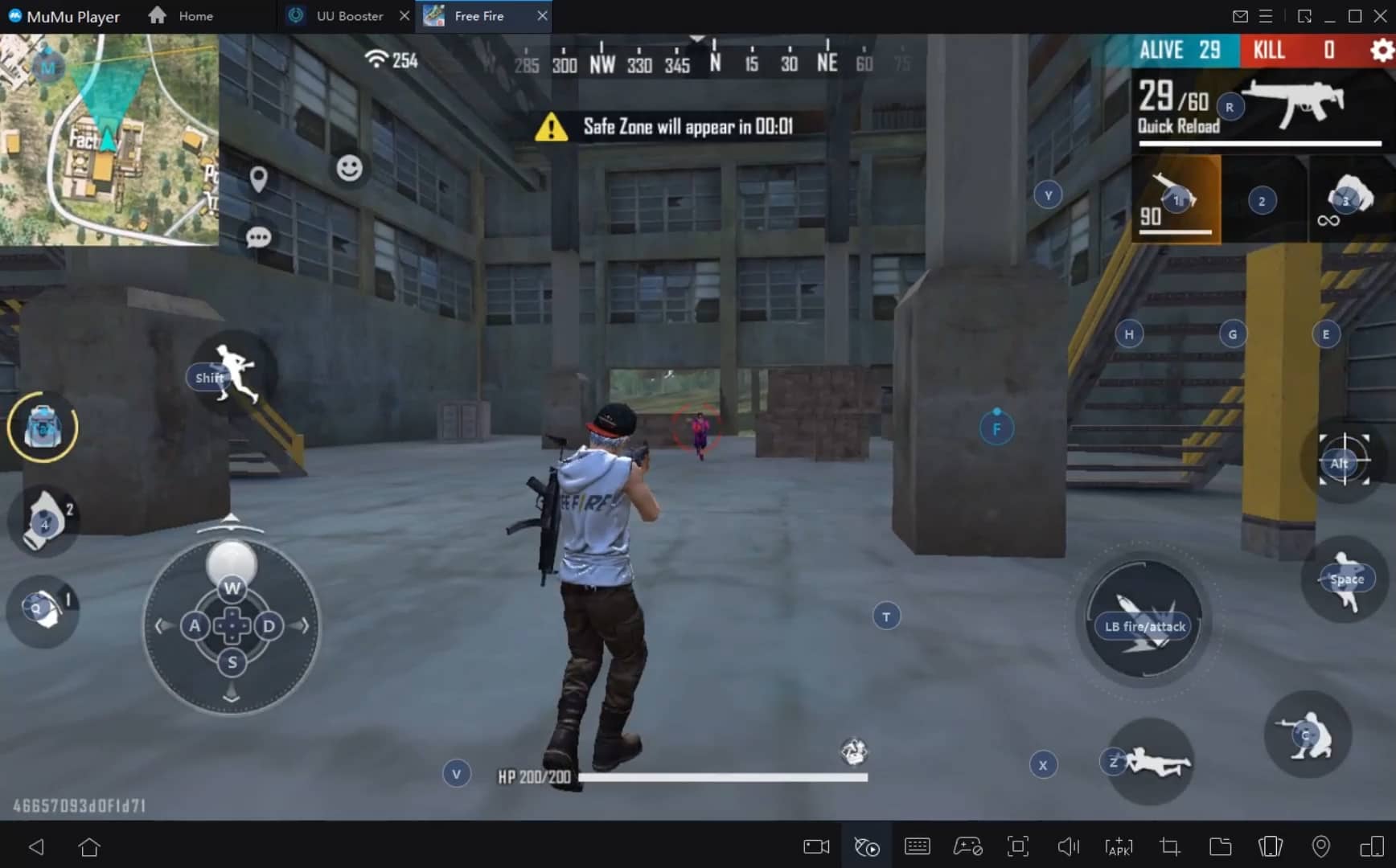
With a smart button scheme and image recognition function, provide a more concise UI, and support custom button mapping to meet different needs. With a smart button scheme and image recognition, enjoy a cleaner UI and custom button mapping to fit different gaming needs on Mac.
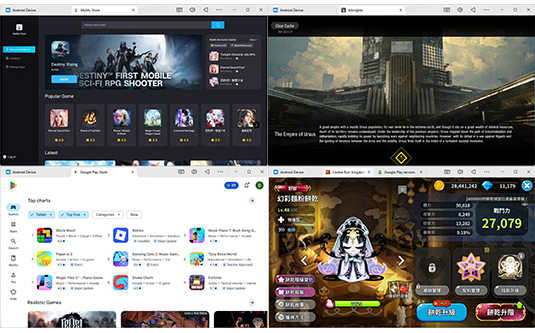
Run multiple games independently at the same time, easily manage multiple accounts, play games while hanging. Take your Mac gaming further with multiple independent instances, easy account management, and seamless AFK gaming on Apple Silicon Mac.
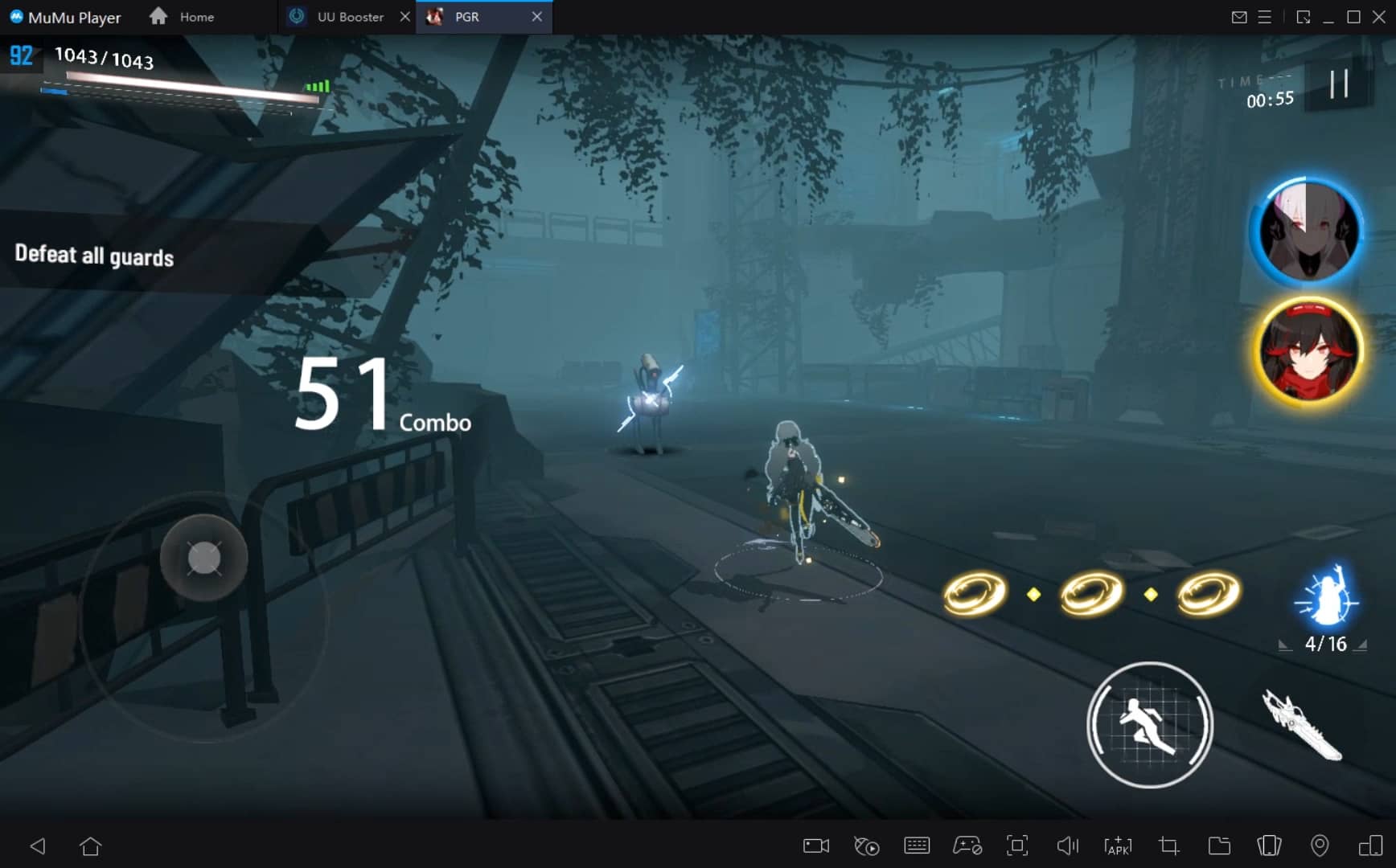
Break through FPS limit, and enjoy a seamless gaming experience without lag and delay! Break through FPS limits for a seamless, lag-free gaming experience on MacBook, Mac mini, iMac, and Mac Studio.
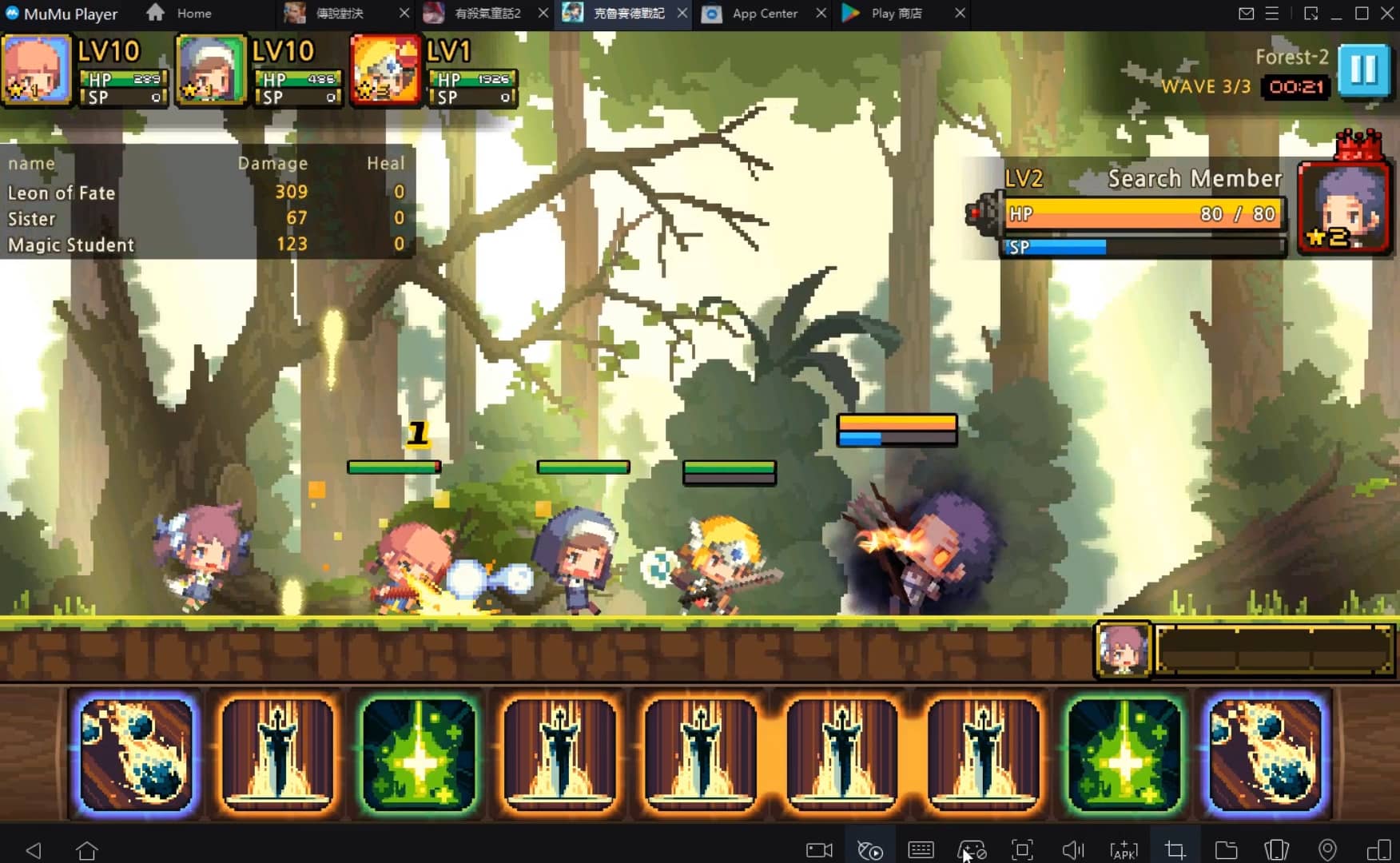
Get a 3-second startup with 52% less memory usage and 65% more stability. Enjoy 3-second startup, 52% less memory usage, and 65% greater stability on Apple Silicon Mac.
How to Download and Play 小妖問道 on PC and Mac
Installation Guide
Download MuMuPlayer
Download MuMuPlayer and install it on your PC or Mac
Sign-in Google Store
Complete Google sign-in to access the Play Store
Search and Install
Search 小妖問道 in the Play Store
Enjoy Gaming
Enjoy 120 FPS high-def gameplay with big screen
System Requirements
Windows PC
Vulkan / DirectX supported. 4 cores + 4GB RAM recommended. Up to 240 FPS. VT required.
macOS
Recommended: Apple Silicon Mac with 8GB RAM or above. Up to 240 FPS.