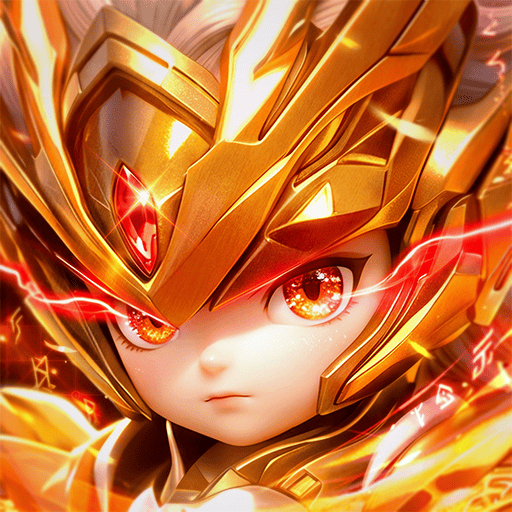
Play 이 용병단 머지: 디펜스 on PC Play 이 용병단 머지: 디펜스 on PC and Mac
Download 이 용병단 머지: 디펜스 on PC with MuMuPlayer, get a PC like gameplay along with smart control and high graphics performance.
MuMuPlayer, the top Android emulator for PC and Apple silicon Mac, delivers an optimal gaming experience with minimal RAM usage and high FPS. It also allows you to create multiple instances of the emulator and run several games simultaneously, thanks to its Multi-instance feature. Its advanced emulator features ensure smooth gameplay, even on low-end PCs.
Download and play 이 용병단 머지: 디펜스 on PC with MuMuPlayer and start enjoying your gaming experience now.
Download 이 용병단 머지: 디펜스 on PC or Mac with MuMuPlayer, get a PC like gameplay along with smart control and high graphics performance.
MuMuPlayer, the top Android emulator for PC and Apple silicon Mac, delivers an optimal gaming experience with minimal RAM usage and high FPS. It also allows you to create multiple instances of the emulator and run several games simultaneously, thanks to its Multi-instance feature. Its advanced emulator features ensure smooth gameplay, even on low-end PCs.
Download and play 이 용병단 머지: 디펜스 on PC or Mac with MuMuPlayer and start enjoying your gaming experience now.
About the Game
What the heck! Luck is a skill, too?

The birth of the strongest mercenary group led personally by the King!

A dopamine-bursting random strategy RPG!

[Background Story]

A rift in the ancient barrier has appeared in the peaceful kingdom!

The suddenly shattered Sacred Core barrier, and the frenzied demonic horde of corrupted monsters are rushing toward the royal capital!

"I will lay down the Emperor and the throne! From today, I am the mercenary captain fighting alongside you!"

[Game Features]

▶ 1. Luck is a skill too! Addictive Triple Random Play

The charm of a triple random system where you cannot predict what will happen next

A thrilling harmony of luck and strategy unfolding anew in every match!

▶ Monsters 1-Second Kill! Sweep the battlefield with critical hits

The overwhelming satisfaction of consecutive critical hits from flashy ultimate skills!

The stress-relieving thrill of blowing away screen-filling monsters in an instant!

▶ 1000 Pulls Free! Storm Victory with Storm Pulls

Generous login benefits! 1000 free pulls provided!

Grow your characters with endless pulls and complete the ultimate combination all at once!

▶ Your Own Ultimate Mercenary Team Combination & Infinite Growth

From Poseidon Summon Decks to tactical combinations that perfectly suit your taste!

Complete your own unique synergy deck and become the ruler of the battlefield.

▶ Multi Mode, Want to Play a Match with a Friend?

The more you play together, the double the fun and rewards! Experience fantastic teamwork with friends and colleagues at your fingertips!
Emulator Features
Highest Android 15 Support Best Compatibility on Mac

With a smart button scheme and image recognition function, provide a more concise UI, and support custom button mapping to meet different needs. With a smart button scheme and image recognition, enjoy a cleaner UI and custom button mapping to fit different gaming needs on Mac.

Run multiple games independently at the same time, easily manage multiple accounts, play games while hanging. Take your Mac gaming further with multiple independent instances, easy account management, and seamless AFK gaming on Apple Silicon Mac.

Break through FPS limit, and enjoy a seamless gaming experience without lag and delay! Break through FPS limits for a seamless, lag-free gaming experience on MacBook, Mac mini, iMac, and Mac Studio.

Get a 3-second startup with 52% less memory usage and 65% more stability. Enjoy 3-second startup, 52% less memory usage, and 65% greater stability on Apple Silicon Mac.
How to Download and Play 이 용병단 머지: 디펜스 on PC and Mac
Installation Guide
Download MuMuPlayer
Download MuMuPlayer and install it on your PC or Mac
Sign-in Google Store
Complete Google sign-in to access the Play Store
Search and Install
Search 이 용병단 머지: 디펜스 in the Play Store
Enjoy Gaming
Enjoy 120 FPS high-def gameplay with big screen
System Requirements
Windows PC
Vulkan / DirectX supported. 4 cores + 4GB RAM recommended. Up to 240 FPS. VT required.
macOS
Recommended: Apple Silicon Mac with 8GB RAM or above. Up to 240 FPS.