
Play Dawnlands on PC and Mac
Download Dawnlands on PC or Mac with MuMuPlayer, get a PC like gameplay along with smart control and high graphics performance.
MuMuPlayer, the top Android emulator for PC and Apple silicon Mac, delivers an optimal gaming experience with minimal RAM usage and high FPS. It also allows you to create multiple instances of the emulator and run several games simultaneously, thanks to its Multi-instance feature. Its advanced emulator features ensure smooth gameplay, even on low-end PCs.
Download and play Dawnlands on PC or Mac with MuMuPlayer and start enjoying your gaming experience now.
About the Game
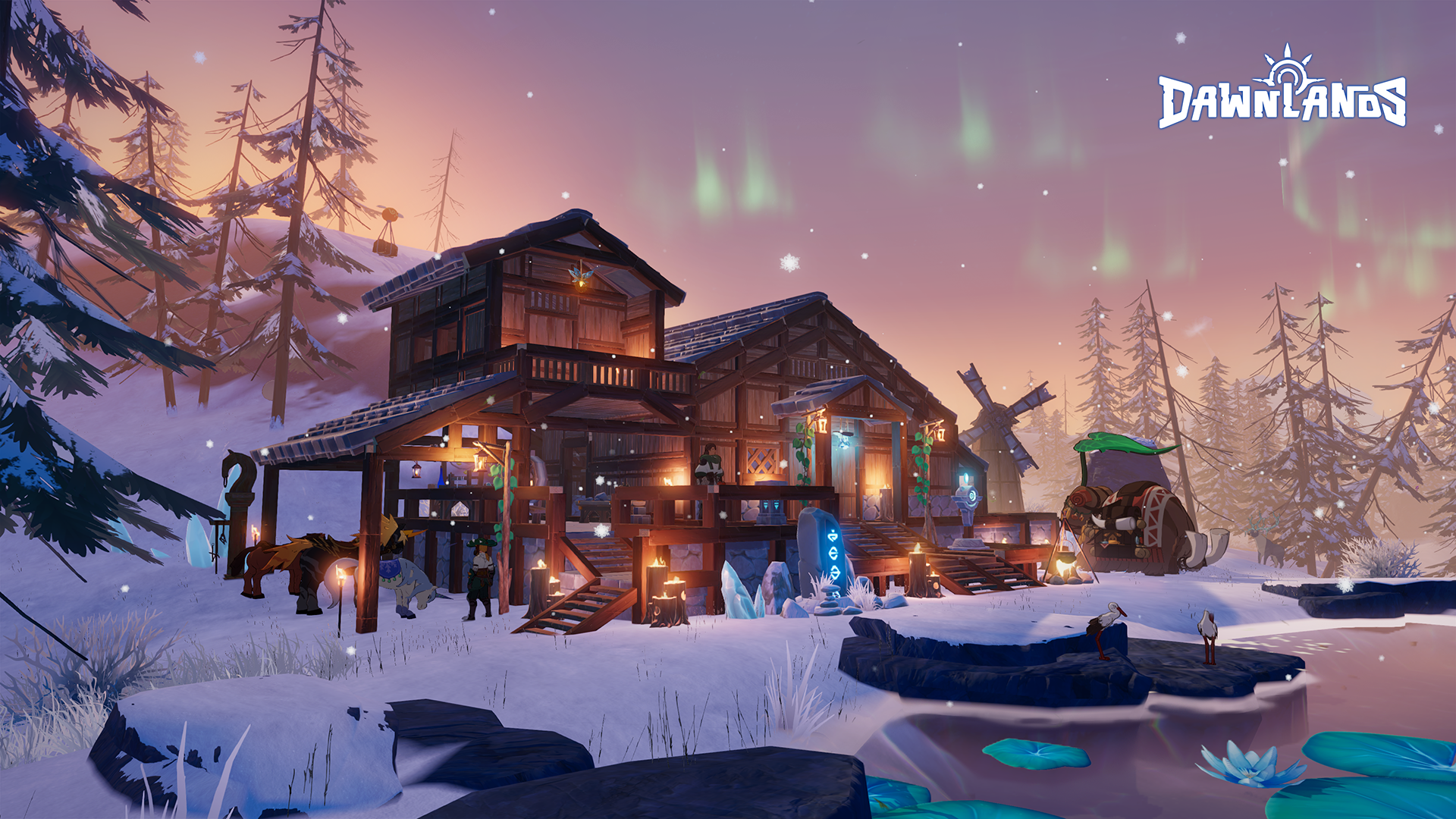
In Dawnlands, players battle to awaken an ancient land. Explore a gigantic world, gather materials, craft weapons, and build a world only you could dream up, but be wary of the threats in the dark!
Become the savior of an unknown land, and revel in a stunning open-world!

★Explore★
A variety of biomes, relics, and puzzles dot the landscape... an ancient land lain dormant long centuries awaits you to awaken, new stories are waiting to be penned.

★Survive★
All that came before has vanished, but nature’s rich resources can be found all across the land. What matters is how you use them. Wait, be wary of the potential dangers in the dark. Find the darkness and defeat it before it can engulf the land. Start from the beginning, battle to survive!

★Build & Craft★
Use more than 100 different crafting materials to build your dream home. The styling of the floors, the topography of the land itself are yours to change. Battle to unlock recipes to craft weapons, clothes, and tools. Use your creativity to build and craft!

★Multiplayer★
Dawnlands allows up to 4 players to share a single game-world. Explore the land alone or team up with friends. Visit your friend's land, have your friend come over to your land by friends system or world invitation code. Dawnlands can also recommend random worlds for you to join where you can meet new friends! Gather your friends, have fun together!

Fate has chosen you to be this world’s savior. Your adventure in this stunning open-world game begins now!

※Note※
It's a limited test that we will close the registration and download when the server is overloaded.

★ Here is the Q&A of this beta test★
Q: What systems will be supported in this beta test?
A: This test will only support Android with Google Play Early Access, and we will provide iOS in the future release version.
Q: What is the device recommendation for this beta test?
A: We strongly recommend playing the game on devices with RAM 3GB+ and OS10+ , and we will improve the performance in the future release version.
Q: What is the language of this beta test?
A: Only English, auto-translated Spanish and auto-translated Portuguese are available in this test. Other languages will be added in the future release version.
Q: How much content is included in this beta test?
A: This beta test will provide some of the main game systems and core gameplay, such as explore&adventure, crafting, base-building, survival etc. We hope to receive your feedback from this test and improve the game later on.
Q: Is this beta test available for purchase?
A: Because the game is still in the developing stage, you will not be able to purchase in game.

Facebook fanpage: https://www.facebook.com/Dawnlands2022/
Discord server: https://discord.gg/TEXAyTgcuc
Official website: dawnlands.amazingseasun.com
Emulator Features
Highest Android 15 Support Best Compatibility on Mac

With a smart button scheme and image recognition function, provide a more concise UI, and support custom button mapping to meet different needs. With a smart button scheme and image recognition, enjoy a cleaner UI and custom button mapping to fit different gaming needs on Mac.

Run multiple games independently at the same time, easily manage multiple accounts, play games while hanging. Take your Mac gaming further with multiple independent instances, easy account management, and seamless AFK gaming on Apple Silicon Mac.

Break through FPS limit, and enjoy a seamless gaming experience without lag and delay! Break through FPS limits for a seamless, lag-free gaming experience on MacBook, Mac mini, iMac, and Mac Studio.

Get a 3-second startup with 52% less memory usage and 65% more stability. Enjoy 3-second startup, 52% less memory usage, and 65% greater stability on Apple Silicon Mac.
How to Download and Play Dawnlands on PC and Mac
Installation Guide
Download MuMuPlayer
Download MuMuPlayer and install it on your PC or Mac
Sign-in Google Store
Complete Google sign-in to access the Play Store
Search and Install
Search Dawnlands in the Play Store
Enjoy Gaming
Enjoy 120 FPS high-def gameplay with big screen
System Requirements
Windows PC
Vulkan / DirectX supported. 4 cores + 4GB RAM recommended. Up to 240 FPS. VT required.
macOS
Recommended: Apple Silicon Mac with 8GB RAM or above. Up to 240 FPS.
.png?fop=imageView/0/w/150/h/150)