Play Disney Speedstorm on PC Play Disney Speedstorm on PC and Mac
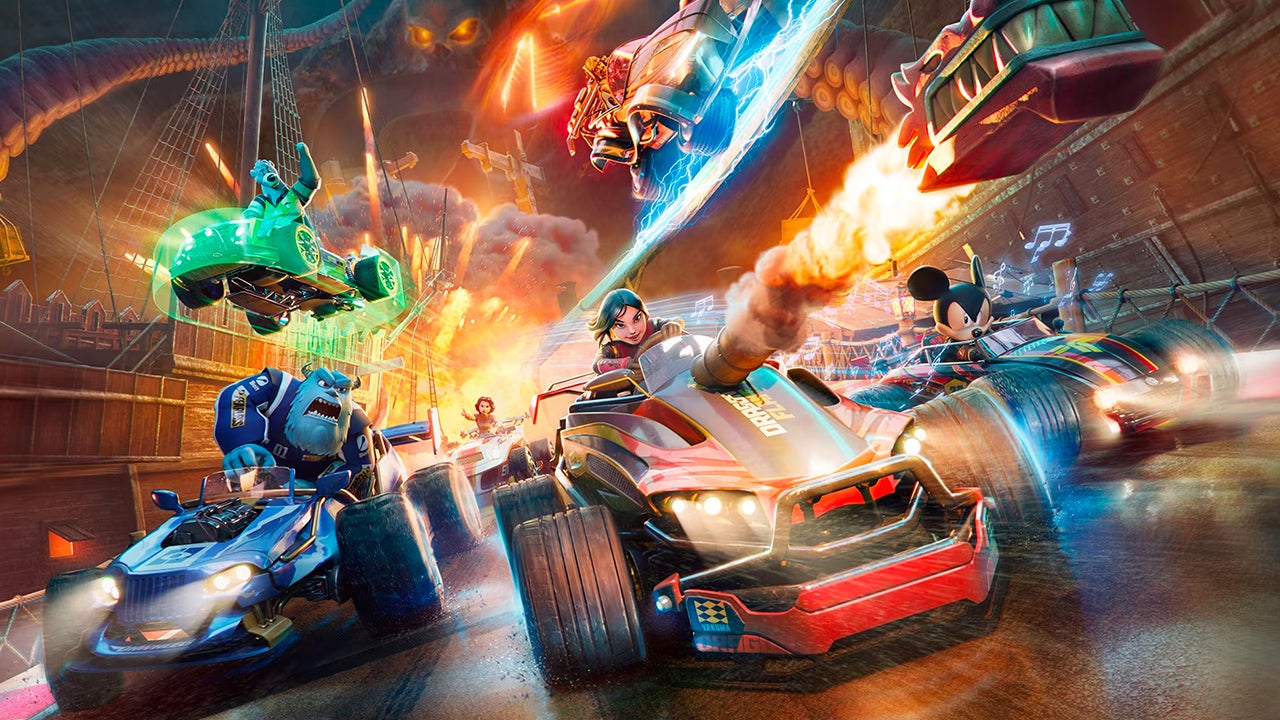
Disney Speedstorm is a hero-based action combat racer developed by Gameloft SE, where iconic Disney and Pixar characters drift and drag across high-speed circuits. The game blends arcade kart racing with combat mechanics, letting you master each Racer's ultimate skills to claim victory. While it is built for mobile, you can enjoy Disney Speedstorm on PC with MuMuPlayer, giving you a larger screen and smoother controls for every race.
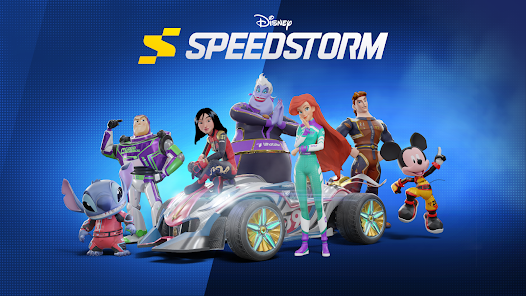
Disney Speedstorm offers a deep roster of characters from Beast and Mickey Mouse to Captain Jack Sparrow, Belle, Buzz Lightyear, and Stitch. Each Racer has unique stats and karts that you can upgrade to maximize their potential. The game features arcade kart racing that is easy to pick up but hard to master, requiring timing on nitro boosts, drifting around corners, and adapting to dynamic track circuits. You can race solo or challenge friends in local and online multiplayer modes, competing against players from around the globe. Extensive customization lets you choose suits, kart liveries, wheels, and wings to show off your style. Tracks are inspired by Disney and Pixar worlds, from the docks of Pirates of the Caribbean's Kraken Port to Aladdin's Cave of Wonders and the Scare Floor from Monsters, Inc. Seasonal content keeps the action fresh with new Racers, tracks, support crew characters, and customization options added regularly.
Playing Disney Speedstorm on PC with MuMuPlayer enhances the experience by providing a larger display, precise keyboard and mouse controls, and stable performance. The game's fast-paced races and combat require quick reflexes, and MuMuPlayer's optimized emulation ensures smooth gameplay. You can also play on Mac with MuMuPlayer, including MacBook and macOS devices, and even on Mac mini through MuMuPlayer. Whether you are on a Windows PC or a Mac with Apple Silicon (M1, M2, M3, M4, M5, M5 Pro, or M6), MuMuPlayer delivers a reliable platform to enjoy Disney Speedstorm with enhanced visuals and control.
Download Disney Speedstorm on PC or Mac with MuMuPlayer, get a PC like gameplay along with smart control and high graphics performance.
MuMuPlayer, the top Android emulator for PC and Apple silicon Mac, delivers an optimal gaming experience with minimal RAM usage and high FPS. It also allows you to create multiple instances of the emulator and run several games simultaneously, thanks to its Multi-instance feature. Its advanced emulator features ensure smooth gameplay, even on low-end PCs.
Download and play Disney Speedstorm on PC or Mac with MuMuPlayer and start enjoying your gaming experience now.
About the Game
Disney Speedstorm is an action-packed racing game developed by Gameloft SE that combines the thrill of kart racing with combat and hero-based abilities. Set in high-speed circuits inspired by beloved Disney and Pixar worlds, the game lets you drift, drag, and battle your way to victory. While designed for mobile, you can elevate your experience by playing Disney Speedstorm on PC with MuMuPlayer, which offers a bigger screen and more precise controls.
The game features a diverse roster of characters from the Disney and Pixar universes, including the Beast, Mickey Mouse, Captain Jack Sparrow, Belle, Buzz Lightyear, Stitch, and many others. Each Racer comes with unique stats and a customizable kart that you can upgrade to enhance their performance. Mastering each Racer's ultimate skills is key to dominating the arcade racetrack.
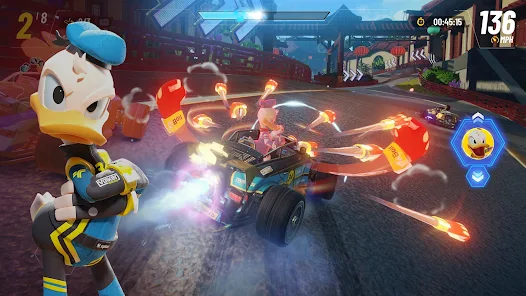
Disney Speedstorm is easy to pick up but offers depth for those who want to master it. Timing your nitro boosts, drifting around corners, and adapting to dynamic track circuits are crucial techniques for success. The game supports both solo play and multiplayer modes, allowing you to challenge friends locally or online and compete against players from around the globe.
Customization is a big part of the experience. You can choose your Racer's suit, design a flashy kart livery, and show off wheels and wings while racing across thrilling circuits. The extensive customization options let you express your style and stand out on the track.
Racetracks are inspired by iconic Disney and Pixar environments. You can race on circuits like the docks of Pirates of the Caribbean's Kraken Port, the wilds of Aladdin's Cave of Wonders, or the Scare Floor from Monsters, Inc. Each track offers a unique perspective and challenges tailored to the combat racing mode, and they are also available in multiplayer.
New content is added regularly through seasonal updates, keeping the action fresh. New Disney and Pixar Racers are introduced often, bringing new skills to master or overcome. Unique racetracks are created to add new strategy, and support crew characters, environments, customization options, and collectibles are also added, ensuring there is always something new to experience.
Playing Disney Speedstorm on PC with MuMuPlayer enhances your gameplay with a larger screen, smoother performance, and precise keyboard and mouse controls. The fast-paced nature of the races and combat requires quick reflexes, and MuMuPlayer's optimized emulation ensures a stable experience. You can also play on Mac with MuMuPlayer, including MacBook and macOS devices, and even on Mac mini through MuMuPlayer. Whether you are using a Windows PC or a Mac with Apple Silicon (such as M1, M2, M3, M4, M5, M5 Pro, or M6), MuMuPlayer provides a reliable platform to enjoy Disney Speedstorm with enhanced visuals and control.
Emulator Features
Highest Android 15 Support Best Compatibility on Mac
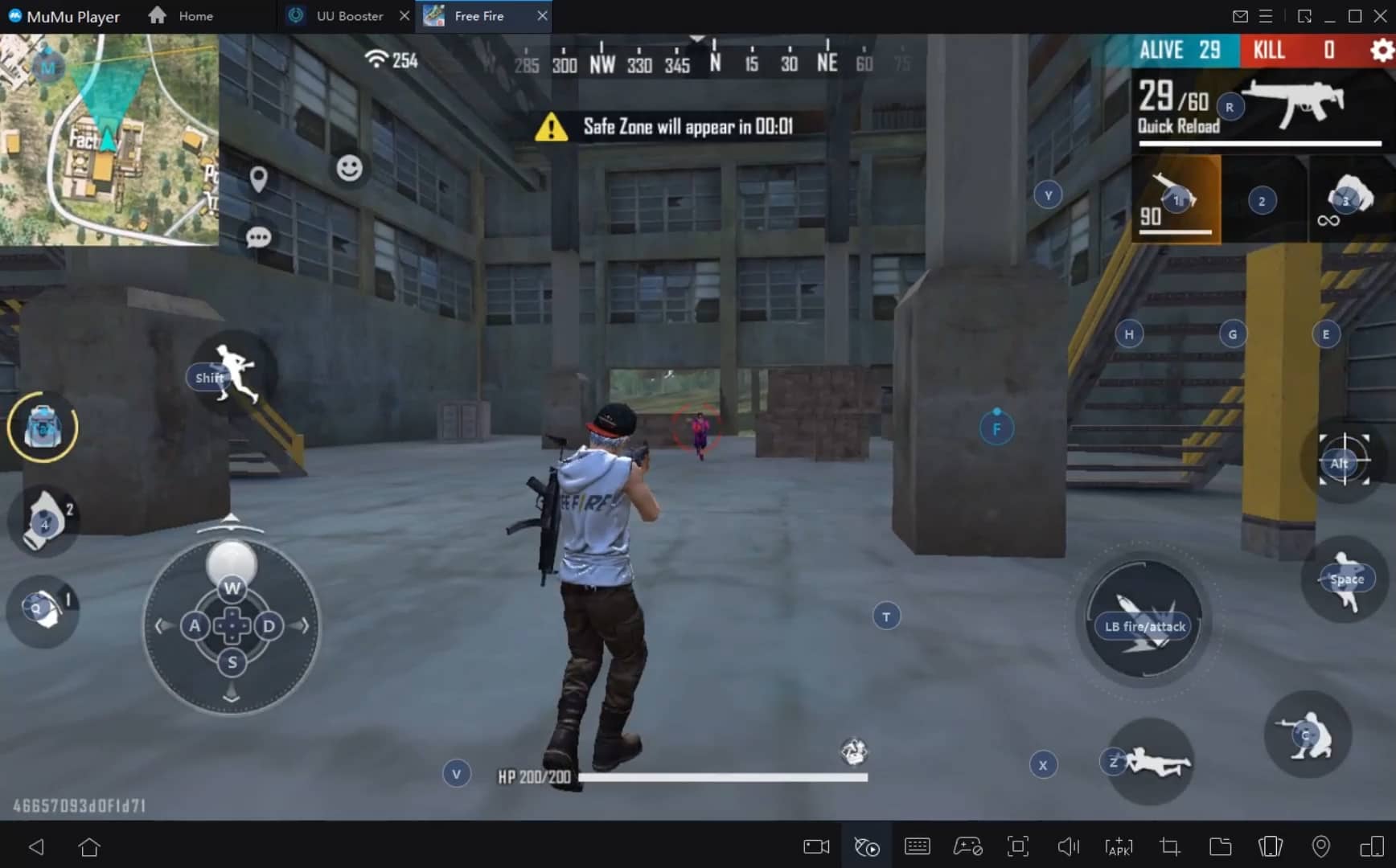
With a smart button scheme and image recognition function, provide a more concise UI, and support custom button mapping to meet different needs. With a smart button scheme and image recognition, enjoy a cleaner UI and custom button mapping to fit different gaming needs on Mac.
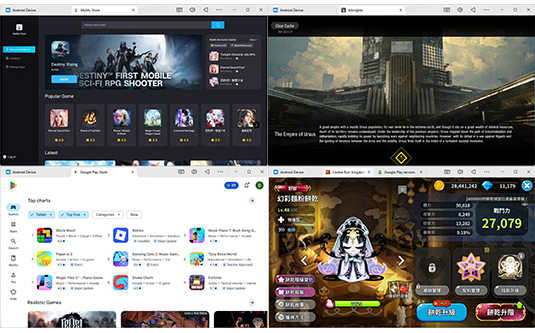
Run multiple games independently at the same time, easily manage multiple accounts, play games while hanging. Take your Mac gaming further with multiple independent instances, easy account management, and seamless AFK gaming on Apple Silicon Mac.
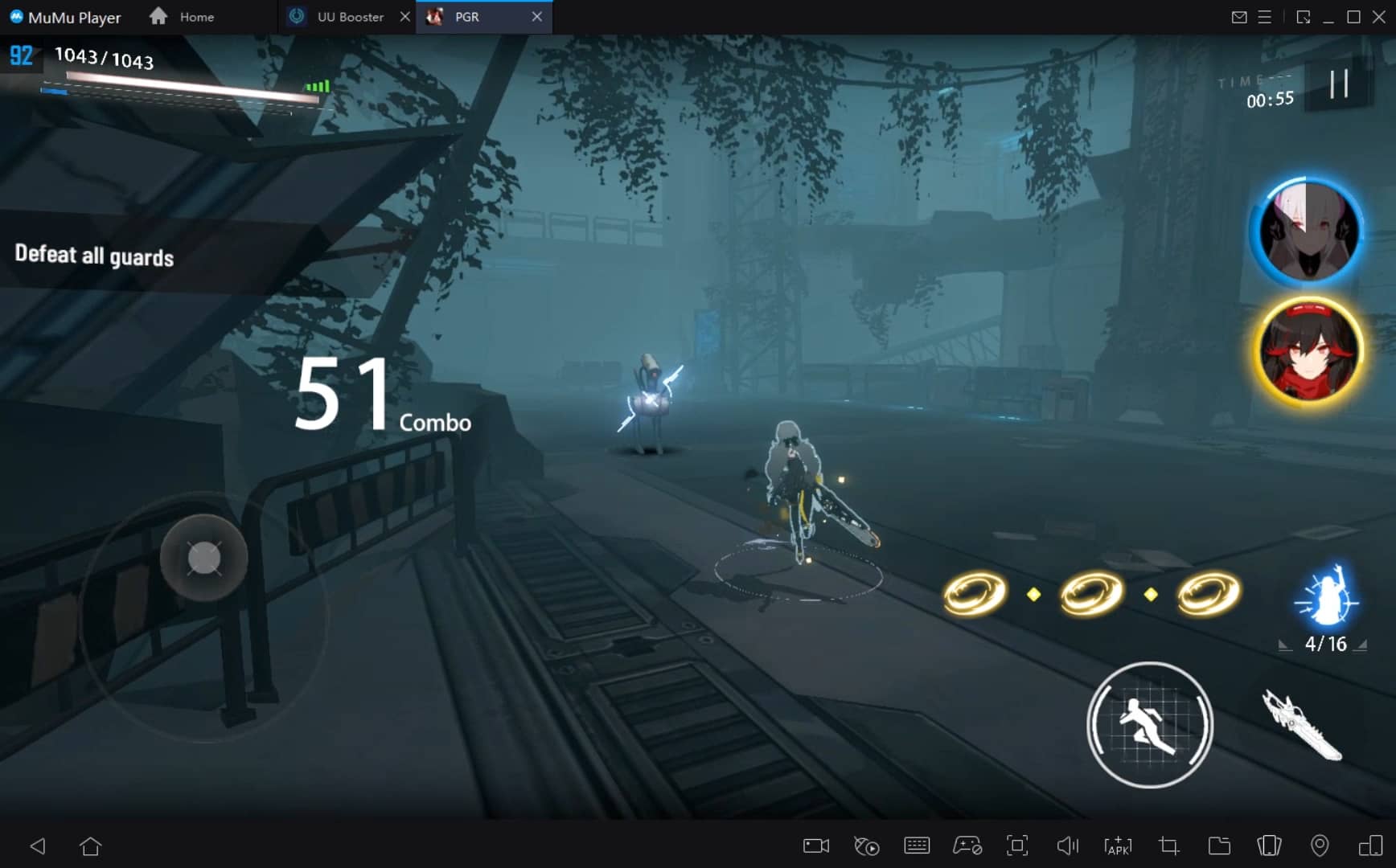
Break through FPS limit, and enjoy a seamless gaming experience without lag and delay! Break through FPS limits for a seamless, lag-free gaming experience on MacBook, Mac mini, iMac, and Mac Studio.
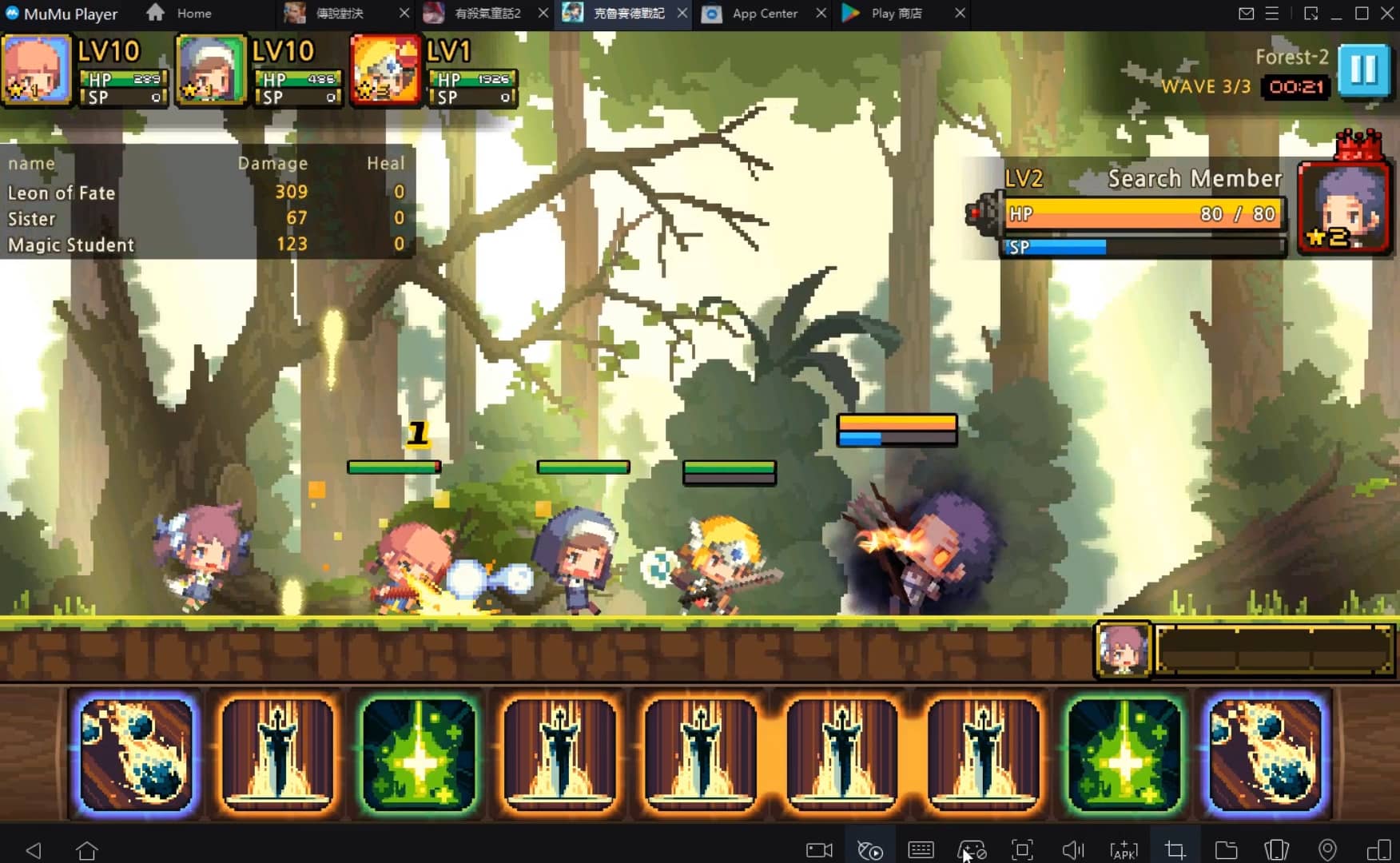
Get a 3-second startup with 52% less memory usage and 65% more stability. Enjoy 3-second startup, 52% less memory usage, and 65% greater stability on Apple Silicon Mac.
How to Download and Play Disney Speedstorm on PC and Mac
Installation Guide
Download MuMuPlayer
Download MuMuPlayer and install it on your PC or Mac
Sign-in Google Store
Complete Google sign-in to access the Play Store
Search and Install
Search Disney Speedstorm in the Play Store
Enjoy Gaming
Enjoy 120 FPS high-def gameplay with big screen
System Requirements
Windows PC
Vulkan / DirectX supported. 4 cores + 4GB RAM recommended. Up to 240 FPS. VT required.
macOS
Recommended: Apple Silicon Mac with 8GB RAM or above. Up to 240 FPS.