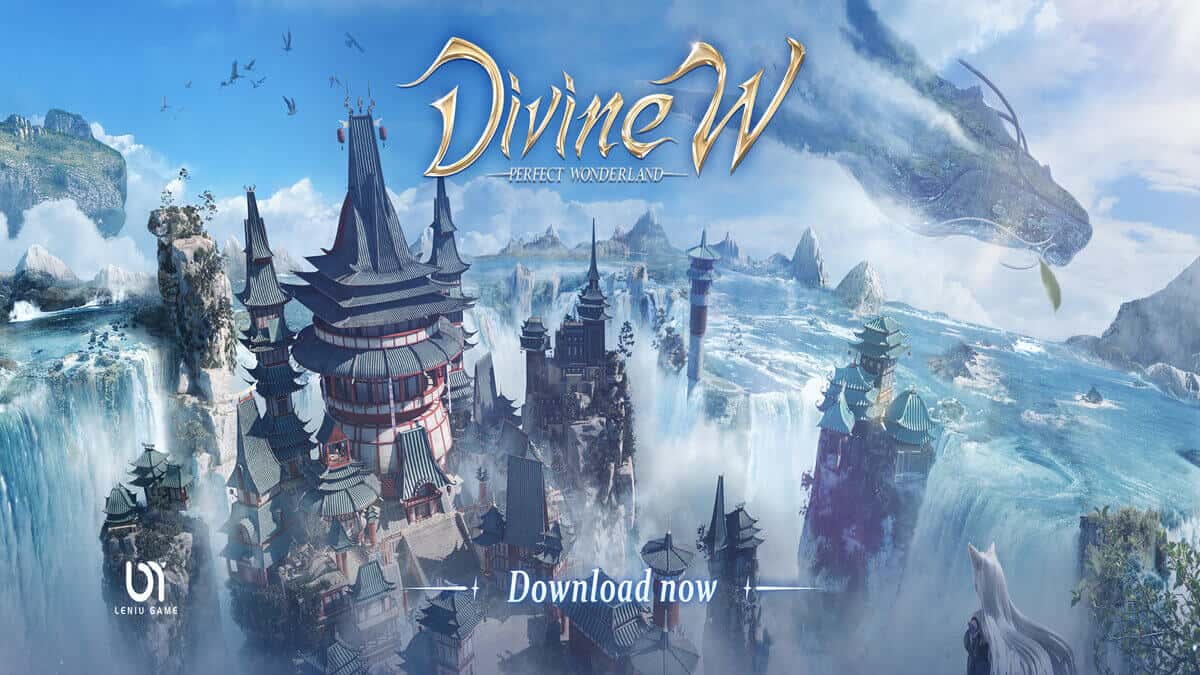
Play Divine W: Perfect Wonderland on PC and Mac
Download Divine W: Perfect Wonderland on PC or Mac with MuMuPlayer, get a PC like gameplay along with smart control and high graphics performance.
MuMuPlayer, the top Android emulator for PC and Apple silicon Mac, delivers an optimal gaming experience with minimal RAM usage and high FPS. It also allows you to create multiple instances of the emulator and run several games simultaneously, thanks to its Multi-instance feature. Its advanced emulator features ensure smooth gameplay, even on low-end PCs.
Download and play Divine W: Perfect Wonderland on PC or Mac with MuMuPlayer and start enjoying your gaming experience now.
About the Game
A boundless oriental fantasy open world is waiting for you! Pre-register now to get SSR character!

Divine W: Perfect Wonderland is an fantasy open-world MMORPG with oriental style. The game owns a massive map which is over 60,000 inch². Begins a thrilling journey in this Sword and magic world. Everything you choose affects the world and decides the world's future.

Make a dent and create your own legend!

For more info and rewards, please follow our official Facebook page:
https://www.facebook.com/DivineW.LN

=====Features=====
【Paint the fantastic world】
An oriental fantastic new world that you can truly immerse in. Unlock the exclusive warlord to increase your power, and explore kinds of fantastic myths and legends. Come into Divine W, and make your fantasy dream come true.

【Massive Open World 】
Feast your eyes on the world around you, with a beautiful art style and excellent visual experience.
Lighting and weather all change naturally over time. The seasons, the weather and the vast world. Bringing every detail of this fantastic world to life.

【Most enjoyable fighting】
Freely combine your skills, and choose a weapon as you want. Also, a correct strategy is vital in a fight. That's why a wise choice is essential. This intense fighting is waiting for you.

【Be yourself】
A lovely outfit system. Hundreds of fashion outfits and accessories. Dress how you want!
Not to mention the cutest pet, mounts, and wings. Thus, in divine W, Everybody is made unique!

【Not only fight】
Deity also needs rest. There is much funny gameplay besides the fight. Fishing, Hunting, cooking... And more little fun is here for you.

Pre-register this worth-to-play MMORPG and protect the perfect wonderland!
Together with your friends and enjoy Divine W now!
Emulator Features

With a smart button scheme and image recognition function, provide a more concise UI, and support custom button mapping to meet different needs.

Run multiple games independently at the same time, easily manage multiple accounts, play games while hanging.

Break through FPS limit, and enjoy a seamless gaming experience without lag and delay!

Get a 3-second startup with 52% less memory usage and 65% more stability.
How to Download and Play Divine W: Perfect Wonderland on PC and Mac
Installation Guide
Download MuMuPlayer
Download and install MuMuPlayer on your PC or Mac
Sign-in Google Store
Complete Google sign-in to access the Play Store
Search and Install
Search Divine W: Perfect Wonderland in the Play Store
Enjoy Gaming
Enjoy 120 FPS high-def gameplay with big screen
System Requirements
Windows PC
Vulkan / DirectX supported. 4 cores + 4GB RAM recommended. Up to 240 FPS. VT required.
macOS
Recommended: Apple Silicon Mac with 8GB RAM or above. Up to 240 FPS.