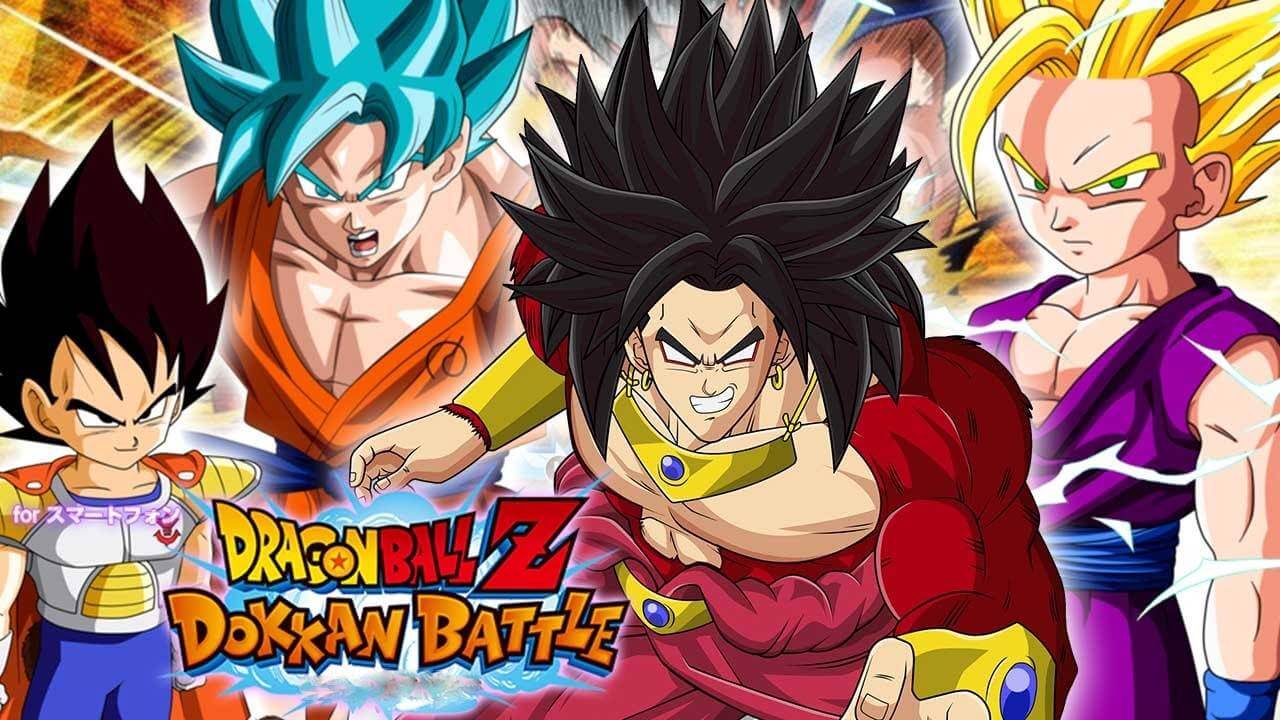
DRAGON BALL Z DOKKAN BATTLE (macOS)
Play DRAGON BALL Z DOKKAN BATTLE on PC Play DRAGON BALL Z DOKKAN BATTLE on PC and Mac
Dragon Ball Z Dokkan Battle, developed by Bandai Namco Entertainment Inc., is one of the most celebrated Dragon Ball mobile games ever released. Blending action and puzzle gameplay, it drops players into a timeline-shattered Dragon Ball universe where iconic fighters from every era clash in thrilling confrontations. The game brings together beloved characters from DBZ to Dragon Ball Super in stunning 2D illustrated visuals, and now you can enjoy every battle on a much larger stage by playing Dragon Ball Z Dokkan Battle on PC through MuMuPlayer.
At its core, Dragon Ball Z Dokkan Battle challenges players to link Ki Spheres across a battle board to build up power and unleash devastating Super Attacks. Watch Goku fire off the legendary Kamehameha, or send Vegeta charging into battle with the Final Flash, all rendered in cinematic 2D animation faithful to the anime. Players can summon characters from across the entire Dragon Ball franchise, form custom dream teams, train their roster, and Awaken fighters to unlock new levels of power. A story-driven Quest mode reimagines classic Dragon Ball moments with fresh twists, while Dokkan Events, the World Tournament, Extreme Z-Battle, and Super Battle Road deliver ongoing challenges for both casual fans and hardcore veterans.
Playing Dragon Ball Z Dokkan Battle on PC with MuMuPlayer gives you a real edge in the experience. The larger screen makes reading the battle board and tracking Ki Spheres far easier, reducing errors during high-pressure fights. MuMuPlayer runs smoothly and keeps the game stable through lengthy sessions, which matters when grinding through Quest mode stages or pushing through endurance challenges like Super Battle Road. Keyboard and mouse controls offer a level of precision that touchscreen play simply cannot match, and with MuMuPlayer handling performance demands, you can focus entirely on building the strongest team in the Dragon Ball universe.
Download DRAGON BALL Z DOKKAN BATTLE on PC or Mac with MuMuPlayer, get a PC like gameplay along with smart control and high graphics performance.
MuMuPlayer, the top Android emulator for PC and Apple silicon Mac, delivers an optimal gaming experience with minimal RAM usage and high FPS. It also allows you to create multiple instances of the emulator and run several games simultaneously, thanks to its Multi-instance feature. Its advanced emulator features ensure smooth gameplay, even on low-end PCs.
Download and play DRAGON BALL Z DOKKAN BATTLE on PC or Mac with MuMuPlayer and start enjoying your gaming experience now.
About the Game
Step into a fractured version of the Dragon Ball universe in Dragon Ball Z Dokkan Battle, a mobile game from Bandai Namco Entertainment Inc. that fuses puzzle mechanics with anime-style combat. The timeline has been torn apart, pulling warriors from every chapter of Dragon Ball history into the same unstable world. It falls on the player to restore order, assemble a team of legendary fighters, and battle through some of the most memorable conflicts the franchise has ever produced.
Rather than relying on traditional turn-based or button-mashing combat, Dokkan Battle builds its fights around a dynamic Ki Sphere system. On each turn, players tap and connect colored Ki Spheres spread across a board to charge their characters for attack. The more spheres you link, the harder your team hits. Build up enough Ki and your fighters will launch their signature Super Attacks, faithfully recreated from the anime with high-quality 2D illustrations and fluid animation. Landing a Kamehameha or watching Vegeta unleash the Final Flash in full animated glory never loses its impact.
Here is what makes the experience worth diving into:
- A deep roster spanning the entire Dragon Ball franchise, from classic DBZ favorites to Dragon Ball Super newcomers
- Characters like Super Saiyan God SS Goku, Vegeta, Krillin, Frieza, Cell, Beerus, and Jiren are all available to summon
- A team-building system that rewards smart character pairing and strategic lineup construction
- Training and Awakening mechanics that let you push every fighter well beyond their base limits
- Quest mode that walks players through reimagined versions of iconic Dragon Ball story arcs
- Special Dokkan Events and World Tournament battles for extra challenge and rewards
- High-difficulty content in Extreme Z-Battle and Super Battle Road for players seeking a real test
The board game-style map that drives Quest mode gives the experience a distinct pace. Rather than rushing from fight to fight, players navigate stages at their own speed, planning ahead and managing resources thoughtfully. This deliberate rhythm suits both players who want to log in for a few rounds and those who prefer extended grinding sessions.
Summoning new characters sits at the heart of long-term progression. Pulling rare fighters and discovering how they interact within a team lineup drives the kind of experimentation that keeps the game fresh over time. Awakening a favorite character and watching their stats and abilities transform is one of the most satisfying moments the game delivers.
For players choosing to experience Dragon Ball Z Dokkan Battle on PC through MuMuPlayer, the benefits are meaningful. The expanded display makes the Ki Sphere board much easier to read at a glance, improving accuracy during fast-paced rounds. Longer play sessions feel more comfortable without the fatigue of holding a phone, and MuMuPlayer's stable performance keeps things running smoothly whether you are deep in a story event or grinding through challenge stages. It is a straightforward way to get more out of every session in one of the Dragon Ball franchise's most enduring mobile titles.
Emulator Features
Highest Android 15 Support Best Compatibility on Mac

With a smart button scheme and image recognition function, provide a more concise UI, and support custom button mapping to meet different needs. With a smart button scheme and image recognition, enjoy a cleaner UI and custom button mapping to fit different gaming needs on Mac.

Run multiple games independently at the same time, easily manage multiple accounts, play games while hanging. Take your Mac gaming further with multiple independent instances, easy account management, and seamless AFK gaming on Apple Silicon Mac.

Break through FPS limit, and enjoy a seamless gaming experience without lag and delay! Break through FPS limits for a seamless, lag-free gaming experience on MacBook, Mac mini, iMac, and Mac Studio.

Get a 3-second startup with 52% less memory usage and 65% more stability. Enjoy 3-second startup, 52% less memory usage, and 65% greater stability on Apple Silicon Mac.
How to Download and Play DRAGON BALL Z DOKKAN BATTLE on PC and Mac
Installation Guide
Download MuMuPlayer
Download MuMuPlayer and install it on your PC or Mac
Sign-in Google Store
Complete Google sign-in to access the Play Store
Search and Install
Search DRAGON BALL Z DOKKAN BATTLE in the Play Store
Enjoy Gaming
Enjoy 120 FPS high-def gameplay with big screen
System Requirements
Windows PC
Vulkan / DirectX supported. 4 cores + 4GB RAM recommended. Up to 240 FPS. VT required.
macOS
Recommended: Apple Silicon Mac with 8GB RAM or above. Up to 240 FPS.