Play Frostpunk: Beyond the Ice on PC Play Frostpunk: Beyond the Ice on PC and Mac
Download Frostpunk: Beyond the Ice on PC with MuMuPlayer, get a PC like gameplay along with smart control and high graphics performance.
MuMuPlayer, the top Android emulator for PC and Apple silicon Mac, delivers an optimal gaming experience with minimal RAM usage and high FPS. It also allows you to create multiple instances of the emulator and run several games simultaneously, thanks to its Multi-instance feature. Its advanced emulator features ensure smooth gameplay, even on low-end PCs.
Download and play Frostpunk: Beyond the Ice on PC with MuMuPlayer and start enjoying your gaming experience now.
Download Frostpunk: Beyond the Ice on PC or Mac with MuMuPlayer, get a PC like gameplay along with smart control and high graphics performance.
MuMuPlayer, the top Android emulator for PC and Apple silicon Mac, delivers an optimal gaming experience with minimal RAM usage and high FPS. It also allows you to create multiple instances of the emulator and run several games simultaneously, thanks to its Multi-instance feature. Its advanced emulator features ensure smooth gameplay, even on low-end PCs.
Download and play Frostpunk: Beyond the Ice on PC or Mac with MuMuPlayer and start enjoying your gaming experience now.
About the Game
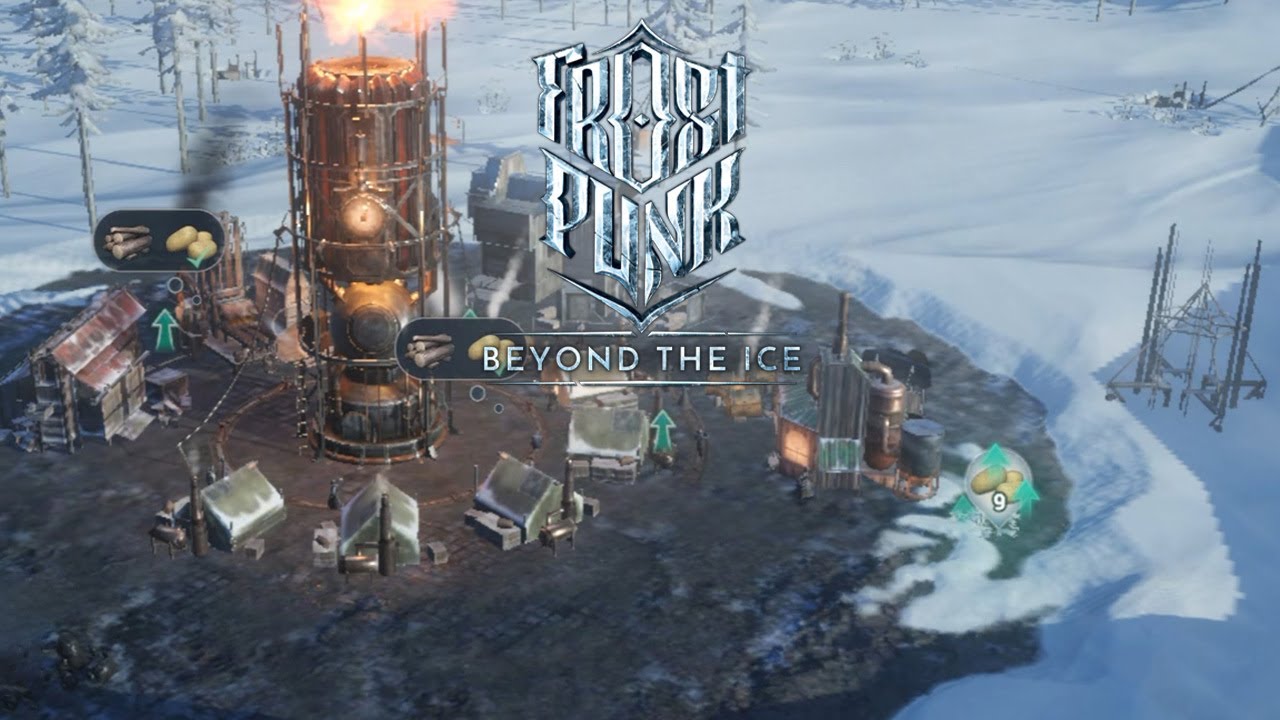
The global release of Frostpunk’s official mobile version!
Log in now to participate in the release event and play with fine rewards.

Become the leader for those who survived the sudden ice age and build a city!

◈ Frostpunk's Official Mobile Version ◈
- Enjoy the grand storyline of a best-selling console game on mobile
- Dilemma of human dignity vs. survival in life-threatening extremes
- Frostpunk's original universe where late 19th-century steam engines and bitter cold coexist

 ◈ Game Features ◈
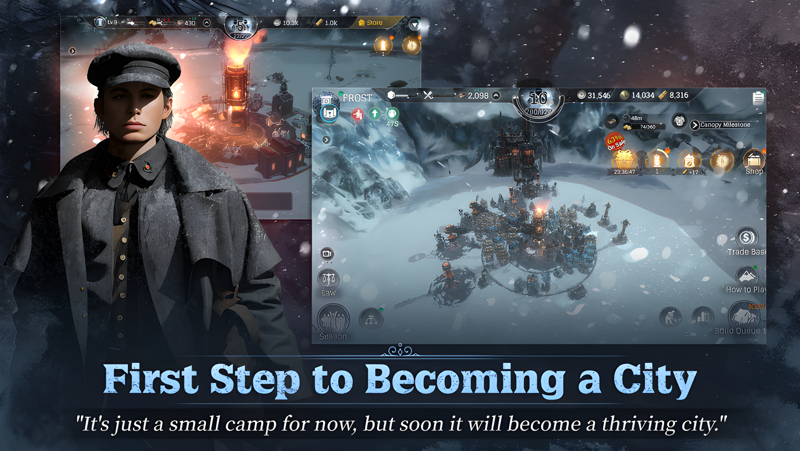
 # Build Your Own Steampunk City
  : Strategically place buildings for optimal efficiency
  : Construct a unique city with special buildings

 # Supply Resources from the Trade Base
  : Exchange essential resources with other players
  : Check out regularly updated Trading Base listings
  : Obtain special items at the Shop and Black Market

 # Play with Others
  : Communicate with other users with socializing features
  : Visit your friends' cities to study strategic city layouts
 : Exchange buffs for faster development

 # Rescue Endangered Animals
  : Rescue and protect animals for rewards
  : Complete a fantastic manual with rescued animals

# Power Comes from the People
 : Buffs granted based on your Approval Rating
 : Manage your Approval Rating with diverse content

◈ Official Pages ◈
Official Website:
https://frostpunkbeyondtheice.com/
Official Community:
https://x.com/FrostpunkM
https://community.withhive.com/Frostpunk
Official YouTube:
https://www.youtube.com/@FrostpunkM


***
Device App Access Permission Notice

Access permissions are requested in order for us to provide you with the following service when you use the app.

[Required]
None

[Optional]
· NOTIFICATION: The permission is required to receive info sent from the game app and advertisement push notifications.

[How to Remove Permissions]
You can reset or remove permissions after allowing them as shown below.
1. Android 6.0 or above: Settings > Apps > Select App > Permissions > Allow or Remove Permissions
2. Android 6.0 or below: Upgrade the operating system to remove permissions or delete the app
※ If you are using Android 6.0 or below, we recommend that you upgrade to 6.0 or above as you can't change the optional permissions individually.

• Items are available for purchase in this game. Some paid items may not be refundable depending on the type of item.
• For Com2uS Mobile Game Terms of Service, visit http://www.withhive.com/.
- Terms of Service : http://terms.withhive.com/terms/policy/view/M9/T1
- Privacy Policy : http://terms.withhive.com/terms/policy/view/M9/T3
• For questions or customer support, please contact our Customer Support by visiting http://www.withhive.com/help/inquire
Emulator Features
Highest Android 15 Support Best Compatibility on Mac

With a smart button scheme and image recognition function, provide a more concise UI, and support custom button mapping to meet different needs. With a smart button scheme and image recognition, enjoy a cleaner UI and custom button mapping to fit different gaming needs on Mac.

Run multiple games independently at the same time, easily manage multiple accounts, play games while hanging. Take your Mac gaming further with multiple independent instances, easy account management, and seamless AFK gaming on Apple Silicon Mac.

Break through FPS limit, and enjoy a seamless gaming experience without lag and delay! Break through FPS limits for a seamless, lag-free gaming experience on MacBook, Mac mini, iMac, and Mac Studio.

Get a 3-second startup with 52% less memory usage and 65% more stability. Enjoy 3-second startup, 52% less memory usage, and 65% greater stability on Apple Silicon Mac.
How to Download and Play Frostpunk: Beyond the Ice on PC and Mac
Installation Guide
Download MuMuPlayer
Download MuMuPlayer and install it on your PC or Mac
Sign-in Google Store
Complete Google sign-in to access the Play Store
Search and Install
Search Frostpunk: Beyond the Ice in the Play Store
Enjoy Gaming
Enjoy 120 FPS high-def gameplay with big screen
System Requirements
Windows PC
Vulkan / DirectX supported. 4 cores + 4GB RAM recommended. Up to 240 FPS. VT required.
macOS
Recommended: Apple Silicon Mac with 8GB RAM or above. Up to 240 FPS.